 ProMapRanker
Best App for Group Communication in 2026

Key takeaways
- Slack is our pick for most work teams, thanks to channels, search, and a large integration library.
- Microsoft Teams fits best when a team already pays for Microsoft 365 and uses Word, Excel, and Outlook daily.
- Discord offers the most generous free plan for communities, with unlimited messages and persistent voice channels.
- WhatsApp, Telegram, and Signal suit informal groups that want simple messaging on phones they already use.
- Google Chat, GroupMe, and Flock cover the middle ground for smaller teams that want a low cost, low fuss option.
Quick comparison
| Pick | Great for | Pricing starts at | Free tier | |
|---|---|---|---|---|
 Slack | Work teams and channels | Free | Yes | Visit |
 Microsoft Teams | Microsoft 365 workplaces | Free | Yes | Visit |
 Discord | Communities and voice first groups | Free | Yes | Visit |
 WhatsApp | Friends and family groups | Free | Yes | Visit |
 Telegram | Large public and private groups | Free | Yes | Visit |
 Signal | Private groups with strong privacy | Free | Yes | Visit |
 Google Chat | Google Workspace teams | Free | Yes | Visit |
 GroupMe | Casual groups and clubs | Free | Yes | Visit |
 Flock | Small business teams on a budget | Free | Yes | Visit |
The best app for group communication
We compared official pricing pages, feature lists, and platform support for each app, and focused on how groups actually talk: channels or group chats, voice and video, file sharing, and search. Here are nine options that cover work, community, and personal groups.
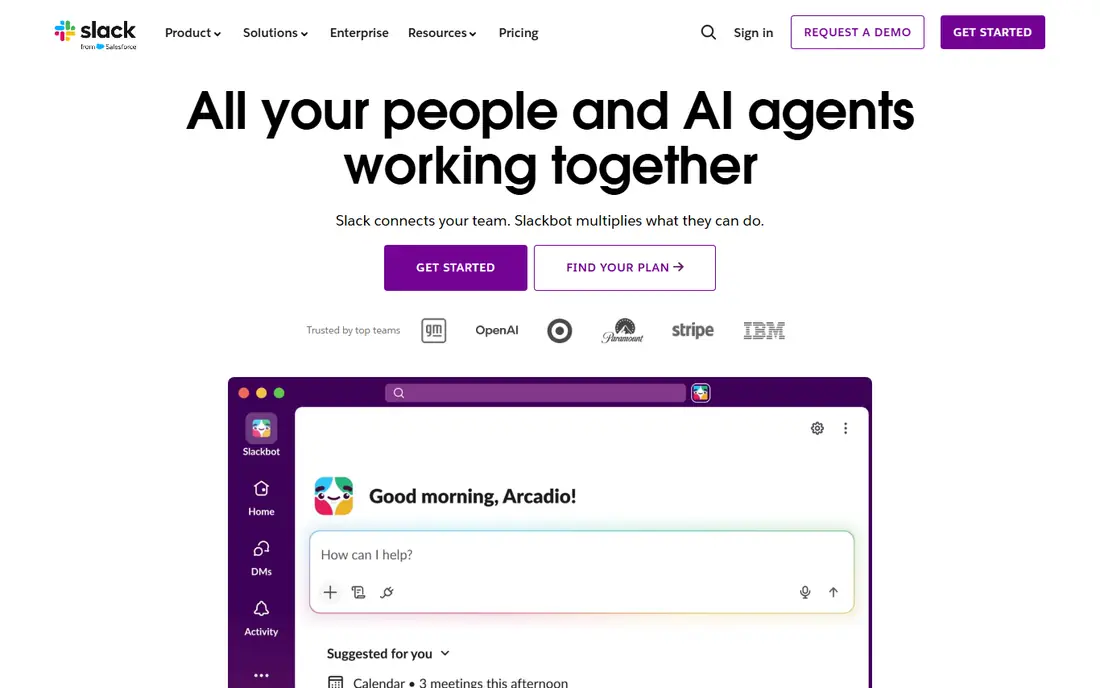
Slack organises work talk into channels by project, team, or topic, with threads to keep replies attached to the original message. That structure helps a busy team find a decision from last month without scrolling through one long chat. Integrations connect Slack to tools such as Google Drive, Asana, GitHub, and Zoom, so updates from other apps land where the team already talks.
The free plan is a good trial, but its 90 day message history limit is the main catch for a team that needs a lasting record. Paid plans start at 8.75 dollars per user per month for Pro, which adds unlimited history and more storage. Slack fits teams that want a clear, searchable home for work conversation and are willing to pay once the team grows past the free limits.
- Organised channels and threads
- Strong search on paid plans
- Large integration library
- Free plan limits message history to 90 days
- Costs add up per user as teams grow
Microsoft Teams combines chat, video meetings, file storage, and Office apps in one place. A team that already uses Outlook, Word, and OneDrive will find that documents open inside Teams, meetings start from a calendar invite, and files stay attached to the channel where they were discussed. That closeness to the rest of Microsoft 365 is the main reason many larger organisations standardise on it.
Smaller groups sometimes find Teams heavier than Slack or Google Chat, with more menus and settings than a simple chat needs. A free version exists, and the Essentials plan is listed at 4 dollars per user per month, while fuller Microsoft 365 Business plans cost more and add the Office apps. If your workplace already pays for Microsoft 365, Teams is the natural group communication choice.
- Deep Microsoft 365 integration
- Meetings, chat, and files in one app
- Generous meeting capacity
- Interface can feel busy for small groups
- Best value requires a Microsoft 365 subscription

Discord started with gaming communities and has grown into a general home for clubs, creator audiences, study groups, and hobby communities. Servers hold text channels and voice channels, and members can drop into a voice channel without scheduling a call, which feels closer to gathering in a room than joining a meeting link. Screen sharing and video are built in, and the free plan covers unlimited messages.
Nitro, the optional paid plan at 9.99 dollars per month, adds larger file uploads and extra perks, but most groups never need it. Discord is less formal than Slack or Teams, and it lacks some workplace compliance features that regulated companies require. For a community that values voice, casual hangouts, and a free plan that stays useful, Discord is hard to beat.
- Unlimited messages on the free plan
- Persistent voice channels
- Large servers for communities
- Less suited to formal workplace compliance needs
- Moderation takes effort on large servers
WhatsApp wins on reach. For a family group, a sports team, or a neighbourhood chat, the best app is often the one nobody needs to install, and WhatsApp fits that test in many countries. Group chats support text, photos, voice notes, documents, polls, and group voice and video calls. Messages are end to end encrypted, so only group members can read them.
Work teams will hit limits quickly. There are no channels, threads are basic, and finding an old decision in a long chat takes patience. Admin tools are simple compared with Slack or Teams. Even so, for personal groups where ease matters more than structure, WhatsApp remains the practical default, and it costs nothing beyond a phone and data connection.
- Nearly everyone already has it installed
- Simple group chats and calls
- End to end encrypted messages
- Limited organisation for large work teams
- Group admin controls are basic
Telegram handles scale well. Groups can hold very large numbers of members, and channels let an organiser broadcast announcements to an audience without opening replies to everyone. Files, photos, and videos share quickly, and the app works across phones, tablets, and desktops with messages kept in sync. For a public community, a class, or a fan group, that scale is a real advantage.
Privacy needs a careful note. Telegram cloud chats are not end to end encrypted by default, while Secret Chats offer that protection for one to one conversations. Group admins also need to set clear rules, because large open groups attract spam without active moderation. Used with those limits in mind, Telegram is a strong free choice for large groups and announcement channels.
- Very large group capacity
- Fast media sharing
- Channels for one to many announcements
- Default chats are not end to end encrypted
- Group quality depends heavily on moderation
Signal is run by a nonprofit and is built around privacy first. Group messages are end to end encrypted by default, the app carries no ads, and Signal states that it does not sell user data. Groups support text, voice notes, photos, files, and group calls, with disappearing messages available for sensitive conversations. Setup needs only a phone number, and the interface stays simple.
The trade off is scope. Signal does not offer the integrations, channels, or admin controls of Slack or Teams, and it is not designed as a workplace platform. For a small group that wants private conversation, such as a family, a volunteer team, or friends planning an event, that simplicity is a benefit rather than a gap. Signal is our pick when privacy matters more than productivity features.
- End to end encryption by default for groups
- No ads and no tracking for profit
- Simple and fast
- Fewer integrations and workplace features
- Group size and admin tools are modest
Google Chat, part of Google Workspace, gives teams direct messages and Spaces for group projects. Files from Drive open inside the conversation, Gmail and Calendar sit close by, and tasks can be created from a message. For a team that already lives in Google Docs and Sheets, that closeness saves constant switching between apps.
Compared with Slack, Google Chat has a smaller third party integration library and fewer power user features. A free version is available for personal Google accounts, while fuller Workspace plans add admin controls and storage. Small and mid sized teams that already use Workspace will find Google Chat the lowest friction group app, since most members already have an account and know the interface.
- Tight Google Drive and Gmail integration
- Spaces for project groups
- Easy for Workspace users
- Less rich than Slack for third party integrations
- Some features need a paid Workspace plan
GroupMe, owned by Microsoft, is designed for casual groups such as classes, clubs, sports teams, and friend circles. Anyone can start a group in minutes, and members who do not install the app can still take part over SMS in supported regions. Polls help a group pick a date, and shared photos, events, and likes keep the tone light and social.
Work teams will miss channels, threads, and integrations. GroupMe is not trying to replace Slack, and it shows in the simpler toolset. For a group that just needs to coordinate plans and share updates without learning a new platform, that simplicity is the point. GroupMe is free, and it remains a good pick for social groups that include less technical members.
- Free and easy group setup
- Works over SMS for members without the app
- Polls and events built in
- Basic organisation for work use
- Fewer integrations and no threaded channels
Flock aims at small businesses that want Slack style channels without Slack style prices. Channels, direct messages, video calls, polls, reminders, and file sharing are built in, and the interface will feel familiar to anyone who has used a team chat app before. Integrations cover common tools such as Google Drive, Trello, and GitHub, though the library is smaller than Slack's.
The paid Pro plan is listed at 4.50 dollars per user per month, which undercuts larger rivals for a small team. The catch is familiarity: fewer people already know Flock, so a new team member may need a short introduction. For a small business watching costs, Flock offers a capable group communication app with a free tier to test before paying.
- Low cost paid plans
- Channels, polls, and reminders in one app
- Simple setup for small teams
- Smaller integration library than Slack
- Less common, so new hires may need onboarding
How we picked these
We compared official pricing pages, feature lists, and platform support, and we favoured apps that still work well on a free tier in October 2026. We included work platforms, community platforms, and personal messaging apps, because group communication means different things to a company, a club, and a family. For each app we noted message history limits, group size practicalities, privacy defaults, and what actually requires payment, since those details decide daily use more than marketing claims.
How to choose the right group app
Start with who is in the group and what they already use. A work team that lives in Microsoft 365 should try Teams first, while a Google Workspace team should try Google Chat first, because the app that matches existing tools needs the least training. A community or hobby group should try Discord or Telegram, where the free plan stays generous at larger sizes. A family or friend group should stick with WhatsApp or Signal, where everyone is already reachable.
Next, test the features that matter for your group in real use. Run a week with voice calls, file sharing, and a search for an old message, and see which app handles all three without friction. Check admin controls if the group is large, and check privacy settings if the conversation is sensitive. Finally, watch the paid tier trap: a free plan with a short message history or a low file limit can force an upgrade sooner than expected, so confirm those limits before the whole group moves over.
Frequently asked questions
What is the best group communication app for work?
Slack is the strongest general pick for work teams, thanks to channels, threads, and integrations. Microsoft Teams is the better pick if your company already uses Microsoft 365, and Google Chat is the better pick for Google Workspace teams. The best work app is usually the one that matches the tools your team already pays for.
What is the best group communication app for free?
Discord offers the most generous free plan for communities, with unlimited messages and voice channels at no cost. WhatsApp and Signal are also fully free for personal groups. Slack and Teams both offer free plans too, but with limits on history or features that larger teams may outgrow.
Can I use Discord for a work team?
You can, and some small teams do, especially creative and remote teams that value voice channels. Discord lacks some workplace compliance, admin, and integration features that Slack and Teams provide, so regulated companies and larger organisations usually prefer a dedicated work platform. For an informal team, Discord works well.
Is Signal better than WhatsApp for group privacy?
Signal encrypts group messages end to end by default and is run by a nonprofit with no ads. WhatsApp also encrypts messages end to end, but it is owned by Meta and collects more metadata around account use. For groups where privacy is the top concern, Signal is the stronger pick.
How many people can join a group chat?
Limits vary by app and change over time, so check the current help page before planning a very large group. Telegram supports very large groups, Discord supports large servers, and WhatsApp and Signal suit smaller groups better. For a group of hundreds or more, Discord or Telegram will handle scale more comfortably than a personal messaging app.
Sources
See where you really rank - block by block
ProMapRanker scans Google Maps across a grid of your service area. Simple monthly plans from $19, white-label on every plan.
Start freeKeep reading
 zscaler alternatives
Best Zscaler Alternatives in 2026
Looking for zscaler alternatives? We compare 9 SASE and zero trust platforms on architecture, data protection, pricing, and fit for your network and team.
Read → zapier alternatives free
Best Zapier Alternatives Free in 2026
Nine automation tools for zapier alternatives free in 2026, all with genuinely free tiers, plus free plan limits, starting prices and upgrade paths explained.
Read → which platform is best for online reputation
Which Platform Is Best for Online Reputation in 2026
Wondering which platform is best for online reputation? We compare 8 review, listing, and response tools for small and multi-location businesses and agencies.
Read →