 ProMapRanker
Best Apps for Financial Independence in 2026

Key takeaways
- Empower gives the clearest free view of net worth, investments, and retirement projections in one dashboard.
- Monarch Money suits households that want shared budgets, investments, and net worth in one paid plan.
- YNAB suits savers who want strict control of each dollar, while PocketSmith suits planners who want long-range forecasts.
- Use one tracking app as your record and one budgeting method as your habit, rather than collecting several dashboards.
Quick comparison
| Pick | Great for | Pricing starts at | Free tier | |
|---|---|---|---|---|
 Empower | Free net worth and retirement view | Free | Yes | Visit |
 Monarch Money | Shared household finances | $14.99 per month | Free trial (7 days) | Visit |
 YNAB | Strict zero-based budgeting | $14.99 per month | Free trial (34 days) | Visit |
 PocketSmith | Long-range cash flow forecasts | See website | Yes | Visit |
 Kubera | Net worth across many asset types | See website | No | Visit |
 Quicken Simplifi | Cash flow forecasting | See website | Free trial | Visit |
 PocketGuard | A single safe-to-spend figure | See website | Yes | Visit |
 Goodbudget | Envelope budgeting without linking | See website | Yes | Visit |
 EveryDollar | Simple zero-based budgets | See website | Yes | Visit |
The best apps for financial independence
This is general information only, not financial advice. Financial independence depends on income, spending, saving, and investing over many years, and no app can promise a retirement date.
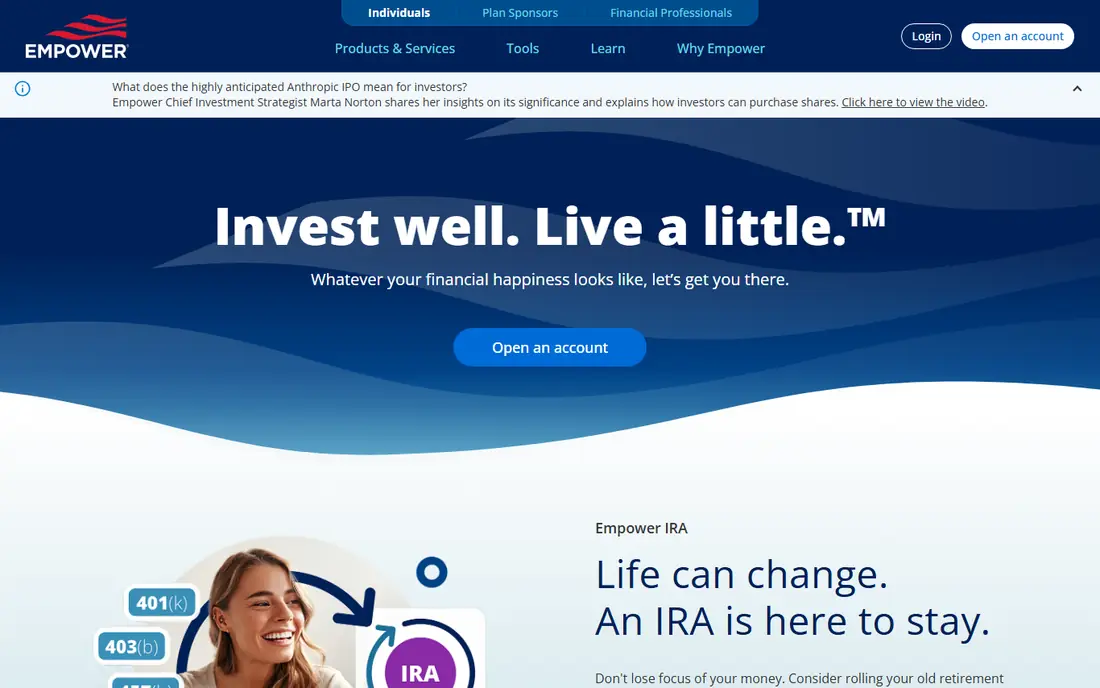
For many readers, the first question is fit, not features. Empower, formerly Personal Capital, links bank, card, investment, and retirement accounts into one free dashboard with net worth, cash flow, and fee views.
The catch is focus: it is stronger as a wealth tracker and retirement planner than as a strict daily budget, so hands-on budgeters may want a second tool. Before you commit, check the current pricing and terms on the official site, because plans and limits change. We compared official feature pages, pricing pages, and app store listings for this guide, and we did not claim hands-on testing that did not happen.
- Free dashboard
- Net worth and investment views
- Retirement planner
- Advisory sales calls can follow
- Budgeting is lighter than rivals
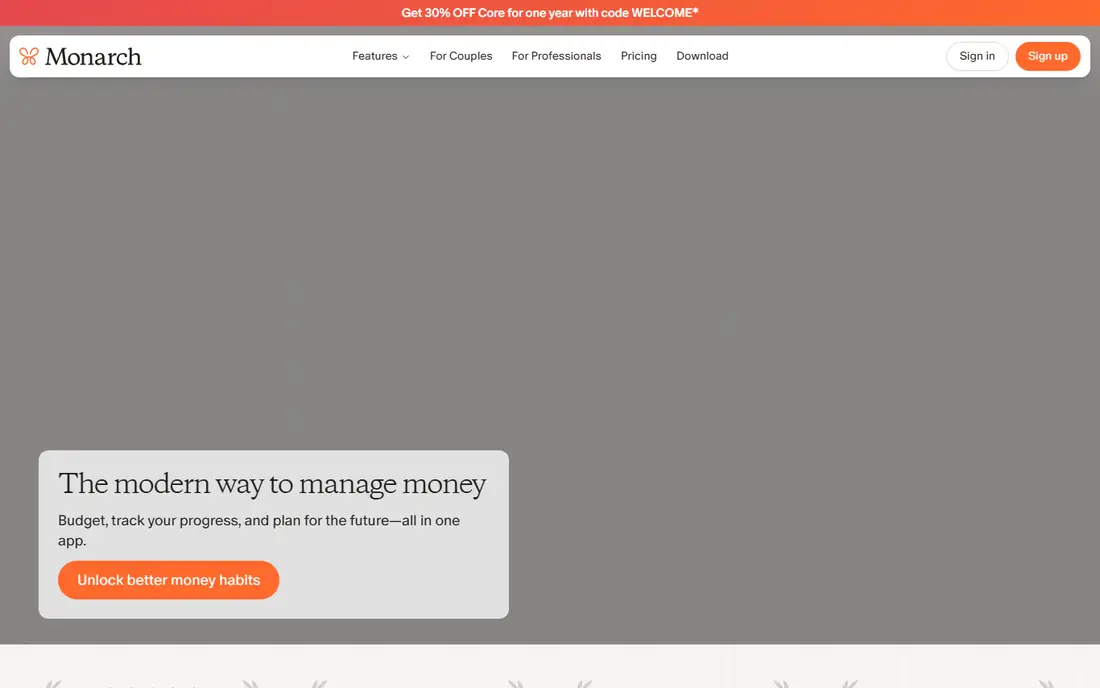
This one earns its place for a clear reason. Monarch Money brings budgeting, investments, goals, and net worth into a clean dashboard that two people can share.
The catch is price: there is no lasting free tier, so it only makes sense if you will open it weekly and use the shared view. Before you commit, check the current pricing and terms on the official site, because plans and limits change. We compared official feature pages, pricing pages, and app store listings for this guide, and we did not claim hands-on testing that did not happen.
- Shared views for partners
- Investments and net worth together
- Flexible budgets
- No free plan
- Trial needs a payment method
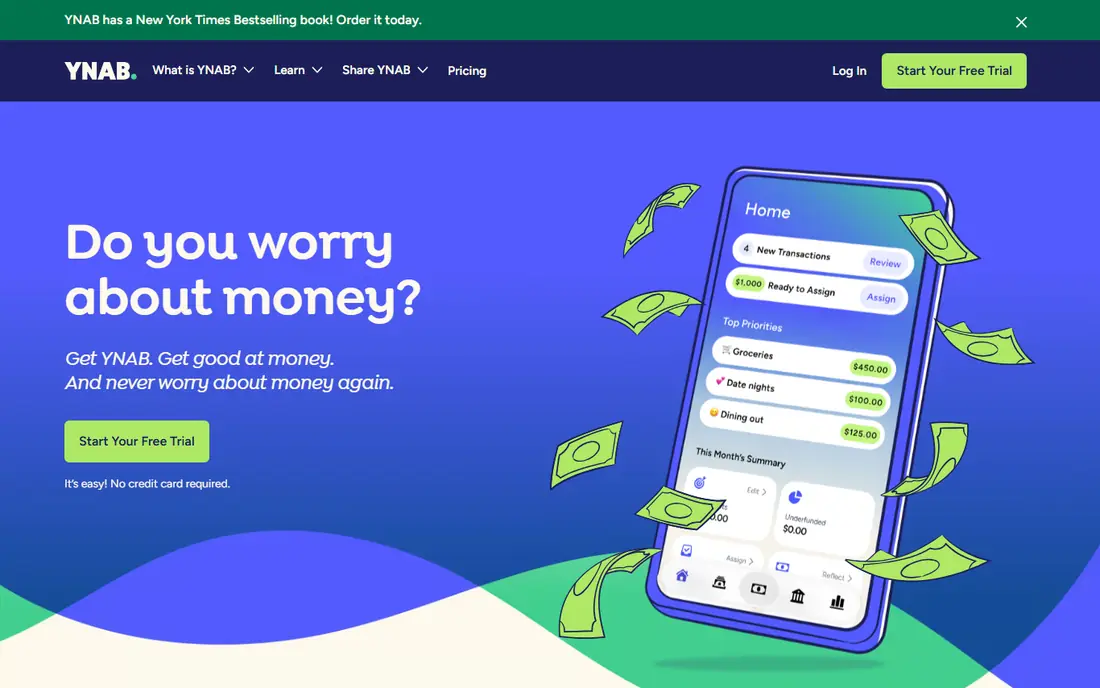
Here the value is practical rather than flashy. YNAB, short for You Need A Budget, asks you to assign money you already have to categories before you spend it.
The catch is effort: the method takes a few weeks to feel natural, and casual trackers may find the discipline more than they want. Before you commit, check the current pricing and terms on the official site, because plans and limits change. We compared official feature pages, pricing pages, and app store listings for this guide, and we did not claim hands-on testing that did not happen.
- Give-every-dollar-a-job method
- Strong credit card handling
- Workshops and guides
- Learning curve
- Highest price tier on this list
What stands out here is how little setup it takes to get going. PocketSmith shows income, spending, and forecasts together on a calendar, which makes future shortfalls visible months ahead.
The catch is setup: getting forecasts right needs accurate recurring bills and income entries, and the first month is mostly data entry. Before you commit, check the current pricing and terms on the official site, because plans and limits change. We compared official feature pages, pricing pages, and app store listings for this guide, and we did not claim hands-on testing that did not happen.
- Forecast calendar
- Scenario testing
- Net worth reports
- Bank linking varies by region
- Setup takes time
This pick suits a narrower group, and that focus is its strength. Kubera is built for people who hold assets in many places and want one net worth figure that includes investments, property, and crypto.
The catch is scope: it tracks wealth well but does not replace a budgeting app for day-to-day spending control. Before you commit, check the current pricing and terms on the official site, because plans and limits change. We compared official feature pages, pricing pages, and app store listings for this guide, and we did not claim hands-on testing that did not happen.
- Wide asset coverage including crypto and property
- Clean net worth view
- Spreadsheet-style sheets
- Paid only
- Budgeting is secondary
For readers who want a calmer option, this one fits. Quicken Simplifi focuses on a forward spending plan, showing where cash is heading rather than only where it went.
The catch is method: if you want envelope rules for every category, Simplifi feels lighter than YNAB or Goodbudget. Before you commit, check the current pricing and terms on the official site, because plans and limits change. We compared official feature pages, pricing pages, and app store listings for this guide, and we did not claim hands-on testing that did not happen.
- Spending plan projections
- Bill tracking
- Account aggregation
- No free tier
- Less envelope budgeting than YNAB
This is the pick to check when the leaders feel too heavy. PocketGuard reduces the daily question to one number: what is safe to spend after bills, goals, and savings are covered.
The catch is depth: it is a good daily guardrail, but long-range retirement planning needs a separate tool. Before you commit, check the current pricing and terms on the official site, because plans and limits change. We compared official feature pages, pricing pages, and app store listings for this guide, and we did not claim hands-on testing that did not happen.
- Simple safe-to-spend number
- Bill tracking
- Basic budgeting
- Free tier is limited
- Investment views are lighter than Empower
A quieter option can still be the right one, and this is a good example. Goodbudget uses digital envelopes to hold money for each category, which suits savers who do not want to link bank accounts.
The catch is manual work: without syncing, every transaction needs entry, and the free tier caps how many envelopes you can run. Before you commit, check the current pricing and terms on the official site, because plans and limits change. We compared official feature pages, pricing pages, and app store listings for this guide, and we did not claim hands-on testing that did not happen.
- Envelope method
- Manual entry option
- Works without bank linking
- Free tier limits envelopes and accounts
- No automatic sync on free plan
The last pick rounds out the list for a specific need. EveryDollar keeps zero-based budgeting simple, with a clean list of categories and a monthly plan you can build in minutes.
The catch is the free tier: automatic bank sync sits behind the paid plan, so free users enter transactions by hand. Before you commit, check the current pricing and terms on the official site, because plans and limits change. We compared official feature pages, pricing pages, and app store listings for this guide, and we did not claim hands-on testing that did not happen.
- Simple zero-based layout
- Easy category setup
- Ramsey-style guidance
- Bank sync needs the paid tier
- Investment tracking is minimal
How we picked these
We compared official feature pages, pricing pages, app store listings, and public reviews for each product, and we kept only products that exist, work in October 2026, and truly fit the topic. Where a price or limit could not be verified from the vendor, we wrote See website rather than guessing a figure.
How to use an app on the road to financial independence
Start with three numbers: your savings rate, your total invested assets, and your yearly spending. An app helps when it keeps those three visible without manual work each week. If linking accounts feels uncomfortable, a manual-entry app is still useful, because a rough record you maintain beats a precise dashboard you abandon.
Test retirement projections with care. Change the retirement age, the savings rate, and the spending estimate, and watch how the date moves. That range tells you more than a single date, and it shows which habit, spending less or saving more, has the largest effect for your situation.
Review fees and subscriptions once a quarter. Investment fees, app subscriptions, and unused accounts can quietly reduce the money available to save. A good tracking app makes those costs visible, but the decision to cut them still belongs to you, and it is worth making on a fixed schedule.
Frequently asked questions
What does financial independence actually mean?
It usually means having enough invested assets and passive income to cover yearly spending without paid work. The exact target depends on spending, taxes, health costs, and how much risk you are willing to accept.
Is there one app that tracks everything for financial independence?
Empower and Monarch Money come closest, with net worth, investments, budgets, and retirement tools in one place. Many people still pair a tracker with a separate budgeting method that fits how they spend.
Should I link my bank accounts to these apps?
Linking saves time and keeps balances current, but it means sharing account access through an aggregator. Read the security and privacy pages, use strong passwords and two-factor sign-in, and disconnect accounts you no longer use.
How do I calculate my savings rate?
Divide the amount you save and invest each month by your take-home pay, then express it as a percentage. Include employer retirement contributions separately if you want a fuller picture, and keep the same method each month.
Can an app tell me when I can retire?
An app can project a date from your inputs, but markets, income, health, and spending all change. Treat any date as a planning aid, not a promise, and revisit it at least once a year.
Sources
See where you really rank - block by block
ProMapRanker scans Google Maps across a grid of your service area. Simple monthly plans from $19, white-label on every plan.
Start freeKeep reading
 zscaler alternatives
Best Zscaler Alternatives in 2026
Looking for zscaler alternatives? We compare 9 SASE and zero trust platforms on architecture, data protection, pricing, and fit for your network and team.
Read → zapier alternatives free
Best Zapier Alternatives Free in 2026
Nine automation tools for zapier alternatives free in 2026, all with genuinely free tiers, plus free plan limits, starting prices and upgrade paths explained.
Read → which platform is best for online reputation
Which Platform Is Best for Online Reputation in 2026
Wondering which platform is best for online reputation? We compare 8 review, listing, and response tools for small and multi-location businesses and agencies.
Read →