 ProMapRanker
Best Apps for Employee Scheduling and Payroll in 2026

Key takeaways
- Homebase is our pick for hourly teams that want scheduling, time tracking and payroll in one system, with a free basic plan for small teams.
- Gusto is the stronger pick for salaried and growing teams that need benefits and HR alongside payroll, though scheduling sits on higher tiers.
- Deputy and 7shifts suit multi location and restaurant teams that need stronger compliance and shift controls.
- When I Work and Connecteam are the budget friendly routes to shift scheduling, with payroll handled through integrations or add ons.
- Price comparisons need a team size, because most tools charge a base fee plus a per employee fee, so run your own headcount before choosing.
Quick comparison
| Pick | Great for | Pricing starts at | Free tier | |
|---|---|---|---|---|
 Homebase | Hourly teams, all in one | Free | Yes | Visit |
 Gusto | Growing teams with benefits | $49 per month plus $6 per employee | No | Visit |
 Deputy | Compliance heavy shift teams | $5 per user per month | Free trial | Visit |
 When I Work | Budget shift scheduling | $2.50 per user per month | Free trial | Visit |
 Rippling | HR, IT and payroll in one system | From $8 per user per month | No | Visit |
 Square Payroll | Square point of sale teams | $35 per month plus $6 per employee | No | Visit |
 7shifts | Restaurants | See website | Yes | Visit |
 Connecteam | Frontline and field teams | $29 per month | Yes | Visit |
 OnPay | Simple full service payroll | $49 per month plus $6 per employee | No | Visit |
The best apps for employee scheduling and payroll
We compared official pricing pages, feature pages and integration lists for tools that cover both scheduling and payroll, built in or through a close integration. The list below favors tools US small businesses actually use for hourly teams, with a few larger platforms for teams that are outgrowing a simple scheduler.
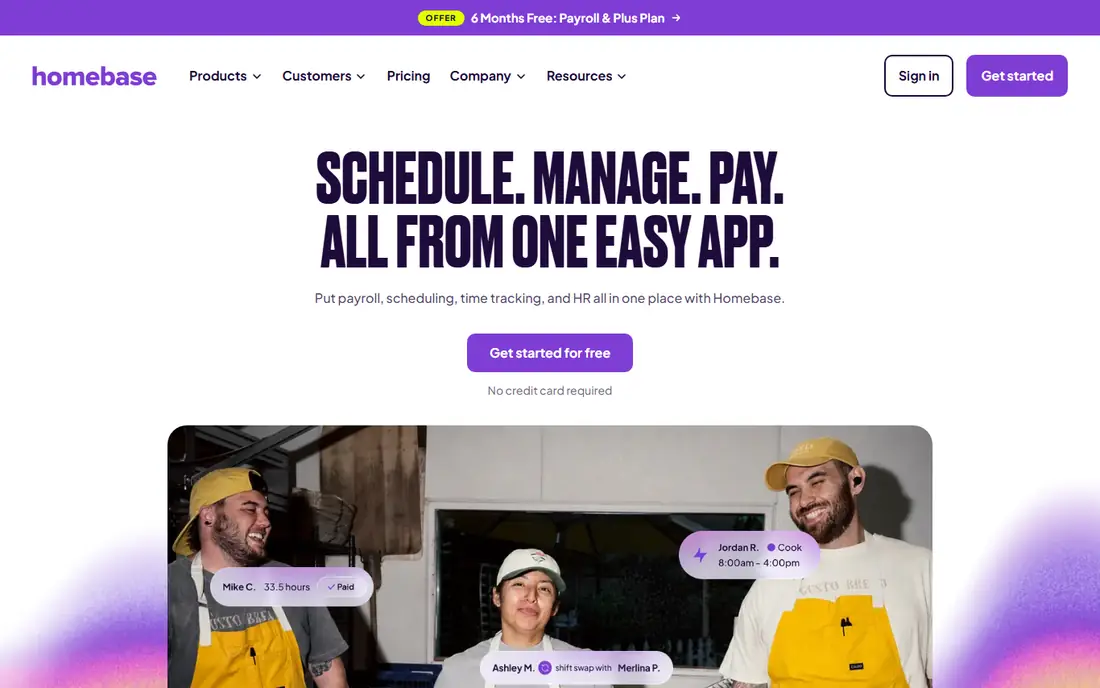
Homebase is built for restaurants, shops and other hourly teams, and that focus shows in the daily workflow. Managers build a schedule, staff swap shifts in the app, clock in from a phone or tablet, and approved hours flow into payroll without retyping. The free basic plan is enough to move a small team off paper, which is rare in this category.
The catch is that payroll costs extra, at $49 per month plus $6 per employee based on published pricing, so the free plan alone does not pay your team. Even with that add on, Homebase is a strong all in one pick for hourly businesses, because scheduling and time tracking are included from the start rather than gated behind a premium tier.
- Free basic plan covers scheduling, time clock and messaging for one location up to 10 employees
- Built in payroll add on with tax filing
- Hiring and onboarding tools included
- Payroll is a paid add on, not part of the free plan
- Advanced HR features sit on higher tiers
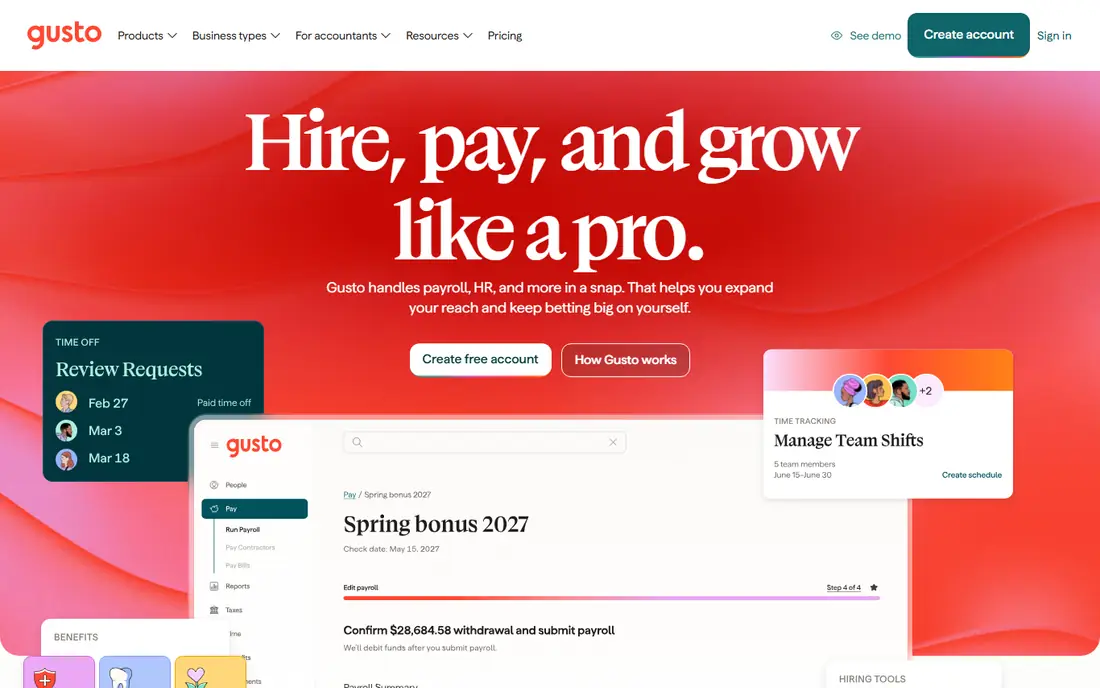
Gusto is the payroll first pick for teams that are growing past hourly scheduling alone. It handles pay runs, tax filings, new hire reporting and benefits in one place, and its interface is easier for an owner without a payroll background than most rivals. Contractors, salaried staff and hourly staff can sit in the same system, which helps mixed teams.
The scheduling catch matters for this article. Simple payroll at $49 per month plus $6 per employee does not include time tracking or scheduling, so a team that needs both must step up to Plus. If your main need is payroll and benefits, Gusto is hard to beat. If scheduling is the daily job, compare the Plus price with Homebase before deciding.
- Full service payroll with federal, state and local tax filing
- Benefits administration and onboarding
- Clean interface that non specialists can run
- Time tracking and scheduling only arrive on the Plus plan at $80 per month plus $12 per employee
- No free plan
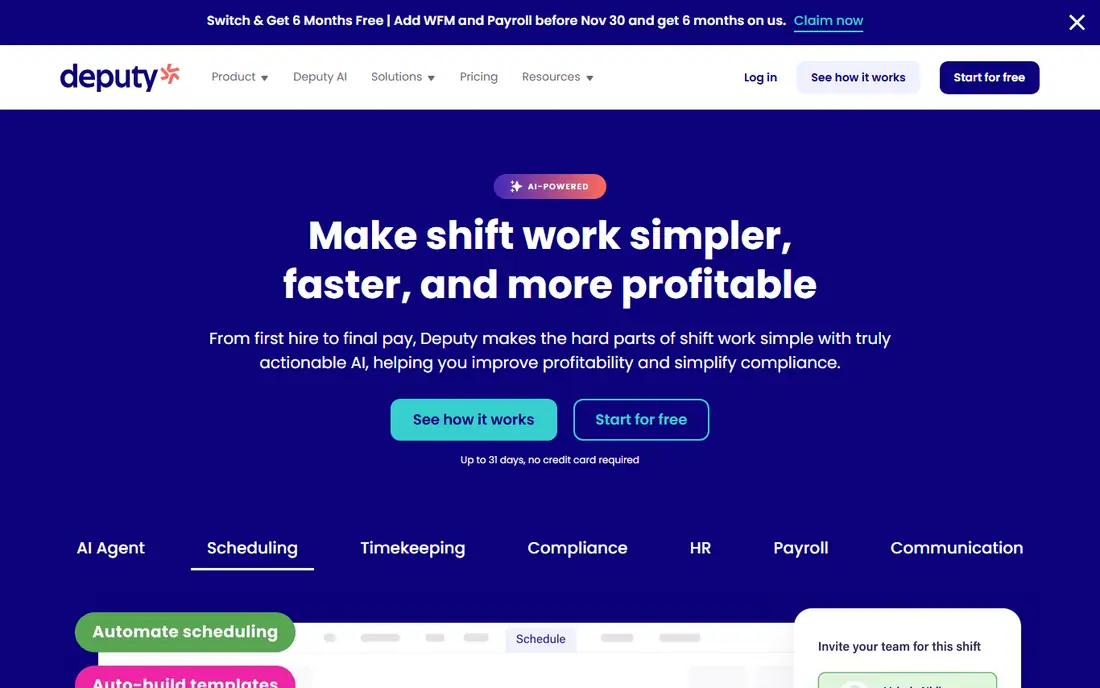
Deputy suits teams where the schedule itself is the risk: multi location businesses, healthcare and hospitality teams, and any employer dealing with overtime rules, rest breaks and award conditions. Managers can build schedules against labor rules, staff claim open shifts, and time and attendance data exports cleanly to a payroll provider.
The honest limit is that Deputy is a scheduling and workforce tool first, not a full payroll replacement in the US. That is fine if you already use Gusto, QuickBooks or ADP and want a stronger front end, but teams wanting one bill for everything should look at Homebase or Rippling instead. For compliance heavy scheduling, Deputy is the specialist pick.
- Strong scheduling with compliance rules, overtime and break controls
- Time tracking with facial recognition options
- Integrations with QuickBooks, Xero, ADP and Gusto
- No free plan, only a trial
- Payroll itself comes through integrations rather than a built in US payroll product
When I Work is the budget pick for teams that mainly need a schedule that staff will actually use. The app is simple: post shifts, let staff request swaps, send reminders, and track who is working. That simplicity is a strength for small teams that do not want a full HR system, and the per user price stays low as you add staff.
Payroll is the gap. When I Work connects to payroll providers rather than running payroll itself, and time tracking costs extra, so the total bill depends on your payroll partner. If you already pay for Gusto or QuickBooks Payroll and just need better scheduling, When I Work is a smart add on. If you want one system, Homebase or Gusto Plus fits better.
- Low per user price for scheduling
- Staff can swap shifts and pick up open shifts from the app
- Integrations with Gusto, Paychex, QuickBooks Online and Square
- Payroll is handled through integrations, not built in
- Time tracking is a paid add on
Rippling is the pick for a business that has outgrown a simple scheduler and wants one system for people, pay and devices. New hires get payroll, benefits, apps and hardware set up through one workflow, and time and scheduling data feed into payroll without manual transfers. That automation pays off once headcount and locations grow.
The catch is scope and price. From $8 per user per month is a starting point, not a full quote, and each module adds cost. A ten person cafe will find Rippling heavy and expensive compared with Homebase, while a fifty person company with remote staff and contractors will find the consolidation worth it. Buy Rippling for growth, not for a first schedule.
- Payroll, HR, benefits and device management in one platform
- Strong automation for onboarding and offboarding
- Scales from small teams to large companies
- Pricing is modular and can rise quickly with add ons
- More system than a small hourly team needs
Square Payroll makes sense in one situation: your team already runs on Square. Staff clock in through Square, sales and tips sit in the same system, and payroll pulls those hours without an export step. The price of $35 per month plus $6 per employee is competitive for small teams, and tax filing is included.
Outside the Square world, the case weakens. Scheduling is not the strength here, and teams on another point of sale system will get more scheduling depth from Homebase or 7shifts. If Square is already your register, Square Payroll is the low friction payroll choice. If not, do not switch registers just to get it.
- Hours flow from Square point of sale and timecards into payroll
- Full service tax filing
- Simple setup for retail and restaurant teams already on Square
- Best value only for Square users
- Scheduling tools are lighter than Homebase or Deputy
7shifts is built for restaurants, and the feature set reflects that: labor percentage targets, department scheduling, availability and time off handling, and shift communication for front and back of house teams. Managers can see labor cost against sales as they build the week, which is the number restaurant owners watch most closely.
The limit is breadth. A retailer or field service team will find more general tools elsewhere, and per location pricing means a multi site group should get a written quote rather than guessing from a starting price. For a single restaurant or a small restaurant group, 7shifts is one of the strongest scheduling picks, and its payroll product closes the loop for teams that want one vendor.
- Restaurant focused scheduling with labor cost controls
- Shift pools and availability management built for restaurant teams
- Its own payroll product for qualifying users
- Restaurant focus means less fit for retail or field teams
- Pricing is per location, so check the quote for multi site groups
Connecteam suits teams that rarely sit at a desk: cleaners, delivery staff, care workers and field crews. The mobile app bundles scheduling, clock in, checklists, forms and chat, so a manager can run a dispersed team without five separate apps. The free plan for up to 10 users is a genuine way to test it with a small crew.
Payroll is through integration, so Connecteam pairs with a payroll provider rather than replacing one. That is a fair trade for frontline teams that need mobile operations more than payroll depth, but teams wanting one bill should weigh Homebase instead. For mobile first scheduling and communication, Connecteam is a strong, affordable pick.
- Free plan for up to 10 users
- Scheduling, time clock, forms and team chat in one mobile app
- Operations hub pricing from $29 per month for the first 30 users
- Payroll comes through integrations with QuickBooks, Xero and ADP, not built in
- Advanced features sit on higher plans
OnPay is the pick for owners who want payroll done well without a menu of add ons. The price is $49 per month plus $6 per employee, tax filings are handled, and the setup stays simple for small teams with straightforward pay runs. There is less to configure than Rippling and fewer tiers to decode than Gusto, which suits owners who just want pay day to work.
The scheduling side is the compromise. OnPay covers basic time and scheduling needs but does not match Homebase or Deputy for shift management, so teams with complex rotas should pair it with a dedicated scheduler or pick an all in one rival. For simple payroll with a clean price, OnPay is a solid, low drama choice.
- Full service payroll with tax filing and multi state support at a flat, published price
- No upsell maze for core payroll
- Clean interface for small businesses
- Scheduling and time tracking are lighter than Homebase or Deputy
- Benefits options are narrower than Gusto
How we picked these
We compared official pricing pages, feature pages and integration lists, and we kept only tools that cover scheduling and payroll together, either built in or through a documented integration with a named payroll provider. We favored US availability, published pricing and tools suited to hourly teams, and we noted where payroll is an add on or an integration rather than presenting it as built in. We did not claim hands on testing; our comparisons rest on published features, pricing and public reviews.
How to choose between an all in one tool and a scheduling plus payroll pair
Start with who you pay. Hourly teams with shifting rotas get the most from an all in one tool such as Homebase, because hours flow straight into pay and overtime is caught early. Salaried teams with benefits needs get more from a payroll first tool such as Gusto, with scheduling added where it fits.
Next, run the price at your headcount, not at the headline rate. A base fee plus a per employee fee changes a lot between 5 and 50 staff, and a free scheduling plan plus a payroll add on can cost more than a single mid tier plan. Check tax filing coverage for every state where you have staff, and confirm if tips, overtime and multi location pay are included or extra. Finally, trial the staff app, not just the manager dashboard. If staff will not swap shifts or clock in correctly on their phones, the cheapest tool becomes the most expensive one in lost hours and corrections.
Frequently asked questions
What is the best payroll software for employee scheduling?
Homebase is the best combined pick for hourly teams, because scheduling, time tracking and payroll live in one system with a free basic plan. Gusto Plus is a strong alternative for teams that also need benefits and HR. Deputy and 7shifts lead for complex or restaurant scheduling paired with a separate payroll provider.
Does Gusto include employee scheduling?
Yes, but only on the Plus plan at $80 per month plus $12 per employee based on published pricing. The Simple plan covers payroll and basic HR without time tracking or scheduling. Hourly teams that need scheduling on day one should compare Gusto Plus with Homebase, where scheduling is included from the free plan.
What is the cheapest app for employee scheduling and payroll?
Homebase is the cheapest starting point, because its basic scheduling plan is free for one location up to 10 employees, with payroll as a paid add on. When I Work and Connecteam also offer low cost scheduling, but payroll comes through a separate provider, so add both bills before comparing.
Can one app handle scheduling, time tracking and payroll?
Yes. Homebase, Gusto Plus and Rippling all cover the three in one system, with different strengths: Homebase for hourly teams, Gusto for benefits and HR, and Rippling for larger, growing companies. Deputy, When I Work and Connecteam cover scheduling and time tracking well but rely on payroll integrations.
How much does scheduling and payroll software cost for a small business?
Most tools charge a monthly base fee plus a per employee fee, with published examples from $35 to $49 per month plus $6 per employee for payroll, and scheduling from free to $5 per user per month. Run the total at your exact headcount, and check if tax filing, multi state payroll and tips are included.
Is Homebase or Gusto better for a restaurant?
Homebase is usually better for a restaurant that needs scheduling and time tracking first, with payroll added on. Gusto is better for a restaurant group that also needs benefits, salaried managers and stronger HR. Restaurants with complex labor cost targets should also look at 7shifts for scheduling depth.
Sources
See where you really rank - block by block
ProMapRanker scans Google Maps across a grid of your service area. Simple monthly plans from $19, white-label on every plan.
Start freeKeep reading
 zscaler alternatives
Best Zscaler Alternatives in 2026
Looking for zscaler alternatives? We compare 9 SASE and zero trust platforms on architecture, data protection, pricing, and fit for your network and team.
Read → zapier alternatives free
Best Zapier Alternatives Free in 2026
Nine automation tools for zapier alternatives free in 2026, all with genuinely free tiers, plus free plan limits, starting prices and upgrade paths explained.
Read → which platform is best for online reputation
Which Platform Is Best for Online Reputation in 2026
Wondering which platform is best for online reputation? We compare 8 review, listing, and response tools for small and multi-location businesses and agencies.
Read →