 ProMapRanker
Best App for Editing Pictures in 2026

Key takeaways
- Snapseed is the best free picture editor for most people, with deep tools and no subscription.
- Adobe Lightroom is the best choice for RAW photos, presets, and editing across phone and desktop.
- VSCO suits a consistent film-like look, while Picsart suits collages, stickers, and social graphics.
- Free tiers are generous, but RAW editing, masking, and cloud sync often sit behind paid plans.
- Edit photos of other people only with their consent, and avoid edits that mislead viewers about real events.
Quick comparison
| Pick | Great for | Pricing starts at | Free tier | |
|---|---|---|---|---|
 Adobe Lightroom | RAW and pro editing | Free | Yes | Visit |
 Snapseed | Free full editing | Free | Yes | Visit |
 VSCO | Film-like presets | Free | Yes | Visit |
 Picsart | Creative social edits | Free | Yes | Visit |
 Canva | Graphics and photos | Free | Yes | Visit |
 Adobe Photoshop Express | Quick everyday fixes | Free | Yes | Visit |
 Pixlr | Browser and app editing | Free | Yes | Visit |
 Fotor | Fast edits and collages | Free | Yes | Visit |
 Afterlight | Clean simple edits | Free | Yes | Visit |
 PhotoDirector | AI creative effects | Free | Yes | Visit |
The best apps for editing pictures
Our pick for most people is Snapseed if you want free power, or Lightroom if you shoot RAW and want your edits on every device. The rest cover looks, graphics, and quick fixes.
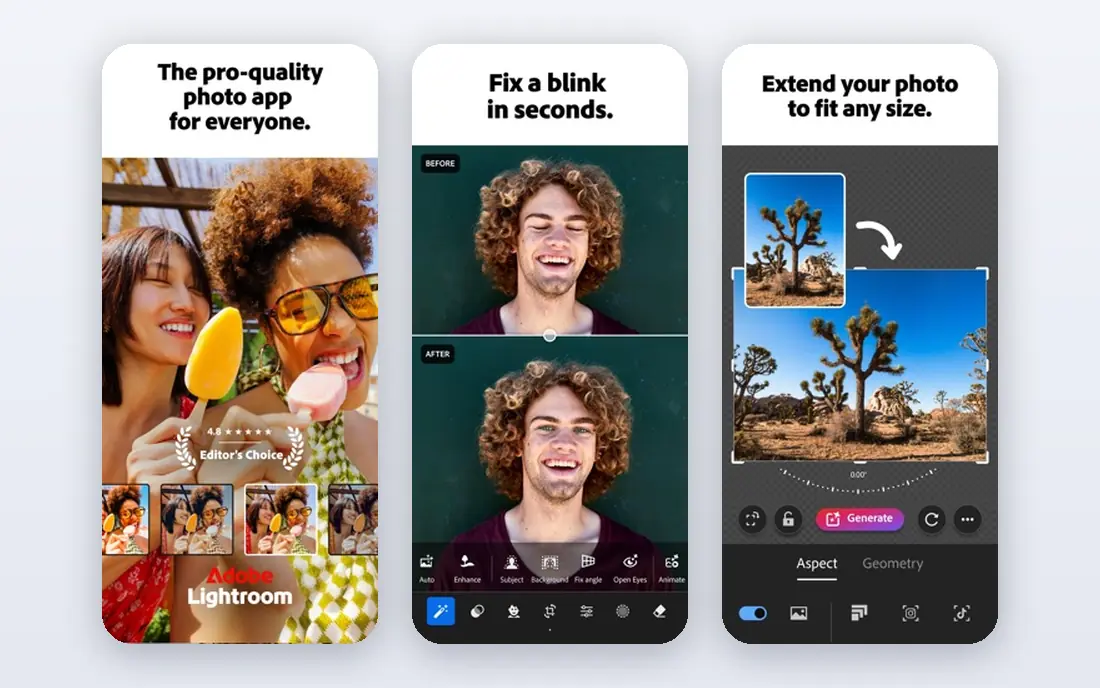
Lightroom Mobile is the most capable editor on this list for serious photography. The free tier covers basic exposure, color, and cropping, while the paid plan adds masking, healing, batch editing, and cloud sync with desktop Lightroom. RAW files from supported phones get far more editing room than JPEGs, which matters when you need to rescue shadows or highlights.
The catch is cost and complexity. The tools that make Lightroom special sit behind a subscription, and the interface can overwhelm a casual editor at first. If you edit photos often, shoot RAW, or want one catalog across devices, Lightroom is worth it. If you edit a photo now and then, start with Snapseed.
- Full RAW support
- Masking and selective edits
- Presets and cloud sync
- Best tools need a paid plan
- Learning curve for new editors
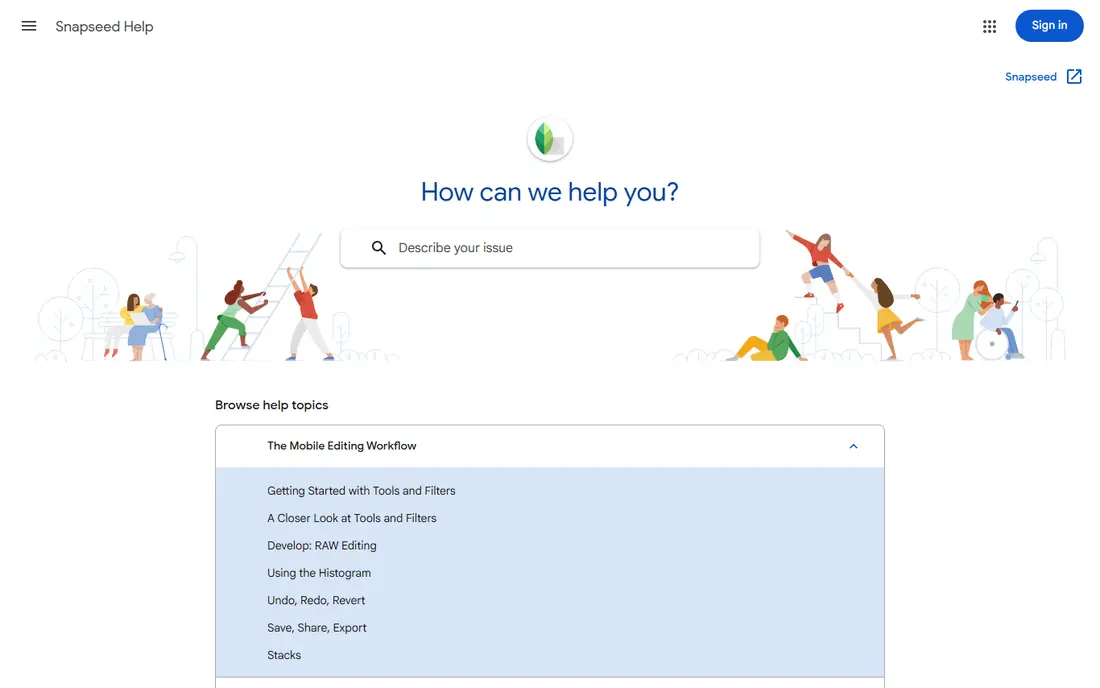
Snapseed, from Google, remains the most generous free editor available. It offers 29 tools, selective adjustments, curves, healing, and non-destructive stacks, all free, with no ads and no in-app purchases. That combination is rare, and it is why Snapseed still tops free editor lists years after launch. Note that Snapseed has no standalone homepage, so its official Google support page is the right source for help and download links.
Snapseed lacks cloud sync, so edits live on your device unless you export them. It also has no video tools and fewer AI features than newer rivals. For still photos, though, those gaps matter less than the price, which is nothing. If you want one free app that handles most edits well, this is it.
- Completely free with no ads
- 29 tools
- Selective edits and curves
- No cloud sync
- No video editing
- Interface looks dated
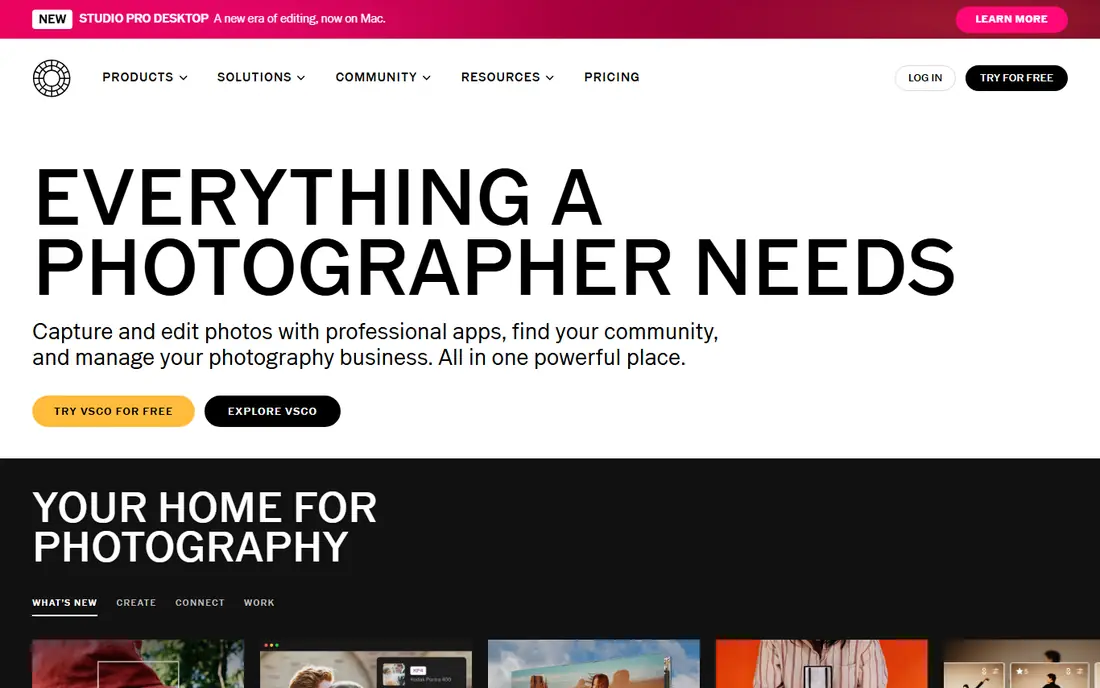
VSCO built its name on presets that give photos a film-like, consistent look, and it still does that better than most rivals. The free tier includes basic editing tools and a set of presets, while membership adds a much larger preset library and advanced tools. Editors who post regularly will value the way VSCO presets keep a feed looking coherent.
Membership is the catch, since the most loved presets sit behind it. VSCO is also less of a repair tool than Lightroom or Snapseed, so heavy retouching or RAW work may need a second app. For style-led editing and a calm interface, VSCO is a strong pick.
- Beautiful film-inspired presets
- Clean editing tools
- Photo community
- Best presets need membership
- RAW editing is limited on some devices
Picsart is less a quiet photo editor and more a creative studio. It combines basic edits with collages, stickers, text, background removal, and AI effects, which suits social posts, posters, and fun edits. The template library saves time when you need a post in minutes rather than an hour of careful grading.
The free tier is useful but busy, with ads and paid prompts, and some AI features and exports need a subscription. Picsart is also not the best choice for precise color work or RAW files. If your goal is eye-catching social content, Picsart delivers. If your goal is clean, natural edits, pair it with Snapseed or Lightroom.
- Stickers, collages, and AI tools
- Huge template library
- Social sharing
- Many best tools need a paid plan
- Free tier includes ads and watermarks on some exports
Canva is the right pick when a photo is only part of the job, such as a social post, flyer, invitation, or small business graphic. Its photo tools cover cropping, filters, brightness, and background removal, and its templates handle layout, text, and sizing for each platform. The free tier is broad enough for most casual design work.
Canva will not replace Lightroom for detailed photo work. Its color controls are simpler, and RAW support is not its strength. Use Canva when the final product is a designed graphic, and use a dedicated editor first when the photo itself needs careful work.
- Templates for social and print
- Easy text and layout tools
- Free tier is broad
- Photo editing is lighter than dedicated editors
- Best assets need Pro
Photoshop Express is Adobe's lighter, faster editor for everyday photos. It handles cropping, straightening, exposure, filters, and spot fixes in a few taps, which suits phone photos that need a quick lift before sharing. The interface is simpler than Lightroom, so new editors can get good results fast.
Depth is the trade-off. Selective edits, masking, and RAW workflows are thinner here than in Lightroom, and some features need a subscription. Photoshop Express is best as a quick editor on your phone, with Lightroom kept for photos that deserve more time.
- Fast one-tap fixes
- Adobe quality filters
- Easy sharing
- Advanced tools need a paid plan
- Less depth than Lightroom
Pixlr suits editors who move between phone and computer, since it works in a browser as well as an app. It offers layers, AI background cutout, filters, and templates, which is more than most free mobile editors. The browser version is handy when you do not want to install anything or when you are on a shared computer.
Free use includes ads, and some higher resolution exports and advanced tools need a paid plan. Pixlr is also a general editor rather than a RAW specialist. For flexible, anywhere editing with layers, it is a solid free starting point.
- Works in a browser and as an app
- Layers and AI cutout
- No install needed on web
- Free tier has ads
- Some exports and tools need a paid plan
Fotor is a practical choice for small business owners and casual editors who need good results fast. One-tap enhance fixes common phone photo problems, the collage maker builds grids in minutes, and the web version supports batch edits. That speed matters when you have a set of product or event photos to publish.
The free tier carries ads and limits on some tools and exports, and the most useful AI features need a Pro plan. Fotor also trails Lightroom on precise color control. For quick, clean edits and collages, it is easy to recommend.
- One-tap enhance
- Collage maker
- Batch editing on web
- Free tier has ads and limits
- Advanced AI tools need Pro
Afterlight appeals to editors who want a calm, simple app without a wall of AI prompts. Its filters, textures, and adjustment tools are easy to learn, and the premium cost is low compared with larger subscriptions. Photos edited in Afterlight tend to look natural rather than over-processed, which suits everyday photography.
Afterlight cannot match Lightroom for RAW work, masking, or batch editing, and it has no serious desktop companion. That is fine if your phone is your whole workflow. For a simple, pleasant editor that stays out of your way, Afterlight is a good buy.
- Clean interface
- Good filters and textures
- Low cost premium option
- Smaller tool set than Lightroom
- No desktop version of note
PhotoDirector, from CyberLink, is the creative pick for editors who like AI effects. Sky replacement, object removal, animated photos, and guided edits let you change a scene in minutes. It also covers standard adjustments, so it can serve as a main editor for social creators.
Many of the best AI features need a paid plan, and the interface packs in a lot, which can distract from simple edits. PhotoDirector is not the first choice for quiet, natural RAW work. For playful, dramatic edits and social content, it is one of the most fun apps here.
- AI sky replacement and object removal
- Animation tools
- Guided edits
- Best AI tools need a subscription
- App can feel busy
How we picked these
We compared official app pages, app store listings, and pricing pages for current free tiers and paid features. We kept only editors that are actively available on iOS or Android in 2026 and that truly edit still photos, not apps that only apply a single filter. For Snapseed, we used Google's official support page, since Snapseed has no standalone homepage and unofficial lookalike sites should not be used. Prices vary by region and store, so check the listing in your app store before subscribing.
Choosing the right picture editing app
Decide whether you edit RAW or JPEG
RAW shooters should start with Lightroom, which handles RAW files and masking best. JPEG shooters who want free power should start with Snapseed. The file type you shoot decides the app more than any preset list does.
Pick one main editor and one style app
A main editor for exposure, color, and cleanup, plus one style app for presets or graphics, covers most needs. Adding five editors usually means learning none of them well. Master the tools in one app before you pay for another.
Keep edits honest and consensual
Do not edit photos of other people without their consent, especially for retouching that changes how they look. Avoid edits that mislead viewers about a real event, a product, or a place. A good edit improves light and color, while a misleading edit changes the story the photo tells.
Frequently asked questions
What is the best free app for editing pictures?
Snapseed is the best free app for most people, because it is fully free with deep tools and no ads. Lightroom is a strong free starting point too, though its best tools need a paid plan. For collages and social graphics, Picsart and Canva offer broad free tiers.
Is Snapseed still available in 2026?
Yes, Snapseed remains available on iOS and Android as a free Google app. It has no standalone homepage, so use Google's official Snapseed support page for help and store links, and avoid unofficial sites that use a similar name. The app itself has not gained cloud sync or video editing.
Which picture editing app is best for beginners?
Snapseed and Photoshop Express are the easiest strong choices for beginners, with clear tools and quick results. VSCO suits beginners who want presets, while Canva suits beginners who need text and layout as well as photo edits. Start with one app and learn its core tools before adding another.
What is the best app for editing pictures for social media?
Picsart and Canva lead for social media, because they combine photo edits with templates, text, stickers, and correct sizes for each platform. VSCO suits a consistent photo feed look. For a single photo that needs careful color work first, edit in Snapseed or Lightroom, then finish the graphic in Canva or Picsart.
Do I need to pay for a good picture editor?
No, Snapseed alone handles most everyday edits free, and Lightroom, VSCO, Picsart, and Canva all have useful free tiers. Paid plans mainly add RAW tools, masking, cloud sync, larger preset libraries, and AI features. Pay only when a specific paid feature saves you real time each week.
Can I edit pictures on my computer with these apps?
Lightroom, Canva, Pixlr, and Fotor all work on desktop or web as well as mobile, which suits larger screens. Snapseed, VSCO, Afterlight, and PhotoDirector are mainly mobile apps, though PhotoDirector has a desktop version from the same maker. Check each vendor page for the platforms you use.
Sources
See where you really rank - block by block
ProMapRanker scans Google Maps across a grid of your service area. Simple monthly plans from $19, white-label on every plan.
Start freeKeep reading
 zscaler alternatives
Best Zscaler Alternatives in 2026
Looking for zscaler alternatives? We compare 9 SASE and zero trust platforms on architecture, data protection, pricing, and fit for your network and team.
Read → zapier alternatives free
Best Zapier Alternatives Free in 2026
Nine automation tools for zapier alternatives free in 2026, all with genuinely free tiers, plus free plan limits, starting prices and upgrade paths explained.
Read → which platform is best for online reputation
Which Platform Is Best for Online Reputation in 2026
Wondering which platform is best for online reputation? We compare 8 review, listing, and response tools for small and multi-location businesses and agencies.
Read →