 ProMapRanker
Best Apps for Counting Steps in 2026

Key takeaways
- Pacer is the best all-round phone pedometer, with a free counter, challenges and wearable sync.
- StepsApp suits people who want a clean, design-led view of daily and weekly steps.
- Fitbit and Samsung Health are best if you already own their hardware, with automatic all-day tracking.
- Apple Health and Pedometer++ cover iPhone users who want a simple, private count.
- MapMyWalk and Charity Miles add routes and charity donations to the basic step count.
Quick comparison
| Pick | Great for | Pricing starts at | Free tier | |
|---|---|---|---|---|
 Pacer | Phone step counting with challenges | Free | Yes | Visit |
 StepsApp | Clean daily and weekly step views | Free | Yes | Visit |
 Fitbit | Automatic tracking with a Fitbit device | Free | Yes | Visit |
 Apple Health | Built-in iPhone step counting | Free | Yes | Visit |
 Samsung Health | Free step counting for Samsung users | Free | Yes | Visit |
 Pedometer++ | Minimal iPhone step counting | Free | Yes | Visit |
 Strava | Walking routes and social motivation | Free | Yes | Visit |
 MapMyWalk | GPS walking routes and distance | Free | Yes | Visit |
 Charity Miles | Steps that raise charity donations | Free | Yes | Visit |
The best apps for counting steps
Counting steps works because it is simple: one number, one daily goal, no gym needed. The best step counting app for you depends on your phone, whether you own a wearable, and whether you want challenges, routes or just a quiet daily count. Phone-only apps use motion sensors and are good enough for most walkers, while wearables track more steadily through the day. Start free, set a goal you can actually hit, and raise it slowly.

Pacer is the most complete phone pedometer here. It counts steps from your phone alone, so you do not need a watch or band to start, and it syncs with Apple Health, Fitbit and Garmin if you later add hardware. Community challenges and groups add a social push, which helps walkers who fade without a group goal.
Premium costs $9.99 per month or $49.99 per year in October 2026 checks, and it adds custom step goals and fuller plans, which some users will find annoying since goal-setting feels basic. The free tier still counts steps well, so try it free for two weeks. For most phone-only walkers, Pacer is our pick.
- Phone-only step counting, no wearable needed
- Community challenges
- Fitbit and Garmin sync
- Premium needed for custom goals and full plans
- Free tier shows ads
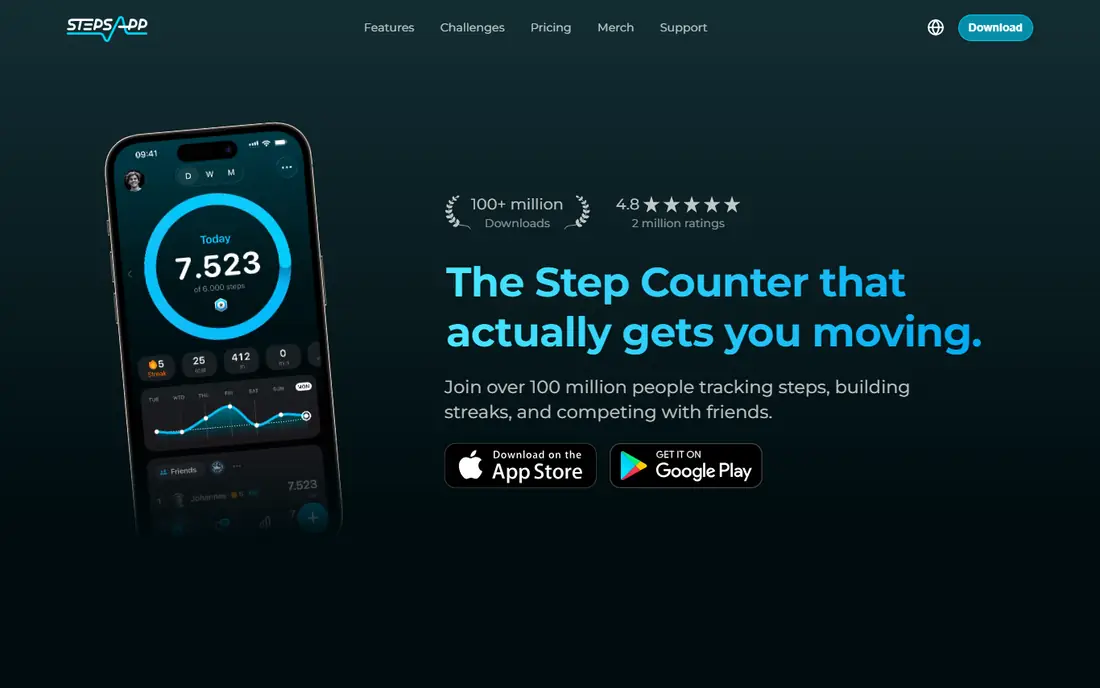
StepsApp suits walkers who want a tidy view, not a feed. Daily and weekly charts, a calendar history and a clear goal ring make progress easy to read at a glance, and it syncs with Apple Health, Google Fit, Garmin, Oura and Fitbit. That broad sync means it works as a front end for almost any device you already own.
Pricing in October 2026 checks put PRO at about $4.99 to $5.99 per month or $29.99 to $32.99 per year, depending on platform and term, so confirm the current price in your app store. The Android free tier shows ads, which is the main annoyance. If design and clarity matter most, StepsApp is a strong choice.
- Clean calendar and trend views
- Syncs Apple Health, Garmin, Fitbit and more
- Simple goal setting
- Android free tier shows ads
- Some premium features vary by platform
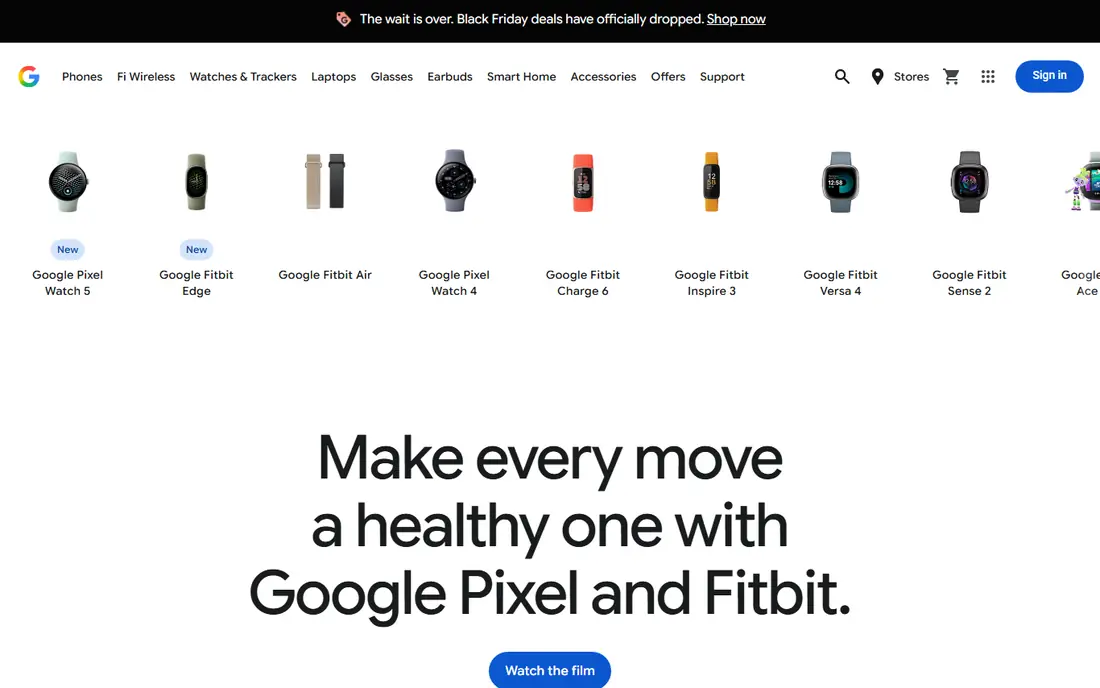
Fitbit is the pick if you already wear a Fitbit or Pixel Watch. Steps track automatically all day, without carrying your phone everywhere, and the free dashboard covers sleep, heart rate and activity alongside steps. Community challenges add a light social layer, though they are less central than they once were.
The app is free, with Fitbit Premium at $9.99 per month or $79.99 per year in October 2026 checks for deeper insights and programs. Phone-only users get less accurate counts than wearable users, so do not judge Fitbit on a phone alone. If you own the hardware, this is the obvious step app.
- Automatic all-day step tracking from wearables
- Broad free health dashboard
- Community challenges
- Phone-only counting is less accurate
- Best features need Fitbit or Pixel Watch hardware
Apple Health is the simplest step counter for iPhone users, because it is already there. Your iPhone motion sensor counts steps, Apple Watch adds all-day accuracy, and the Health and Fitness apps show trends without a subscription or an extra download. Data stays within Apple handling, which suits privacy-minded users.
There are no challenges, groups or guided programs, so motivation must come from you or another app layered on top. It also only works in the Apple ecosystem. If you want a quiet, free, private count and nothing else, Apple Health is enough, and it pairs well with Pedometer++ for a nicer daily view.
- Built in on every iPhone
- No extra app needed
- Private on-device data handling
- No challenges or social features
- Needs iPhone or Apple Watch for best results
Samsung Health is the free Android counterpart to Apple Health, and it works on Samsung phones and on iOS as well. It counts steps from the phone sensor, adds group and global challenges, and tracks sleep, exercise and weight in the same app. That all-in-one health view suits users who want one app for daily health, not five.
It works best on Samsung hardware, and some features vary by device and region, so check what your phone actually offers. There is no subscription for core step counting, which is a clear advantage over premium-led rivals. For Android users who want a free, capable counter, Samsung Health is our pick.
- Free phone step counting
- Group and global challenges
- Broad health tracking
- Best on Samsung devices
- Some features vary by phone and region
Pedometer++ is for iPhone users who find most fitness apps noisy. It shows a daily count, a simple history and a widget, using HealthKit data from your iPhone or Apple Watch, with no feed, no challenges and no subscription push. That restraint is the point: open it, see the number, close it.
It is iPhone only, so Android users should look at Pacer or StepsApp instead, and it offers no social or route features. The core count is free, with optional extras available. If you want the smallest possible step app that still looks good, Pedometer++ is hard to beat.
- Very simple daily count
- HealthKit based
- On-device privacy focus
- IPhone only
- No challenges or wearable extras beyond Apple Watch
Strava is best known for running and cycling, but it also tracks walks with GPS routes, maps and a social feed. Clubs and kudos add motivation for walkers who like sharing routes, and activity history is stronger than a plain pedometer. It suits walkers who care about where they walked, not just how many steps they took.
Step counting itself is secondary here: Strava tracks activities, not all-day steps in the way Pacer or Fitbit do, so use it alongside a pedometer if the daily total matters. Premium costs $11.99 per month in October 2026 checks. For route-loving walkers, Strava adds a social layer a plain counter cannot.
- GPS walking routes and maps
- Social feed and clubs
- Strong activity history
- Step counting is secondary to GPS activities
- Premium costs $11.99 per month
MapMyWalk, from Under Armour, tracks walks by GPS, showing route, distance, pace and calories, with a large library of community routes to try. That route focus suits walkers who explore new paths or train for a walking event, and it syncs with common wearables. Step totals come through phone health data alongside GPS walks.
Advanced training plans sit behind a premium subscription, and the free tier shows ads, so the experience is busier than Pacer or StepsApp. For walkers who want routes first and steps second, MapMyWalk is a strong free starting point, and it pairs well with a dedicated pedometer for all-day totals.
- GPS routes, distance and pace
- Large route library
- Wearable sync
- Premium needed for advanced training plans
- Free tier shows ads
Charity Miles gives walking a second purpose: your miles earn donations for a charity you choose, funded by sponsors. Tracking is simple, covering walks, runs and bike rides, and there is no subscription, which makes it an easy add-on for people who already walk daily. That donation link can nudge a walk on a day when motivation is low.
Donation amounts per mile are small, so do not treat it as a fundraising tool, and training features are thinner than Pacer or MapMyWalk. It also works best as a walk tracker rather than an all-day pedometer. If a small good cause helps you lace up, Charity Miles is a pleasant, free addition.
- Turns walks and runs into charity donations
- Simple tracking
- No subscription
- Donation rates are low per mile
- Fewer training features than rivals
How we picked these
We compared official app store listings, vendor pricing pages and October 2026 step app comparisons, and we kept only apps that are live, count steps on a phone or a common wearable, and work in the US. We weighed free tier strength, counting accuracy source, wearable sync, challenge and route features, and privacy, and we left out apps that had shut down, required a paid wearable bundle with no phone option, or counted steps only as a side feature with no daily total.
How to choose a step counting app
Start with your hardware. iPhone users can start with Apple Health or Pedometer++ at no cost, Samsung users with Samsung Health, and everyone else with Pacer or StepsApp. If you already own a Fitbit, Garmin or Apple Watch, use its own app first, since all-day wearable counting beats phone-only counting for accuracy, especially if you leave your phone on a desk.
Next, decide what keeps you walking. Some people need challenges and groups, which Pacer and Samsung Health do well, while others need routes, which MapMyWalk and Strava cover, and others just need a quiet number, which Pedometer++ and Apple Health give. Set a realistic goal, such as your current average plus 500 steps, rather than jumping straight to 10,000, and raise it only when the current goal feels easy for two weeks.
Finally, check privacy and battery use before committing. Phone pedometers use motion sensors and sip battery, while GPS route apps use more power, so turn GPS off for everyday counting. Read what data an app shares, keep location sharing off unless you are recording a route, and use the free tier for a full week before paying for premium plans or challenges.
Frequently asked questions
What is the best app for counting steps?
Pacer is the best all-round phone pedometer, thanks to free counting, challenges and wearable sync. iPhone users who want simplicity should try Apple Health or Pedometer++, while Samsung users get a strong free counter in Samsung Health.
What is the best step counting app for Android?
Pacer and StepsApp are the strongest Android picks, with Samsung Health close behind on Samsung phones. Pacer adds challenges and groups, StepsApp adds cleaner charts, and Samsung Health is free with no subscription for core counting.
What is the best free step counting app?
Apple Health, Samsung Health, Pacer and Pedometer++ all count steps free. Apple Health and Samsung Health are built in and ad-free, Pacer is free with ads and premium extras, and Pedometer++ is free and minimal on iPhone.
Do I need a wearable to count steps accurately?
No, but it helps. Phone sensors count well when you carry your phone, while a watch or band counts all day even when your phone sits on a desk. If your daily total looks low, check whether you left your phone behind before blaming the app.
How many steps should I aim for each day?
Aim for a small rise over your current average, not a fixed magic number. Add 500 to 1,000 steps to your normal day, hold that goal for two weeks, then raise it again if it feels easy. Talk to a clinician before starting a new exercise plan if you have a health condition.
Sources
See where you really rank - block by block
ProMapRanker scans Google Maps across a grid of your service area. Simple monthly plans from $19, white-label on every plan.
Start freeKeep reading
 zscaler alternatives
Best Zscaler Alternatives in 2026
Looking for zscaler alternatives? We compare 9 SASE and zero trust platforms on architecture, data protection, pricing, and fit for your network and team.
Read → zapier alternatives free
Best Zapier Alternatives Free in 2026
Nine automation tools for zapier alternatives free in 2026, all with genuinely free tiers, plus free plan limits, starting prices and upgrade paths explained.
Read → which platform is best for online reputation
Which Platform Is Best for Online Reputation in 2026
Wondering which platform is best for online reputation? We compare 8 review, listing, and response tools for small and multi-location businesses and agencies.
Read →