 ProMapRanker
Best App for Contractors in 2026

Key takeaways
- Service contractors need scheduling and dispatch first, while builders need project tracking and budgets first.
- Jobber and Housecall Pro suit service crews, while Buildertrend and Procore suit larger project work.
- Published starting prices help, but total cost depends on users, add-ons, and payment processing fees.
- A free trial should test the exact workflow you use daily, not only the demo data.
- The best app is the one your crew actually uses in the field, so mobile ease matters as much as office features.
Quick comparison
| Pick | Great for | Pricing starts at | Free tier | |
|---|---|---|---|---|
 Jobber | Service crews and scheduling | $29 per month | Free trial | Visit |
 Housecall Pro | Home service dispatch | $59 per month | Free trial | Visit |
 Buildertrend | Residential builders | See website | No | Visit |
 Procore | Large commercial projects | See website | No | Visit |
 Fieldwire | Field plans and task tracking | See website | Yes | Visit |
 ServiceTitan | Large service operations | See website | No | Visit |
 CompanyCam | Photo documentation | See website | Free trial | Visit |
 Joist | Solo contractors and simple invoices | $10 per month | Yes | Visit |
The best app for contractors
We compared official product pages and recent contractor app pricing roundups. The apps below cover different trades, so start with your work type. A service crew and a home builder may both be contractors, but they need very different software.
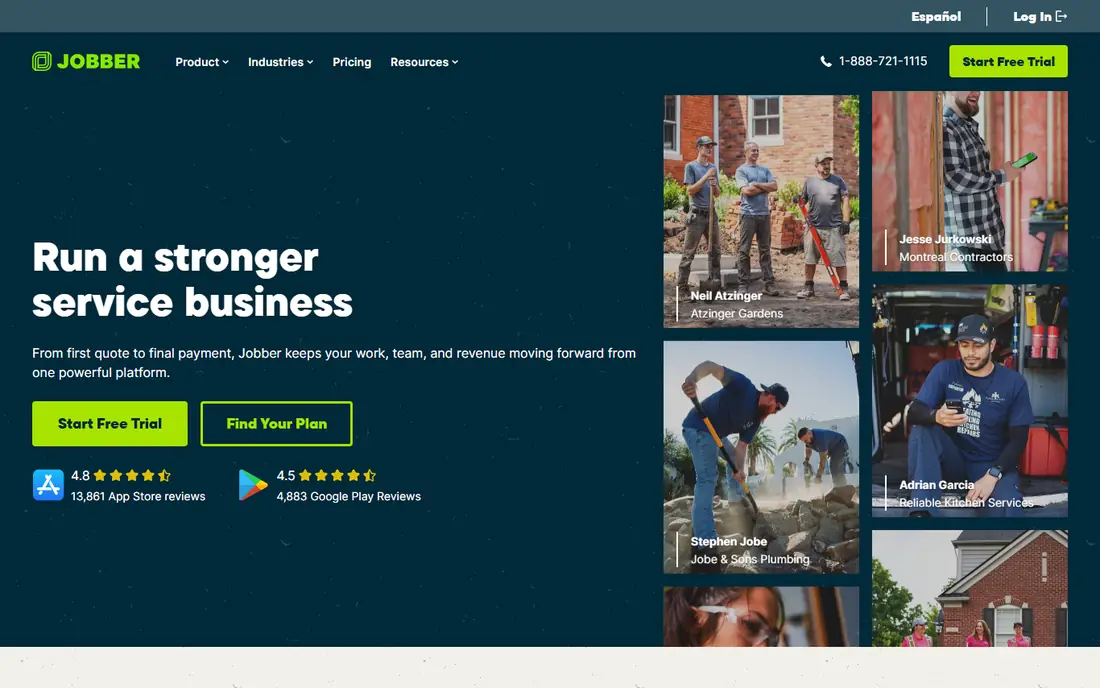
Jobber suits home service crews that run repeat visits, such as lawn care, cleaning, HVAC, and plumbing. Its core plan starts at $29 per month on annual billing for one user, with quoting, scheduling, dispatch, invoicing, and online booking in one place. Crews can see jobs on mobile, and clients can approve quotes and pay online, which shortens the gap between work done and money received.
The limit is tiering. Advanced marketing, automation, and team features sit on higher plans, and extra users add cost. A solo operator may find the core plan enough, while a five-person crew should price the full team before judging value. Test the 14-day trial on Grow, and check how Jobber handles recurring jobs for your trade.
- Quoting, scheduling, invoicing, and payments in one app
- Strong mobile app
- Online booking
- Higher tiers needed for advanced features
- Per-user costs add up
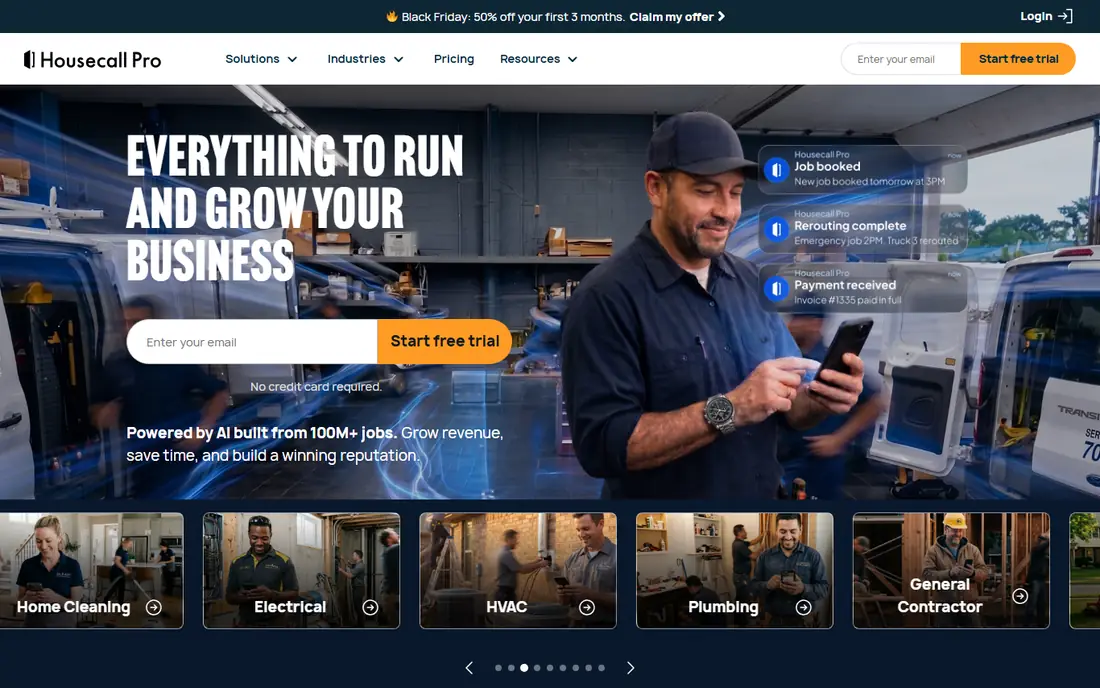
Housecall Pro suits home service shops that dispatch techs and text clients all day. Its Basic plan starts at $59 per month on annual billing, with scheduling, dispatch, invoices, payments, and online booking. The mobile app is a strength, because techs can see jobs, navigate, and update status without returning to the office.
The entry price is higher than Jobber, and some features, such as financing options, sit on higher tiers. Firms should also check per-user costs on larger plans. For a shop that values a clean dispatch board and client text updates, the extra cost may be worth it. For a solo contractor, Joist or Jobber Core may be enough.
- Clean mobile dispatch
- Online booking
- Invoices, payments, and text updates
- Higher entry price than Jobber
- Financing on higher tiers
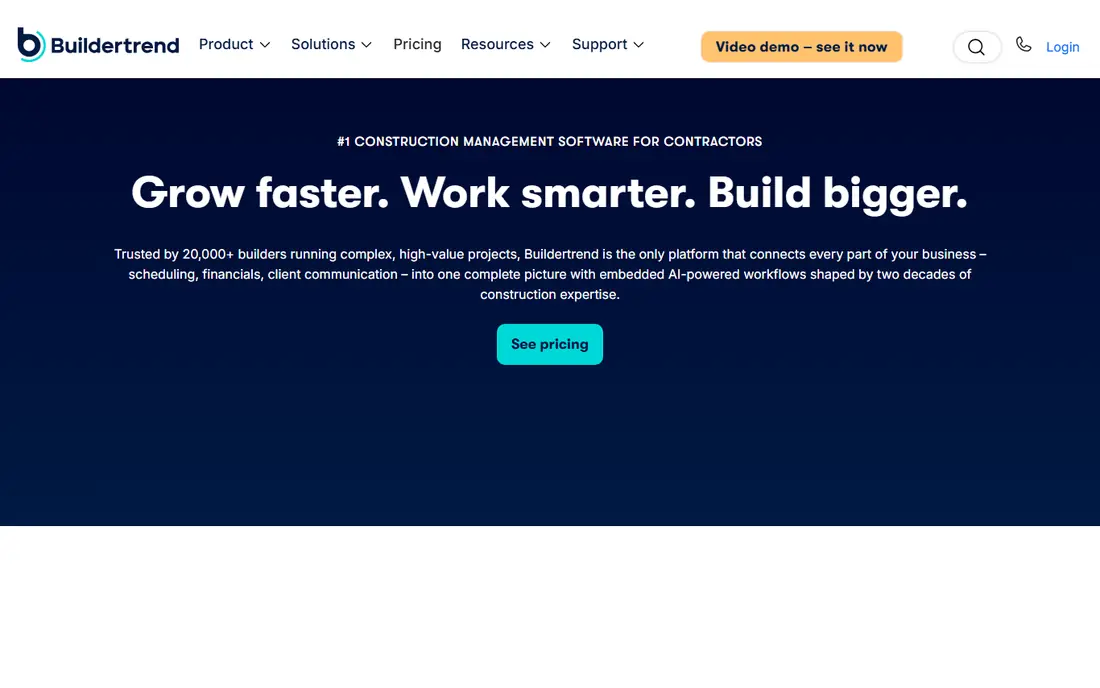
Buildertrend suits residential builders and remodelers who manage whole projects, not single visits. It covers project scheduling, budgets, selections, change orders, documents, and client updates in one system. Clients can see progress, approve selections, and sign change orders, which reduces the email and text chaos that often surrounds a build.
Pricing is quote-based, so a demo is needed to get a real figure. The learning curve is also real, especially for a small builder moving from spreadsheets. Firms should trial the client portal with a real project, not only a demo, and check how Buildertrend handles accounting integration. For a builder with several active jobs, the structure pays off.
- Project scheduling, budgets, and client communication
- Selections and change orders
- Document storage
- Quote-based pricing
- Learning curve for small teams
Procore suits general contractors and commercial teams running large, complex projects. Its platform covers drawings, RFIs, submittals, punch lists, budgets, and field communication, with controls that larger owners and subcontractors expect. For a firm managing multi-million dollar work, that depth and audit trail matter.
Procore is not a small-business app. Pricing is quote-based, implementation takes time, and a small residential builder will find it heavy and costly. Firms should only shortlist Procore when project size, subcontractor count, and owner reporting requirements justify it. For smaller work, Buildertrend or Fieldwire will be faster to adopt.
- Deep project management
- Drawings, RFIs, and submittals
- Strong for large teams
- Quote-based pricing
- Too heavy for small residential firms
Fieldwire suits field teams that live on plans and tasks. Crews can view drawings, mark up issues, assign tasks, and track punch lists from a phone or tablet, even on large sites. A free tier exists for basic use, which makes it easy to test with one crew before paying for a wider rollout.
The limit is scope. Fieldwire is not a full quoting, invoicing, and payments system, so many firms pair it with accounting or job management software. Check how tasks, photos, and reports export to your office system. For a contractor whose main pain is field coordination, rather than billing, Fieldwire is a strong, focused pick.
- Plan viewing and markup
- Task tracking
- Works well for field teams
- Not a full invoicing system
- Paid plans needed for larger teams
ServiceTitan suits large home service firms that need deep dispatch, call handling, marketing, and reporting in one platform. It covers scheduling, estimates, invoices, payments, and business analytics, with tools for larger teams that manage many techs and locations. Firms that outgrow Jobber or Housecall Pro often look here next.
The cost and complexity are the honest limits. Pricing is quote-based and often runs far above small-business tools, and implementation needs real staff time. A crew of two or three will likely find it too much. Shortlist ServiceTitan only when call volume, tech count, and reporting needs justify a larger platform.
- Deep dispatch, marketing, and reporting
- Built for large service firms
- Strong integrations
- Quote-based pricing
- Costly and complex for small crews
CompanyCam suits contractors whose work needs clear photo proof, such as roofing, exteriors, and restoration. Photos are organized by job, stamped with location and time, and shared easily with clients, crews, and insurers. That documentation can prevent disputes and speed up approvals, especially on insurance work.
The limit is that CompanyCam is not a full scheduling, quoting, and invoicing system. Most firms use it alongside Jobber, Housecall Pro, or Buildertrend. Check storage limits, user counts, and how photos export before committing. For a documentation-heavy crew, it is a useful add-on rather than a replacement for job software.
- Photo-first job documentation
- Location and time stamps
- Easy sharing with clients and crews
- Not a full job management system
- Needs pairing with scheduling software
Joist suits solo contractors and very small crews who mainly need estimates, invoices, and payments without a full dispatch system. Its entry plan starts at $10 per month, with a free option for limited use, and the app is simple enough to learn in an afternoon. For a handyman, painter, or solo tradesperson, that simplicity is the point.
The limit is depth. Joist does not offer the scheduling, dispatch, and project tools of Jobber or Buildertrend, so a growing crew will outgrow it. Document limits on lower tiers also matter for busy owners. Use Joist when paperwork is the bottleneck, and move to a fuller system when scheduling and crew management become the bottleneck.
- Low starting price
- Simple estimates and invoices
- Easy for solo owners
- Limited dispatch and project tools
- Higher tiers needed for more documents
How we picked these
We compared official product pages and recent contractor pricing roundups, keeping apps with active contractor products in 2026. Prices are shown where recent roundups support them, and left as See website where vendors use quotes. We did not claim hands-on testing with crews.
How to choose an app for your contracting business
Start with your daily workflow, not a feature list. Write down how a job moves from lead to quote to schedule to invoice to payment, and where it currently breaks. The app that fixes that break is the right shortlist, even if another app has more features overall.
Test the field app, not only the office dashboard
Your crew will use the mobile app in trucks, on roofs, and in basements, often with weak signal. Test job lookup, photo upload, signature capture, and offline behavior on a real job. An office dashboard that looks good but a field app that frustrates techs will fail, because techs will stop using it.
Price the whole team and payment fees
Ask for total monthly cost for your full team, including extra users, add-ons, and payment processing fees. Card fees and ACH fees can add up on large invoices, so check those rates separately. A low subscription with high processing fees may cost more than a higher subscription with lower fees.
Plan migration and training
Moving jobs, clients, and price lists takes time, and crews need training before go-live. Run the new app alongside the old system for two weeks, and pick one crew lead to answer questions. Keep old invoices and client records accessible, and confirm data export options before signing a long term.
Frequently asked questions
What is the best software for contractors?
The best software depends on trade and size. Jobber and Housecall Pro suit service crews, Buildertrend suits residential builders, and Procore suits large commercial firms. Start with your work type, then compare mobile ease and total cost.
What are the best contractor apps for small business?
Jobber, Housecall Pro, and Joist are strong for small business, with Joist suiting solo owners and Jobber and Housecall Pro suiting small crews. Test the field app and price the full team before choosing.
What is the best app for small construction business?
For a small construction business that manages projects, Buildertrend is a strong pick, while Fieldwire suits field coordination. For a small service business, Jobber or Housecall Pro will fit better than a project-heavy tool.
What are the best app tools for contractors on a budget?
Joist offers the lowest entry price in this list, while Jobber Core offers a fuller system at a modest starting price. Free trials and free tiers help test value, but check document and user limits on free plans.
Do contractor apps handle payments?
Most apps in this list handle invoices and online payments, with card and ACH options. Processing fees vary by vendor and plan, so check rates and payout timing on the vendor pricing page before relying on them for cash flow.
Can a contractor app replace accounting software?
Most contractor apps sync with accounting software, but they do not fully replace it for tax, payroll, and year-end reporting. Check the accounting integration for your chosen app, and keep your accountant involved in setup.
Sources
See where you really rank - block by block
ProMapRanker scans Google Maps across a grid of your service area. Simple monthly plans from $19, white-label on every plan.
Start freeKeep reading
 zoho inventory alternatives
6 Alternatives to Zoho Inventory, Compared on Price and Fit
Zoho Inventory alternatives: 6 tools compared on price, free plans and fit. Katana leads the list for manufacturers. Fit and flaws are laid out for each entry.
Read → zoho crm alternatives
Best Zoho CRM Alternatives (2026)
Need Zoho CRM alternatives? We compare 7 tools on cost, free access and who each suits. Every pick gets a straight assessment. Built for quick decisions.
Read → zelle alternatives
Best Zelle Alternatives in 2026
Compare the best Zelle alternatives for sending money to friends, paying sellers and moving funds abroad, with honest notes on fees, speed and safety in 2026.
Read →