 ProMapRanker
Best App for AI Generated Images in 2026

Artistic and editorial imagery · Pricing starts at: $10 per month
Key takeaways
- Midjourney still leads for artistic and editorial style, while Ideogram leads for posters, logos and images that need readable text.
- Adobe Firefly is the safest pick for commercial work inside Adobe tools, because its models are built with commercial use in mind.
- ChatGPT Images and Google Gemini are the easiest starts if you already pay for a chat or Google plan.
- Leonardo AI and Recraft offer strong free tiers, with Leonardo best for game and product art and Recraft best for vectors and brand assets.
- Only create images of real people with their consent. Never use these tools to make non consensual imagery, fake photos of real people, or images that mislead others about what is real.
Quick comparison
| Pick | Great for | Pricing starts at | Free tier | |
|---|---|---|---|---|
| Midjourney | Artistic and editorial imagery | $10 per month | No | Visit |
 ChatGPT Images | Conversational image edits | $8 per month | Yes | Visit |
 Adobe Firefly | Commercially safe creative work | $9.99 per month | Yes | Visit |
 Ideogram | Images with readable text | $20 per month | Yes | Visit |
 Leonardo AI | Game art and product images | $12 per month | Yes | Visit |
 Recraft | Vectors, icons and brand assets | $10 per month | Yes | Visit |
 Canva AI | Finished social and marketing designs | $15 per month | Yes | Visit |
 Google Gemini | Photo edits and consistent subjects | $4.99 per month | Yes | Visit |
 FLUX | High fidelity images and developer use | See website | Yes | Visit |
The best app for ai generated images
We compared official pricing pages and published feature descriptions, and we focused on image quality, text rendering, editing, licensing and the limits of each free tier. The tools below are legitimate creative tools for art, design and marketing. They are not tools for undressing people or for making non consensual imagery, and we did not include any tool marketed for that purpose.
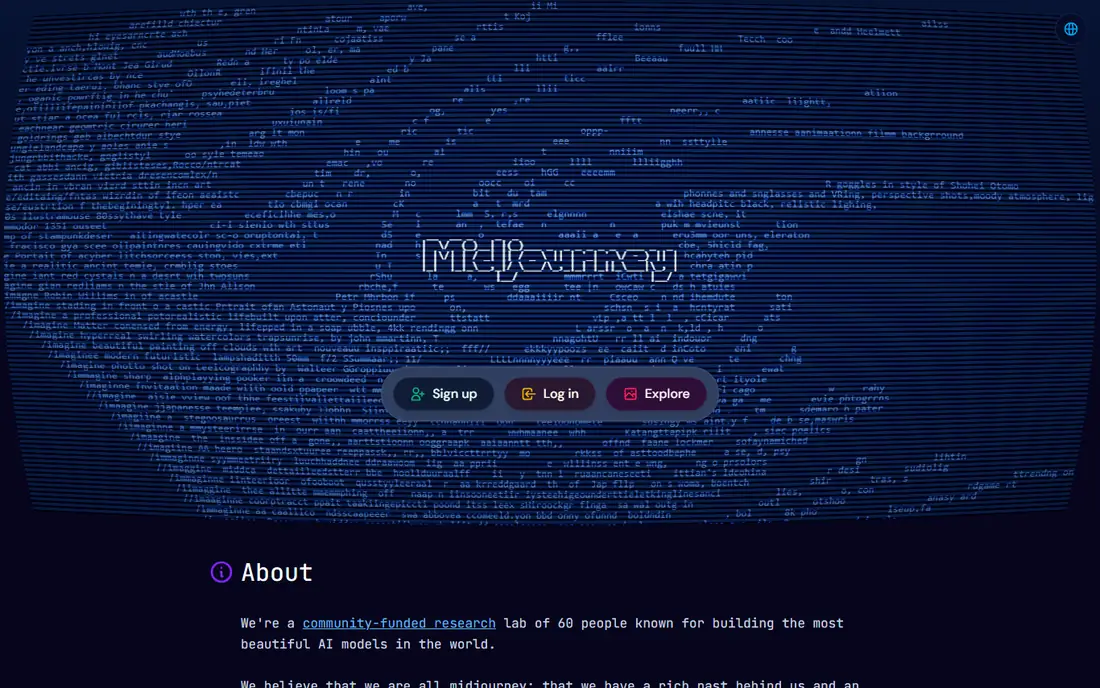
Midjourney is our pick when the look of the image matters most. Its images suit editorial illustration, mood boards, concept art and stylised brand imagery, and its plan ladder from $10 to $120 per month, or $8 to $96 per month billed annually, lets you scale up as your volume grows. The community gallery also helps you learn prompt styles that work. The catch is access. There is no free tier, so you pay before you can test the tool properly, and the workflow still feels less simple than a chat based generator. If you need readable text in a poster or a logo, Ideogram will usually beat Midjourney, but for pure visual style, Midjourney remains the benchmark.
- Strong artistic style
- Clear plan ladder
- Fast and relax modes
- Large community gallery
- No free tier
- Interface still leans on Discord and web tools
- Commercial terms vary by plan
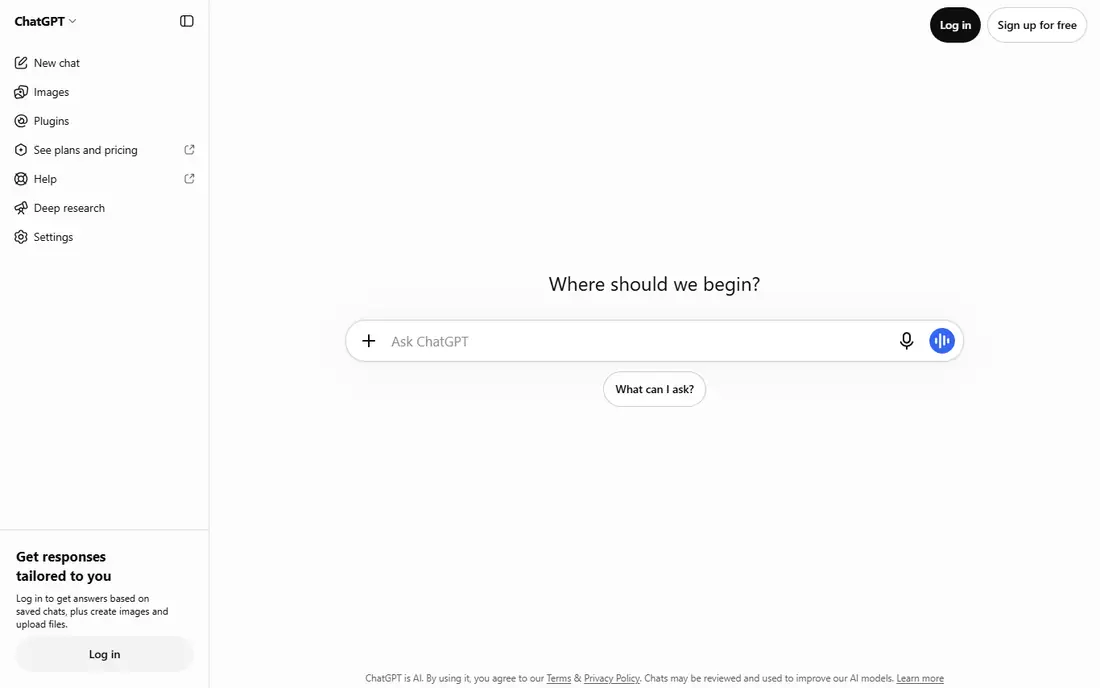
ChatGPT Images, built into ChatGPT, is the easiest generator for most people because you describe a change in plain words and see the result in the same chat. You can ask for a new image, edit an existing one, change a background or restyle a scene, and then ask for another version without learning a new interface. Free users get limited images, while Go starts at $8 per month and Plus at $20 per month. The trade off is control. ChatGPT Images is excellent for everyday graphics, social posts and drafts, but it offers less fine control than Midjourney or Leonardo for a final production image. If you already pay for ChatGPT, start here before buying a second image tool.
- Edit images by describing changes in chat
- Good text rendering
- Easy for beginners
- Included in ChatGPT plans
- Free image limits vary
- Plus at $20 per month is the fuller plan
- Output style can feel generic
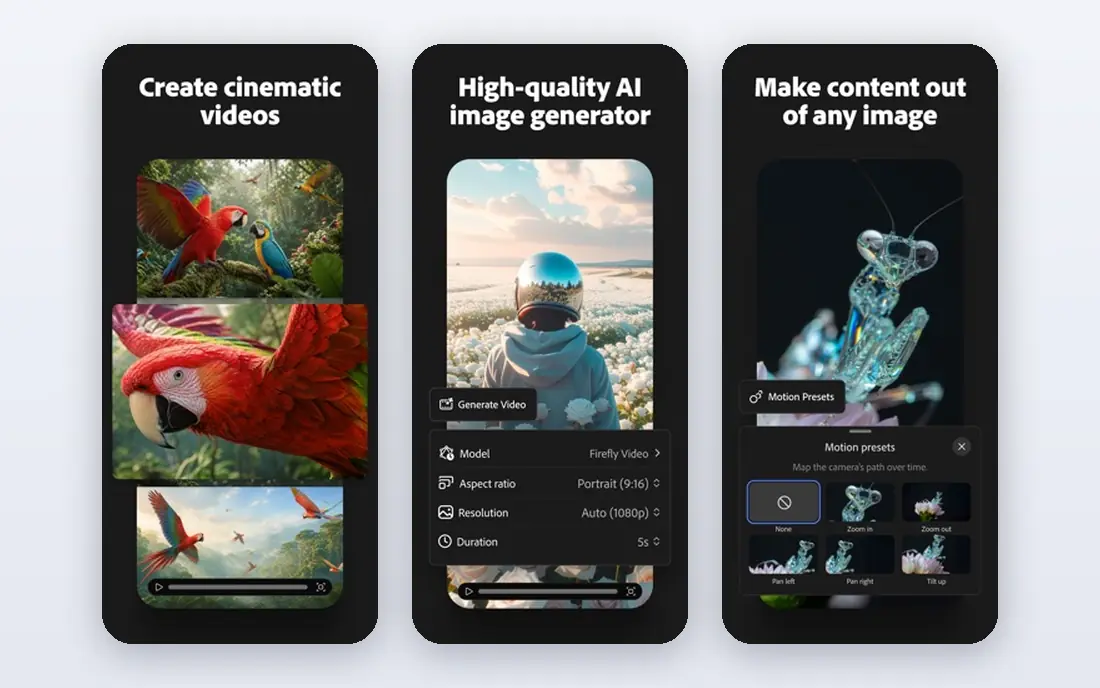
Adobe Firefly is the pick for teams that need to use generated images in client work without licensing worry. Its models are trained with commercial use in mind, and it integrates with Photoshop, Express and other Adobe tools, so you can generate, edit and place an image without leaving your design workflow. Standard plans start at $9.99 per month, with higher tiers at $19.99, $49.99 and $199.99 per month. Credits are the limit. Each plan includes a monthly credit allowance, and heavy generation can use it up before the month ends. If you do not use Adobe tools, a cheaper standalone generator may fit better, but for Adobe users, Firefly is the natural and safest choice.
- Models built for commercial use
- Works inside Photoshop and Express
- Generative fill and boards
- Credit based plans
- Credit limits can run out fast
- Best value needs an Adobe workflow
- Top plans are expensive
Ideogram solves the problem that ruins many AI posters, which is garbled text. It renders words, logos and short phrases far more reliably than most rivals, which makes it the best tool for social graphics, posters, book covers and simple logos. The web app is simple, and you can iterate on a design by editing the prompt and keeping the layout that works. Price is the drawback. Plus costs $20 per month, or $15 per month billed annually, and Pro costs $60 per month, so it is not a cheap casual tool. The free tier gives weekly credits for testing, which is enough to check text quality before you pay. If your images rarely include text, Midjourney or Leonardo may offer better value.
- Best text rendering in this list
- Good for posters, logos and memes
- Commercial use on paid plans
- Simple web app
- Plus starts at $20 per month, or $15 per month billed annually
- Free credits are limited
- Style range is narrower than Midjourney
Leonardo AI is a strong choice for creators who generate a lot of images, especially game art, characters and product mockups. The free tier offers daily tokens, which is more usable than a one off trial, and paid plans start at $12 per month, or $10 per month billed annually, with higher tiers at $30 and $60 per month. Custom model training lets you keep a consistent style across a project. The token system is the learning curve. Different models and sizes use different amounts of tokens, so you need to watch your balance. Once you learn that system, Leonardo offers good volume for the price, and its private generation option on paid plans suits client work better than a public gallery.
- Free daily tokens
- Custom model training
- Good for game assets and product mockups
- Private generations on paid plans
- Token system takes learning
- Best features need a paid plan
- Interface has many options for beginners
Recraft is different from most tools in this list because it generates editable vectors, not just flat images. That matters for logos, icons, illustrations and brand assets, because you can resize a vector without losing quality and edit its shapes and colours in a design tool. Paid plans start from about $10 per month billed annually, with higher tiers for teams. The free tier is useful for testing, but commercial use rules differ by plan, so check the licence before you use a free image in a paid product. For social posts and photos, Midjourney or ChatGPT Images will feel more natural. For a logo set, icon pack or brand illustration, Recraft is the best pick here.
- True vector output
- Icons, illustrations and mockups
- Brand colour controls
- Free tier for testing
- Free images are for personal use in many listings
- Raster style range is narrower
- Paid plans vary by billing
Canva AI, through Magic Media and Canva AI tools, is the best choice when the image is only part of a finished design. You can generate an image, place it in a template, add text and brand colours, and export a post, ad or presentation without switching apps. The free plan includes a limited number of AI uses, while Pro costs about $15 per month billed monthly or $10 per month billed annually. Control is the limit. Canva AI is fast for social graphics, but it does not match Midjourney for artistic depth or Leonardo for custom models. If you already use Canva for design, its AI tools are a natural add on. If you need a final art image, generate it elsewhere and finish it in Canva.
- Image generation inside a full design editor
- Templates and brand kits
- Easy sharing
- Free tier included
- AI uses are limited on free plan
- Heavy AI use may need an AI allowance
- Less control than standalone generators
Google Gemini, including its Nano Banana image model, is excellent for editing a photo and keeping a subject consistent across versions. You can change a background, restyle a scene or fix a detail by describing the change, and Gemini handles text inside images better than many older models. Google AI Plus starts at $4.99 per month, with Pro at $19.99 per month and Ultra from $99.99 per month. Free allowances vary with demand and plan, so heavy users will need a paid tier. Gemini also suits Google users who already store photos and files in Google services, because the workflow stays in one place. For pure art, Midjourney still leads, but for edits and consistent subjects, Gemini is a strong everyday tool.
- Strong photo editing and subject consistency
- Text inside images
- Included in Google AI plans
- Easy chat interface
- Daily allowances vary
- Full features need a paid Google AI plan
- Style control is less than Midjourney
FLUX, from Black Forest Labs, is the pick for developers and advanced users who want high fidelity images with strong prompt following. Its newer models handle typography and detail well, and open weight versions can be run locally if you have suitable hardware. Hosted APIs charge per image, with prices around $0.014 to $0.07 per image in some listings, depending on model and size. That flexibility is also the barrier for beginners. There is no simple consumer subscription to click and start, and you need to choose a host or run the model yourself. If you build apps, pipelines or high volume workflows, FLUX is worth learning. If you want a simple app for a few posters a week, ChatGPT Images or Canva AI will be faster.
- High prompt fidelity
- Strong typography in newer models
- Open weights for self hosting
- Pay per image via APIs
- No simple flat monthly consumer plan
- Setup is harder for beginners
- Hosted prices vary by provider
How we picked these
We compared official pricing pages and published feature descriptions, and we kept only legitimate creative tools that are live in October 2026 and that clearly state their pricing, free limits and commercial terms. We favoured tools that cover different jobs, such as art, text, vectors, editing and finished design, rather than listing nine tools that do the same thing. We did not claim hands on testing, and we did not include tools marketed for undressing people or for non consensual imagery. We also weighed licensing carefully. A tool that is free to try is not always free to use in a paid product, and credit systems mean the headline price is not the whole cost. Check the licence for the plan you buy, keep a record of the tool and prompt for client work, and do not present an AI image as a real photograph.
Using AI images responsibly and well
Match the tool to the job
Use Midjourney for art, Ideogram for text, Recraft for vectors, Firefly for client work in Adobe, and ChatGPT Images or Gemini for quick edits. Trying to force one tool to do every job leads to weak text, wrong licences or wasted credits. Start with the free tier, test the exact job you need, and only then choose a paid plan.
Write prompts with the end use in mind
State the subject, style, setting, lighting and text exactly, and keep the text short for posters and logos. Generate a few versions, pick the strongest, and edit it in a design tool rather than regenerating endlessly. For a brand asset, lock colours and fonts in the design tool, not in the prompt alone.
Respect consent and truth
Only create images of real people with their clear consent, and never create sexual or misleading images of a real person. Label AI images as AI generated when they could be mistaken for a real photo, especially in news, advertising or public posts. If an image could harm someone or mislead a reader, do not publish it.
Frequently asked questions
What is the best app for ai generated images for beginners?
ChatGPT Images and Google Gemini are the easiest starts, because you describe what you want in chat and edit by asking for changes. Canva AI is also easy if you want a finished social design rather than a standalone image.
What are the best apps for AI generated images with readable text?
Ideogram leads for readable text, followed by ChatGPT Images and Google Gemini. Keep text short, check spelling in the output, and regenerate or edit in a design tool if a word is wrong.
What is the best platform for AI generated images for commercial work?
Adobe Firefly is the safest commercial pick inside Adobe workflows, while Recraft suits vectors and brand assets. Always check the licence for your plan, because free tiers often limit commercial use.
Are AI image generators free?
Several offer free tiers, including ChatGPT Images, Firefly, Ideogram, Leonardo, Recraft, Canva AI and Gemini, but free limits are small and paid plans start from about $4.99 to $20 per month depending on the tool. Midjourney has no free tier.
Can I sell images made with AI tools?
It depends on the tool licence and the marketplace rules. Some plans allow commercial use, while free tiers may not, and some marketplaces require disclosure of AI use. Check both the tool licence and the marketplace policy before selling.
How do I avoid fake or misleading AI images?
Label AI images clearly when they could be mistaken for real photos, avoid images of real people without consent, and do not use AI images to support a false claim. Keep the original prompt and tool name on file for client work.
Sources
See where you really rank - block by block
ProMapRanker scans Google Maps across a grid of your service area. Simple monthly plans from $19, white-label on every plan.
Start freeKeep reading
 zscaler alternatives
Best Zscaler Alternatives in 2026
Looking for zscaler alternatives? We compare 9 SASE and zero trust platforms on architecture, data protection, pricing, and fit for your network and team.
Read → zapier alternatives free
Best Zapier Alternatives Free in 2026
Nine automation tools for zapier alternatives free in 2026, all with genuinely free tiers, plus free plan limits, starting prices and upgrade paths explained.
Read → which platform is best for online reputation
Which Platform Is Best for Online Reputation in 2026
Wondering which platform is best for online reputation? We compare 8 review, listing, and response tools for small and multi-location businesses and agencies.
Read →