 ProMapRanker
Best App Blockers in 2026

Key takeaways
- Freedom is the best cross device blocker, because one schedule can cover your phone, laptop and tablet, while Cold Turkey is the strictest option for Windows and Mac.
- If you only need a phone blocker, Opal and AppBlock are strong choices, and ScreenZen and SelfControl cover the basics for free.
- One Sec and Forest work differently from hard blockers, by adding friction or a game layer, and they suit people who keep tapping through a simple block.
- Start with a gentle tool and only move to a strict lock if you keep bypassing it, because a block you disable on day one helps no one.
Quick comparison
| Pick | Great for | Pricing starts at | Free tier | |
|---|---|---|---|---|
 Freedom Freedom | Cross device blocking | $8.99 per month | Free trial | Visit |
 Cold Turkey Cold Turkey | Strict desktop blocking | See website | Yes | Visit |
 Opal Opal | Phone focus with analytics | $99.99 per year | Yes | Visit |
 One Sec One Sec | Friction before distracting apps | $19.99 per year | Yes | Visit |
 Forest Forest | Gamified focus sessions | $3.99 one-time | No | Visit |
 AppBlock AppBlock | Scheduled phone blocking | $4.99 per month | Yes | Visit |
 ScreenZen ScreenZen | Gentle delays and limits | Free | Yes | Visit |
 SelfControl SelfControl | Free strict Mac blocking | Free | Yes | Visit |
 Jomo Jomo | Phone blocking with reflection | $39.99 per year | Yes | Visit |
The best app blockers
We looked for blockers that are still supported in 2026, that actually block apps or websites rather than only tracking time, and that are clear about price and platform limits.
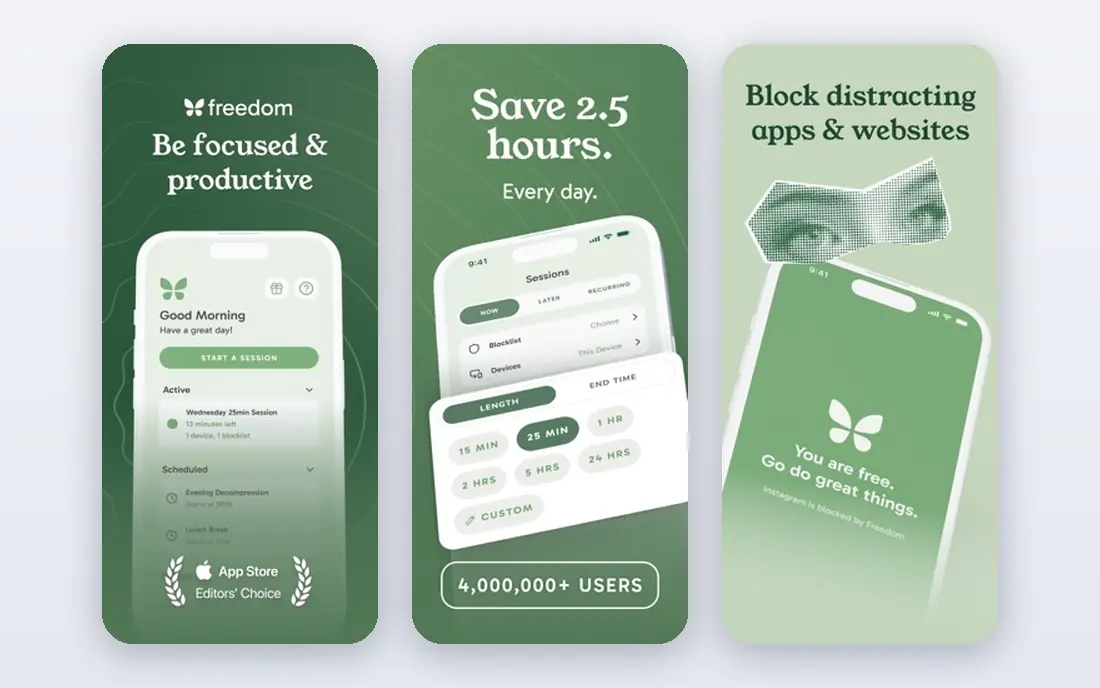
Freedom is our pick for most people who need blocking on more than one device. You create a blocklist once, start a session, and the same block applies to your Mac, Windows PC, iPhone, Android phone or Chromebook, so you cannot simply pick up your phone when your laptop is locked down. Recurring schedules and a locked mode, which prevents ending a session early, make it useful for regular work hours as well as one off deep work blocks.
The drawback is price, at $8.99 per month or $3.33 per month when billed yearly, with a lifetime option also sold. That is more than a phone only blocker, and the iOS version is constrained by Apple limits in ways the desktop version is not. If you only need phone blocking, a cheaper mobile tool will do.
- One schedule syncs across phone and computer
- Blocklists and recurring schedules
- Locked mode for hard sessions
- Monthly price is high compared with single device rivals
- IOS features are more limited than desktop
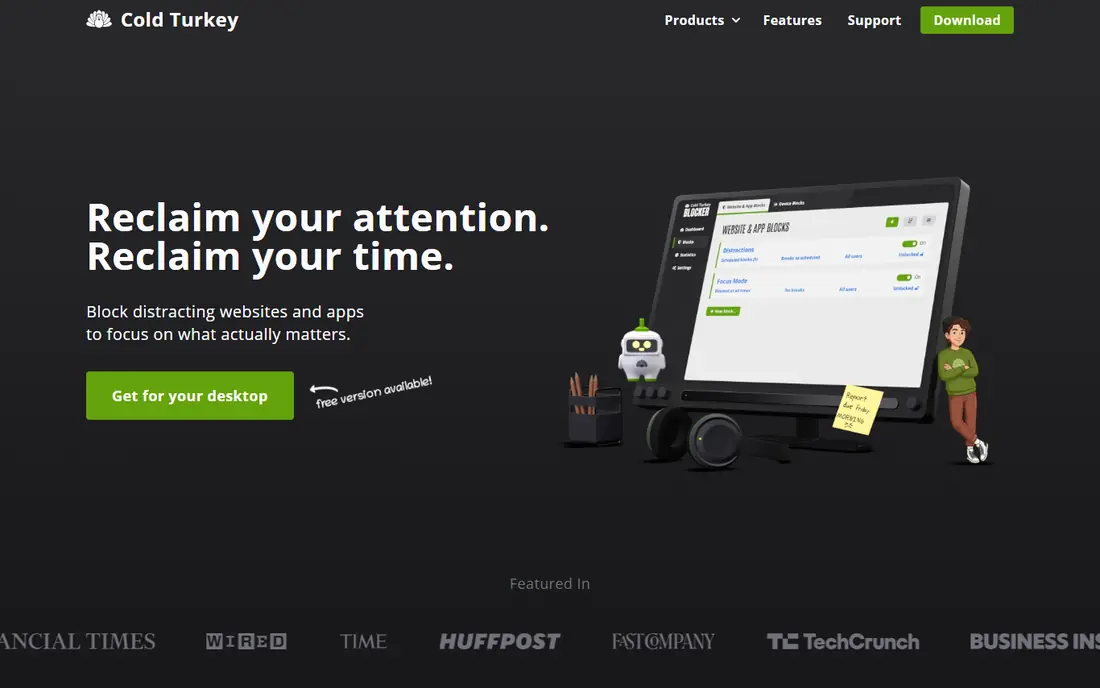
Cold Turkey is the blocker for people who know they will cheat if there is an easy exit. Once you lock a block, it stays in place until the timer ends, even if you restart the computer or try to uninstall the app, and the Pro version adds app blocking, schedules, allowances and password locks. You can block specific sites, whole categories, YouTube channels or your entire computer except for allowed apps, which makes it flexible as well as strict.
Cold Turkey runs on Windows and Mac only and does not sync to your phone, so you need a separate mobile blocker for full coverage. Its free version covers basic website blocking, while Pro is a one time purchase, cheaper over time than a subscription. Start with short blocks, because an eight hour lock on day one leads to frustration.
- Very hard to bypass once locked
- Blocks apps, sites and the whole computer
- Schedules, allowances and pomodoro timers
- Windows and Mac only, with no phone sync
- Strict locks can be stressful if you set them too ambitiously
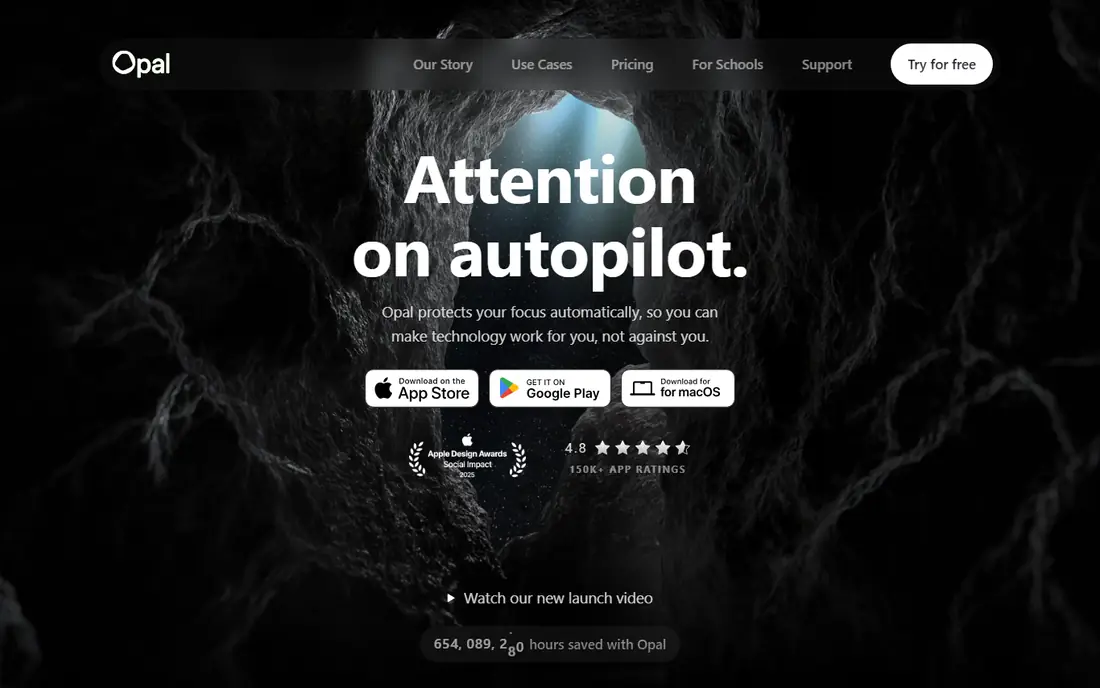
Opal is the best phone first blocker for people who also want to see where their time goes. It blocks distracting apps and websites during sessions, shows screen time analytics and focus reports, and offers deep focus and hard mode settings that make it harder to end a session early. The design is polished, and the reports help you spot which apps actually eat your time, rather than guessing.
The cost is $19.99 per month or $99.99 per year, with a lifetime option also available, which puts Opal at the expensive end for a phone blocker. Its Mac version is more limited than the iPhone version, so it is not a full replacement for Freedom.
- Blocks apps and sites on iPhone
- Screen time analytics and focus reports
- Deep focus and hard mode options
- Annual price is high
- Mac features are narrower than the iPhone version
One Sec takes a gentler approach than a hard blocker, by making you pause and breathe before a distracting app opens. That short delay breaks the automatic habit of opening social media without thinking, and many people find they close the app again instead of scrolling. It is a good fit if you do not want to be locked out of an app entirely, but you do want to stop opening it on autopilot.
The weakness is also the point, because One Sec does not fully block an app, so if you are determined to scroll, you can wait out the pause and proceed. Its annual price is around $19.99, with a free tier for basic use, which makes it cheap to try. Pair it with a hard blocker for your worst apps if friction alone is not enough, and use One Sec for the apps you want to reduce rather than ban.
- Short pause and breathing exercise before opening a distracting app
- Gentle approach that builds awareness
- Works on iOS and Android
- Does not hard block apps, so determined users can still proceed
- Benefits depend on taking the pause seriously
Forest turns a focus session into a small game, because you plant a virtual tree when you start, and the tree grows while you stay focused but dies if you leave the app. That simple mechanic works surprisingly well for study sessions and short work blocks, especially for students and for people who respond to streaks and visual progress. The price is a one time purchase of around $3.99, which makes it one of the cheapest tools in this list.
Forest does not block anything, so it will not stop a determined user, and it suits timed sessions better than all day blocking. Think of it as a focus timer with motivation built in, and pair it with a strict blocker if you need enforcement.
- Growing a virtual tree makes focus sessions feel rewarding
- Simple timer
- Low one time price
- Does not actually block apps, so it relies on your commitment
- Less useful for long workdays than a scheduled blocker
AppBlock is a practical phone blocker built around profiles and schedules. You can create a Work profile that blocks social media during office hours, a Sleep profile that blocks everything late at night, and a Focus profile that allows only essential apps, then let schedules or location trigger them automatically. Strict Mode is the standout feature, because once it is active you cannot disable the block until the timer ends, which removes the temptation to negotiate with yourself.
The free version covers basic blocking, with limits on profiles, session length and statistics, while Premium costs $4.99 per month, $29.99 per year or $89.99 for lifetime access. If you want a reliable, schedule based phone blocker at a fair price, AppBlock is hard to fault.
- Profiles and schedules for work, sleep and study
- Strict mode that cannot be disabled early
- Location based blocking
- Free tier limits profiles and session length
- Interface is functional rather than polished
ScreenZen is the best free app blocker for people who want a nudge rather than a lock. It adds a progressive delay before a distracting app opens, so the wait grows if you keep trying, and it offers daily limits and schedules to cap time on chosen apps. The core features are free, which makes it an easy first step, and the approach feels less punishing than a strict block, so it is easier to keep using.
The trade off is strictness, because a determined user can wait out a delay in a way they cannot escape a locked block. ScreenZen suits people who mainly need to break an automatic habit, or who want to try blocking without paying, and it pairs well with a stricter tool for a single worst app. If you have tried blockers before and uninstalled them because they felt too harsh, start here.
- Free core features
- Progressive delays before distracting apps
- Daily limits and schedules
- Gentler than a hard blocker, so it can be bypassed
- Fewer analytics than Opal
SelfControl is a free, open source Mac app that does one thing with unusual strictness. You add websites to a blocklist, set a timer, and start the block, and the block stays in place until the timer ends, even if you restart your Mac or delete the app. There are no accounts, no subscriptions and no analytics dashboards, just a timer and a list, which is refreshing in a category full of paid plans.
The limits are clear, because SelfControl runs on Mac only, blocks websites rather than apps, and offers no recurring schedules or detailed reports. It is best for focused writing or study sessions on a Mac, where websites are the main distraction. For a free, strict and simple blocker, nothing else in this list matches it, but Windows and phone users will need a different tool.
- Completely free and open source
- Block cannot be stopped until the timer ends, even after a restart
- Very simple to use
- Mac only
- Website blocking only, with no app blocking or schedules
Jomo combines app blocking with reflection, by asking you to note why you want to open a blocked app and offering journaling prompts alongside rules and schedules. That extra step suits people who want to understand their phone habits, not just block them, and the app design is clean and easy to use on iPhone and Android. The free tier covers basic blocking, while the paid plan, at around $39.99 per year, adds unlimited rules and extra features.
Jomo is not as strict as Cold Turkey on desktop or AppBlock strict mode on phones, so it will not suit someone who needs a lock they cannot escape. Its strength is the combination of blocking and reflection, which can help a habit change last longer than a block alone. If you have tried pure blockers and found the urge returns as soon as a session ends, Jomo is worth trying.
- Blocking rules plus journaling and reflection prompts
- Free tier covers basic blocking
- Clean mobile design
- Less strict than Cold Turkey or AppBlock strict mode
- Annual price is high for a phone only tool
How we picked these
We compared official feature pages, pricing pages and app store listings for each blocker, and we favored tools that are still supported in 2026 and that actually block apps or websites, rather than only tracking screen time. We checked platform coverage, because a Mac only tool and a phone only tool solve different problems, and we checked whether a free plan exists and what it limits. We also read public reviews to see where users report the same strengths and frustrations, such as bypass methods, price changes and differences between iOS, Android, Windows and Mac versions.
Choosing the right app blocker
Start with where you actually get distracted, because a phone blocker will not fix a laptop problem, and a laptop blocker will not fix a phone problem.
Match the tool to the device
If you work on a computer, Freedom or Cold Turkey are the strongest options, with SelfControl as a free Mac alternative. If your phone is the problem, Opal, AppBlock, Jomo and ScreenZen cover iPhone and Android in different ways, from strict to gentle. If both devices distract you, Freedom is the simplest single subscription, or pair Cold Turkey on desktop with AppBlock or Opal on your phone.
Use schedules, not willpower
A blocker works best when it starts automatically, because deciding to start a session when tired is exactly when willpower is lowest. Set recurring schedules for peak work hours, and block only the three or four apps that actually steal your time. Blocking thirty apps at once usually backfires.
Frequently asked questions
What is the best free app blocker?
ScreenZen is the best free app blocker for phones, because its core delay and limit features are free, while SelfControl is the best free blocker for Mac, because it is free, open source and very strict for websites. AppBlock and Opal also have useful free tiers, but they limit profiles or features. For cross device blocking, there is no strong free option, so Freedom or a desktop plus phone pairing is needed.
What is the best app blocker for iPhone?
Opal is the best iPhone blocker for most people, because it combines app and website blocking with screen time analytics and hard mode options. AppBlock is a cheaper alternative with strong schedules and strict mode, while One Sec and ScreenZen suit people who prefer friction over a hard lock. Apple system limits mean no iPhone blocker is as strict as Cold Turkey on a computer, so expect some differences between platforms.
What is the best app blocker for Android?
AppBlock is the best Android blocker for most people, because it offers profiles, schedules, strict mode and location based blocking at a fair price. ScreenZen is a good free alternative, and Freedom works well if you also need blocking on a computer. Android allows stronger blocking than iOS in some cases, but exact features still vary by phone maker and Android version.
Do app blockers really work?
App blockers work when they match the habit they are trying to change, because a hard block stops access while friction tools break automatic opening. They work less well when the underlying problem is boredom, unclear work or anxiety, because the urge often returns once a session ends. Pair a blocker with a clear task, a schedule and a phone free workspace for the best results, and treat the blocker as support rather than a cure.
Can I bypass an app blocker?
Most blockers can be bypassed if you are determined, by uninstalling the app, using another device or waiting out a delay, although strict tools such as Cold Turkey and SelfControl make bypassing much harder. That is why covering every device matters, and why strict mode settings exist. If you keep bypassing a blocker, try a stricter tool, shorten the block, or address the task or habit that is driving the distraction.
Is Freedom or Cold Turkey better?
Freedom is better if you need blocking across phone and computer with one synced schedule, while Cold Turkey is better if you need maximum strictness on Windows or Mac and do not mind paying once rather than monthly. Many people use both, with Cold Turkey on desktop and a phone blocker alongside it. Choose Freedom for coverage, Cold Turkey for strictness, and test the free versions before you pay.
Sources
- https://freedom.to
- https://www.getcoldturkey.com
- https://www.opal.so
- https://one-sec.app
- https://www.forestapp.cc
- https://appblock.app
- https://screenzen.co
- https://selfcontrolapp.com
- https://jomo.app
- https://appsvolts.com/distraction-blocking-apps/
- https://blog.apps.deals/freedom-vs-cold-turkey-opal-selfcontrol-mac
See where you really rank - block by block
ProMapRanker scans Google Maps across a grid of your service area. Simple monthly plans from $19, white-label on every plan.
Start freeKeep reading
 zendesk alternatives
Best Zendesk Alternatives in 2026
Compare the best Zendesk alternatives in 2026, from budget help desks to AI-first support tools, with current pricing, free plans, and honest trade-offs.
Read → wordpress alternatives
Best WordPress Alternatives in 2026
Looking for the best WordPress alternatives? We compare 8 free and paid options for blogs, business sites, stores, and developer-led projects in 2026.
Read → which real estate company has the best training
Best Real Estate Company Training in 2026
Compare which real estate company has the best training, from Keller Williams and eXp to Compass and Coldwell Banker, by program, mentor, and fit in 2026.
Read →