 ProMapRanker
Best API Documentation Tools for Developers in 2026

Key takeaways
- The best API docs tool depends on workflow: spec first teams, docs as code teams, and portal teams need different strengths.
- Mintlify and ReadMe lead on polished customer facing portals, while SwaggerHub and Stoplight lead on spec design and governance.
- Scalar and Docusaurus give full control at no license cost, but they need engineering time to host and maintain.
- A try it console matters more than page design, because developers judge docs by how fast they make a first successful call.
- Check versioning, search, and SDK or code sample support before you buy, since those features are painful to add later.
Quick comparison
| Pick | Great for | Pricing starts at | Free tier | |
|---|---|---|---|---|
 Mintlify | Polished developer portals | See website | Yes | Visit |
 ReadMe | Guide heavy developer hubs | See website | Yes | Visit |
 SwaggerHub | OpenAPI design and governance | See website | Yes | Visit |
 Stoplight | Design first API work | See website | Yes | Visit |
 Postman | Docs plus testing in one workspace | See website | Yes | Visit |
 Redocly | Clean API reference rendering | See website | Yes | Visit |
 GitBook | Mixed product and API docs | See website | Yes | Visit |
 Scalar | Light open source OpenAPI docs | Free | Yes | Visit |
 Docusaurus | Full control open source docs | Free | Yes | Visit |
The best API documentation tools for developers
Good API docs do one job well: they get a developer from reading to a working call with as little friction as possible. We compared official feature pages, pricing pages, and public documentation for tools that publish, render, or manage API references, guides, and try it consoles.
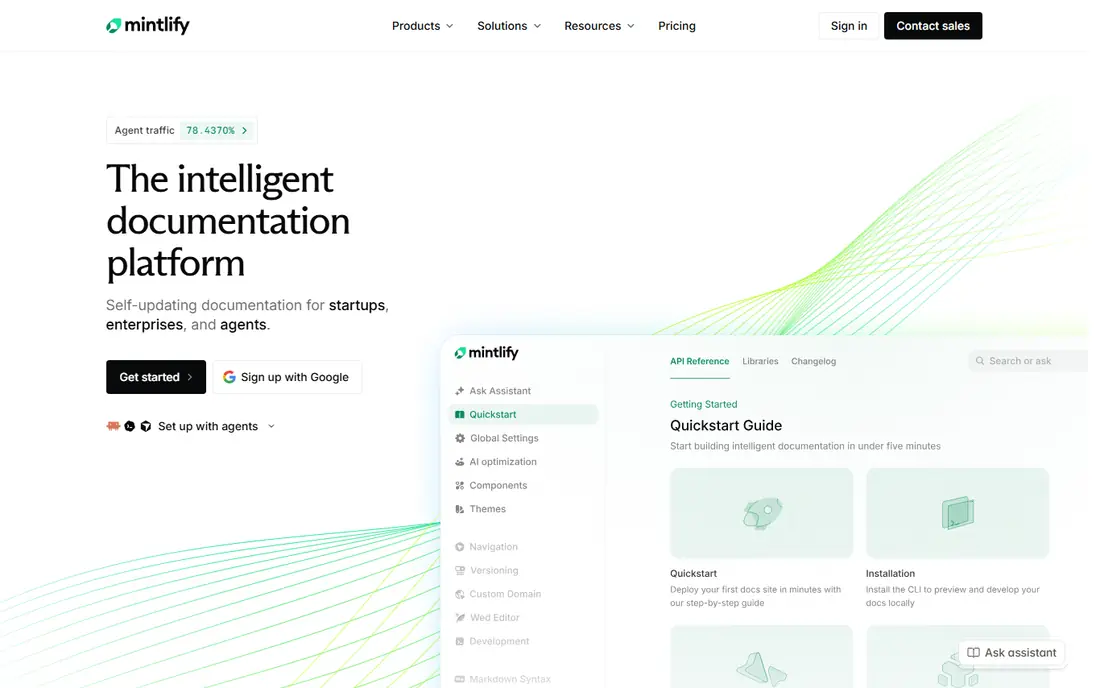
Mintlify turns Markdown and MDX files into a polished developer portal with search, navigation, and API reference pages generated from OpenAPI specs. Teams that already keep docs in Git will like the sync workflow, because a push can update the published site without a separate publishing step. The design quality also helps smaller companies look credible to outside developers.
Pricing is the part to check carefully, since published entry prices have changed over time and higher tiers add AI and analytics features. We would pick Mintlify when the portal itself is a selling point and the team wants a modern look without building a custom docs site.
- Modern portal design
- Git sync for docs as code
- AI assistance and search features
- Paid pricing has risen and varies by plan
- Advanced features sit on higher tiers
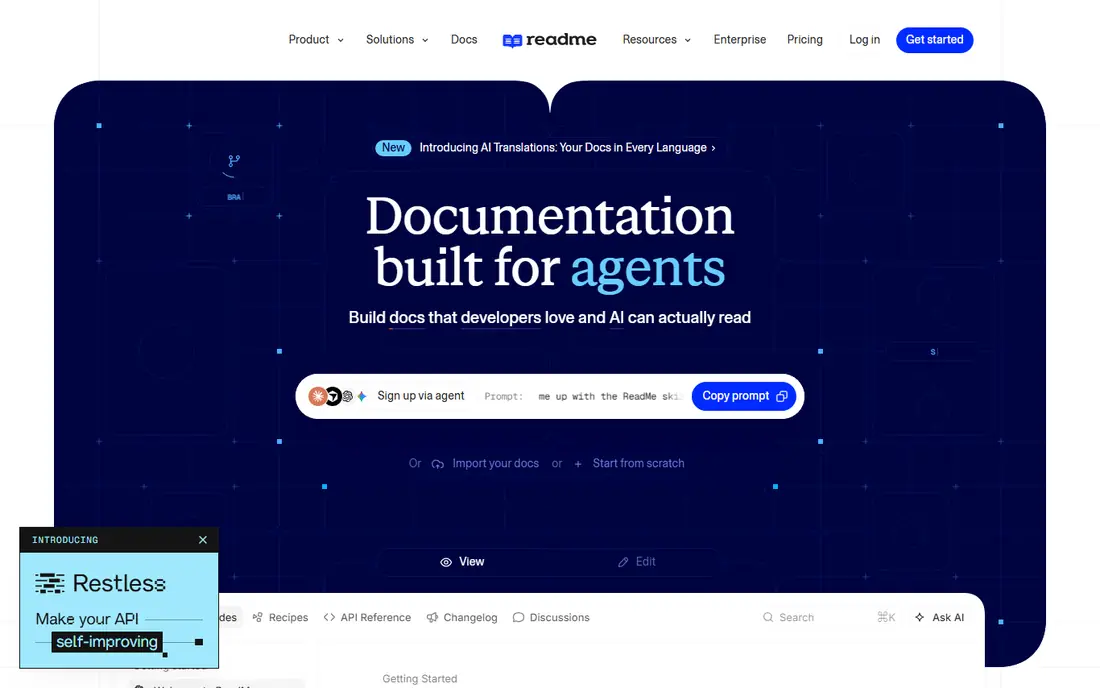
ReadMe suits teams that need more than a reference page. Guides, tutorials, and API references live in one hub, and the try it console lets developers test calls without leaving the docs. Analytics show which endpoints get tried, which guides get read, and where developers drop off, which helps docs teams fix the pages that cause support tickets.
Smaller teams with a single simple API may find the price high for what they need. We would pick ReadMe when onboarding matters, when guides carry real weight, and when the team wants data on how developers actually use the docs.
- Strong guides plus reference in one hub
- Interactive try it console
- Usage analytics
- Paid plans are priced for larger teams
- Simpler reference only sites may overpay
SwaggerHub is the spec first choice in this list. It centers on OpenAPI design, with an editor, collaboration, and governance features that help larger teams keep specs consistent across services. For internal teams and enterprises with many APIs, that governance value often matters more than a glossy public portal.
If the main goal is a beautiful customer facing site, SwaggerHub alone will feel plain, and many teams pair it with a separate portal renderer. We would pick it when spec quality, review, and control come first, and the audience is internal or partner developers.
- Industry standard OpenAPI tooling
- Collaborative spec editing
- Versioning and governance controls
- Portal design is plainer than Mintlify or ReadMe
- Pricing depends on seats and plan
Stoplight helps teams design an API before writing code, using a visual editor that non specialists can review. Specs live in Git, mocks let front end teams work early, and governance rules catch inconsistencies before they reach production. That design first flow suits teams that have been burned by undocumented changes.
Teams that only need to publish an existing spec may find Stoplight heavier than a simple renderer. We would pick it when several teams share APIs, when design review is part of the process, and when mocks would save real development time.
- Visual API designer
- Git based workflow
- Mock servers and governance
- Learning curve for teams new to design first work
- Pricing varies by plan
Postman is already where many developers test APIs, so publishing docs from the same collections removes a duplication step. A collection update can refresh the docs, and readers can try calls in a familiar tool. For internal APIs and partner APIs, that closeness to testing is a real advantage.
For a public developer hub that needs guides, branding, and analytics depth, a dedicated portal tool will look stronger. We would pick Postman docs when the team already lives in Postman, when internal docs matter most, and when testing and docs should never drift apart.
- Docs generated from collections
- Testing and docs in one place
- Large developer familiarity
- Public portal design is less polished than dedicated portals
- Paid seats add up for large teams
Redocly focuses on reference quality. Its renderer produces clean, readable API pages with navigation, code samples, and deprecation notes, and its CLI fits a docs as code workflow. Teams that care about spec correctness and a calm reading experience will appreciate the attention to detail in the output.
The free open source renderer covers basic needs, while the full portal and try it features require paid plans whose price depends on seats and modules. We would pick Redocly when the reference itself is the product, and when the team wants spec tooling plus a polished reader view.
- Elegant reference rendering
- Strong OpenAPI tooling
- CLI for docs as code
- Interactive try it features sit on paid tiers
- Pricing depends on modules and seats
GitBook works well when API docs sit next to product guides, onboarding material, and internal knowledge. One site can hold the whole story, with collaborative editing for writers and engineers alike. Git sync keeps docs close to code for teams that want version control without giving up a friendly editor.
Pricing needs a careful read, because it combines site charges with per user charges, and some AI features are metered separately. We would pick GitBook when the docs site must cover more than APIs, and when several non technical writers will edit alongside developers.
- Product docs and API docs in one site
- Collaborative editing
- Git sync option
- Pricing combines site and per user charges
- API explorer depth varies by plan
Scalar is the lightest serious option here. Feed it an OpenAPI spec and it renders a clean, modern reference with a try it console, without license cost or a heavy platform. Small teams and open source projects can ship good docs quickly, and larger teams can embed it inside a custom site.
What it does not give is a managed portal: hosting, guides, analytics, and multi API hubs need separate work. We would pick Scalar when the spec is solid, the budget is tight, and the team is comfortable owning hosting and design.
- Free and open source
- Fast setup from an OpenAPI spec
- Clean modern reader
- No hosted portal management out of the box
- Guides and analytics need extra work
Docusaurus is a general docs site generator that many engineering teams already trust. It gives full control over layout, versioning, search, and content structure, and it handles large doc sets well. API reference pages can be added with plugins such as Redoc, so the site can grow from guides to full references over time.
The cost is engineering time. Hosting, plugins, upgrades, and design all sit with the team, which suits platform teams but not small teams that want a managed portal. We would pick Docusaurus when control, versioning, and a large docs estate matter more than speed of setup.
- Free and open source
- Full control over design and content
- Strong Markdown and MDX support
- API reference needs plugins
- Setup and maintenance fall on the team
How we picked these
We compared official feature pages, pricing pages, and public documentation for tools that publish API references, guides, or try it consoles. We kept only tools that exist and work today, and we used See website for starting prices where vendor pricing had changed across sources or depended on seats, sites, or modules. We did not claim hands on testing, and we favored tools with clear OpenAPI support, a working try it path, and a maintenance workflow a real team can sustain.
What to check before you pay
Start with the spec, not the theme. If your OpenAPI spec is incomplete or out of date, no portal design will fix developer frustration. Check how each tool imports, validates, and refreshes specs, and how it handles versioning when endpoints change.
Next, test the first call path. Can a new developer find the auth step, copy a working example, and run a call without leaving the docs. If auth, examples, or error guidance are weak, support tickets will fill the gap the tool was meant to close.
Finally, check ownership. Who updates docs when the API changes, and does that update happen in Git, in a web editor, or in both. A tool that fits the team's existing workflow will stay current, while a tool that needs a separate publishing ritual will drift within a few releases.
Frequently asked questions
What is the best API documentation tool for a small team?
Scalar or Docusaurus suit small teams with engineering time and a tight budget, while Mintlify suits small teams that want a polished hosted portal without building one. The right pick depends on whether you value control or speed more.
Do I need OpenAPI to use these tools?
Most tools here work best with OpenAPI, but guides and tutorials can live alongside a reference in tools such as ReadMe and GitBook. If you have no spec yet, start by writing one, since it feeds reference pages, code samples, and try it consoles.
Can Postman replace a dedicated docs portal?
Postman can cover internal docs and partner docs well, especially when testing and docs share collections. For a public hub with heavy guides, branding, and analytics, a dedicated portal such as Mintlify or ReadMe usually serves readers better.
How do docs as code workflows work?
Docs live as Markdown or MDX files in Git, and a push updates the published site. That keeps docs versioned with code, lets engineers review doc changes like code changes, and reduces the chance that published docs lag behind the API.
What features matter most for developer onboarding?
Clear auth guidance, working code samples, a try it console, and a quick start guide matter most. Search and versioning matter next, because developers need to find the right endpoint for the API version they actually use.
Sources
See where you really rank - block by block
ProMapRanker scans Google Maps across a grid of your service area. Simple monthly plans from $19, white-label on every plan.
Start freeKeep reading
 zoro.to alternatives
Best Zoro.to Alternatives in 2026
We compare the best zoro.to alternatives in 2026, listing only legal licensed anime streaming services, from Crunchyroll to free options for fans today.
Read → zip alternatives
Best Zip Alternatives in 2026
We compare the best zip alternatives for buy now, pay later in 2026, covering pay-in-4 plans, fees, spending limits, and credit reporting options today.
Read → yesware alternatives
Best Yesware Alternatives in 2026
Compare the best yesware alternatives for sales email tracking, templates, and sequences, with current pricing and honest tradeoffs for small sales teams.
Read →