 ProMapRanker
Best API Documentation Tools in 2026

Key takeaways
- The best tool depends on whether docs are for external developers, internal teams, or both.
- ReadMe and Mintlify suit polished external portals, while SwaggerHub and Stoplight suit design-first API work.
- Postman suits teams that already test APIs there, since docs can live beside collections.
- OpenAPI support, Git sync, and an interactive playground matter more than a pretty template alone.
Quick comparison
| Pick | Great for | Pricing starts at | Free tier | |
|---|---|---|---|---|
 ReadMe | Complete developer hubs | See website | Free trial | Visit |
 Mintlify | Polished docs from markdown | See website | Free trial | Visit |
 SwaggerHub | OpenAPI design and collaboration | See website | Free trial | Visit |
 Postman | Docs beside API testing | Free | Yes | Visit |
 Stoplight | Design-first API governance | See website | Free trial | Visit |
 Redocly | High-quality API reference | See website | Free trial | Visit |
 GitBook | Guides with Git workflows | See website | Yes | Visit |
 Docusaurus | Free open source docs sites | Free | Yes | Visit |
 Fern | Docs plus SDKs in sync | See website | Free trial | Visit |
The best api documentation tools
API documentation tools turn a spec, a collection, or markdown files into docs developers can read, search, and test. The nine below cover external portals, internal reference, and design-first workflows.
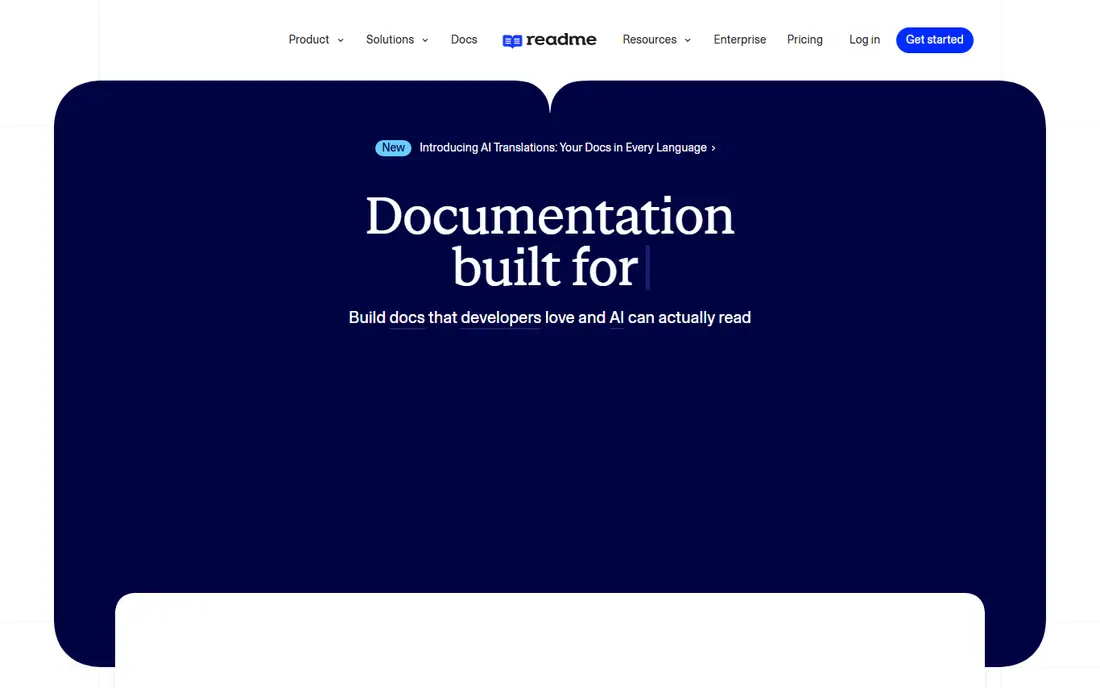
ReadMe is built for companies whose API is a product. It combines guides, tutorials, and API reference in one hub, with an interactive playground where developers can try calls with their own keys. Analytics show which endpoints get tried, where developers drop off, and which pages need better examples.
That completeness comes at a price that varies by project and features, so small teams should check the entry plan carefully. If your API is internal only, a simpler tool may be enough. If external adoption drives revenue, ReadMe analytics and playground features help you see where onboarding fails and fix it.
- Interactive playground with real calls
- Developer analytics
- Guides plus reference in one hub
- Quote-based pricing on higher plans
- Can be more than a small team needs
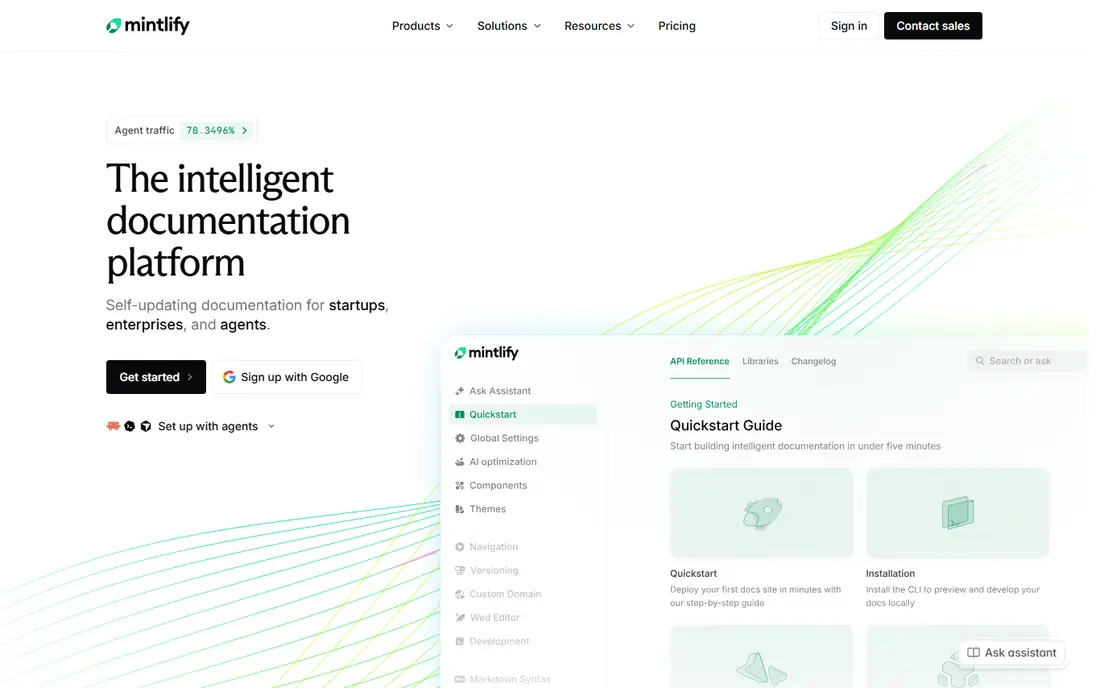
Mintlify turns markdown files in a Git repository into a polished developer site with little design work. Docs update when code or markdown changes, and OpenAPI specs generate reference pages automatically. AI features can draft endpoint descriptions and answer questions from your docs, which helps small docs teams keep up.
Pricing has risen for team plans, so confirm the current plan before committing a whole docs site to it. For a startup that wants a modern portal without hiring a docs engineer, Mintlify is one of the fastest routes. For a team that needs deep custom design, an open source site may give more control.
- Clean modern design
- Git sync with markdown
- AI-assisted drafting and search
- Paid plans are priced for teams, not hobby projects
- Customisation has limits
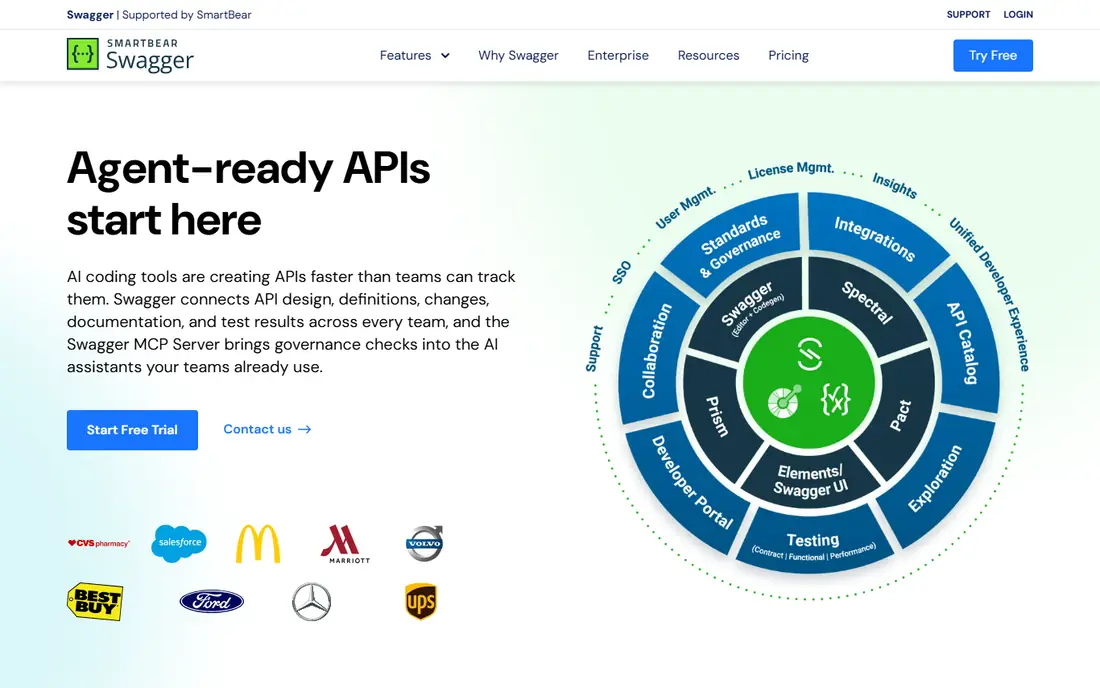
SwaggerHub is the design-first home of the Swagger and OpenAPI ecosystem. Teams can design an API in the editor, validate the spec, collaborate on changes, and publish reference docs from the same source. Versioning and mock servers let front-end teams work before the back end is finished.
The docs it produces are functional rather than beautiful, so companies that need a marketing-grade portal often pair SwaggerHub with another front end. If your team already works in OpenAPI and values spec governance, SwaggerHub keeps design, review, and docs in one place. Check the current team pricing, since it varies with users and features.
- Industry-standard OpenAPI editing
- Collaboration and versioning
- Mock servers and validation
- Docs presentation is plainer than ReadMe or Mintlify
- Pricing varies by team size
Postman is the natural docs choice for teams that already build and test APIs in Postman. Collections can generate documentation with parameters, examples, and authentication details, and updates flow from the collection to the docs. Developers who already use Postman need no new tool to read or try your API.
The docs experience is less portal-focused than ReadMe or Mintlify. Guides, custom landing pages, and analytics are thinner on lower plans, and the best presentation features sit on paid tiers. If testing and docs must stay together, Postman wins on convenience. If external marketing of the API matters most, compare a dedicated portal as well.
- Free core plan
- Docs generated from collections
- Huge existing user base
- Docs are secondary to testing for many teams
- Advanced portal features need paid plans
Stoplight suits teams that want non-technical stakeholders in API design reviews. Its visual editor lets product managers and reviewers see endpoints, models, and examples without editing YAML by hand. Style rules and governance checks catch inconsistent naming and missing descriptions before a spec is published.
Docs generated from Stoplight are clear and usable, though less polished than Mintlify or ReadMe out of the box. Pricing depends on plan and users, so get a quote for your team size. For a design-first programme with governance needs, Stoplight offers a balance of visual editing and spec discipline that few rivals match.
- Visual API design without manual YAML
- Spec governance and style rules
- Git-based workflows
- Pricing varies by plan
- Docs design is more functional than premium portals
Redocly is known for clean API reference pages that load fast and read well on large specs. Its open source Redoc renderer is widely used, and the paid platform adds portals, governance, and collaboration. Linting and bundling tools help large teams keep a complex OpenAPI spec consistent across services.
Pricing can be harder to forecast than a single per-user fee, since seats, modules, and projects can all affect the total. The interactive playground also sits in paid plans for some customers, so check that before assuming try-it-out is included. For reference quality on a large API portfolio, Redocly is a strong contender.
- Clean, fast reference rendering
- Strong OpenAPI linting and bundling
- Enterprise governance options
- Interactive playground is a paid feature in some plans
- Pricing has several components
GitBook works well when API docs sit beside product guides, internal wikis, and onboarding docs. Technical and non-technical writers can edit visually, while Git sync keeps docs in version control for engineering teams. That mix helps companies that do not want a separate tool for every kind of documentation.
API-specific features, such as a playground, are present but less central than in ReadMe. Pricing also combines site and user charges, so model the total for your team. If your docs include guides, changelogs, and API reference together, GitBook keeps them in one place with a consistent design.
- Visual editor for mixed teams
- Git sync
- API guides plus wider product docs
- API playground is less central than in ReadMe
- Pricing combines sites and users
Docusaurus is the free, open source route to a docs site you fully control. Built by Meta, it turns markdown and MDX files into a fast site with search, versioning, and theming. Many open source projects use it because there is no vendor lock-in and no per-user fee.
The cost is your time. You set up hosting, search, and any API playground through plugins, and you maintain upgrades yourself. For a team with web skills and a tight budget, that trade is worth it. For a team that wants a managed portal with analytics and AI search out of the box, a paid tool will save weeks.
- Completely free and open source
- Full control over design and hosting
- Markdown and MDX support
- You build and host it yourself
- API playground needs plugins or extra work
Fern generates docs, SDKs, and client libraries from a single API definition, so code samples and SDKs stay in step with the API itself. That matters for companies whose developers use SDKs more than raw HTTP calls, since out-of-date SDKs cause support tickets. The resulting docs site is clean and modern.
Fern is newer than SwaggerHub or Postman, so its ecosystem and third-party integrations are narrower. Pricing also needs a conversation for larger use. If SDK quality is as important as docs quality for your API, Fern is worth a trial. If you only need reference pages, a simpler tool may be enough.
- Docs, SDKs, and API reference from one definition
- Clean design
- API changelog features
- Newer and narrower ecosystem than SwaggerHub
- Pricing is quote-based for larger use
How we picked these
We compared official product pages, pricing pages, and recent comparisons for API documentation tools that still work in October 2026. We included external portals, design tools, testing-linked docs, and an open source option, and we favoured OpenAPI support, Git workflows, and an interactive way to try endpoints. Prices marked See website reflect tiered or quote-based pricing that varies with users, projects, and features.
How to choose an API documentation tool
Start with the reader. External developers need guides, a playground, and clear authentication steps. Internal teams need accurate reference, version history, and search. A tool that serves both is ideal, but if you must choose, serve the reader who drives adoption or support load first. Next, check your source of truth. If you already maintain an OpenAPI spec, pick a tool that renders it well. If docs live in markdown, pick a Git-synced tool.
Then test the playground with a real key and a real endpoint, not a demo spec. Check error messages, code samples in your main languages, and how version changes appear to readers. Finally, confirm who will maintain docs after launch. A beautiful portal that no one updates becomes a liability, so choose a workflow your team will actually use on every release.
Frequently asked questions
What is the best api documentation tool?
ReadMe suits complete external hubs, Mintlify suits polished markdown portals, and SwaggerHub suits OpenAPI design teams. Postman suits teams that already test in Postman, while Docusaurus suits free, self-hosted docs. The best pick depends on audience, source format, and budget.
What are the best api documentation tools for OpenAPI?
SwaggerHub, Redocly, Stoplight, and Mintlify all handle OpenAPI well, with different strengths. SwaggerHub leads on design collaboration, Redocly leads on reference rendering, Stoplight leads on visual design and governance, and Mintlify leads on polished presentation from specs and markdown.
Is there a free API documentation tool?
Yes. Postman has a free core plan, GitBook has a free tier, and Docusaurus is completely free and open source. Free tiers cover many small projects, though advanced portal features, analytics, and team controls usually need a paid plan.
Do I need a playground in API docs?
A playground helps developers try calls without leaving docs, which speeds up first success and reduces support questions. It matters most for external APIs. For internal reference, accurate specs and examples may matter more than a live try-it console.
How often should API docs be updated?
Docs should update with every API release, including new endpoints, changed fields, and deprecations. Tools with Git sync or spec-driven generation make this easier, since docs can update from the same change that updates code. Review guides and examples at least once per quarter for accuracy.
Sources
See where you really rank - block by block
ProMapRanker scans Google Maps across a grid of your service area. Simple monthly plans from $19, white-label on every plan.
Start freeKeep reading
 zscaler alternatives
Best Zscaler Alternatives in 2026
Looking for zscaler alternatives? We compare 9 SASE and zero trust platforms on architecture, data protection, pricing, and fit for your network and team.
Read → zapier alternatives free
Best Zapier Alternatives Free in 2026
Nine automation tools for zapier alternatives free in 2026, all with genuinely free tiers, plus free plan limits, starting prices and upgrade paths explained.
Read → which platform is best for online reputation
Which Platform Is Best for Online Reputation in 2026
Wondering which platform is best for online reputation? We compare 8 review, listing, and response tools for small and multi-location businesses and agencies.
Read →