 ProMapRanker
8 Strong API Documentation Management Software Options in 2026


Managing OpenAPI design and documentation together · Pricing starts at: See website
Direct answer
Stoplight comes first here, mainly for managing OpenAPI design and documentation together. For a different need, Scalar covers modern open source API documentation and ReadMe covers developer portals that drive API adoption. All 8 tools are compared below on price, free plan and limits.
Key takeaways
- The list opens with Stoplight, aimed at managing OpenAPI design and documentation together.
- Stoplight, Zuplo and the 6 others all sell by quote; expect sales conversations before you see a price.
- Zuplo is the one to check for programmable gateway with great docs.
- The main caution on ReadMe: pricing scales with usage, customization has limits, best for public instead of internal docs.
Quick comparison
| Pick | Great for | Pricing starts at | Free tier | |
|---|---|---|---|---|
| Stoplight | Managing OpenAPI design and documentation together | See website | Yes | Visit |
 Scalar | Modern open source API documentation | See website | Yes | Visit |
 ReadMe | Developer portals that drive API adoption | See website | Yes | Visit |
 Kong | Documentation inside the API system | See website | Free trial | Visit |
 Bump.sh | Documentation made for humans and AI agents | See website | Free trial | Visit |
 Gravitee | API management for the AI agent era | See website | Free trial | Visit |
 Redocly | Beautiful reference docs from OpenAPI specs | See website | Free trial | Visit |
 Zuplo | Programmable gateway with excellent docs | See website | Yes | Visit |
Tool-by-tool breakdown
If you are comparing API documentation management software, this page covers 8 tools in one place: what each is best for, what it costs to start, whether it has a free plan, and the main limit to know about.
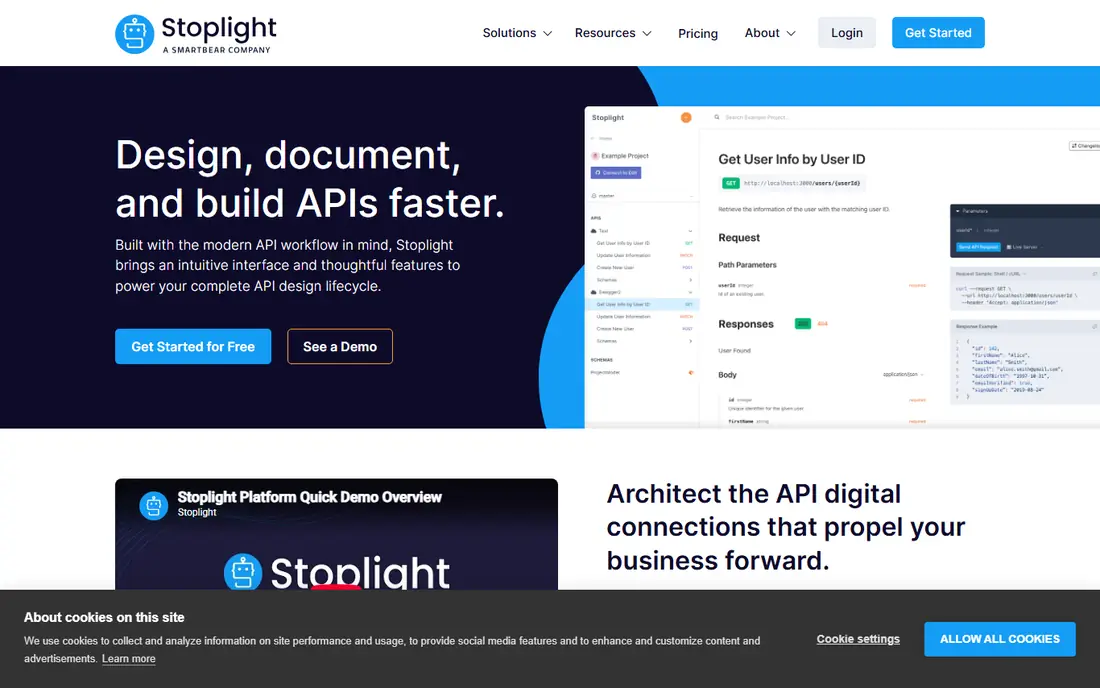
Where Stoplight fits: managing OpenAPI design and documentation together. Stoplight handles documentation from the design stage: teams design APIs in OpenAPI, govern the specs, and publish documentation that stays synchronized.
Upsides: decent collaboration for API teams.
Where it falls short: pricing for advanced features. But organizations serious about API governance get documentation management as a natural output of decent design. No starting price is listed for Stoplight here; confirm pricing on the vendor site. Stoplight has a free plan.
- Design-first OpenAPI workflow
- Docs generated from governed specs
- Design-centric model needs team buy-in
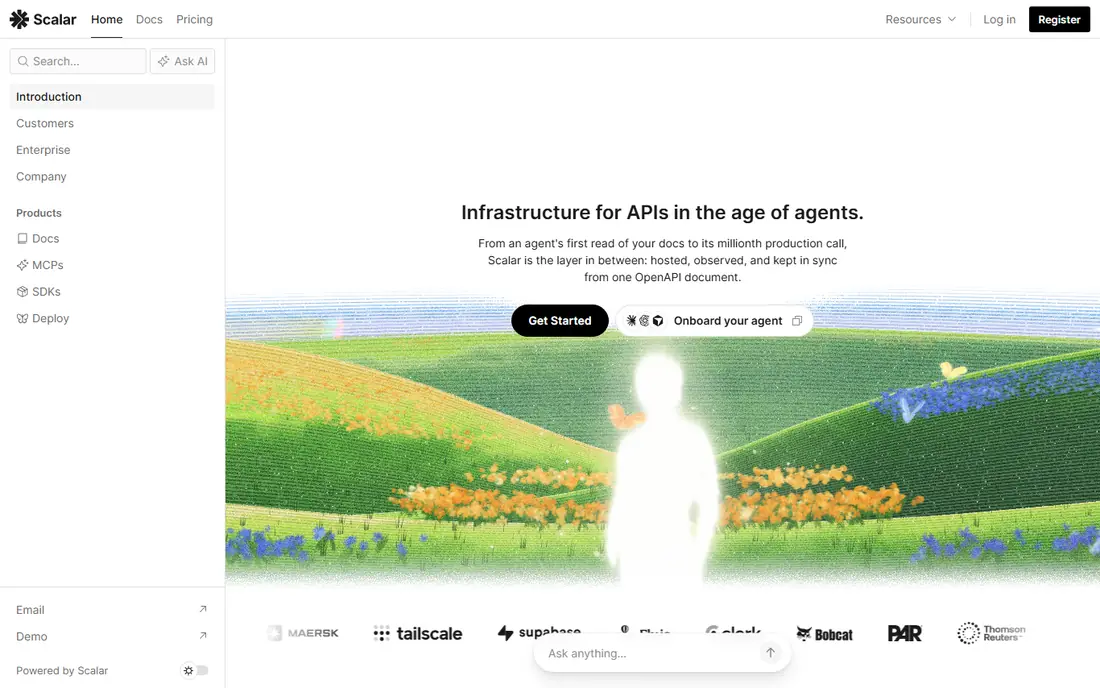
Scalar works best for modern open source API documentation. Scalar brings modern design to open source API documentation: beautiful references, an integrated API client. A registry vision, all with open source roots.
Points against: Newer project.
Developers who want excellent docs without vendor lock-in get the most exciting new choice. As a newer project, enterprise proof points are fewer. But the design quality and open source model make Scalar the one to watch, and already the right choice for teams valuing openness. Check the vendor site for Scalar pricing; none is listed in this comparison. Scalar has a free plan.
Best features of Scalar: Beautiful modern API references.
- Decent API client included
- Open source core
- Ecosystem smaller than incumbents, enterprise features developing
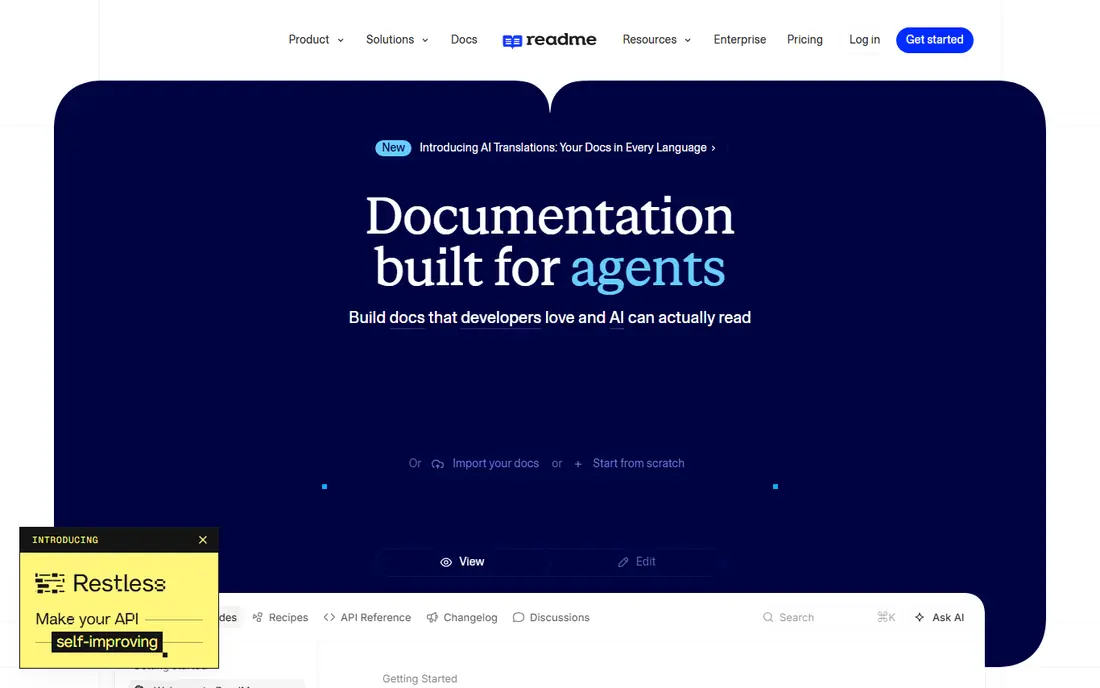
In short, ReadMe is for developer portals that drive API adoption. Internal-only API programs get less value; ReadMe shines for public and partner APIs.
Best features of ReadMe: capable for public APIs.
Worth adding: the free plan covers getting started genuinely well. ReadMe does not show a starting price in this comparison, so check the vendor site for current pricing. ReadMe has a free plan. Drawbacks to consider: Pricing scales with usage, customization has limits.
- Solid metrics on doc usage
- Beautiful developer hubs from day one
- Best for public instead of internal docs
Kong is built with documentation inside the API platform in mind. APIs and their documentation stay managed together. Kong handles documentation as part of its API system: the developer portal publishes docs alongside gateway management, analytics, and lifecycle governance.
As for the details, buyers wanting only documentation get more system than needed. But organizations standardizing on Kong for API management get the docs portal as a natural, integrated component. Kong shows no starting price here, so confirm the cost on the vendor site. Free plan details: Free trial.
Where it falls short: System breadth needs commitment, pricing enterprise-oriented.
- Docs as part of the full API lifecycle
- Capable gateway and management pairing
- Docs are one module among many
Bump.sh was built for documentation made for humans and AI agents. The agent angle reflects where API consumption is heading.
Where it shines: forward-looking agent-readable docs.
Check the vendor site for Bump.sh pricing; none is listed in this comparison. As for free access: Free trial.
Downsides: narrower feature set than products, newer market entrant.
- Straightforward deployment
- Clean docs from OpenAPI with diff tracking
- Smaller vendor
Think of Gravitee for API management for the AI agent era. Gravitee's current positioning as the AI agent management product extends its API gateway roots: managing the APIs that AI agents consume, with documentation as part of the package. From a buyer's view, the direction anticipates how API usage is changing.
Strengths: adaptable deployment; decent API gateway foundation.
Worth adding: the agent narrative is newer than the gateway product. But teams thinking about API strategy for both human developers and AI consumers get a vendor thinking in the right direction. Check the vendor site for Gravitee pricing; none is listed in this comparison. Trial and free access: Free trial.
- Solid portal capabilities
- Forward-looking agent management positioning
- Newer positioning still proving out, enterprise pricing, crowded management category
Redocly is aimed squarely at beautiful reference docs from OpenAPI specs. Redocly renders OpenAPI specifications into quick, beautiful reference documentation: the three-panel layout API developers expect, with search and try-it functionality. For everyday use, large specs that choke other renderers perform well.
As for the details, full developer portals with guides need extra tooling. But for the reference documentation core, Redocly's rendering quality and spec fidelity are the category's best. This comparison lists no price for Redocly; ask the vendor. On free options: Free trial.
Best features of Redocly: respected by API teams.
Points against: Reference-focused instead of full portal, pricing needs evaluation.
- Very good OpenAPI rendering
- Solid customization
- Advanced features in higher levels
Pick Zuplo if this describes you: programmable gateway with excellent docs. Zuplo's unified gateway for APIs, AI, and MCP comes with documentation publishing: developers handle gateway config and docs in Git-based workflows they already understand.
Limits to weigh: smaller ecosystem than Kong.
Strengths: decent documentation portal.
From a buyer's view, the ecosystem is smaller than established rivals. Check the vendor site for Zuplo pricing; none is listed in this comparison. Zuplo includes a free tier.
- Ample free level
- Modern Git-based workflow
- Newer vendor
More on API documentation management software
For API-first firms, documentation is not a supplement to the product; it is the product's front door. For everyday use, developers evaluate, adopt, and troubleshoot through docs, and the quality of that experience straight determines adoption.
How we chose
ProMapRanker used vendor pricing pages and product documentation as the base, then compared plans, free access and documented limits for 8 tools. Prices and plan limits come from vendor pages and can change, so confirm them on the vendor site before you buy. The sequence is a judgement call: typical use case first, then pricing transparency, then free access. Use the profiles to check fit.
Pre-purchase checklist
- Request quotes from Stoplight, Zuplo and the others; the list shows no fixed prices.
- Check what the free option really includes: Stoplight, Scalar, ReadMe and Zuplo offer a free plan, and usage caps differ.
- Use real work to test the free trial from Kong, Bump.sh, Gravitee and Redocly, rather than a demo project.
- Before choosing Stoplight, weigh its main limit: design-centric model needs team buy-in, pricing for advanced features, ramp-up time for spec-driven workflows.
- Look at the renewal terms for Gravitee: auto-renewal, notice periods and price changes can matter more than the first-year price.
- Make sure Scalar lets you export your data in a format another tool can read.
Frequently asked questions
Which options for API documentation management software have a free plan?
On this list, Stoplight, Scalar, ReadMe and Zuplo include a free plan. Caps on seats, usage or features are common, so test the free plan against your real workload. Several others offer a trial instead.
How are the tools for API documentation management software ordered?
Stoplight sits first and Zuplo last because the order follows typical fit for API documentation management software, then price clarity and free access. It is a judgement call, so read each profile for fit and limits.
Can I try these options before paying?
Often, yes. Stoplight, Scalar, ReadMe and Zuplo have a free plan and Kong, Bump.sh, Gravitee and Redocly offer a free trial. Use your own data and a real task during the test, and check what the free tier or trial limits before you rely on it.
Is Stoplight the right pick for everyone comparing API documentation management software?
No single tool suits every team. Stoplight comes first because it fits managing OpenAPI design and documentation together, while Scalar suits modern open source API documentation and ReadMe suits developer portals that drive API adoption. Match the tool to your own size, budget and workflow before deciding.
Sources
See where you really rank - block by block
ProMapRanker scans Google Maps across a grid of your service area. Simple monthly plans from $19, white-label on every plan.
Start freeKeep reading
 zscaler alternatives
Best Zscaler Alternatives in 2026
Looking for zscaler alternatives? We compare 9 SASE and zero trust platforms on architecture, data protection, pricing, and fit for your network and team.
Read → zapier alternatives free
Best Zapier Alternatives Free in 2026
Nine automation tools for zapier alternatives free in 2026, all with genuinely free tiers, plus free plan limits, starting prices and upgrade paths explained.
Read → which platform is best for online reputation
Which Platform Is Best for Online Reputation in 2026
Wondering which platform is best for online reputation? We compare 8 review, listing, and response tools for small and multi-location businesses and agencies.
Read →