 ProMapRanker
Best API Development Tools in 2026

Key takeaways
- Postman still covers the full API lifecycle, but its free plan now suits a single user, so small teams should compare the paid seat cost first.
- Bruno and Hoppscotch give strong free clients for developers who prefer local files or a browser tab over a heavy cloud platform.
- Apidog and SwaggerHub suit teams that want design, documentation, and testing tied to one shared specification.
- SoapUI remains the practical pick when SOAP services and older enterprise integrations are part of the job.
- Start with the protocols, collaboration style, and mocking needs of your team, not with the longest feature list.
Quick comparison
| Pick | Great for | Pricing starts at | Free tier | |
|---|---|---|---|---|
 Postman | Full API lifecycle for teams | $9 per month | Yes | Visit |
 Insomnia | Design-first API work | $12 per user per month | Yes | Visit |
 Bruno | Local-first Git workflows | $6 per user per month | Yes | Visit |
 Hoppscotch | Fast browser-based testing | $6 per user per month | Yes | Visit |
 Apidog | All-in-one team API work | $9 per user per month | Yes | Visit |
 SwaggerHub | OpenAPI design and docs | $90 per month | Free trial | Visit |
 Stoplight | Visual API design | $99 per month | Yes | Visit |
 SoapUI | SOAP and REST testing | Free | Yes | Visit |
 Thunder Client | Testing inside VS Code | $3 per user per month | Yes | Visit |
The best api development tools
We compared clients, design platforms, and testing tools that developers actually use day to day. The list below covers solo work, small teams, and larger organisations with stricter governance needs.
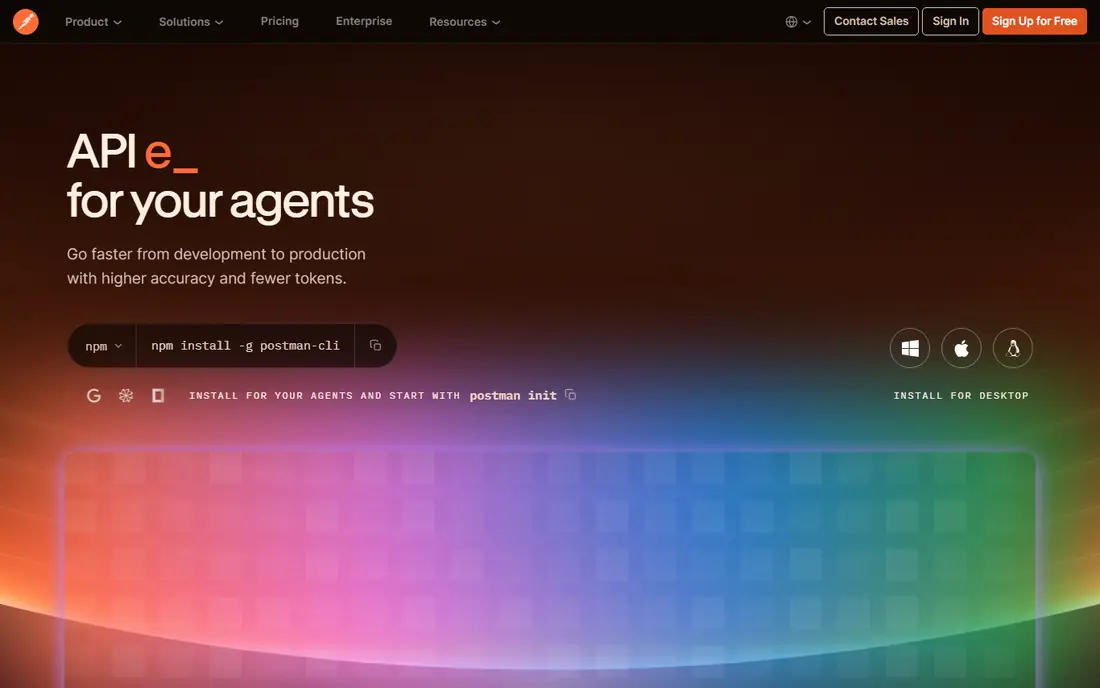
Postman is the most complete option here, and that breadth is its main selling point. You can design an API, save requests in collections, build mocks, run monitors, and publish documentation without leaving one workspace. For a team that shares APIs across product, QA, and support, that shared home saves a lot of back-and-forth.
The catch is cost and weight. The free plan now works for one person, and a team needs paid seats to collaborate in shared workspaces. Solo developers and small teams should check the current seat price before they build a whole workflow around Postman, because cheaper clients cover everyday request testing well.
- Broad protocol support
- Strong collections, mocks, and monitors
- Large public API network
- Team pricing adds up quickly
- Free plan is limited to one user
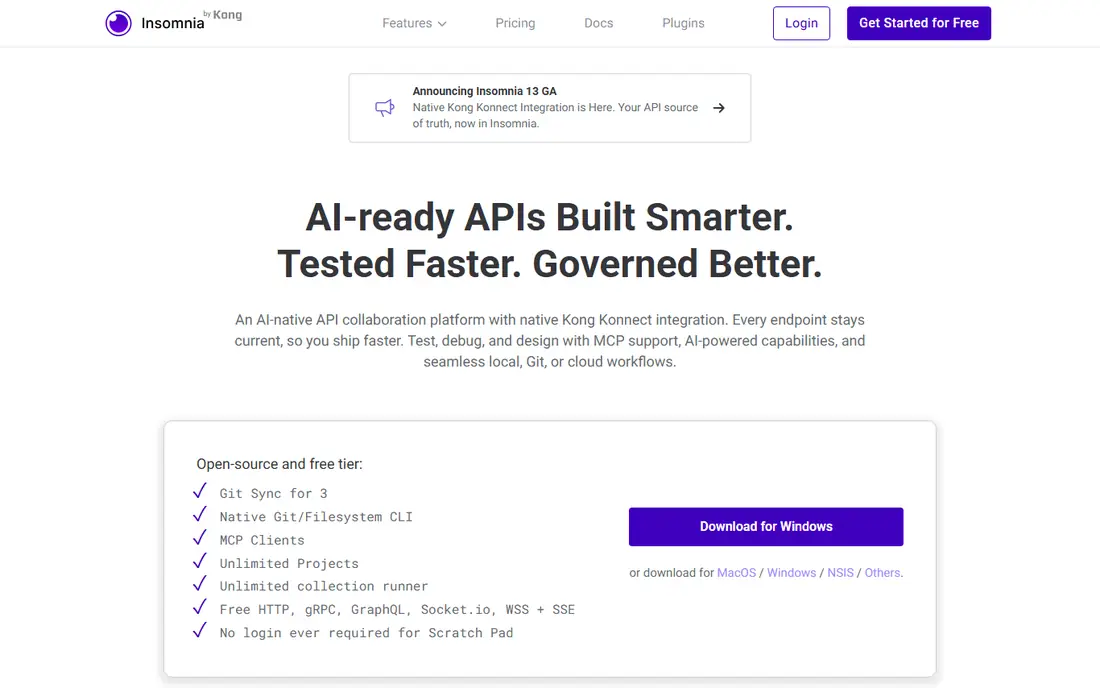
Insomnia feels calmer than Postman, and many developers prefer that focus. The editor stays out of the way, environments are easy to manage, and the design tools help teams start from a specification rather than from scattered requests. It handles REST, GraphQL, gRPC, and WebSocket work in one client.
The trade-off is collaboration at scale. Small teams can work with Git sync, but larger groups will likely need the paid plan for wider access and controls. If your team already lives in Git, that limit may matter less than it would for a mixed team of developers and product staff.
- Clean request editor
- Good OpenAPI and GraphQL support
- Local, Git, and cloud storage options
- Git sync on the free tier is limited
- Some team features need a paid plan
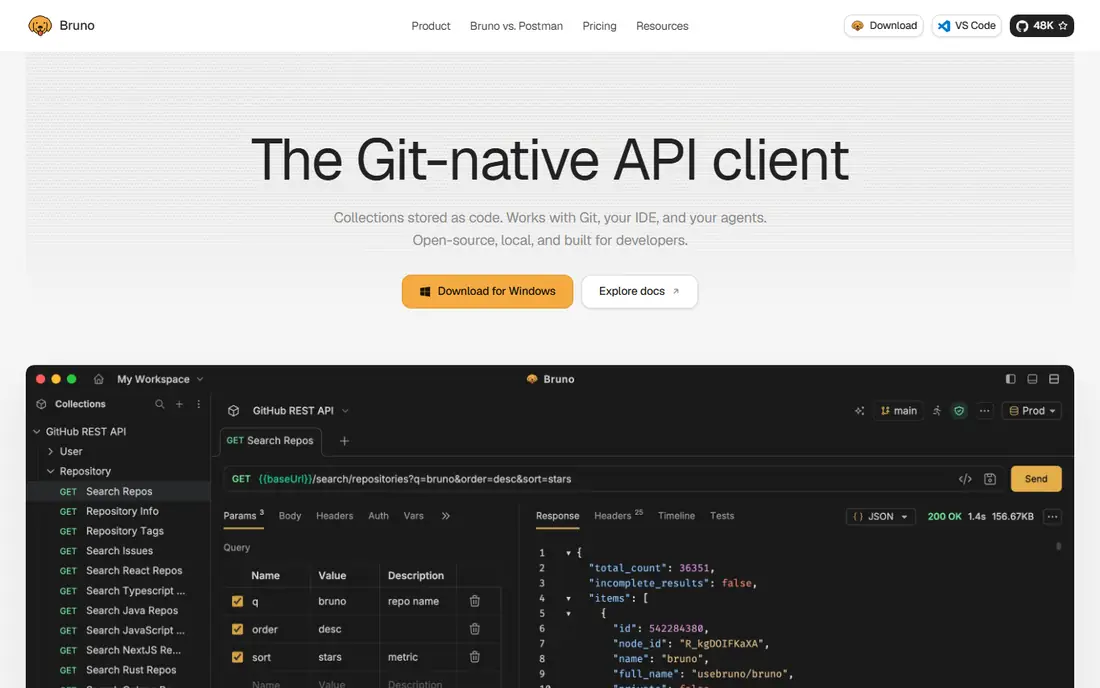
Bruno takes a different path from the cloud-first tools. Collections live as files in your own repository, so pull requests, code review, and version history work the way they do for code. Developers who dislike forced cloud sync will appreciate that the core client is open source and usable offline.
That local-first design has limits. If non-developers need to browse live docs or co-edit in a browser, Bruno alone will feel thin. Pair it with a docs tool, or pick it mainly for teams that are happy to treat API collections as code.
- Collections stored as plain files
- Works offline
- No account needed for the core client
- No hosted mock or docs site in the free client
- Collaboration depends on Git
Hoppscotch is the tool we reach for when a quick check matters more than a full project setup. Open a tab, send a request, inspect the response, and move on. It supports REST, GraphQL, WebSocket, and other protocols, and teams can self-host it when they want control over their own instance.
For a long-running team project, Hoppscotch covers the core well but does not match Postman or Apidog on docs, mocks, and governance. It is best as a fast daily client, or as a low-cost team client when self-hosting fits your setup.
- Runs in the browser with no install
- Open source and self-hostable
- Fast for quick checks
- Documentation publishing is thinner
- Local testing needs the desktop app or an extension
Apidog is the closest like-for-like team alternative to Postman on this list. A shared specification drives the mock server, the test cases, and the published docs, so changes in one place flow through the rest. Its free plan covers a small team, which makes a real pilot possible before anyone pays.
The main risk is maturity and habit. Teams with years of Postman collections, monitors, and integrations will need a migration plan, even though import support helps. For a new team, though, Apidog offers a strong balance of shared work and per-seat price.
- Design, testing, mocks, and docs from one spec
- Free plan covers up to four users
- Imports Postman collections
- Smaller community than Postman
- Enterprise controls sit on higher tiers
SwaggerHub is a design and documentation platform first, and it shows. The editor checks OpenAPI syntax, style rules help large teams keep specs consistent, and mocks let other teams try an API before it is built. For organisations with many APIs, that central repository matters more than a single request runner.
Small teams will likely find the starting price hard to justify, especially when open source Swagger tools cover basic docs for free. SwaggerHub earns its place when consistency across many APIs, and a single source of truth for specs, are the real problems.
- Strong OpenAPI editor with error feedback
- Style validators for consistency
- Hosted API repository
- Price is high for small teams
- Testing is not as deep as a dedicated client
Stoplight suits teams where API design is a shared job, not a developer-only task. Product managers and reviewers can follow a visual model, comment on changes, and see interactive docs without reading raw specification files. Mock servers then let front-end work start early, which shortens feedback loops.
The free plan covers a small project, but the paid starting price is aimed at teams, not hobbyists. If your specs are simple and your team is small, a lighter client plus open docs may be enough. Stoplight wins when design review and consistency are daily work.
- Visual editor for non-coders
- Instant mock servers
- Interactive documentation
- Starting paid plan is costly
- Advanced governance needs higher tiers
SoapUI is older than most tools here, and that age is useful when legacy systems are involved. It handles SOAP, WSDL, and REST testing, and it supports assertions, data-driven tests, and load checks that newer clients sometimes treat as an afterthought. The open source version costs nothing to try.
Newer teams building only REST or GraphQL APIs may find the interface heavy and the setup slower than Bruno or Hoppscotch. Keep SoapUI for SOAP work, enterprise integrations, and test suites where protocol depth matters more than a modern look.
- Strong SOAP and WSDL support
- Free open source version
- Good for functional and load checks
- Interface feels dated
- Advanced features sit in the paid ReadyAPI product
Thunder Client appeals to developers who already spend the day in VS Code. Requests, collections, and environments sit beside the code, so testing an endpoint does not mean switching apps or losing context. The starting paid price is low, which makes it easy to add for a whole team.
It is not a full API platform. Teams that need rich docs, mocks, monitors, and governance will still need another tool alongside it. As a daily request client for VS Code users, though, it is fast, simple, and hard to beat on convenience.
- Lives inside VS Code
- No app switching
- Collections and environments in the editor
- Narrower protocol range than full clients
- Team features are limited on the free plan
How we picked these
We compared official feature pages, pricing pages, and public documentation for each tool, and checked which protocols, collaboration models, and free plans each one actually offers. We favoured tools that are still maintained, that support the protocols named in their docs, and that fit a clear job, from quick request testing to full API design. We did not claim hands-on testing, and we left out tools whose current status we could not confirm.
What to check before you commit
Start with protocol fit. A REST-only team has different needs from a team that also maintains SOAP services or GraphQL schemas, and buying a platform for protocols you never use wastes money. Next, check how your team collaborates. Git-first teams suit Bruno, browser-first teams suit Hoppscotch, and mixed teams often need shared workspaces, docs, and permission controls.
Then test the free plan with a real project. Import an existing collection, invite a teammate, try a mock, and check how exports work if you leave. Pricing pages change, so confirm the seat count, billing term, and free-plan limits on the vendor site before you budget. The cheapest tool that your whole team will actually use is usually the right one.
Frequently asked questions
What is the best tool for API development?
It depends on your workflow. Postman suits teams that want design, testing, mocks, monitors, and docs in one place. Bruno suits Git-first developers, Hoppscotch suits fast browser testing, and SwaggerHub or Stoplight suit design-led teams. Pick by protocol fit and collaboration style, not by feature count alone.
What is the best free API development tool?
Bruno and Hoppscotch offer strong free clients with no forced cloud account for core use. Insomnia also has a useful free tier, while Postman free now suits a single user. Test each one with a real collection before you decide, since free limits differ on storage, sync, and team access.
Which API tool is best for beginners?
Hoppscotch and Thunder Client are good starting points because they keep setup short. Hoppscotch runs in a browser, and Thunder Client lives inside VS Code. Both let a beginner send requests and read responses without learning a full platform first.
Is Postman still worth it in 2026?
For teams that use its full lifecycle, yes, but the value depends on seat count. Solo users get less from the free plan than before, and teams should compare the paid total against Apidog, Insomnia, and Bruno. If you use mocks, monitors, and the API network heavily, Postman can still justify its price.
What is the difference between SwaggerHub and Postman?
SwaggerHub centres on OpenAPI design, consistency, and documentation, with a central spec repository. Postman centres on the full lifecycle, from request testing to mocks, monitors, and docs. Many large teams use both, with SwaggerHub owning the spec and Postman owning day-to-day testing.
Sources
See where you really rank - block by block
ProMapRanker scans Google Maps across a grid of your service area. Simple monthly plans from $19, white-label on every plan.
Start freeKeep reading
 zscaler alternatives
Best Zscaler Alternatives in 2026
Looking for zscaler alternatives? We compare 9 SASE and zero trust platforms on architecture, data protection, pricing, and fit for your network and team.
Read → zapier alternatives free
Best Zapier Alternatives Free in 2026
Nine automation tools for zapier alternatives free in 2026, all with genuinely free tiers, plus free plan limits, starting prices and upgrade paths explained.
Read → which platform is best for online reputation
Which Platform Is Best for Online Reputation in 2026
Wondering which platform is best for online reputation? We compare 8 review, listing, and response tools for small and multi-location businesses and agencies.
Read →