 ProMapRanker
Best Antivirus Software Comparison in 2026


Overall protection with low load · Pricing starts at: $59.99 per year
Key takeaways
- Bitdefender, Norton and McAfee cover the same core threat types, but extras and renewal prices separate them.
- First-year prices are often discounted, so check the renewal price before judging value.
- A free plan suits a careful single user, while families usually gain from multi-device suites.
- No product guarantees full protection, so updates, backups and cautious downloads still matter.
- Light system load matters most on older computers, where a heavy suite can be felt every day.
Quick comparison
| Pick | Great for | Pricing starts at | Free tier | |
|---|---|---|---|---|
| Bitdefender Total Security | Overall protection with low load | $59.99 per year | Yes | Visit |
 Norton 360 Deluxe | Families wanting many extras | $49.99 first year | Free trial | Visit |
 McAfee+ | Households with many devices | $39.99 first year | Free trial | Visit |
 ESET Home Security | Light protection for older PCs | $29.99 per year | Free trial | Visit |
 Trend Micro Maximum Security | Simple setup for beginners | $29.95 per year | Free trial | Visit |
 Malwarebytes Premium | Simple malware cleanup | $59.99 per year | Yes | Visit |
 Avast One | Best free starting point | Free | Yes | Visit |
 Microsoft Defender | Windows users who want no extra cost | Free | Yes | Visit |
 TotalAV | Budget buyers | $19 first year | Yes | Visit |
The best antivirus software comparison
Antivirus suites now bundle VPNs, password managers, parental controls and identity tools, which makes a plain feature list hard to compare. The nine options below are judged on protection, load, device cover and the price you pay after year one. No product guarantees full protection, so keep software updated and use antivirus only for lawful protection of your own devices.
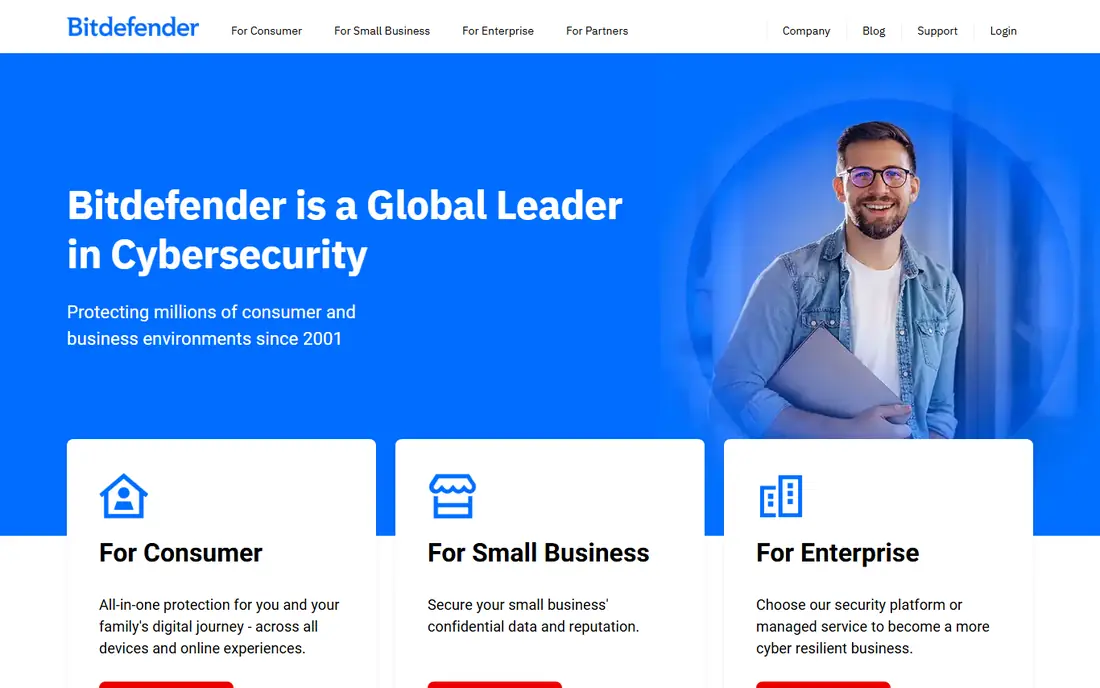
Bitdefender is our pick for most people because it pairs strong protection with a light footprint. Independent lab summaries in 2026 place it near the top for blocking real-world threats, and reviewers consistently describe it as easy to live with on everyday hardware. The suite covers Windows, Mac, Android and iOS, and it adds webcam protection, a password manager and ransomware protection.
The limits are commercial rather than technical. The bundled VPN is capped at a small daily amount unless you upgrade, and the first-year price rises at renewal. A limited free edition exists for Windows users who want the core engine without the full suite. For a household that wants one subscription and little fuss, those trade-offs are acceptable.
- Strong independent lab results
- Low system impact
- Covers five devices
- Bundled VPN has a daily data cap
- Renewal price is higher than the first year
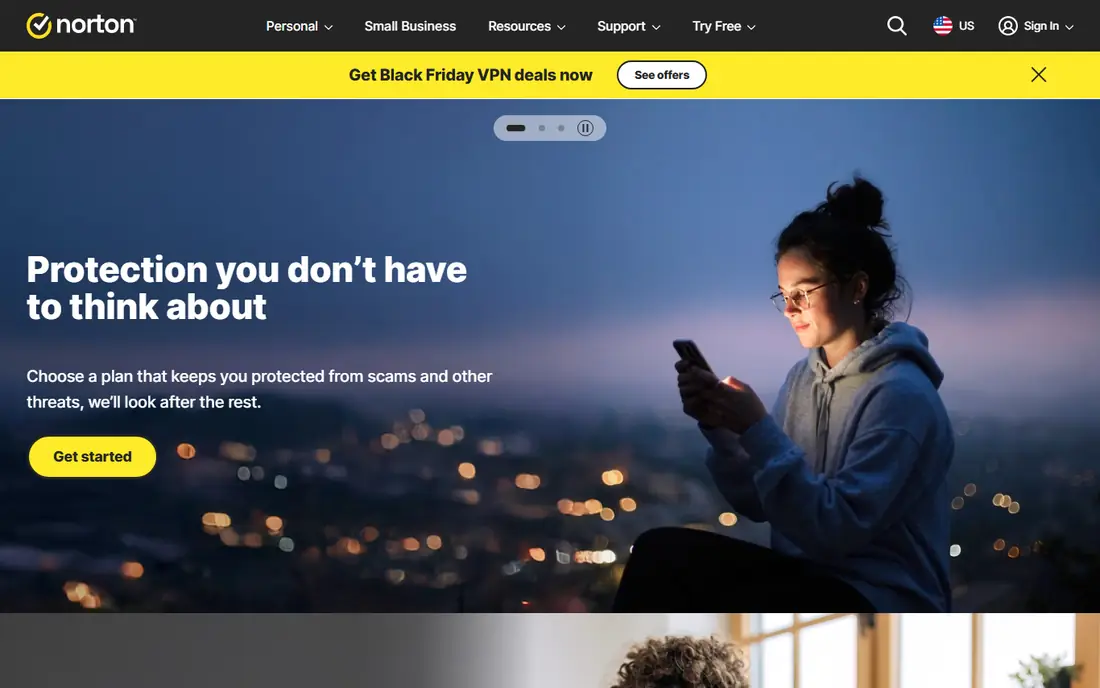
Norton 360 Deluxe is the bundle buyer choice. It covers five devices and adds an unlimited VPN, 50GB of cloud backup, a password manager, parental controls and dark web monitoring in one subscription. Families that would otherwise buy several separate tools may find the bundle cheaper than the parts, and the backup alone can save a weekend after a drive failure.
The catch is renewal. The first-year price is a promotion, and the standard renewal is far higher, so budget for year two before you buy. The suite is also heavier than Bitdefender or ESET on older hardware. If your computers are new and you value the extras, Norton is a strong pick. If price stability matters more, a lighter rival may suit you better.
- Unlimited VPN
- 50GB cloud backup
- Parental controls and dark web monitoring
- Renewal price jumps sharply
- Suite can feel heavy on older machines
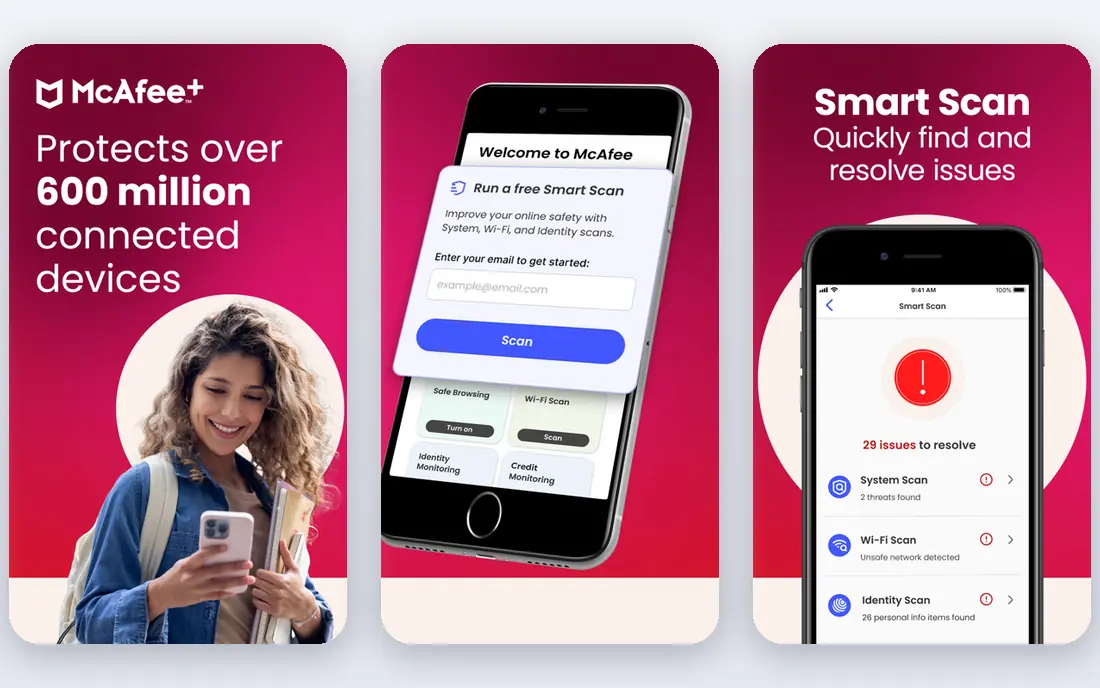
McAfee+ suits homes that have lost count of their devices. Higher plans cover an unlimited number of devices, which removes the usual counting exercise when phones, tablets, laptops and a family computer all need cover. The suite also includes an unlimited VPN, scam protection and identity monitoring, which fits households that share devices and accounts.
The interface is busier than some rivals, and the first-year discount again hides a higher renewal. On a modern machine the load is acceptable, but older laptops may feel it more. For a large household, the unlimited device model is the deciding feature, and it is worth the renewal check.
- Unlimited device cover on higher plans
- Unlimited VPN
- Identity monitoring
- Interface can feel busy
- Renewal price rises after the first year
ESET is the quiet option. It is known for low system impact, which matters on an older laptop or a gaming PC where every spare resource counts. The interface is plain and direct, scans run without much interruption, and a gamer mode holds back notifications during full-screen use. For users who want protection without a bundle of extras, that restraint is a strength.
The trade-off is breadth. ESET offers fewer lifestyle extras than Norton or McAfee, and some advanced features are Windows focused. If you want a VPN, backup and parental controls in one place, look elsewhere. If you want solid protection that stays out of the way, ESET is hard to fault.
- Light on system resources
- Clear interface
- Gamer mode for full-screen use
- Fewer bundled extras
- Some features are Windows focused
Trend Micro Maximum Security is a good first suite for someone who does not want to study security settings. Setup is short, the main screen is clear, and web protection blocks many phishing and scam pages before a download starts. Parental controls and social media privacy checks add value for families with younger users.
Device limits and extras are the limits. Basic plans cover fewer devices than Norton or McAfee, and the bundled extras are modest. That is fine for one or two computers, but a large household will hit the cap. For a beginner with a small number of devices, the simplicity is worth more than a longer feature list.
- Simple setup
- Strong web and phishing protection
- Parental controls
- Fewer devices on basic plans
- VPN and extras are limited
Malwarebytes Premium is best known for cleanup. When a machine already shows signs of adware or unwanted software, its scans are a practical first step, and the free version allows manual scanning without a subscription. The paid version adds real-time web protection, ransomware protection and scheduled scans, all in a plain interface.
As a full suite, it is thinner than Norton or Bitdefender. There is no bundled VPN or cloud backup, and the price sits at the higher end for what is included. Buy it when cleanup and simplicity matter most, or pair the free version with another suite only if you understand the overlap and avoid running two real-time engines at once.
- Simple to use
- Strong cleanup for infected machines
- Free version for manual scans
- Fewer suite extras
- Price is high for the feature set
Avast One offers the strongest free tier in this list. The free version includes real-time protection, a firewall and ransomware shield on supported platforms, which is enough for a careful user on a tight budget. Paid plans add a VPN, data breach monitoring and cleanup tools, and the app lets you switch extras on or off rather than forcing a fixed bundle.
The free tier comes with prompts to upgrade, and the paid first-year price is not the cheapest in this group. For a user who wants protection now at no cost, and who will upgrade only if a specific extra is needed, Avast One is the sensible starting point. Just keep the software updated and avoid clicking through prompts without reading them.
- Strong free tier
- Modular extras
- Covers Windows, Mac, Android and iOS
- Paid plans cost more than the free tier suggests
- Upsell prompts appear
Microsoft Defender is already on Windows, costs nothing extra, and requires no install. For a user who keeps Windows updated, uses a modern browser and avoids risky downloads, it provides a solid baseline, with firewall, SmartScreen and ransomware controls built in. It is also the lightest option in friction terms, since there is nothing new to learn.
It is not a full suite. There is no bundled VPN, password manager or cloud backup, and some independent tests show weaker offline detection than the top paid engines. If you want those extras, a paid suite adds them. If you want simple, free protection on a Windows PC, Defender is a credible choice, provided updates stay on.
- Built into Windows
- No extra cost
- Low friction for most users
- Fewer extras than paid suites
- Offline detection is weaker in some tests
TotalAV appeals on first-year price alone, at a level well below most rivals. The interface is simple, paid plans add a VPN, ad blocking and a password vault, and the free edition lets a user try the basic scanner before paying. For a buyer who needs cover this week on a tight budget, that entry price is hard to ignore.
The renewal price is the warning. It rises far above the first-year figure, so the two-year total is much less attractive than the headline suggests. Check the renewal terms in writing before buying, and set a reminder to review the subscription before it renews. On a strict budget with that check in place, TotalAV can still work.
- Low first-year price
- Simple interface
- Includes VPN and ad blocking on paid plans
- Renewal price is far higher
- Free edition is limited
How we picked these
We compared official pricing pages, product descriptions and independent lab summaries available in October 2026, and we favoured suites that are actively maintained on Windows and, where stated, Mac and mobile. We excluded products under US sales restrictions from this list, and we treated first-year prices as promotions rather than long-term prices. We did not claim hands-on testing we did not do; our comparison rests on published features, pricing and lab summaries.
How to choose without overpaying
Start with device count and renewal price, not the headline discount. Count every phone, tablet and computer that needs cover, then compare the renewal price for that count across two or three suites. A suite that looks cheap for one device can become expensive for five, and a bundle only saves money if you will actually use the VPN, backup or parental controls it includes.
Free, paid, or both
A free plan suits a single careful user with one Windows PC and good backup habits. A paid suite suits families, shared devices and users who want identity monitoring or parental controls. Running two real-time antivirus engines at once is not a good idea, since they can conflict and slow the machine, so pick one real-time product and use on-demand scanners only as a second opinion.
Keep the basics in place
Antivirus helps, but it does not replace updates, backups and caution. Keep your operating system and browser updated, back up photos and documents to a separate drive or cloud account, and treat unexpected attachments and download buttons with care. If a machine is already infected, disconnect it, run a trusted cleanup tool, and change passwords from a clean device.
Frequently asked questions
Which antivirus is best overall in 2026?
Bitdefender Total Security is our overall pick for its balance of protection, low load and five-device cover. Norton 360 Deluxe suits families that want the widest bundle, while ESET suits older PCs that need a light touch.
Is free antivirus good enough?
A free plan from Avast or Microsoft Defender can be enough for a careful single user with updated software and backups. Families and users who click many links or share devices usually gain from a paid suite with web, phishing and identity protection.
Why do antivirus prices rise after the first year?
Most vendors discount the first year and renew at the standard price. Check the renewal figure on the vendor page before buying, and compare two-year totals rather than first-year prices alone.
Can I use two antivirus programs at once?
Avoid running two real-time antivirus engines together, since they can conflict and slow your computer. Use one real-time product, and run a second scanner on demand only if you need a second opinion.
Does antivirus protect against all malware?
No product guarantees full protection. New threats appear daily, and phishing, scams and unpatched software can bypass even a good suite. Keep software updated, back up important files, and stay cautious with links and attachments.
How many devices should a family plan cover?
Count phones, tablets and computers for every household member, including spares that still connect to the internet. Unlimited-device plans suit large households, while a five-device plan covers most smaller families.
Sources
See where you really rank - block by block
ProMapRanker scans Google Maps across a grid of your service area. Simple monthly plans from $19, white-label on every plan.
Start freeKeep reading
 worlds best local seo company
8 Worlds Best Local SEO Companies for Map Pack Growth in 2026
Compare the worlds best local seo company options for Google Business Profile work, citations, reviews, and multi-location rankings and reporting in 2026.
Read → world's best web hosting company
World's Best Web Hosting Company in 2026
Searching for the world's best web hosting company? We compared 10 hosts on price, renewal rates, speed, and support to help you choose well today in 2026.
Read → who's got the best nanny tax services
Who's Got the Best Nanny Tax Services in 2026
We answer who's got the best nanny tax services, comparing full filing, back taxes, software, and pricing so families can handle nanny taxes correctly.
Read →