 ProMapRanker
Best Antivirus Software in 2026


Overall protection · Pricing starts at: See website
Key takeaways
- Bitdefender Total Security is our overall pick for strong protection with low system impact and a clear multi-device suite.
- Norton 360 Deluxe suits households that want antivirus, VPN, cloud backup and identity protection in one subscription.
- Microsoft Defender, Avast One Free and Avira Free give solid free protection on Windows, so paying is not required for basic cover.
- Check renewal prices before you buy, since first-year discounts are often much lower than the renewal rate.
- No antivirus alone stops every scam, so pair it with strong passwords, two-factor authentication and care with links and attachments.
Quick comparison
| Pick | Great for | Pricing starts at | Free tier | |
|---|---|---|---|---|
| Bitdefender Total Security | Overall protection | See website | Free trial | Visit |
 Norton 360 Deluxe Norton 360 Deluxe | All-in-one suite | See website | No | Visit |
 McAfee+ McAfee+ | Unlimited devices | See website | No | Visit |
 Avast One Avast One | Free protection | Free | Yes | Visit |
 Microsoft Defender Microsoft Defender | Built-in Windows cover | Free | Yes | Visit |
 Malwarebytes Premium Malwarebytes Premium | Malware cleanup | See website | No | Visit |
 Kaspersky Plus Kaspersky Plus | Advanced protection | See website | No | Visit |
 ESET Home Security ESET Home Security | Lightweight protection | See website | No | Visit |
 Avira Free Antivirus Avira Free Antivirus | Free lightweight cover | Free | Yes | Visit |
The best antivirus software
We compared antivirus suites on malware protection, system impact, extra features, device cover, pricing and privacy policies, using official product pages, pricing pages, app store listings and public lab results. The best antivirus software for you depends on how many devices you own, whether you need a VPN or identity protection, and whether you prefer a free tool or a paid suite. The best pc security software is not always the most expensive suite, since a light free tool can beat a heavy suite on an older computer.
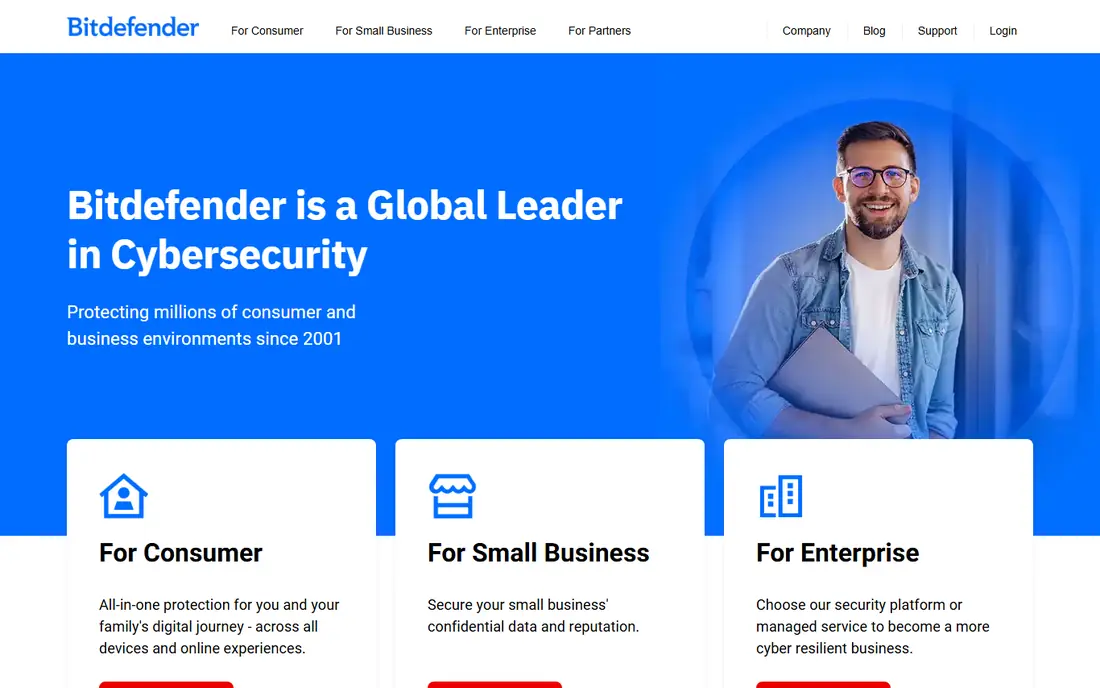
Bitdefender Total Security is our pick for the best antivirus software overall. It combines real-time malware protection, ransomware protection, web protection and a firewall approach that works quietly in the background. Independent labs have given Bitdefender high scores for protection and performance in recent tests, and the suite covers up to five devices on a standard plan, spanning Windows, macOS, Android and iOS. Parental controls, anti-tracker tools and webcam protection add value for families.
The main limits are familiar across paid suites. The bundled VPN on Total Security carries a daily data limit per device, so heavy VPN users will need an upgrade or a separate VPN service. First-year pricing is also lower than the renewal price, so check the renewal figure in the cart before you commit. For most households that want strong protection without slowing the computer, Bitdefender is the safest default choice.
- Strong lab results for malware protection
- Low system impact on most computers
- Covers Windows, macOS, Android and iOS
- Bundled VPN has a daily data limit on lower tiers
- Renewal price is higher than first-year price
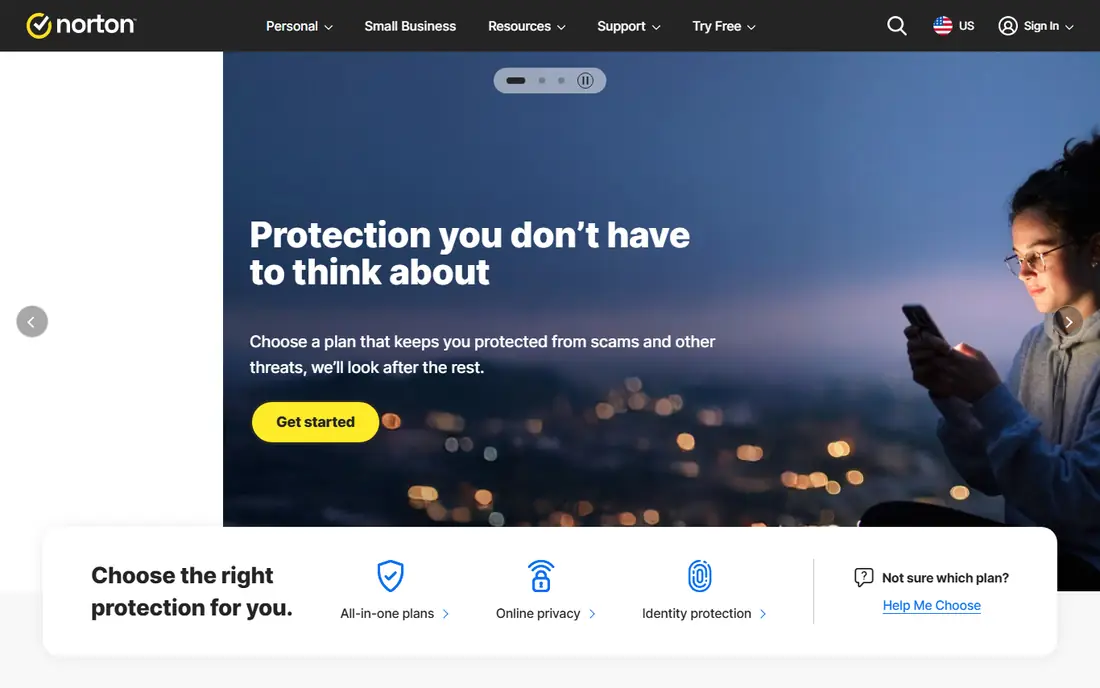
Norton 360 Deluxe is the best choice when you want one subscription to cover several security jobs. Beyond antivirus and malware protection, Deluxe includes a VPN, cloud backup, a password manager, dark web monitoring and parental controls. That breadth suits households that would otherwise pay separately for a VPN and a password manager. Norton also offers virus removal support in some plans, which can help if a device is already infected.
The catch is renewal pricing. Norton first-year prices are often heavily discounted, and the renewal rate can be more than double the first-year figure. Check the renewal price and set a reminder before renewal, or compare the two-year total with Bitdefender and McAfee. The suite is also larger than a light free tool, so very old computers may feel the load. For households that will use the VPN, backup and password manager, Norton 360 Deluxe can still be good value despite the renewal rise.
- Antivirus plus VPN, cloud backup and password manager
- Dark web monitoring and parental controls
- Virus removal help in some plans
- Renewal price rises sharply after the first year
- Suite can feel large on older machines
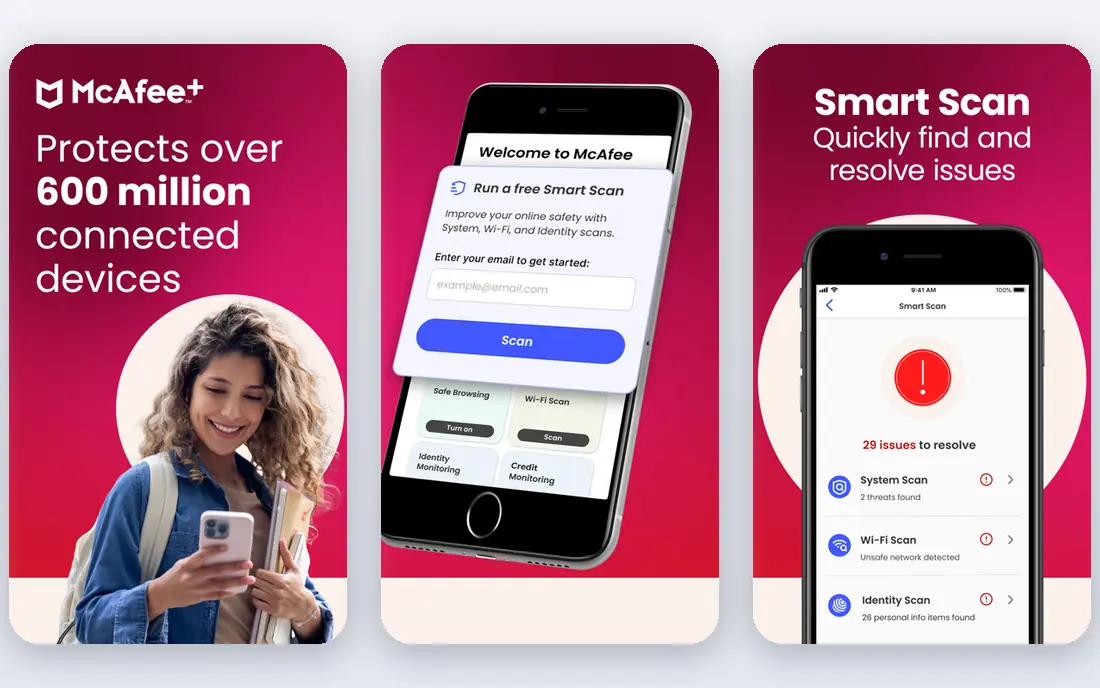
McAfee+ suits households that have lost count of their devices. Eligible plans cover an unlimited number of devices, which removes the device-count maths that other suites impose. The suite includes antivirus, a VPN, identity monitoring and scam protection tools, and the mobile apps are among the stronger ones in this group. For families with several phones, tablets, laptops and desktops, unlimited cover can be simpler and cheaper than buying extra device packs.
System impact is the main trade. McAfee scans can use more CPU and memory than Bitdefender in some tests, so older computers may feel slower during full scans. Renewal pricing also rises after the first year, as with Norton and Bitdefender, so check the renewal figure. If device count is your main problem and your computers are reasonably modern, McAfee+ is a practical pick.
- Unlimited device cover on eligible plans
- VPN and identity monitoring included
- Strong mobile apps
- Scan impact can be higher than Bitdefender
- Renewal price is higher than first-year price
Avast One Free is our pick for the best free antivirus on Windows. The free tier uses the same core real-time engine as the paid version, which is a meaningful difference from free tools that cut detection quality. It adds a ransomware shield, a firewall and scam detection tools, and the modular design lets you switch on only the parts you want. For a home computer used for browsing, email and office work, Avast One Free covers the core risks without a subscription.
The free version does include prompts to upgrade, which some users find annoying, though they do not block protection. Paid Avast One adds a VPN, cleanup tools and more device cover, but those extras are optional. Privacy settings deserve a check, since Avast has faced scrutiny over data practices in the past, and you should review what data sharing you accept during setup. With those settings reviewed, Avast One Free is a strong no-cost starting point.
- Strong free tier with the same core engine as paid
- Ransomware shield and firewall tools
- Clear modular app design
- Free version includes upsell prompts
- Paid VPN and extras cost more
Microsoft Defender is the antivirus already on your Windows computer, and for many users it is enough. It provides real-time protection, firewall controls, ransomware protection for protected folders and regular updates through Windows Update. Recent lab results have given Defender high scores, and its boot impact is light, since it is built into the system rather than layered on top. There is no install, no extra account and no subscription for core Windows protection.
The gaps appear beyond the PC. Defender does not give you a full VPN, a password manager, identity monitoring or cross-platform cover in the way paid suites do, and mobile and Mac cover are more limited. If you only use one Windows computer for everyday tasks and you practise safe browsing, Defender plus careful habits can be sufficient. If you want identity protection, a VPN or cover for many devices, pair Defender with a paid suite or replace it with one of the suites above.
- Already included with Windows at no extra cost
- Light boot impact in recent tests
- No extra install or account needed for core cover
- Weaker cover once you leave the PC
- Fewer extras than paid suites
Malwarebytes Premium is best known for cleaning up infections that other tools miss. The premium version adds real-time protection, web protection, ransomware protection and exploit blocking in a light, simple app. It runs well alongside Windows Defender or another antivirus in many setups, though you should check compatibility settings to avoid conflicts. For a computer that already shows signs of adware, browser hijacks or unwanted programs, Malwarebytes is often the first tool support staff suggest.
The paid suite is thinner than Norton or Bitdefender on extras. There is no full VPN, cloud backup or identity suite in the core product, so buyers who want an all-in-one package should look elsewhere. The free version only scans on demand and does not give real-time protection, so it is a cleanup tool rather than a full replacement for an antivirus. Malwarebytes Premium earns its place as a focused, effective layer for malware-heavy users.
- Strong malware removal and web protection
- Light and simple interface
- Good second layer alongside another antivirus
- Fewer suite extras than Norton or Bitdefender
- Free version is on-demand scanning only
Kaspersky Plus offers some of the strongest protection scores in independent labs, with high marks for blocking malware, phishing and ransomware. The Plus plan adds a password manager, a VPN with data limits and file protection tools, making it a complete suite for Windows, macOS, Android and iOS. The interface is clear, scans are fast on modern machines, and the price is often competitive with Bitdefender and Norton for similar device counts.
The main issue is not technical. Kaspersky has faced restrictions and trust concerns in the United States and some other regions, linked to its Russian origins and government actions. Some organisations and government users cannot use it, and some consumers prefer a vendor based elsewhere. Check current rules for your country and employer before you buy, and review the privacy policy for data handling. If those concerns do not apply to you, Kaspersky Plus remains a technically strong suite.
- Very strong lab scores for protection
- Good phishing and ransomware protection
- Password manager and VPN included in Plus
- Availability and trust concerns in some regions
- VPN data limits apply on lower tiers
ESET Home Security suits users who want strong protection without a heavy suite. ESET has a long record of light system impact, with scans that use modest CPU and memory, which helps older laptops and computers used for work. Protection scores are strong, false positives are low, and the product range is clear, from essential antivirus to premium suites with a VPN and password manager. Gamers and workers who notice slowdowns from other suites often find ESET less intrusive.
The trade is extras. ESET does not bundle the same breadth of identity protection, cloud backup or parental tools as Norton, and the interface is functional rather than polished. For a work computer, an older laptop or a household that values speed and quiet protection, ESET is a dependable pick.
- Very light system impact
- Strong protection with few false positives
- Clear pricing by device count
- Fewer lifestyle extras than Norton
- Interface is plainer than rivals
Avira Free Antivirus is a good free alternative to Avast One Free, especially on older or low-spec computers. The free version includes real-time protection, web protection basics and a simple interface that beginners can set up in minutes. System impact is light, and the app does not demand much attention after install. For a second computer, a family laptop or a student machine, Avira Free gives core protection without a subscription.
Paid Avira Prime adds a VPN, password manager, system cleanup and more device cover, but the free tier is deliberately narrower than Avast One Free on extras. Avira is now part of the same group as Norton, so privacy settings and data sharing deserve a review during setup. As a light, free antivirus, Avira remains a solid choice for basic home computer security.
- Free real-time protection at no cost
- Light on system resources
- Simple setup for beginners
- Free extras are limited
- Upsell prompts for paid Prime features
How we picked these
We compared official feature pages, pricing pages, app store listings, privacy policies and public reviews, along with independent lab results from AV-TEST and AV-Comparatives where available. We favoured suites with clear pricing, honest renewal terms, cross-platform cover and a free tier or trial where claimed. We did not claim hands-on testing of malware samples, and we did not rank on lab scores alone, since system impact, extras and renewal price matter in daily use.
What to check before you pay for antivirus
Start with device count and platforms. A five-device suite covers most households, while unlimited plans suit larger families. Then check the renewal price, not only the first-year discount, and note whether the VPN has a data cap, whether cloud backup is included and whether identity monitoring covers your country. Free tools can be enough for a single Windows computer, while paid suites earn their cost when you use the VPN, password manager or identity tools regularly.
Free versus paid protection
Free antivirus tools from Avast, Avira and Microsoft cover core malware protection well. Paid suites add layers such as a VPN, password manager, parental controls, cloud backup and identity monitoring. Buy a paid suite when you will use at least two of those extras, or when you need cover for many devices. Otherwise, a free tool plus a separate password manager and careful browsing may give better value.
Habits that matter as much as software
Antivirus cannot stop every scam on its own. Use strong, unique passwords with a password manager, turn on two-factor authentication for email and banking, and treat unexpected links and attachments with care. Keep Windows, macOS, browsers and apps updated, since updates close holes that malware uses. Back up important files to an external drive or cloud service, so ransomware or hardware failure does not mean total loss.
Frequently asked questions
What is the best antivirus software for Windows?
Bitdefender Total Security is our overall pick for Windows, with strong protection and low system impact. Norton 360 Deluxe suits households that want a VPN and backup included, while Avast One Free and Microsoft Defender give solid free protection for a single Windows computer.
What is the best computer protection software for many devices?
McAfee+ leads for unlimited device cover on eligible plans, which suits large households. Bitdefender Total Security and Norton 360 Deluxe cover five devices on standard plans, with extra device packs available for larger families.
Is there good best home computer security software that is free?
Yes. Microsoft Defender is already included with Windows, Avast One Free uses the same core engine as its paid version, and Avira Free Antivirus gives light, free real-time protection. Free tools cover core malware risks, though paid suites add VPN, identity and backup features.
What is the top antivirus software for older computers?
Bitdefender and ESET are both light on system resources, while Microsoft Defender has a light boot impact because it is built into Windows. Avoid heavy suites on very old machines, and run a full scan at a quiet time rather than during work.
Does the best antivirus software review need to consider renewal prices?
Yes. First-year discounts are common, and renewal prices are often much higher. Check the renewal figure in the cart, compare the two-year total across suites, and set a reminder before renewal so you can switch or renegotiate if the price rises.
Is Microsoft Defender enough without paid antivirus?
For many single-PC users with safe browsing habits, Defender plus updates, strong passwords and backups can be enough. Paid antivirus earns its cost when you need a VPN, identity monitoring, parental controls or cover for phones, Macs and several computers.
Sources
See where you really rank - block by block
ProMapRanker scans Google Maps across a grid of your service area. Simple monthly plans from $19, white-label on every plan.
Start freeKeep reading
 youtube alternatives
Best YouTube Alternatives in 2026
Looking for youtube alternatives in 2026? We compare Vimeo, Dailymotion, Twitch, Rumble, and more on price, audience, monetization, control and privacy.
Read → what's the best ai tool for photo editing
What Is the Best AI Tool for Photo Editing in 2026
What is the best AI tool for photo editing? We compare ten tools for 2026, from Photoshop and Lightroom to Luminar, Topaz, Canva and mobile editors today.
Read → twitter alternatives
Best Twitter Alternatives in 2026
Compare the best twitter alternatives for 2026, from Bluesky, Threads, and Mastodon to Reddit, Tumblr, and Micro.blog, with free plans and audience notes.
Read →