 ProMapRanker
Best Anti Virus Software for PC in 2026


Most Windows users who want strong protection · Pricing starts at: $59.99 per year
Key takeaways
- Bitdefender and Norton lead on lab scores and suite features, while Microsoft Defender is a strong free starting point for Windows users.
- First-year prices are often much lower than renewal prices, so check the second-year cost before you buy.
- Free antivirus covers core malware protection, but VPN, backup, and parental controls usually need a paid plan.
- Light system impact matters most on older PCs, where ESET and Bitdefender are common picks.
- Use antivirus only on devices you own or manage, and keep Windows and your browser updated alongside it.
Quick comparison
| Pick | Great for | Pricing starts at | Free tier | |
|---|---|---|---|---|
| Bitdefender Total Security | Most Windows users who want strong protection | $59.99 per year | Yes | Visit |
 Norton 360 Deluxe | Families who want VPN, backup, and parental controls | $49.99 per year | Free trial | Visit |
 McAfee+ | Households with many devices | $39.99 per year | Free trial | Visit |
 Avast One | Users who want a strong free antivirus | Free | Yes | Visit |
 AVG AntiVirus | Users who want free protection with a simple setup | Free | Yes | Visit |
 ESET Home Security | Tech-savvy users and gamers who want light protection | $29.99 per year | Free trial | Visit |
 Malwarebytes | Users who want simple malware cleanup | See website | Yes | Visit |
 Trend Micro | Beginners who want a simple suite | $29.95 per year | Free trial | Visit |
 Microsoft Defender | Windows users who want built-in, free protection | Free | Yes | Visit |
The best anti virus software for PC
We compared nine PC antivirus tools for Windows users, with a focus on protection, system impact, device coverage, and first-year versus renewal pricing. We did not list Kaspersky, in line with our standing exclusion for this project.
Bitdefender Total Security
Great for: Most Windows users who want strong protection
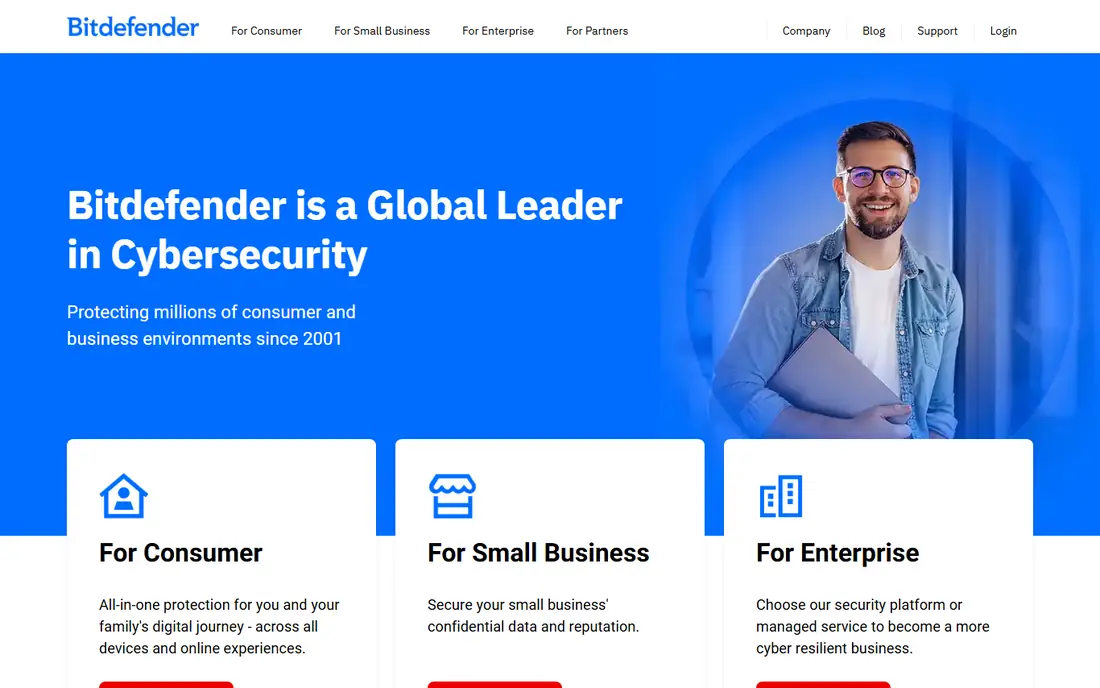
Bitdefender Total Security is a strong option in this list. Bitdefender Total Security is our pick for most people, because it pairs strong protection with a light footprint on older PCs. Its suite covers five devices and adds a VPN, parental controls, webcam protection, and a password manager, so one plan can cover a household.
In our view, the main trade-off is this: the bundled VPN is limited to 200 MB per day unless you upgrade, and the renewal price rises after the first year, so check both before buying. That matters most when your volume, team size, or budget changes, so test the setup you will use every week before you commit.
- Strong lab protection scores
- Light system impact
- Covers 5 devices with VPN, parental controls, and webcam protection
- Bundled VPN is limited to 200 MB per day
- Renewal price rises after year one
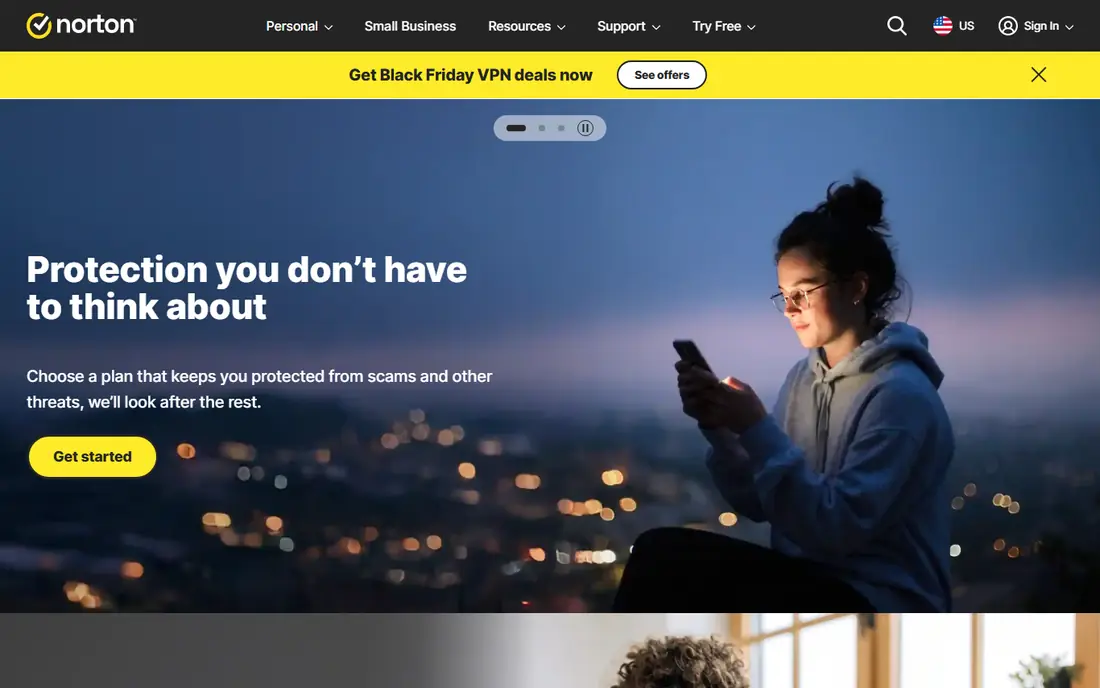
For many buyers, Norton 360 Deluxe is a practical place to start. Norton 360 Deluxe bundles antivirus with an unlimited VPN, cloud backup, a password manager, and parental controls. Its family tools and dark web monitoring make it a strong choice when one plan must cover several people and devices.
The honest catch is the renewal price rises sharply after the first year, and it can feel heavier than Bitdefender on an older machine. Before you sign up, run one real task through it and check the result against your current process.
- Unlimited VPN
- 50 GB cloud backup
- Dark web monitoring and parental controls
- Renewal price rises sharply after year one
- Can feel heavy on older PCs
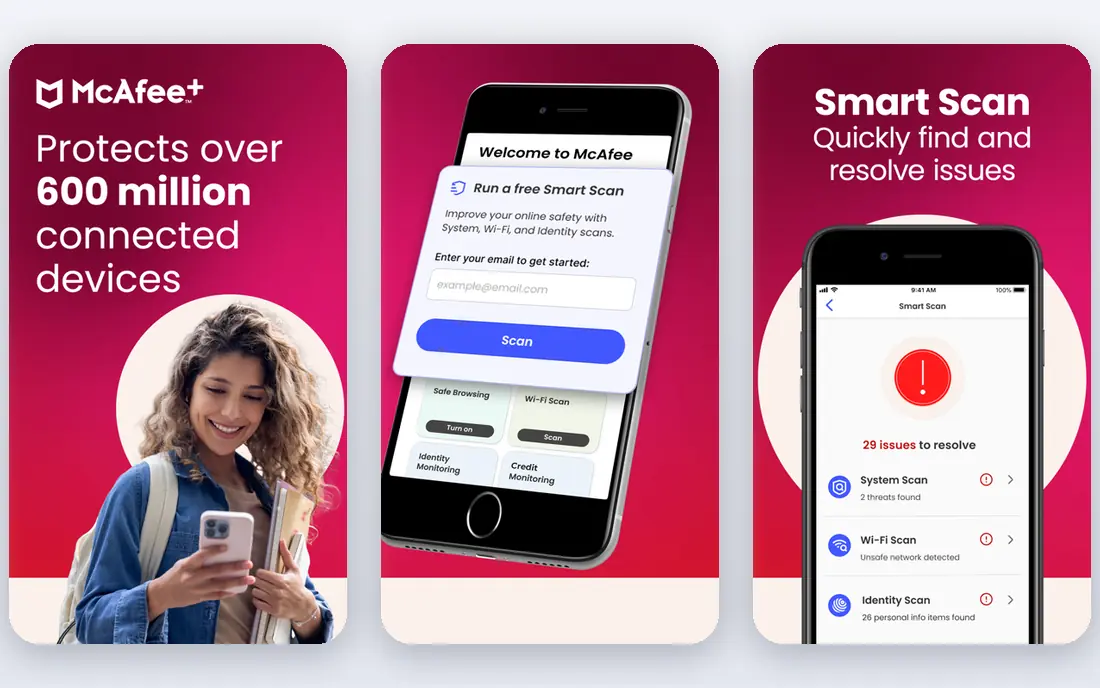
McAfee+ takes a different approach in this category. McAfee+ suits households with many devices, since some plans cover an unlimited number of devices. Its VPN and identity tools add value for families that want one subscription for every phone and PC.
We would weigh this point carefully: scan impact can be higher than lighter rivals, and the renewal price rises, so test it on your oldest PC during a trial. A short trial with your own data tells you more than a feature page, so use it before you move a whole workflow across.
- Unlimited devices on some plans
- Unlimited VPN
- Identity monitoring tools
- Renewal price rises after year one
- Scan impact can be higher than rivals
Avast One deserves a close look before you decide. Avast One offers a generous free tier with core antivirus, a firewall, and ransomware protection. Its free plan is a practical step up from built-in protection alone, without an immediate subscription.
In our view, the main trade-off is this: the full VPN and several extras need a paid plan, and the interface includes upgrade prompts that some users find distracting. That matters most when your volume, team size, or budget changes, so test the setup you will use every week before you commit.
- Generous free tier
- Firewall and ransomware shield
- Scam detection tools
- Full VPN and extras need a paid plan
- Interface includes upgrade prompts
AVG AntiVirus is a strong option in this list. AVG AntiVirus gives free real-time protection with a simple setup for Windows PCs. Its free tier suits users who want core malware blocking without learning a complex suite.
The honest catch is paid extras such as VPN need a separate plan, and its feature set overlaps with Avast, since both sit under the same parent group. Before you sign up, run one real task through it and check the result against your current process.
- Generous free tier
- Real-time protection
- Simple interface
- VPN and extras need a paid plan
- Owned by the same group as Avast, so features overlap
For many buyers, ESET Home Security is a practical place to start. ESET Home Security is known for a light footprint, which matters for gaming and older PCs. Its protection runs quietly in the background, with less drag during scans than heavier suites.
We would weigh this point carefully: it bundles fewer extras than Norton or Bitdefender, and its interface suits confident users more than complete beginners. A short trial with your own data tells you more than a feature page, so use it before you move a whole workflow across.
- Light system impact
- Strong protection for gamers
- Available on Windows, Mac, and Linux
- Fewer bundled extras than Norton or Bitdefender
- Interface suits confident users more than beginners
Malwarebytes takes a different approach in this category. Malwarebytes focuses on malware detection and removal with a simple interface. Its free scanner is useful for a second-opinion check, while the paid plan adds real-time protection.
In our view, the main trade-off is this: the paid plan can cost more than some rivals for a single device, and it does not bundle a full VPN or backup suite. That matters most when your volume, team size, or budget changes, so test the setup you will use every week before you commit.
- Simple interface
- Strong malware removal tools
- Free scanner for on-demand checks
- Paid plan costs more than some rivals for one device
- No full VPN or backup suite in the base plan
Trend Micro deserves a close look before you decide. Trend Micro offers a simple suite with antivirus and web threat protection for Windows and other devices. Its clear interface suits users who want protection without many settings to manage.
The honest catch is it has fewer advanced extras than Norton or Bitdefender, and the renewal price rises, so check the second-year total. Before you sign up, run one real task through it and check the result against your current process.
- Simple interface
- Web threat protection
- Covers Windows, Mac, and mobile
- Fewer advanced extras than top suites
- Renewal price rises after year one
Microsoft Defender is a strong option in this list. Microsoft Defender is built into Windows and needs no extra install, which makes it the simplest starting point. Its recent lab scores sit close to paid rivals for core malware protection, and it updates through Windows Update.
We would weigh this point carefully: it offers no VPN, password manager, or parental controls, so users who want those extras still need a paid suite. A short trial with your own data tells you more than a feature page, so use it before you move a whole workflow across.
- Built into Windows 10 and 11
- Strong lab scores in recent tests
- No extra install needed
- No VPN, password manager, or parental controls
- No cross-device management
How we picked these
We compared official product pages, pricing pages, and recent independent lab summaries. We kept only tools that are still offered for Windows PCs in October 2026. We used See website where a vendor does not publish a clear starting price. We did not claim hands-on testing, and we weighed protection, system impact, and renewal pricing more than bundled extras alone. Use these tools only on devices you own or are authorized to manage.
How to pick PC antivirus without paying for the wrong extras
Start with your PC and your household. An older PC needs a light tool such as Bitdefender or ESET, while a family with several devices may save money with McAfee+ unlimited device coverage. Check the renewal price, not only the first-year deal, and add up the second-year total before you buy. Decide which extras you will actually use: a VPN, cloud backup, parental controls, and identity monitoring are useful, but only if you turn them on. Finally, keep Windows, your browser, and your apps updated, since antivirus cannot cover unpatched software on its own.
Frequently asked questions
Do I need antivirus on Windows 11?
Windows 11 includes Microsoft Defender, which gives strong core protection for many users. A paid suite adds extras such as VPN, backup, parental controls, and cross-device cover, which matter more when you bank, share a PC, or manage several devices.
Is free antivirus enough?
Free antivirus can cover core malware protection, and Microsoft Defender, Avast One, and AVG all offer free tiers. Paid plans add real-time extras, VPN, backup, and support, so free cover suits careful users with one PC and good backups.
Why do renewal prices rise?
Many vendors discount the first year and charge a higher renewal rate. Always check the renewal price on the pricing page before buying, and set a reminder before renewal if you want to compare again.
Will antivirus slow my PC?
Some suites slow older PCs more than others. Light tools such as Bitdefender and ESET usually have less impact, while heavier suites can add scan load. A trial on your own PC is the best test.
Can antivirus stop every attack?
No tool stops every attack. Antivirus blocks known and many new threats, but phishing links, fake downloads, and unpatched software still need care. Use strong passwords, updates, and backups alongside antivirus.
Sources
See where you really rank - block by block
ProMapRanker scans Google Maps across a grid of your service area. Simple monthly plans from $19, white-label on every plan.
Start freeKeep reading
 worlds best local seo company
8 Worlds Best Local SEO Companies for Map Pack Growth in 2026
Compare the worlds best local seo company options for Google Business Profile work, citations, reviews, and multi-location rankings and reporting in 2026.
Read → world's best web hosting company
World's Best Web Hosting Company in 2026
Searching for the world's best web hosting company? We compared 10 hosts on price, renewal rates, speed, and support to help you choose well today in 2026.
Read → who's got the best nanny tax services
Who's Got the Best Nanny Tax Services in 2026
We answer who's got the best nanny tax services, comparing full filing, back taxes, software, and pricing so families can handle nanny taxes correctly.
Read →