 ProMapRanker
Best Anti Phishing Software in 2026


Security awareness training and simulations · Pricing starts at: See website
Key takeaways
- Email filtering and staff training work best together, because one catches messages and the other helps people spot the ones that slip through.
- Microsoft 365 and Google Workspace shops often gain the most from tools that sit inside their existing mail flow.
- Simulation tools should be used only for authorised testing with staff consent and clear internal rules.
- Quote-based pricing is common in this category, so ask for the total cost for your seat count before you commit.
Quick comparison
| Pick | Great for | Pricing starts at | Free tier | |
|---|---|---|---|---|
| KnowBe4 | Security awareness training and simulations | See website | No | Visit |
 Proofpoint | Large teams needing layered email protection | See website | No | Visit |
 Mimecast | Email and collaboration protection | See website | No | Visit |
 Cofense | Reported message triage and response | See website | No | Visit |
 IRONSCALES | Automated phishing removal | See website | No | Visit |
 Microsoft Defender for Office 365 | Microsoft 365 email protection | $2 per user per month | No | Visit |
 Barracuda Email Protection | Small and mid-sized email security | See website | No | Visit |
 Abnormal AI | Behaviour based email defence | See website | No | Visit |
The best anti phishing software
These tools cover different parts of the same problem, from blocking a bad message to teaching staff how to report one. We compared official feature pages, pricing pages, and public product documentation.
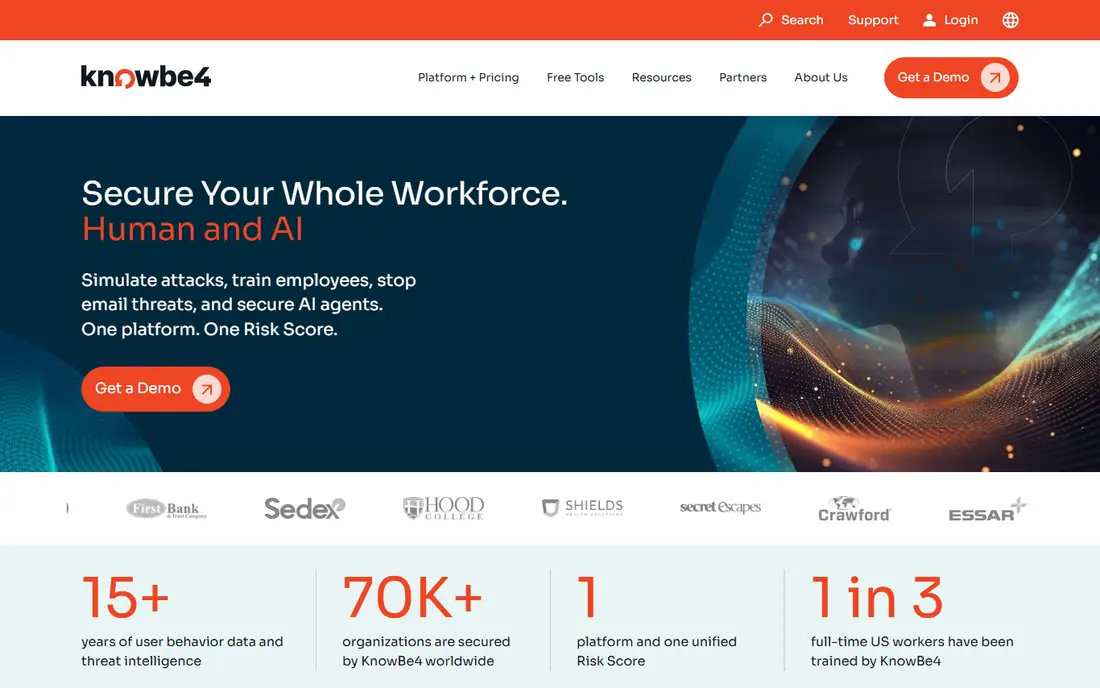
KnowBe4 is best known for security awareness training and simulated phishing. Teams can run practice campaigns, assign short training, and track who clicks, who reports, and who needs extra help. That mix matters because many attacks still depend on a person opening a message or following a link.
The catch is scope. KnowBe4 focuses on people and process more than on blocking mail at the gateway, so many teams pair it with an email security tool. Use simulations only for authorised testing, tell staff how results will be used, and keep the tone supportive rather than punitive. A program that feels like a trap will reduce reporting, which is the opposite of the goal.
- Large training and template library
- Simulated phishing tests
- Reporting and risk tracking
- Pricing is quote based
- Setup takes planning for large teams
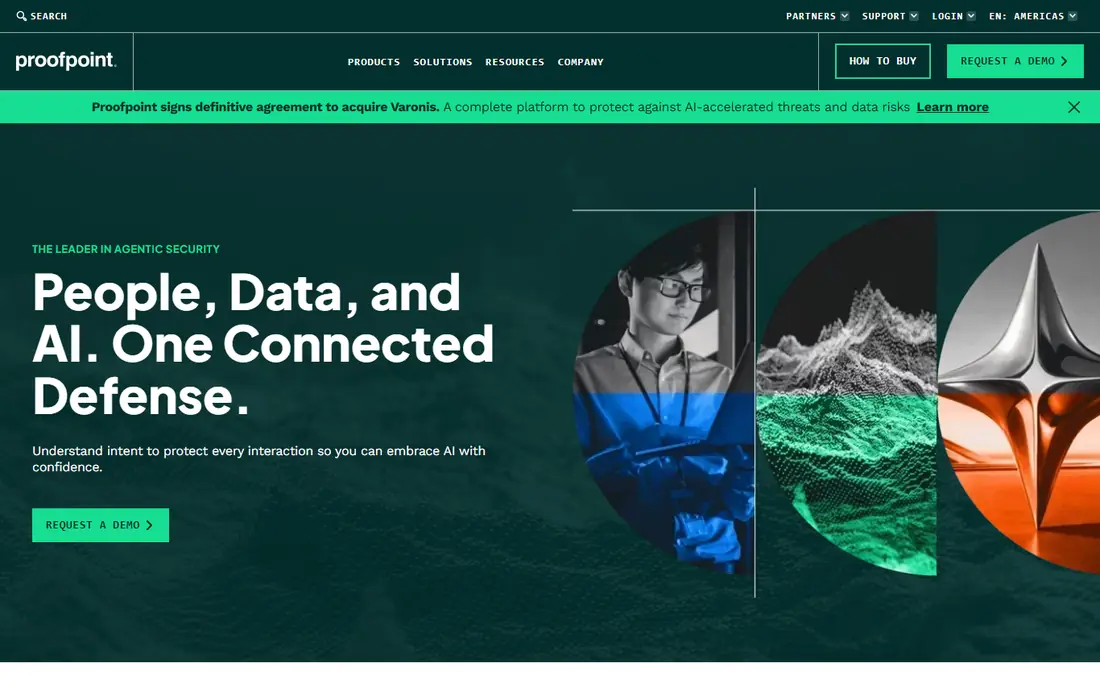
Proofpoint is a long standing email security vendor with products for threat protection, data loss prevention, and awareness training. Its strength is depth: it is built for organisations that need granular policy controls, detailed reporting, and protection across email and related channels. Large teams with regulated data often value that control.
The trade off is complexity and cost. Smaller teams may find the product range hard to scope, and final pricing depends on modules and seat count. Ask for a clear quote that lists each module, and check which features are included in the base plan rather than sold as add ons.
- Broad email threat protection
- Threat intelligence
- Controls for impersonation and BEC
- Pricing is quote based
- Can be complex for very small teams
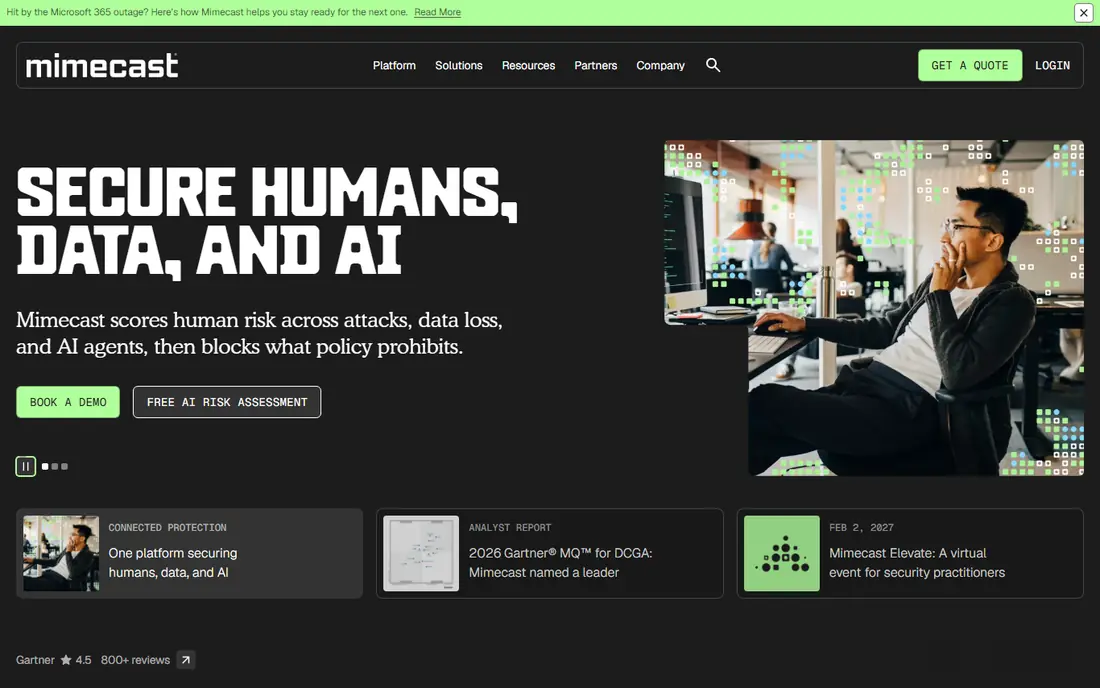
Mimecast covers email security, continuity, and archiving, with awareness training available as part of its wider platform. For teams that want one vendor for mail protection and retention, that breadth is useful. It also suits hybrid mail setups, where not every mailbox sits in the same cloud service.
The main weakness is clarity at first glance. Mimecast sells several bundles, so two quotes can look similar while covering different features. Compare the email security, continuity, and training items line by line, and confirm whether the plan includes the reporting and remediation tools your team will actually use.
- Email security and archiving options
- Awareness training add ons
- Broad deployment options
- Pricing is quote based
- Product range can be confusing
Cofense pairs phishing simulation with tools that help staff report suspicious mail and help security teams sort those reports. The reporting button is the practical centre of the product: it turns a vague worry into a structured report that a team can act on. Triage tools then help teams group similar reports and remove confirmed threats.
Cofense works best when someone owns the response process. If reports pile up without review, staff will stop reporting. Before buying, confirm who will triage, how quickly confirmed messages can be removed from mailboxes, and how simulation results are shared with managers.
- Phishing simulations
- One click reporting
- Triage for security teams
- Pricing is quote based
- Best value when paired with a response workflow
IRONSCALES uses mailbox level detection and crowd sourced signals to spot phishing that passes other filters, then helps remove confirmed messages from inboxes. That automated removal step is valuable, because a single bad message may reach many people at once. The product also offers simulations and training, so it covers both blocking and learning.
Its fit is strongest for Microsoft 365 and Google Workspace teams. Organisations with a large on premises mail footprint should confirm deployment options in a trial. Also check false positive handling, because any automated removal tool needs a simple way to restore a message that was removed in error.
- Mailbox level AI detection
- Automated remediation
- Simulation and training options
- Pricing is quote based
- Focus is mainly on cloud email
Microsoft Defender for Office 365 is the natural starting point for teams already on Microsoft 365. Plan 1 starts at $2 per user per month on an annual basis, according to public pricing summaries, and adds anti phishing policies and related protections to Exchange Online. Because it sits inside the Microsoft stack, policy management and reporting feel familiar to Microsoft admins.
The limit is depth and fit. Plan 1 does not include every feature in Plan 2, such as some advanced investigation tools, so read the plan comparison before assuming coverage. Teams on Google Workspace will usually get more from a vendor neutral email security product instead.
- Native Microsoft 365 integration
- Anti phishing policies
- Safe links and attachments in higher plans
- Plan 1 is limited compared with Plan 2
- Best for Microsoft 365 shops
Barracuda Email Protection is aimed at organisations that want email threat defence without building a large security stack. It includes filtering, impersonation protection, and incident response features, and it sits alongside Barracuda products for network and data protection. That makes it a practical choice for IT teams that already use Barracuda elsewhere.
The catch is plan detail. Barracuda sells email protection in tiers, and the exact mix of AI detection, response automation, and training varies. Get the plan sheet in writing, and test the incident response workflow with a sample phishing report before rolling it out to everyone.
- Email threat protection
- Incident response tools
- Broad security portfolio
- Pricing is quote based
- Feature set varies by plan
Abnormal AI focuses on behaviour: it learns how people normally write and communicate, then flags messages that look out of character, including business email compromise attempts. Its API based approach for cloud email means it can sit alongside existing mail security without changing mail flow in the traditional gateway sense. That design appeals to teams that do not want to reroute mail.
The downside is access and price. Abnormal is enterprise focused and quote based, so small teams may find it hard to scope or afford. Ask for a proof of concept on your real mail, and judge it on the attacks it catches that your current filter misses, not on marketing claims alone.
- Behaviour based detection
- Account takeover protection
- API based deployment for cloud mail
- Pricing is quote based
- Enterprise focused
How we picked these
We compared official product pages, pricing pages, and public documentation for tools that block phishing, train staff, or help teams respond to reported messages. We favoured products that are actively sold in October 2026, that fit business email use, and that cover different buyer needs, from training led programs to gateway and behaviour based defence. We did not include consumer only antivirus tools, because the job here is business email phishing, not general malware scanning.
What to check before you buy
Start with your mail platform and your biggest risk. A Microsoft 365 team with a small IT staff will have a different shortlist from a large team that needs detailed policy control and incident response. List the mail systems you run, the number of mailboxes, and the attacks you have actually seen, such as invoice fraud, credential harvesting, or QR code phishing.
Next, test reporting and removal, not just blocking. Send a test phishing message, have a staff member report it, and time how long it takes to remove it from other inboxes. A tool that blocks most mail but leaves a reported threat sitting in inboxes for hours is only doing half the job. Also confirm data handling, retention, and privacy terms, since email security tools process message content and metadata.
Finally, agree the training rules in writing. Simulations should be authorised, proportionate, and explained to staff, with results used for coaching rather than punishment. Keep a simple record of consent, scope, and review dates, and review false positives each month. The best tool is the one your team will actually use, report through, and keep tuned.
Frequently asked questions
What is anti phishing software?
Anti phishing software helps block, detect, or respond to messages that try to trick people into sharing credentials, sending money, or opening a harmful link. Some tools filter mail before delivery, some train staff with simulations, and some help security teams remove reported messages. Most business teams need a mix of filtering and training.
Do I need both email filtering and training?
In most cases, yes. Filtering catches many attacks, but some messages will always reach an inbox, especially targeted business email compromise. Training helps staff pause, check the sender, and report the message instead of acting on it. The combination reduces risk more than either part alone.
Can simulation tools be used on any staff without notice?
No, and they should not be. Simulations are defensive testing for authorised purposes only. Get internal approval, explain the program to staff in general terms, and use results for coaching. Avoid shaming individuals or using results as a sole basis for discipline.
How much does business anti phishing software cost?
Pricing varies widely and is often quote based for enterprise tools. Microsoft Defender for Office 365 Plan 1 is published from $2 per user per month on an annual basis, while larger platforms price by seat count, modules, and contract term. Always compare the total annual cost for your seat count.
What should I do if I receive a phishing email at work?
Do not click links, open attachments, or reply. Use the report button if your organisation provides one, or forward the message to your IT or security team following their instructions. Delete the message after reporting it, and change your password promptly if you already entered credentials.
Sources
- https://www.knowbe4.com
- https://www.proofpoint.com
- https://www.mimecast.com
- https://www.cofense.com
- https://www.ironscales.com
- https://www.microsoft.com/security/business/microsoft-365-defender
- https://www.barracuda.com
- https://www.abnormal.ai
- https://expertinsights.com/email-security/top-phishing-protection-solutions
See where you really rank - block by block
ProMapRanker scans Google Maps across a grid of your service area. Simple monthly plans from $19, white-label on every plan.
Start freeKeep reading
 worlds best local seo company
8 Worlds Best Local SEO Companies for Map Pack Growth in 2026
Compare the worlds best local seo company options for Google Business Profile work, citations, reviews, and multi-location rankings and reporting in 2026.
Read → world's best web hosting company
World's Best Web Hosting Company in 2026
Searching for the world's best web hosting company? We compared 10 hosts on price, renewal rates, speed, and support to help you choose well today in 2026.
Read → who's got the best nanny tax services
Who's Got the Best Nanny Tax Services in 2026
We answer who's got the best nanny tax services, comparing full filing, back taxes, software, and pricing so families can handle nanny taxes correctly.
Read →