 ProMapRanker
Best Anti Malware Software in 2026


Best all-around protection · Pricing starts at: $29.99 per year
Key takeaways
- Bitdefender is our pick for most home users, with strong protection and low system impact at $29.99 for the first year.
- Malwarebytes is the best second-opinion scanner for cleaning a machine that may already be infected.
- Microsoft Defender is a solid free baseline on Windows, but paid suites add VPN, identity, and multi-device cover.
- McAfee suits households with many devices, thanks to unlimited-device plans on some tiers.
- Check renewal prices before buying, because first-year discounts often rise sharply in year two.
Quick comparison
| Pick | Great for | Pricing starts at | Free tier | |
|---|---|---|---|---|
| Bitdefender | Best all-around protection | $29.99 per year | Free trial | Visit |
 Malwarebytes | Cleaning infected machines | See website | Yes | Visit |
 Norton 360 | Families and identity protection | $49.99 per year | Free trial | Visit |
 McAfee | Households with many devices | $49.99 per year | Free trial | Visit |
 Avast One | Capable free tier | Free | Yes | Visit |
 ESET | Lightweight protection | $29.99 per year | Free trial | Visit |
 Kaspersky | Strong protection at a fair price | $39.99 per year | Free trial | Visit |
 Microsoft Defender | Free built-in Windows protection | Free | Yes | Visit |
The best anti malware software
Anti-malware software blocks, finds, and removes malicious programs, including viruses, ransomware, spyware, and adware. The tools below mix full suites with focused scanners, so you can pick full-time protection, a cleanup tool, or both.
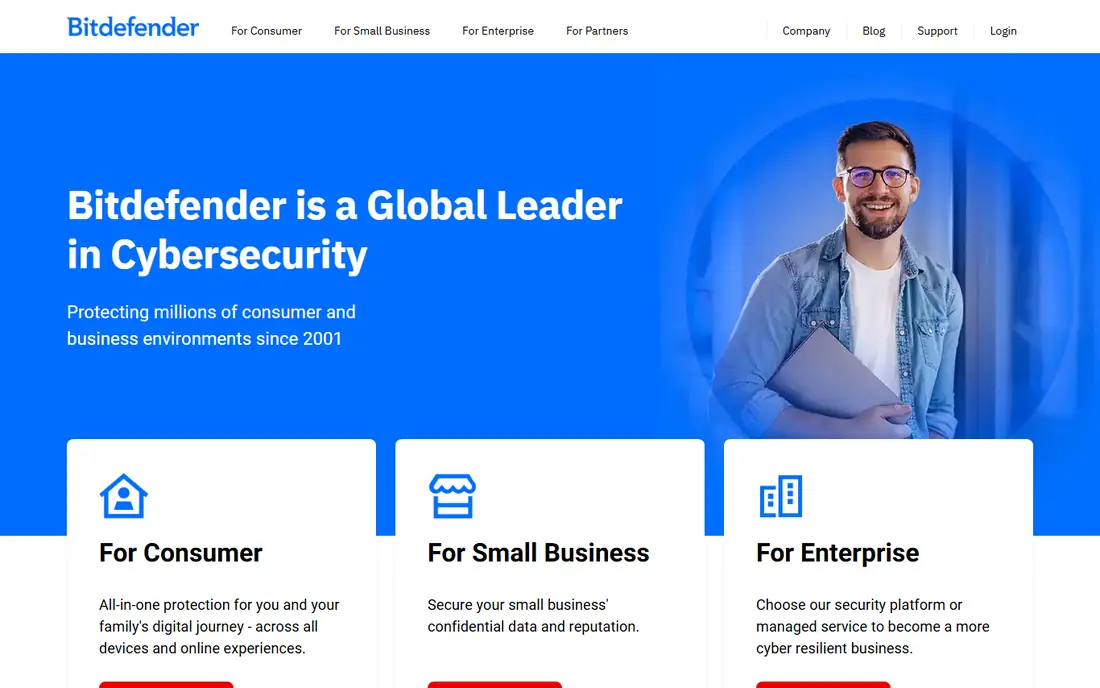
Bitdefender is the reference point for home protection, because independent labs consistently rate its detection highly while noting low system slowdown. Total Security covers up to five devices and adds ransomware protection, webcam protection, a password manager, and a VPN with a daily cap. For most households, that mix covers the main risks in one install.
The catch is upselling and renewal. The VPN cap pushes heavy VPN users to a paid upgrade, and the first-year price is lower than the renewal price. Check the renewal rate at checkout, and set a reminder before renewal if you plan to compare prices again.
- Strong lab results for protection
- Low impact on system speed
- Multi-device plans for Windows, Mac, Android, and iOS
- Bundled VPN has a daily data cap on basic plans
- Renewal price rises after the first year

Malwarebytes earned its name as a cleanup tool, and it still excels when a machine already shows pop-ups, browser hijacks, or strange slowdowns. The free version scans on demand and removes adware, spyware, and potentially unwanted programs that some antivirus tools miss. That makes it a useful second opinion alongside another antivirus.
The limit is that the free version is reactive, not preventive. You need Malwarebytes Premium for real-time web protection, ransomware layers, and automatic blocking. Many users run the free scanner for cleanup and a full suite for daily protection, which is a practical combination.
- Excellent at finding adware, spyware, and unwanted programs
- Free scanner for on-demand cleanup
- Simple interface
- Real-time protection requires the paid plan
- Free version does not block threats in advance
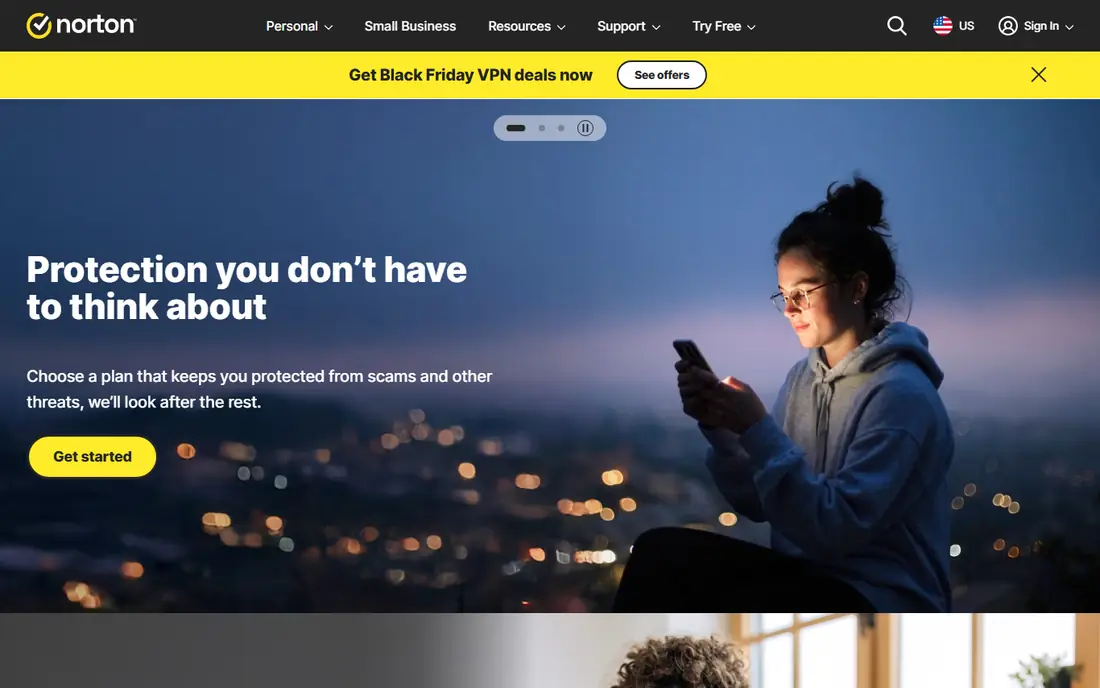
Norton 360 is the family suite pick, because it bundles protection with tools parents and households actually use. Deluxe covers five devices, adds 50 GB of cloud backup on some plans, parental controls, and dark web monitoring for exposed personal data. The VPN has no strict daily cap like some rivals, which helps on shared devices.
The drawbacks are weight and renewal cost. Norton can feel heavier on older machines, and the renewal price jumps well above the first-year offer. If you value identity and family features over the lightest possible client, Norton 360 still justifies its price for many households.
- Covers up to five devices on Deluxe
- VPN, cloud backup, parental controls, and dark web monitoring
- Strong identity features
- Heavier on system resources than Bitdefender
- Renewal price is much higher than the first-year price
McAfee suits homes where phones, laptops, tablets, and Chromebooks all need cover, because some plans allow unlimited devices. That removes the device-count math that forces other suites into a higher tier. Identity monitoring, a VPN, scam protection, and cleanup tools round out a broad suite for the price.
The trade-off is polish. The dashboard packs in many features, which can feel crowded for users who only want antivirus. Renewal prices also vary, so confirm the second-year cost and device limit for the exact plan you choose, not just the headline offer.
- Unlimited-device plans on some tiers
- Identity monitoring and VPN included
- Scam protection and data cleanup tools
- Interface can feel busy
- Renewal pricing needs a careful check
Avast One is the best free third-party option for users who want more than the built-in Windows tool without paying yet. The free tier covers antivirus, web and scam protection, and Wi-Fi checks, which is a solid baseline for careful users. Paid plans add a VPN, privacy tools, and broader device cover.
The catch is the free experience. Expect prompts to upgrade, and check renewal prices for paid plans before committing. If you only need core protection and you keep software updated, Avast Free is a credible starting point, with a paid upgrade path when you want more.
- Free version covers core antivirus and web protection
- Paid plans add VPN and privacy tools
- Works across Windows, Mac, Android, and iOS
- Paid plans start at $49.99 per year for the first year
- Upsell prompts appear in the free version
ESET is the pick for gamers and users on older or slower machines, because its client stays light while still blocking malware, phishing, and ransomware. Gamer mode suppresses pop-ups during full-screen play, and banking protection adds a safer browser mode for financial sites. That focus on performance is why tech-savvy users keep choosing it.
The downside is simplicity of a different kind: ESET gives you strong core protection with fewer lifestyle extras. If you want a VPN, identity monitoring, and parental controls in one suite, Norton or McAfee fit better. If you want fast, quiet protection, ESET is hard to beat.
- Very light on system resources
- Gamer mode limits interruptions
- Strong anti-phishing and banking protection
- Interface is less friendly for beginners
- Fewer bundled extras than Norton or McAfee
Kaspersky delivers strong protection at a mid-range price, with low system impact and a clean interface. The Plus plan covers the core antivirus, firewall, and privacy tools most home users need, while higher tiers add a VPN and password manager. Lab results for Kaspersky have stayed strong across recent years.
The main consideration is not technical but personal: some buyers weigh vendor location and policy when choosing security software. If that matters to you, compare Bitdefender or Norton on the same criteria. On protection and price alone, Kaspersky belongs on this list.
- Strong malware and ransomware protection
- Low system impact
- Password manager and VPN on higher plans
- Some users prefer a US or EU vendor for policy reasons
- Advanced features sit in higher tiers
Microsoft Defender is the baseline every Windows user already has, and it is better than many people assume. It provides real-time protection, firewall controls, SmartScreen phishing checks, and controlled folder access against ransomware, all without a separate install or fee. For a single careful user on one PC, Defender plus good habits may be enough.
The limits appear with multiple devices and extra risks. Defender on Windows does not protect your phone or Mac, and it lacks the identity monitoring, VPN, and parental controls of paid suites. Use Defender as a solid free floor, and add a paid suite when you need multi-device cover or identity tools.
- Built into Windows at no extra cost
- Solid lab scores
- Firewall, SmartScreen, and ransomware controls included
- No cover for Mac, Android, or iOS in the free Windows version
- Fewer identity and VPN extras than paid suites
How we picked these
We compared official pricing pages, independent lab coverage, free tiers, device limits, and bundled extras, and we favored tools that are live in October 2026. We included full suites, a focused cleanup scanner, and the free built-in Windows option, because home users need different levels of cover. We did not claim hands-on testing, and we treated first-year prices as introductory offers where vendors state them.
How to set up protection that actually stays on
Install one real-time antivirus, not two, because two real-time tools can conflict and slow your machine. Add Malwarebytes Free as an on-demand second scanner if you want a cleanup check, and keep it out of real-time mode unless you pay for Premium. Turn on automatic updates for the operating system, browser, and security app, since most infections exploit known gaps.
Back up important files separately from your main machine, because ransomware protection is not a backup. Use a password manager, turn on two-factor authentication for email and banking, and treat unexpected attachments and login links as suspect. Finally, check renewal dates in your calendar, because a lapsed suite leaves you unprotected without warning.
Frequently asked questions
Do I need anti-malware software if I have Windows Defender?
For many single-PC users, Defender is a solid baseline. A paid suite adds multi-device cover, identity monitoring, VPN, and parental controls, plus a second layer of web and ransomware tools. If you bank online, share a computer, or own several devices, a paid suite closes more gaps.
Is Malwarebytes Free enough on its own?
No, not for daily protection. Malwarebytes Free scans and cleans on demand, but it does not block threats in real time. Use it alongside Defender or a paid suite for cleanup, and upgrade to Premium if you want Malwarebytes as your main real-time protection.
What is the difference between antivirus and anti-malware?
The terms overlap heavily in 2026. Antivirus originally focused on viruses, while anti-malware covers a wider set: ransomware, spyware, adware, and unwanted programs. Most products here cover both, so compare real-time protection, web protection, and cleanup tools rather than the label alone.
Why do renewal prices rise after year one?
Vendors discount the first year to win new customers, then charge a higher renewal rate. Always check the renewal price on the vendor checkout page, and compare it against a new-customer offer before auto-renewal. A calendar reminder before renewal saves money and avoids a surprise charge.
Can free antivirus protect me as well as paid?
Free antivirus can protect well against core malware, especially Avast Free and Microsoft Defender. Paid suites add identity, VPN, backup, parental, and multi-device features that free versions lack. For careful users on one device, free may suffice. For families and multi-device homes, paid is usually better value.
How often should I run a full scan?
Run a full scan when you first install a security tool, after a suspected infection, and at least monthly as a routine check. Real-time protection handles most threats between scans. A second-opinion scan with Malwarebytes Free is useful if your machine behaves oddly despite a clean full scan.
Sources
See where you really rank - block by block
ProMapRanker scans Google Maps across a grid of your service area. Simple monthly plans from $19, white-label on every plan.
Start freeKeep reading
 zscaler alternatives
Best Zscaler Alternatives in 2026
Looking for zscaler alternatives? We compare 9 SASE and zero trust platforms on architecture, data protection, pricing, and fit for your network and team.
Read → zapier alternatives free
Best Zapier Alternatives Free in 2026
Nine automation tools for zapier alternatives free in 2026, all with genuinely free tiers, plus free plan limits, starting prices and upgrade paths explained.
Read → which platform is best for online reputation
Which Platform Is Best for Online Reputation in 2026
Wondering which platform is best for online reputation? We compare 8 review, listing, and response tools for small and multi-location businesses and agencies.
Read →