 ProMapRanker
Best Android Antivirus Apps in 2026


Light protection with strong detection · Pricing starts at: $14.99 per year
Key takeaways
- Bitdefender Mobile Security is the best balance of protection and low battery impact for most Android users.
- Norton Mobile Security suits users who want identity monitoring and VPN bundled with antivirus in one plan.
- Avast, AVG and Kaspersky offer genuinely useful free tiers, but expect ads or upsells on free plans.
- No antivirus replaces safe habits: install from the Play Store, check permissions and keep Android updated.
Quick comparison
| Pick | Great for | Pricing starts at | Free tier | |
|---|---|---|---|---|
| Bitdefender Mobile Security | Light protection with strong detection | $14.99 per year | Yes | Visit |
 Norton Mobile Security | All in one protection with identity tools | $19.99 per year | Free trial | Visit |
 Avast Mobile Security | Free protection with many extras | Free | Yes | Visit |
 McAfee Mobile Security | Households with many devices | See website | Free trial | Visit |
 Kaspersky Mobile Antivirus | Budget users who want a strong free tier | Free | Yes | Visit |
 ESET Mobile Security | Very low battery and performance impact | $14.99 per year | Yes | Visit |
 Malwarebytes Mobile Security | Privacy checks and clean interface | See website | Free trial | Visit |
 AVG Antivirus | Simple free protection | Free | Yes | Visit |
The best android antivirus apps
Android already includes Google Play Protect, which scans apps from the Play Store. A third party antivirus adds stronger malware detection, web and phishing protection, Wi-Fi scanning, anti-theft tools and privacy checks, which matter most if you sideload apps, use public Wi-Fi or handle sensitive work on your phone. Prices below are yearly rates from recent guides; check the Play Store listing before paying, since first year offers differ from renewal prices.

Bitdefender Mobile Security is the most recommended Android antivirus in recent comparisons for a simple reason: it scores highly on detection while staying light on battery and performance. It scans apps, checks web links, locks sensitive apps, helps find a lost phone and scans for data breaches, without turning your phone into a slow, noisy security centre.
The free tier covers basic scanning, while paid plans add web protection, VPN and fuller anti-theft tools. VPN data on basic plans is limited, so do not buy Bitdefender mainly for VPN use. For most Android users who want set and forget protection, Bitdefender is the safest first pick in this list.
- Strong malware detection
- Low battery impact
- App lock, anti-theft and web protection
- VPN data limited on basic plans
- Full features need a paid plan
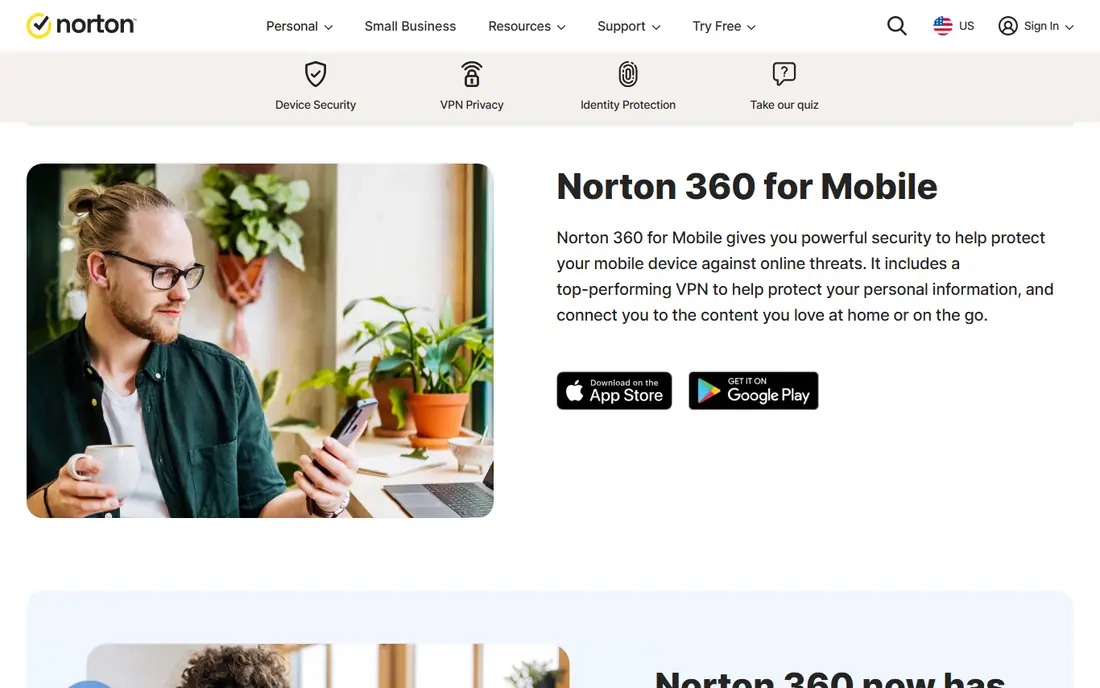
Norton Mobile Security, often sold as part of Norton 360, covers malware scanning, Wi-Fi security, SMS filtering and app advice, with identity monitoring and VPN on bundled plans. That bundle suits users who want one subscription for phone, identity and VPN, rather than three separate apps. Detection scores in recent tests are among the highest in this list.
Norton does not offer a free tier beyond a trial, and renewal pricing can rise after a first year offer, so check the renewal price before you buy. Norton also uses more resources than Bitdefender or ESET in some tests, although most modern phones handle it well. For a household already using Norton on desktop, adding mobile is a natural step.
- Strong detection
- Wi-Fi scanning and SMS filtering
- Identity monitoring on bundled plans
- No free tier beyond a trial
- Renewal prices can be higher than first year offers
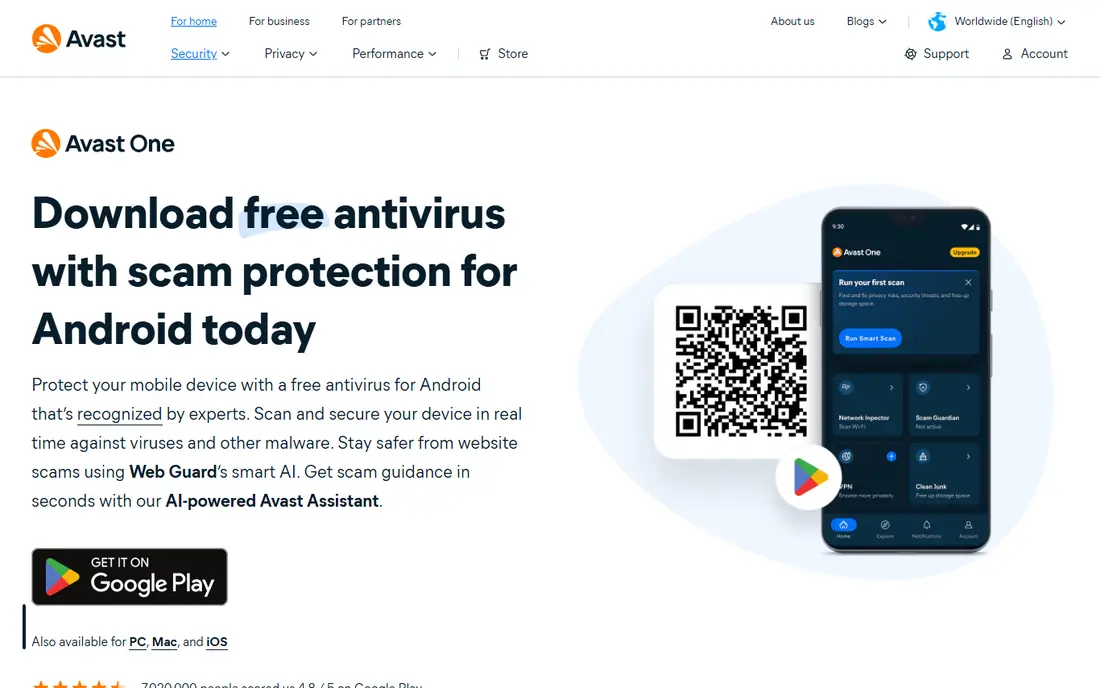
Avast Mobile Security offers one of the most complete free Android antivirus apps, with malware scanning, web protection, Wi-Fi scanning, app insights, a photo vault and a junk cleaner. For users who do not want to pay, it goes well beyond Play Protect and gives you tools that many paid apps charge for.
The trade off is ads and upsells on the free plan, which some users find annoying, and full VPN and premium features need a paid plan, listed at $35.88 per year in one recent comparison. Avast is a good free start, especially for older phones where you want scanning without a subscription. If ads bother you, Bitdefender or AVG may feel calmer.
- Free malware scanning
- Wi-Fi scanner, photo vault and junk cleaner
- Wide feature set
- Ads on the free plan
- Paid tiers needed for full VPN and premium features
McAfee Mobile Security suits households that want one plan for phones, tablets and computers, with Wi-Fi scanning, safe browsing, identity and dark web monitoring on higher plans. Recent guides list McAfee mobile pricing from $29.99 to $39.99 per year depending on plan, which is why we list See website for the current bundle you need.
McAfee can feel heavier and more upsell driven than Bitdefender, and some users report false positives. For a single phone, a lighter single device plan may be better value. For a family with several devices and a desktop subscription that already includes mobile, McAfee becomes much better value than buying phone licences one by one.
- Multi device plans
- Wi-Fi scanner and dark web monitoring
- Strong feature set
- Pricing varies by bundle
- Can feel heavier than lighter rivals
Kaspersky offers a free Android antivirus with strong scanning, app lock and low performance impact, plus a premium tier for web protection and fuller features. Recent guides list premium from $11.99 per year, making it one of the cheaper paid options if you decide to upgrade. Detection scores are consistently high in independent tests.
The honest caveat is jurisdiction. Some users and organisations avoid Kaspersky because of concerns about its Russian origins, even though the company states that data is handled under its published policies. That is a personal and organisational decision, not a technical score. If that concern does not apply to you, Kaspersky is a strong free and low cost option.
- Strong free scanning
- App lock
- Low performance impact
- Some users have concerns about company jurisdiction
- Premium features are paid
ESET Mobile Security is known for very low battery and performance impact, which matters on older or budget Android phones. It offers malware scanning, anti-theft, app lock, Wi-Fi scanning, privacy auditing and payment protection, with a free tier for basic scanning. Recent comparisons list paid pricing from $12.99 to $14.99 per year depending on plan.
ESET looks plainer than Norton or Avast, and it does not bundle as many lifestyle extras, but that focus is the point for many users. If your phone is older, or you notice battery drain from other security apps, ESET is worth trying first. Check the Play Store listing for current tier limits before paying.
- Very light on battery
- Anti-theft, app lock and payment protection
- Privacy auditing
- Interface is plainer than rivals
- Some features need higher tiers
Malwarebytes Mobile Security focuses on threat detection, privacy auditing and permission monitoring, with a clean interface that shows which apps access sensitive data. That privacy angle suits users who worry less about classic viruses and more about intrusive apps, trackers and permissions. Battery impact is minimal in recent comparisons.
Malwarebytes does not offer a permanent free tier on Android beyond a trial, and pricing varies, with recent guides listing around $39.99 per year for premium in some cases and lower monthly equivalents in others, so we list See website. It is best for users who want privacy insight alongside scanning, rather than the cheapest possible antivirus alone.
- Clean interface
- Privacy auditing and permission monitoring
- Minimal battery impact
- No permanent free tier
- Pricing varies by plan and region
AVG Antivirus, from the same company group as Avast, offers free Android scanning with a simple interface, Wi-Fi scanning, app lock and a camera trap that photographs anyone who tries to open your phone incorrectly. For users who want a straightforward free app without a complex dashboard, AVG is easy to set up and understand.
As with Avast, the free plan includes ads and upsells, and premium features need a paid plan, listed from $3.89 per month for one device in some guides. AVG is a good free alternative if Avast feels too busy, but the core protection is similar. Choose AVG for simplicity, Bitdefender for paid value, and Avast for the widest free feature set.
- Free scanning and basic protection
- Simple interface
- Camera trap anti-theft feature
- Ads and upsells on free plan
- Premium features need a paid plan
How we picked these
We compared official vendor pages, Play Store listings and recent independent comparisons and test results, focusing on Android apps with a real scanning engine, not just cleaners or boosters. We kept only apps that are live in October 2026, available in the US Play Store, and reviewed in recent Android antivirus guides. Where first year and renewal prices differ, we used the most recent yearly figure we found and advised checking the listing, rather than presenting an offer price as a permanent rate.
Do you need a third party antivirus on Android?
If you only install apps from the Play Store, keep Android updated and avoid suspicious links, Play Protect plus safe habits may be enough. A third party app becomes more valuable if you sideload apps, use public Wi-Fi often, handle work email and banking on your phone, or want anti-theft, app lock and privacy auditing in one place. In those cases, a light paid app such as Bitdefender or ESET is a reasonable cost for the extra checks.
Keep habits first in any case. Check app permissions, especially for apps that ask for contacts, messages or accessibility access without a clear need. Update Android and apps promptly, use a screen lock with biometrics or a strong PIN, and do not install APK files from unknown sites, since that is the most common way Android malware arrives.
Free versus paid: what changes
Free tiers usually cover scanning and basic protection, while paid tiers add web protection, VPN, anti-theft, app lock and identity monitoring. If you only need scanning, a free tier from Avast, AVG or Kaspersky may be enough. If you want web and phishing protection on public Wi-Fi, a paid plan is worth the yearly cost.
Frequently asked questions
What are the best android antivirus apps?
Bitdefender Mobile Security is the best overall pick for most users, Norton suits all in one bundles, and Avast, AVG and Kaspersky offer strong free tiers. ESET suits older phones with its low battery impact.
What is the best android antivirus app?
For most people, Bitdefender Mobile Security offers the best mix of detection, low battery use and price. If you want identity monitoring and VPN in one plan, Norton 360 is the stronger bundle, even though it costs more.
Are free Android antivirus apps safe?
Free apps from known vendors, such as Avast, AVG and Kaspersky, are safe to use and better than no extra scanning, but they include ads or upsells and fewer premium features. Avoid unknown free cleaners that ask for broad permissions and offer no clear vendor site.
Do I need antivirus on Android if I have Play Protect?
Play Protect scans Play Store apps, but third party apps add stronger detection, web protection and anti-theft tools. You may not need one if you only use the Play Store and follow safe habits, but it adds a useful layer for sideloading, public Wi-Fi and sensitive work.
Which Android antivirus uses the least battery?
Bitdefender and ESET are consistently rated as very light on battery in recent comparisons, with Malwarebytes also rated minimal. Norton and McAfee can use more resources, although modern phones usually handle them without major slowdown.
How much does Android antivirus cost?
Free tiers are available from Avast, AVG and Kaspersky, while paid yearly plans range from about $14.99 for Bitdefender and ESET to about $19.99 for Norton mobile plans, with bundles and renewals varying. Check the Play Store listing for first year versus renewal prices.
Sources
- https://www.bitdefender.com/solutions/mobile-security-android.html
- https://us.norton.com/products/norton-mobile-security
- https://www.avast.com/free-mobile-security
- https://www.mcafee.com/en-us/antivirus/mobile.html
- https://www.kaspersky.com/android-security
- https://www.eset.com/us/home/mobile-security-android
- https://www.malwarebytes.com/android
- https://www.avg.com/en-us/antivirus-for-android
- https://findbetter.net/antivirus/best-antivirus-android/
- https://www.safetydetectives.com/best-antivirus/android/
See where you really rank - block by block
ProMapRanker scans Google Maps across a grid of your service area. Simple monthly plans from $19, white-label on every plan.
Start freeKeep reading
 zscaler alternatives
Best Zscaler Alternatives in 2026
Looking for zscaler alternatives? We compare 9 SASE and zero trust platforms on architecture, data protection, pricing, and fit for your network and team.
Read → zapier alternatives free
Best Zapier Alternatives Free in 2026
Nine automation tools for zapier alternatives free in 2026, all with genuinely free tiers, plus free plan limits, starting prices and upgrade paths explained.
Read → which platform is best for online reputation
Which Platform Is Best for Online Reputation in 2026
Wondering which platform is best for online reputation? We compare 8 review, listing, and response tools for small and multi-location businesses and agencies.
Read →