 ProMapRanker
Best Analytics for iOS App in 2026


Free foundation for iOS teams · Pricing starts at: Free
Key takeaways
- Firebase Analytics is the free foundation for most iOS teams, especially teams already using Google services.
- Mixpanel, Amplitude and PostHog cover product analytics in depth, with free event allowances that suit early-stage apps.
- App Store Connect is free and essential for store performance, but it only covers your own apps.
- Attribution tools such as AppsFlyer and Adjust answer a different question: which campaign brought the install.
- Session tools such as UXCam and Countly show how people use the app, not just how many people opened it.
Quick comparison
| Pick | Great for | Pricing starts at | Free tier | |
|---|---|---|---|---|
| Firebase Analytics | Free foundation for iOS teams | Free | Yes | Visit |
 Mixpanel | Event-based product analytics | Free | Yes | Visit |
 Amplitude | Behavioural analytics at scale | Free | Yes | Visit |
 PostHog | Analytics plus flags and replay | Free | Yes | Visit |
 App Store Connect | Store performance for your apps | Free | Yes | Visit |
 AppsFlyer | Mobile attribution | See website | Free trial | Visit |
 Adjust | Attribution and automation | See website | No | Visit |
 UXCam | Session replay for mobile | See website | Free trial | Visit |
 Countly | Self-hosted product analytics | Free | Yes | Visit |
The best analytics for ios app teams
iOS analytics is not one job. Product teams want to know which features people use, marketers want to know which campaign drove an install, and designers want to watch how a session actually flows. No single tool does all three equally well, so most iOS teams end up with a product analytics tool plus App Store Connect, and sometimes an attribution tool as well. The nine tools below cover those jobs.
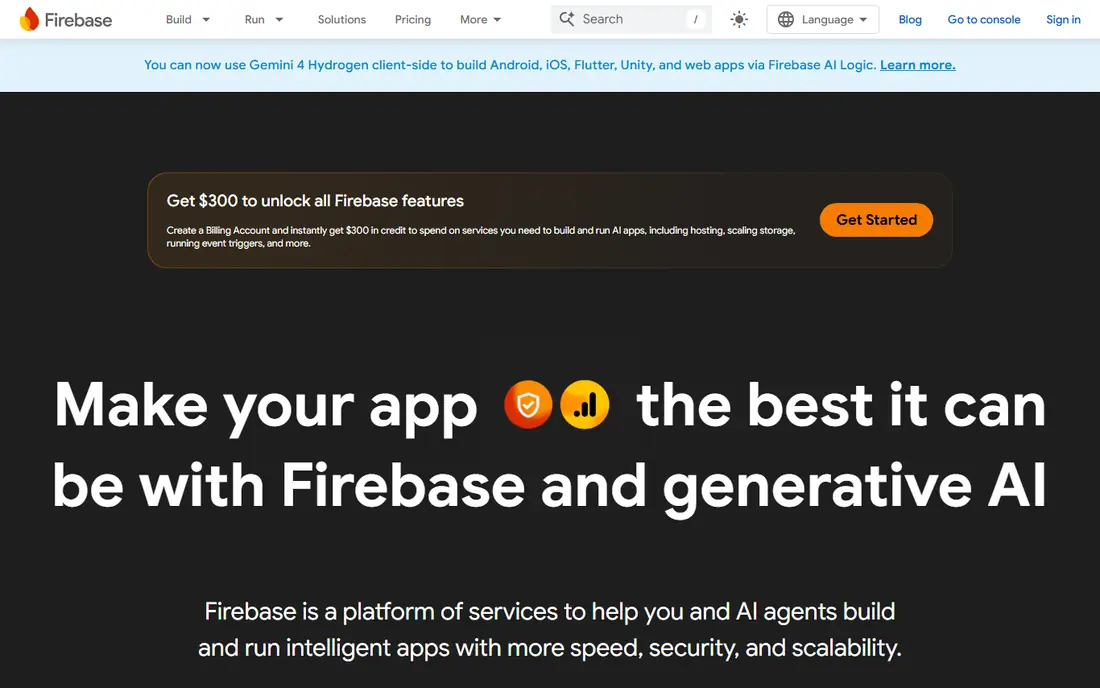
Firebase Analytics, part of Google Firebase, is the default starting point for many iOS apps. It is free, it reports events without a strict monthly event cap in the way some competitors meter usage, and it sits alongside Crashlytics, remote config and messaging in the same console. For a small team shipping its first iOS app, that breadth at no cost is hard to argue with.
The limits appear as product questions get more detailed. Funnel and cohort analysis exist, but teams that live in product analytics often find Mixpanel or Amplitude more flexible. Privacy also needs attention: configure data collection for Apple's App Tracking Transparency rules and for your own privacy policy, and do not collect identifiers you do not need.
- Free with generous event reporting
- IOS SDK and Crashlytics in the same platform
- Integrates with Google Ads and App Store data
- Reporting is less flexible than Mixpanel or Amplitude for deep product work
- Google ecosystem focus
- Data controls need care for privacy rules
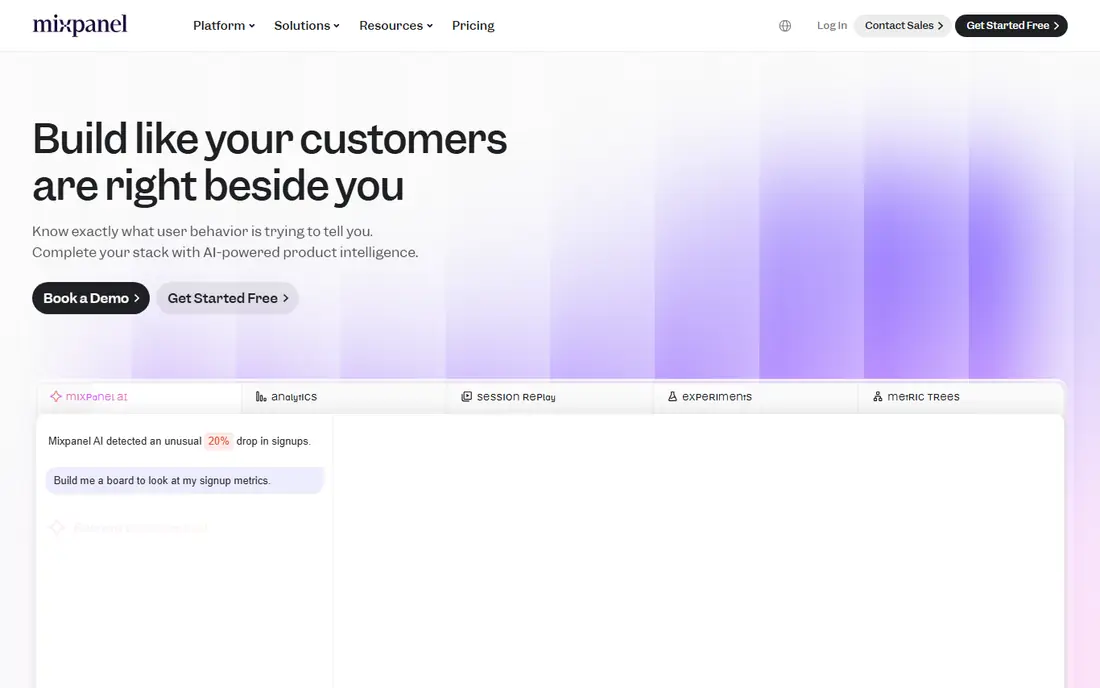
Mixpanel is built around events: a user did this, then this, then this. That model suits iOS product teams who want to answer questions such as which onboarding steps lose people, which features retain users, and which cohorts come back after a week. The free tier covers a large monthly event volume, which makes it a practical starting point for early-stage apps.
Costs are the watch item. Once an app passes the free allowance, usage-based pricing can grow quickly, especially if autocapture sends many events nobody charts. Write a tracking plan before you instrument, name events clearly, and review unused events regularly. With that discipline, Mixpanel is one of the strongest product analytics tools for iOS.
- Free tier covers a large monthly event allowance
- Strong funnels, cohorts and retention reports
- IOS SDK with autocapture options
- Paid costs rise steeply past the free tier
- Session replay is a separate allowance
- Needs a clear event plan to stay useful

Amplitude suits iOS teams that need depth: behavioural cohorts, retention curves, journey analysis and, on higher plans, predictive features. Its free tier covers a large monthly event allowance, plus session replay on some plans, which makes it a viable starting point even before a paid conversation. Data governance features on larger plans help teams with stricter controls.
Small teams should be aware of the learning curve. Amplitude rewards a well-planned event taxonomy, and a messy taxonomy produces messy reports. If your team has an analyst or a product manager who owns the data, Amplitude is a strong long-term pick. If you just need basic usage counts, Firebase may be enough.
- Free tier with a large event allowance
- Deep behavioural cohorts and predictive features
- Session replay on some plans
- Learning curve for larger teams
- Paid pricing is usage based and can be hard to model
- Depth can overwhelm small teams
PostHog is the all-in-one option for engineering-led iOS teams. Product analytics sits next to session replay, feature flags, experiments and error tracking, all under one account and one SDK approach. The free tier covers a monthly event allowance, with further usage billed per event at published rates, and a self-hosting option exists for teams with strict data requirements.
The breadth is also the complexity. Replay, flags and errors are metered separately, so a team that switches everything on can see several charges at once. Start with analytics alone, add replay for key flows, and keep an eye on the usage dashboard. For a small iOS team that wants one vendor for several jobs, PostHog is a compelling choice.
- Free monthly event allowance
- Product analytics, session replay, feature flags and experiments in one tool
- Self-hosting option
- Several products metered separately
- Interface packs in many tools
- Paid costs need tracking across products
App Store Connect is not optional for iOS developers, because it is Apple's own developer console. Its analytics cover app units, sales, crashes, ratings and store page performance, including where users found your app in the store. That store view is something no third-party tool can replace, and it costs nothing beyond your developer account.
Its limit is scope. App Store Connect tells you about the store and about crashes, not about how users move through features inside the app. Pair it with Firebase, Mixpanel, Amplitude or PostHog for in-app behaviour, and use App Store Connect for the store and release side of the job. Every iOS team should check it, even if another tool is the main analytics home.
- Free for App Store developers
- App units, sales, crashes and ratings for your apps
- App Analytics for store page performance
- Only covers your own apps
- No competitor data
- Product behaviour inside the app needs another tool
AppsFlyer answers the marketing question: which ad, campaign or channel led to an install. It attributes installs and in-app events back to campaigns across many ad networks, and it includes fraud protection features that matter when paid acquisition grows. For an iOS team spending on ads, that attribution view is essential, and it complements product analytics rather than replacing it.
Pricing is custom, so budget conversations need a sales discussion, and setup must respect Apple's privacy framework, including SKAdNetwork and App Tracking Transparency. Small apps with no paid acquisition do not need AppsFlyer yet. Once paid campaigns start, it becomes one of the first tools to evaluate.
- Strong mobile attribution across ad networks
- Fraud protection features
- IOS privacy framework support
- Pricing is custom and sales-led
- Attribution is not product analytics
- Setup needs care for Apple privacy rules
Adjust, now part of AppLovin, covers attribution, measurement and automation for mobile marketers. It tracks which campaigns drive installs and in-app actions, offers fraud prevention, and provides reporting and automation for larger marketing teams. Agencies and enterprises with several apps often standardise on Adjust for that breadth.
For a small iOS app with little or no paid spend, Adjust is more tool than needed, and there is no free plan to test it casually. Consider it when paid acquisition becomes a regular budget line and when attribution accuracy starts to affect spending decisions. Until then, App Store Connect plus a product analytics tool will cover most questions.
- Attribution with automation and reporting
- Fraud prevention
- Strong agency and enterprise tooling
- No free plan for most teams
- Custom pricing
- Overkill for apps without paid campaigns
UXCam shows you what users actually did, not just what they tapped in aggregate. Session replays and heatmaps reveal where people hesitate, where a screen confuses them, and where a crash or freeze interrupts a flow. That visual evidence is powerful for designers fixing onboarding or checkout, and it explains drops that a funnel chart can only point to.
Privacy is the responsibility that comes with replay. Mask text fields, passwords and personal data, and configure the SDK to exclude sensitive screens. The free session allowance is limited, so replay is best used on key flows rather than on every session. Pair UXCam with a product analytics tool for counts, and use replay for understanding.
- Mobile session replay and heatmaps
- Crash and UI freeze context
- IOS SDK built for mobile sessions
- Free session allowance is limited
- Replay needs careful privacy masking
- Not a full product analytics replacement
Countly is the pick for iOS teams that want to own their analytics data. The Lite edition can be self-hosted at no licence cost, which suits teams with strict data residency or privacy requirements, and the platform also covers crashes and push messaging. For a team that cannot send user data to a third-party cloud, that control is decisive.
Self-hosting is work. You maintain servers, updates and backups, and that cost in time should be counted alongside the free licence. Cloud plans exist with custom pricing if you prefer Countly to run the service. If data control is your top requirement, Countly deserves a serious look. If ease of setup matters more, start with Firebase or PostHog.
- Self-hosted Lite edition is free
- Product analytics, crashes and push in one platform
- Data stays on your own servers
- You run and maintain the servers on self-hosted plans
- Cloud pricing is custom
- Smaller ecosystem than Firebase or Mixpanel
How we picked these
We compared official product pages, pricing pages and iOS SDK documentation for analytics and attribution tools that support iOS in October 2026. We favoured tools with a free tier or trial, a working iOS SDK, and a clear role in product, store or attribution analytics. We did not claim hands-on testing, and we treated vendor pricing claims as claims to check on the pricing page, since usage-based pricing changes with event volume.
What to decide before you pick
Start with the question you need to answer. Store performance belongs in App Store Connect, product behaviour belongs in Firebase, Mixpanel, Amplitude, PostHog or Countly, and campaign attribution belongs in AppsFlyer or Adjust. Trying to answer all three questions with one tool usually produces a tool that does none of them well.
Next, plan your events and your privacy settings before you instrument. Name events clearly, decide which properties each event needs, and mask or exclude sensitive data in replay tools. Apple's App Tracking Transparency rules and your privacy policy should shape what you collect, not the other way around. A short tracking plan saves months of messy reports.
Finally, watch usage, not just the headline free tier. Event volume, replay sessions and flag requests are metered separately on several tools, and an app that grows quickly can pass a free allowance in a single release. Set usage alerts where the tool offers them, review unused events each month, and compare tools on your real event volume, not on a demo.
Frequently asked questions
What is the best analytics for an iOS app?
Firebase Analytics is the best free starting point for most iOS apps, while Mixpanel and Amplitude suit teams that need deeper product analysis. PostHog suits teams that also want replay and feature flags in one tool. App Store Connect is essential alongside any of these for store performance.
Is Firebase Analytics free for iOS?
Yes, Firebase Analytics is free to use, with pay-as-you-go Blaze pricing for other Firebase services if you use them. Event reporting itself does not carry the same strict monthly cap as some competitors, though other Firebase products are metered separately. Check the Firebase pricing page for the services you actually switch on.
What is the difference between product analytics and attribution?
Product analytics tracks what users do inside the app, such as features used, funnels and retention. Attribution tracks which campaign or channel led to an install or a first purchase. Most growing iOS teams need both, using a product tool for behaviour and an attribution tool for paid campaigns.
Do I need App Store Connect if I use Mixpanel or Amplitude?
Yes. App Store Connect covers store performance, sales, crashes and ratings for your own apps, which product analytics tools do not replace. Use App Store Connect for the store side and Mixpanel or Amplitude for behaviour inside the app, and you will have both halves of the picture.
How do I handle privacy in iOS analytics?
Collect only the data you need, respect Apple's App Tracking Transparency rules, and state your collection clearly in your privacy policy. Mask sensitive fields in session replay tools, avoid sending personal identifiers in event properties, and review SDK settings for each tool before release. Privacy settings should be part of the setup, not an afterthought.
Sources
See where you really rank - block by block
ProMapRanker scans Google Maps across a grid of your service area. Simple monthly plans from $19, white-label on every plan.
Start freeKeep reading
 zscaler alternatives
Best Zscaler Alternatives in 2026
Looking for zscaler alternatives? We compare 9 SASE and zero trust platforms on architecture, data protection, pricing, and fit for your network and team.
Read → zapier alternatives free
Best Zapier Alternatives Free in 2026
Nine automation tools for zapier alternatives free in 2026, all with genuinely free tiers, plus free plan limits, starting prices and upgrade paths explained.
Read → which platform is best for online reputation
Which Platform Is Best for Online Reputation in 2026
Wondering which platform is best for online reputation? We compare 8 review, listing, and response tools for small and multi-location businesses and agencies.
Read →