 ProMapRanker
Best Alternatives to Tray for Workflow Automation in 2026


Business teams connecting many apps · Pricing starts at: $19.99 per month
Key takeaways
- Tray, now sold as Tray.ai, is a developer focused integration platform, so the best alternative depends on whether you need simple app-to-app automation or enterprise integration.
- Zapier and Make suit business teams and visual builders, while Workato, Boomi, and MuleSoft suit enterprise and hybrid integration.
- n8n is the strongest choice for technical teams that want self-hosting and code control, but it needs more setup than a no-code tool.
- Our pick for most teams is Zapier, because it pairs a free plan with a very large app library and a builder non-technical staff can use.
- Check the billing unit before you buy, because task, operation, credit, and run based pricing can produce very different bills at the same workflow volume.
Quick comparison
| Pick | Great for | Pricing starts at | Free tier | |
|---|---|---|---|---|
| Zapier | Business teams connecting many apps | $19.99 per month | Yes | Visit |
 Make | Visual, multi-branch workflows | See website | Yes | Visit |
 n8n | Technical teams that want self-hosting | See website | Yes | Visit |
 Workato | Enterprise automation with governance | See website | No | Visit |
 Boomi | Hybrid cloud and on-premise integration | See website | Free trial | Visit |
 Microsoft Power Automate | Microsoft 365 centred teams | See website | Free trial | Visit |
 Celigo | ERP and order-to-cash integrations | See website | Free trial | Visit |
 MuleSoft | API-led enterprise integration | See website | Free trial | Visit |
 SnapLogic | Data and app integration at scale | See website | Free trial | Visit |
The best alternatives to Tray for workflow automation
Tray.ai is aimed at technical teams that build integrations and AI workflows with a high degree of control. That focus is useful, but it can also mean quote-based pricing, a steeper builder, and extra cost for agent features. The tools below cover the same core job, connecting apps and moving data between them, with different balances of ease, control, and enterprise governance.
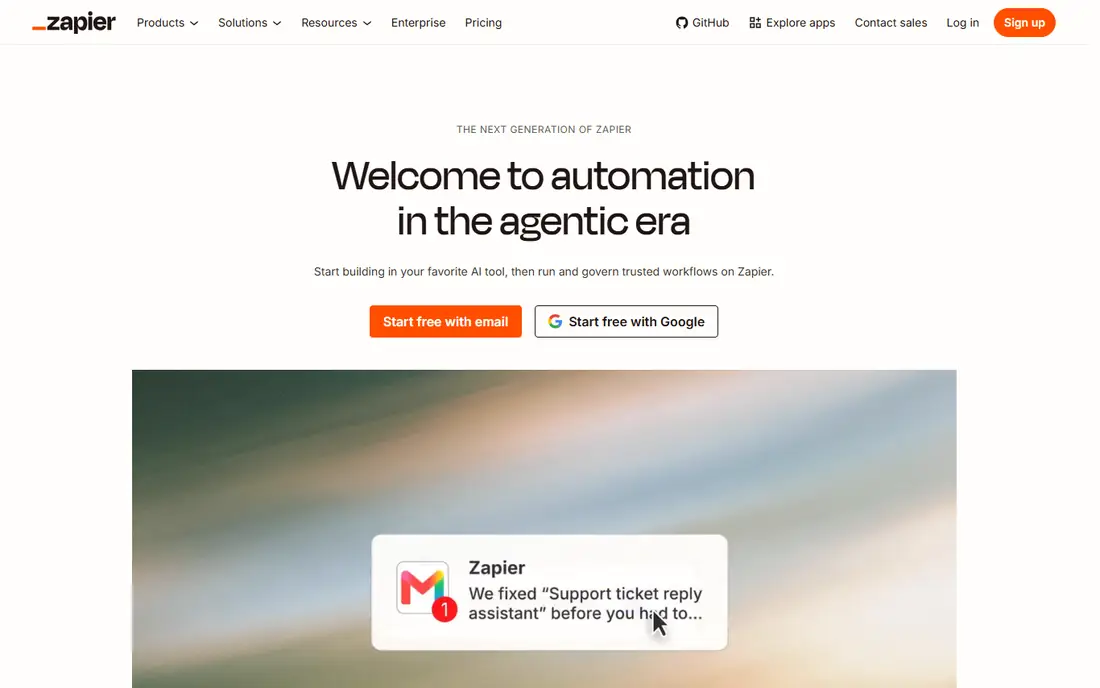
Zapier is the easiest swap for teams that want automation without a developer in the middle. The builder is visual, the app library is very large, and integrations are maintained by Zapier when APIs change, which removes a common maintenance burden. A free plan lets a small team test a few core workflows, and paid plans start at $19.99 per month for the Professional tier in many published comparisons.
The limit is pricing at scale. Zapier charges by tasks, so a workflow with many steps or frequent triggers can consume tasks faster than expected. Complex branching, loops, and data transforms are possible, but they need careful design and testing. Choose Zapier when broad app coverage and team adoption matter more than deep code control, and model your monthly tasks before you commit.
- Very large app library
- No-code builder with AI help
- Connections maintained by Zapier
- Task based pricing can rise fast at volume
- Complex logic needs careful workflow design
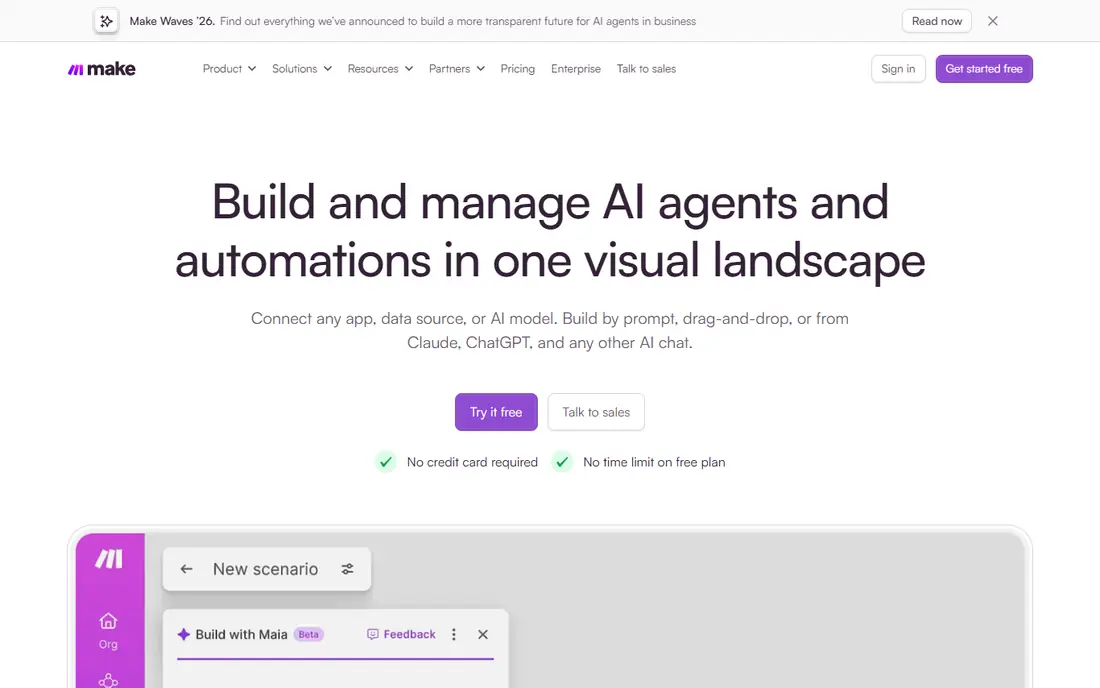
Make appeals to teams that think in diagrams. Its visual builder shows each step, branch, and data map in one view, which makes multi-step workflows easier to review than a long list of actions. The free tier is useful for testing, and paid plans scale by operations, so you can start small and grow as workflows become central to operations.
The catch is that visual does not mean simple. Complex scenarios still require careful data mapping, error handling, and testing, and operation counts can surprise teams that trigger workflows often. Make is a strong middle ground between Zapier ease and developer control, especially for operations teams that want to see how data moves. Check current plan limits on the vendor site, because operation allowances and features change.
- Clear visual scenario builder
- Strong handling of branches and data mapping
- Free tier for testing
- Operation based pricing needs modelling
- Advanced scenarios still need technical thinking
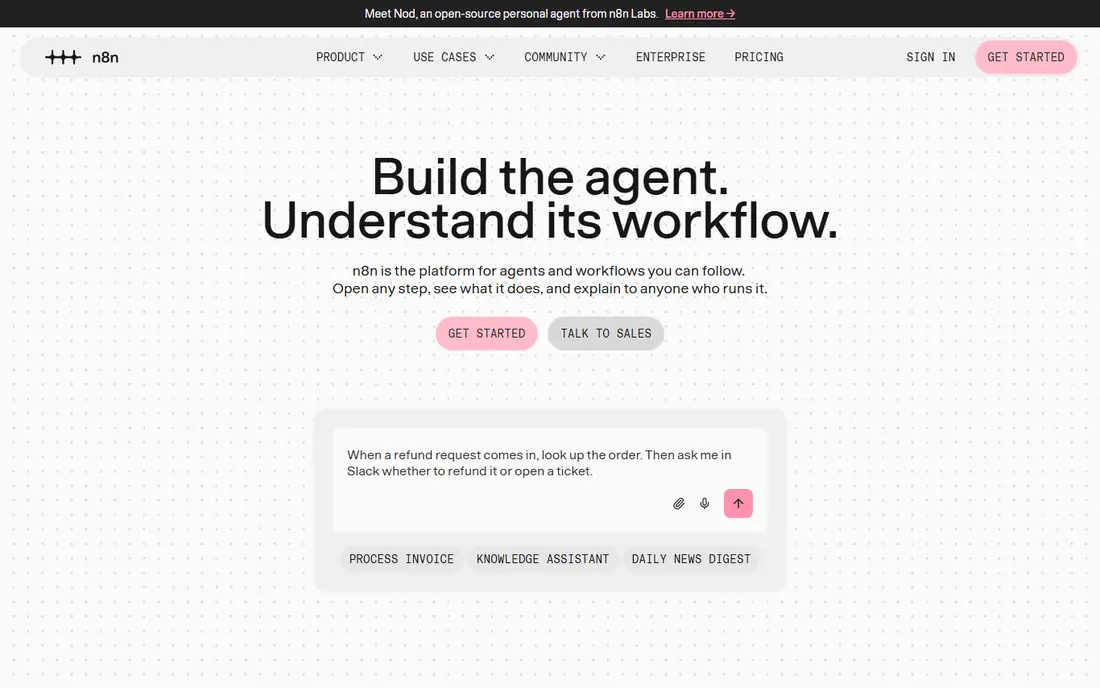
n8n is the pick for technical teams that want control over hosting, data, and code. The Community Edition can be self-hosted for free, and workflows can mix visual nodes with JavaScript or Python code, which gives developers room to handle edge cases that a pure no-code tool would struggle with. That control also helps teams with data residency or security requirements, because workflows can run in their own environment.
The trade-off is responsibility. Self-hosting means updates, backups, monitoring, and security fall to your team, and the hosted cloud version is a separate paid product. n8n is also not the best choice for non-technical staff who want a simple builder, even though the visual canvas helps. Choose it when control and code flexibility outweigh the convenience of a fully managed service.
- Self-hosted Community Edition
- Code nodes alongside visual workflows
- Fair-code model for control
- Self-hosting adds maintenance
- Cloud pricing is separate from the free self-hosted option
Workato is built for organisations that need automation across departments with controls, audit trails, and IT oversight. Its recipe style builder lets business users and IT staff work on the same platform, while enterprise connectors cover systems such as Salesforce, SAP, and Oracle. That governance layer matters when workflows touch finance, HR, or customer data and need approval and monitoring.
The limit is price and fit. Workato pricing is quoted, and the platform is designed for enterprise use, so a small team with a handful of workflows will likely find it too heavy and too costly. It also needs a clear ownership model, because enterprise automation without owners becomes hard to maintain. Choose Workato when governance, scale, and enterprise systems are the main requirements.
- Recipe style builder for business and IT
- Strong governance and enterprise connectors
- Agent features for larger teams
- Quote-based pricing
- Overkill and costly for small teams
Boomi suits teams that must connect cloud apps with on-premise systems, databases, and legacy tools. Its integration platform covers data movement, app integration, and API management, which makes it a closer enterprise match for Tray than a simple task tool. Published comparisons list a pay-as-you-go starting point around $99 per month plus usage, with a free trial for evaluation, but confirm the current model on the vendor site.
The downside is complexity. Boomi is an integration platform, not a quick zap builder, so design, testing, and governance take more effort. That effort pays off when you have hybrid systems and long lived integrations, but it is too much for a team that only needs a few app-to-app flows. Pick Boomi when hybrid and enterprise integration is the core problem.
- Strong hybrid integration
- Broad connector library
- Pay-as-you-go option in published pricing
- Quote and usage pricing needs careful review
- Setup can be heavier than a simple automation tool
Power Automate is the natural choice for teams already on Microsoft 365. Flows connect Outlook, Teams, SharePoint, Dynamics, and many other apps, and desktop flows can automate repetitive work on Windows machines. AI help for building flows lowers the barrier for business users, while premium connectors and attended automation sit on paid plans.
The limit is ecosystem fit. Outside Microsoft 365, other tools may offer broader app coverage or simpler pricing, and Power Automate licensing can be confusing across per-user and per-flow plans. Check the current Microsoft pricing page for your exact licence mix before budgeting. Choose it when Microsoft apps are already central to daily work and automation should live inside that stack.
- Deep Microsoft 365 and Teams integration
- Desktop automation for repetitive tasks
- Copilot help for building flows
- Best value inside the Microsoft ecosystem
- Non-Microsoft stacks may find better coverage elsewhere
Celigo focuses on the integrations that run a business, such as connecting an ERP with ecommerce, CRM, and warehouse systems. Its prebuilt integrations and templates for order-to-cash work can shorten implementation compared with building each flow from scratch. That focus makes it strong for operations teams that need reliable data movement between core systems, not just a marketing automation.
The trade-off is breadth. Celigo is less of a general purpose tool for every team, and pricing is often quoted based on endpoints and flows, so a small team should confirm total cost early. It also works best when the systems it connects are already in place and stable. Pick Celigo when ERP and order workflows are the main integration problem.
- Strong prebuilt integrations for ERP and ecommerce
- Flat style pricing by endpoints and flows in published guides
- Good for order workflows
- Quote-based in practice for many teams
- Less suited to general purpose automation than Zapier or Make
MuleSoft, part of Salesforce, is built around API-led integration. Teams design reusable APIs, connect systems through a managed platform, and govern those APIs across the organisation. That approach suits large enterprises with many systems, strict governance, and a need for reuse, because one well designed API can serve several workflows instead of being rebuilt each time.
The cost is skill and price. MuleSoft is developer heavy, pricing is quoted, and simple workflows will take longer to build than in Zapier or Make. It is not a tool for a small team that needs a quick connection between two apps. Choose MuleSoft when API strategy, reuse, and enterprise governance are the deciding factors.
- API-led design for reusable integrations
- Strong enterprise governance
- Anypoint Platform for design and management
- Developer heavy and quote-based
- Too complex for simple app-to-app automation
SnapLogic combines app integration with data pipelines in a visual builder, which helps teams that need both workflow automation and data movement. Its pipeline approach handles transformation, mapping, and large volumes better than a simple task tool, and its enterprise features cover governance and monitoring. That makes it a credible Tray alternative for data heavy organisations.
The limit is fit and price. SnapLogic is quoted for enterprise use, and small teams will likely find it too costly and too broad for a few simple flows. It also needs data and integration owners to keep pipelines clean as sources change. Pick SnapLogic when data integration and app automation must live on one platform at scale.
- Visual pipeline builder for data and apps
- Strong data transformation
- Agent features for enterprise teams
- Quote-based pricing
- Enterprise focus makes it costly for small teams
How we picked these
We compared official product pages, pricing pages, and documentation for workflow automation and integration platforms available in October 2026. We excluded Pipedream Workflows, which is in maintenance mode with a shutdown date of 31 March 2027, and Relay.app, which shut down on 14 September 2026, because neither is a safe long term buy. We kept tools that cover app-to-app automation, enterprise integration, or both, and we weighed app coverage, builder ease, governance, hosting control, and pricing transparency.
What to check before you pay
Map one real workflow before you compare prices. List the trigger, each step, how often it runs, and how many records it touches, then translate that into each vendor's billing unit. A tool that looks cheap per month can become costly when tasks, operations, or runs multiply, while a quoted enterprise tool can be cheaper at high volume if it includes more usage. Also test error handling, because a workflow that fails silently is worse than no workflow at all.
Check security and ownership too. Confirm who can edit a workflow, whether changes are logged, how secrets are stored, and what happens to data in transit. For enterprise systems, ask about single sign-on, audit logs, and data residency. Start with one workflow that saves clear time, prove it runs reliably for a few weeks, and only then expand to core systems.
Frequently asked questions
Is Tray.io still available?
Tray now sells as Tray.ai, an AI ready integration platform. It remains a product, but many teams compare alternatives because pricing is quote-based, the builder is developer focused, and agent features can add cost.
Which Tray alternative is easiest for non-technical teams?
Zapier is usually easiest because of its large app library, no-code builder, and AI help. Make is also accessible for visual thinkers, but complex scenarios still need careful design.
Which alternative is best for self-hosting?
n8n, through its self-hosted Community Edition, gives technical teams hosting control and code flexibility. Budget time for maintenance, backups, and updates, because self-hosting shifts those tasks to your team.
Why are Pipedream Workflows and Relay.app not listed?
Pipedream Workflows is in maintenance mode with a shutdown date of 31 March 2027, and Relay.app shut down on 14 September 2026. Neither is a safe long term choice for new workflows, so we excluded both from this list.
How do I estimate the real cost?
Model one workflow at real volume, then convert triggers, steps, and records into each vendor's unit, whether tasks, operations, credits, or runs. Add premium connectors, AI features, and seat costs, and confirm the total with a trial before signing.
Should I choose an iPaaS or a simple automation tool?
Choose a simple tool when you connect SaaS apps with clear triggers and actions. Choose an iPaaS when you need hybrid systems, data transformation, governance, or long lived integrations across many departments.
Sources
See where you really rank - block by block
ProMapRanker scans Google Maps across a grid of your service area. Simple monthly plans from $19, white-label on every plan.
Start freeKeep reading
 zyte alternatives
Best Zyte Alternatives in 2026
These zyte alternatives cover managed scraping APIs, proxy networks and no code tools for lawful collection from your own or consented sources only in 2026.
Read → zerto alternatives
Best Zerto Alternatives in 2026
Compare the best zerto alternatives for disaster recovery and replication, with recovery targets, cloud options and honest trade-offs for teams in 2026.
Read → zerofox alternatives
Best ZeroFox Alternatives in 2026
We compared 9 zerofox alternatives for brand protection, phishing takedowns, dark web monitoring, and social impersonation, with clear coverage notes.
Read →