 ProMapRanker
Best Alternatives to Serval in 2026

Key takeaways
- Briar is the strongest privacy-first pick for short-range and internet-based peer messaging.
- Meshtastic fits long-range off-grid use, but it needs dedicated radio hardware.
- Bitchat is the easiest phone-only mesh pick for crowds, with no account or phone number needed.
- Bridgefy suits event and team use, though its protocol is not open for public audit.
Quick comparison
| Pick | Great for | Pricing starts at | Free tier | |
|---|---|---|---|---|
 Briar | Private peer messaging | Free | Yes | Visit |
 Meshtastic | Long-range radio mesh | Free | Yes | Visit |
 Bridgefy | Crowds and events | Free | Yes | Visit |
 Bitchat | Phone-only Bluetooth mesh | Free | Yes | Visit |
 Reticulum | Self-built radio networks | Free | Yes | Visit |
 goTenna | Paired radio messaging | Free | Yes | Visit |
 Berty | Peer-to-peer messaging | Free | Yes | Visit |
 Meshenger | Local Wi-Fi voice and video | Free | Yes | Visit |
The best alternatives to serval
This article reads Serval as the Serval Mesh off-grid messaging app, the project that let phones message and call over a local mesh when mobile networks failed. We list mesh and off-grid messaging tools that work without a mobile network, where that claim holds today. Mesh apps do not replace emergency services, and range depends on nearby users and hardware. Use them only for lawful, consented communication.
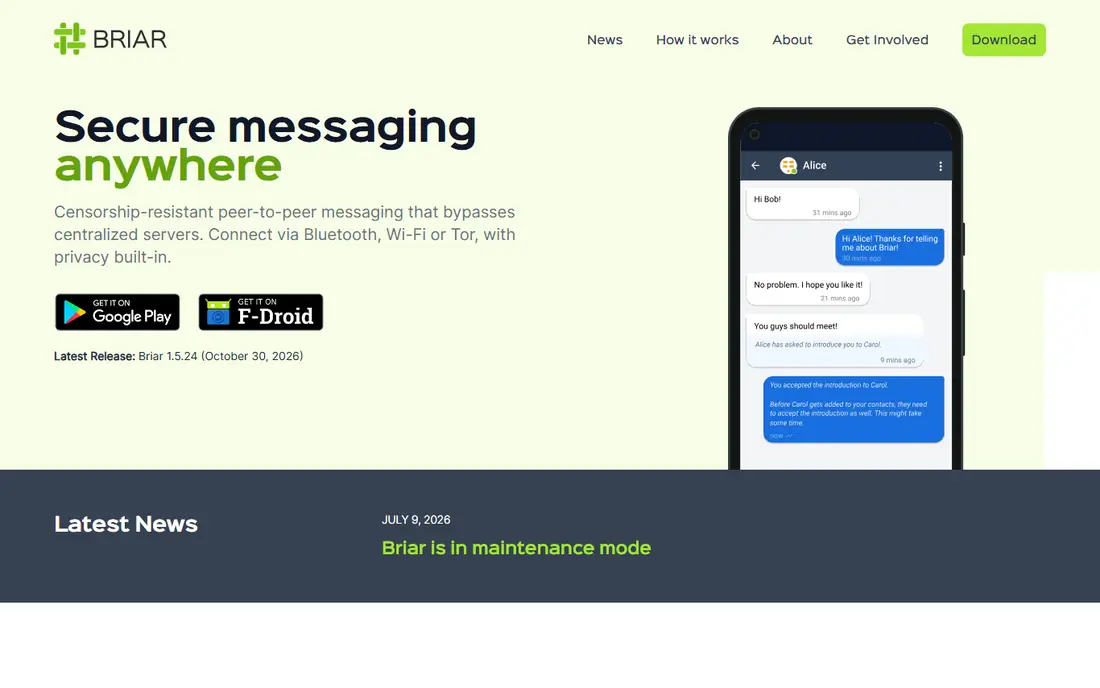
Briar is the closest privacy-first successor to the Serval Mesh idea for phone users. It sends messages peer to peer over Bluetooth and Wi-Fi when nearby, and over Tor when the internet is available. There is no central server holding your messages, and contacts are added directly, which limits unwanted contact.
The catch is reach and setup. Briar is mainly an Android app, and adding contacts takes a direct exchange rather than a username search. Large public groups are not its strength, and delivery depends on peers being nearby or online through Tor. That friction is part of its privacy design, not a bug.
We like Briar for small trusted groups that need private messaging without a central service. It is free and open-source, so anyone can inspect the code. If you need iPhone support or large public channels, look at Bitchat or Bridgefy instead.
- Open-source and peer-to-peer
- Works over Bluetooth, Wi-Fi, and Tor
- No account needed
- Android-focused
- Contacts must be added in person or by link
- Slower for large groups
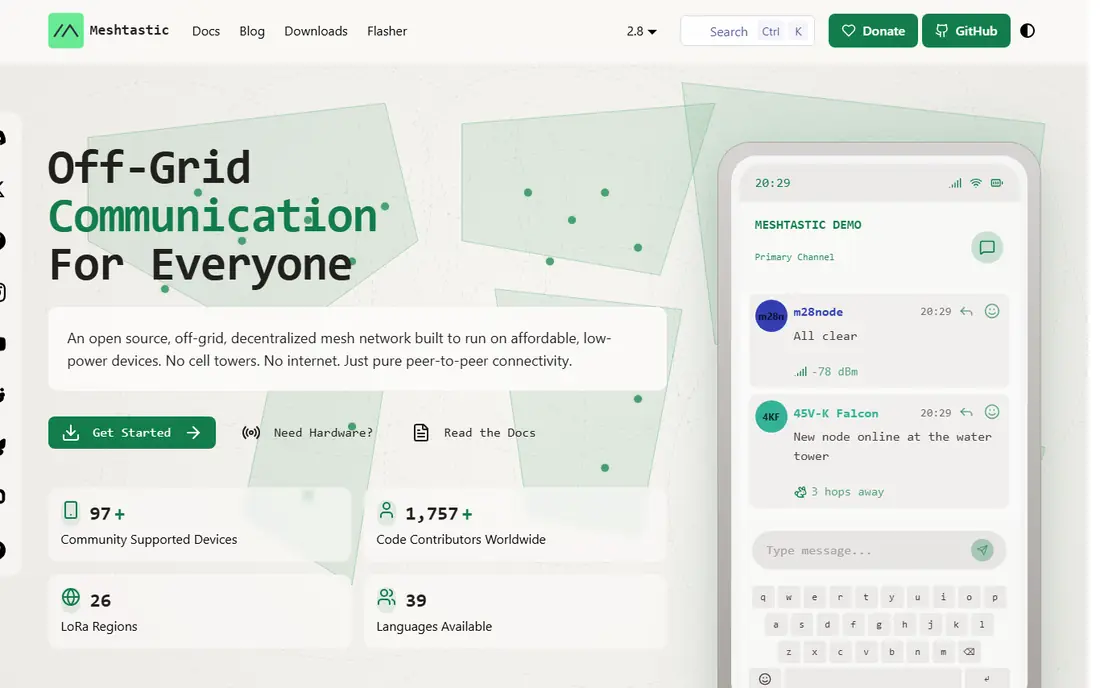
Meshtastic is the best pick when distance matters more than phone-only ease. Small LoRa radios pair with a phone app and relay encrypted messages across a mesh, often over several kilometres in open terrain. That makes it useful for hiking groups, farms, and prepared communities where phones alone cannot reach.
The honest catch is hardware. You must buy one or more radios, and range drops sharply in cities, hills, and buildings. Setup also takes care with channels, keys, and firmware. The app itself is free, but the full system cost includes hardware, so budget for that before you compare it to phone-only apps.
Pick Meshtastic when your group will invest in radios and wants a network that does not depend on phones being close together. For a crowd in one place, a Bluetooth mesh app is simpler. For spread-out off-grid use, Meshtastic is hard to beat.
- Long-range LoRa mesh
- Open-source
- Encrypted messages
- Works without phones networks
- Needs radio hardware
- Range varies by terrain
- Setup takes technical care
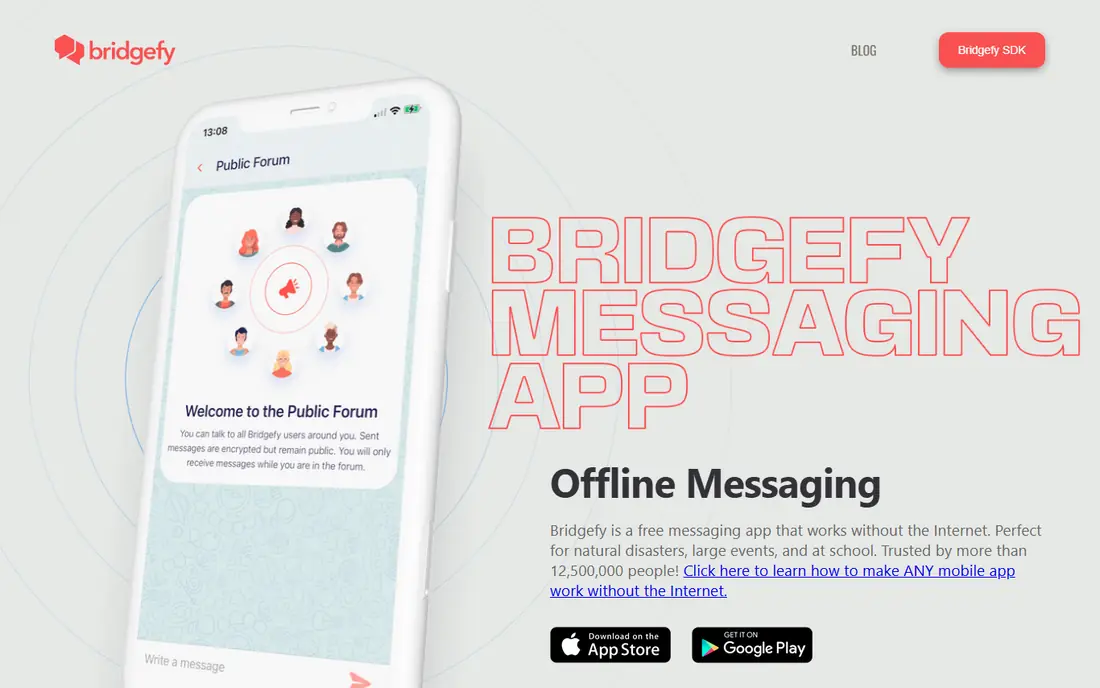
Bridgefy lets nearby phones pass messages over Bluetooth mesh without internet or mobile signal. It is available on both major phone platforms, which helps at events, festivals, and team gatherings where not everyone uses the same phone type. Starting a chat is quick, and messages hop between nearby devices.
The catch is trust. Bridgefy's protocol is not open for full public audit, and its cryptography was found broken in 2020 before a rebuild. Later versions claim stronger encryption, but independent audit is harder without open code. Teams with high privacy needs should weigh that history carefully.
We like Bridgefy for casual event and team messaging where ease matters most. For sensitive private chats, Briar or Meshtastic offer stronger open audit paths. Use Bridgefy with that trade in mind, and avoid sharing sensitive details in large public channels.
- Works on Android and iOS
- Bluetooth mesh for nearby users
- Easy to start
- Protocol is not open-source
- Past security flaws raised audit concerns
Bitchat is a newer phone-only mesh app that needs no account, phone number, or email. Phones relay encrypted private messages over Bluetooth mesh, and the app can also use Nostr when the internet is available. That mix makes it easy to try in a crowd, since anyone nearby with the app can join the mesh.
The honest catch is youth and range. Bitchat is still evolving, so features and store availability can change. Bluetooth range is short per hop, though relaying extends it in dense crowds. Public mesh channels are visible to nearby users, so keep private talk in private chats.
We like Bitchat as the simplest modern phone-only mesh pick for most people. It is free and open-source, and setup takes minutes. For long-range use, Meshtastic still wins. For a dense crowd with no signal, Bitchat is a strong first try.
- No account or phone number
- Bluetooth mesh plus Nostr online mode
- Open-source
- Newer app with changing features
- Bluetooth range is short
- Public channels are visible nearby
Reticulum is a networking stack for building your own mesh networks over radio, packet links, and other transports. It supports encrypted messaging apps built on top of it, and it is designed for people who want full control over their network. That flexibility appeals to radio hobbyists and prepared groups.
The catch is polish. Reticulum is a toolkit more than a consumer chat app, so setup takes technical skill and patience. Casual users will find Briar or Bitchat easier. Groups that already run radios will value the control Reticulum gives them over routing and identity.
Pick Reticulum when you want to build and own the network layer, not just install a chat app. For most readers, treat it as an advanced option to explore after a simpler mesh app works. For radio builders, it is a powerful foundation.
- Open-source mesh networking
- Works over many radio types
- Encrypted by design
- Needs technical setup
- App experience is less polished than consumer apps
goTenna pairs a phone app with a small radio device to send texts and locations without mobile signal. Each user needs a device, and messages hop between devices to extend range. Outdoor teams, event staff, and travel groups use it where phones lose signal but people stay within radio reach.
The honest catch is cost per person. The app is free, but each user needs hardware, so a large group faces a real hardware bill. Range also depends on terrain and how many devices are nearby. Check current device pricing on the vendor site before you plan a group rollout.
We like goTenna for small outdoor teams that want a polished app plus radio reach. Solo users gain little without other devices nearby. For phone-only crowds, Bitchat is cheaper. For outdoor teams willing to buy hardware, goTenna is a solid pick.
- Pairs phone with a small radio
- Works off-grid
- Location sharing and maps
- Needs purchased hardware per user
- Mesh range depends on device density
Berty is an open-source peer-to-peer messenger that aims to work without a central server. It can use nearby connections and internet relays, with identities tied to devices rather than phone numbers. That design fits users who want messaging that does not depend on one company's servers.
The catch is adoption and availability. Berty's user base is smaller than mainstream chat apps, and development and store listings have varied over time. Check the current app status on its site before you rely on it for a group. Delivery also depends on peers being reachable, as with other peer tools.
Pick Berty if open peer-to-peer design matters most and your group is willing to test a smaller app. For the widest mesh reach today, Briar and Bitchat are safer bets. For a server-free experiment with a trusted group, Berty is worth a trial.
- Open-source and peer-to-peer
- No central server
- Works over nearby links and internet
- Development pace and store availability vary
- Smaller user base than big chat apps
Meshenger fills a narrower niche: voice and video calls over a local Wi-Fi network without internet or a server. It suits a home, office, or camp with a shared access point where people want to call each other locally. The app is open-source and free, with no account required.
The honest catch is scope. Meshenger needs a shared Wi-Fi network, so it does not create a mesh between phones on its own. It is also Android-only, which limits mixed-device groups. Do not pick it expecting Bluetooth mesh messaging like Briar or Bitchat.
We include Meshenger because local calling is part of what Serval Mesh promised, and few free tools cover it. Use it for local Wi-Fi calling in a fixed location. For true off-grid messaging between phones, pick Briar, Bitchat, or Meshtastic instead.
- Open-source
- Voice and video over local Wi-Fi
- No server or account needed
- Android only
- Needs a shared Wi-Fi network
- Not a true phone-to-phone mesh
How we picked these
We compared official project pages, documentation, and public reviews for mesh and off-grid messaging tools that are offered or maintained in October 2026. We left out dead apps such as FireChat, which is no longer downloadable, and internet-only apps that cannot work without a connection. We did not claim hands-on testing that did not happen.
How to choose the right mesh messaging tool
Start with distance and devices. A crowd in one venue needs a phone-only Bluetooth app such as Bitchat or Bridgefy. A spread-out outdoor group needs radios such as Meshtastic or goTenna. A fixed site with Wi-Fi can use Meshenger for local calls. Matching the tool to distance avoids the most common disappointment.
Next, test with your real group before you need it. Install the app on everyone's phones, add contacts, and send test messages with mobile data and Wi-Fi off. Check how range, battery use, and delivery feel in your actual venue. Mesh tools depend on nearby users, so a solo test tells you very little.
Finally, weigh privacy against ease. Open-source tools such as Briar, Meshtastic, and Bitchat allow public code review, while Bridgefy trades some auditability for ease on both phone platforms. Avoid sharing sensitive details in public mesh channels, and keep a backup plan such as a meeting point if no mesh forms.
Frequently asked questions
What happened to the original Serval Mesh app?
Serval Mesh was an academic project from Flinders University that used Wi-Fi mesh for calls and texts without mobile networks. Development slowed years ago, and its store listing was removed, though source code remains available. That is why this article focuses on maintained replacements rather than Serval itself.
Do mesh apps work with no users nearby?
No, phone mesh apps need nearby users running the same app to relay messages. Radio mesh tools extend range, but they still need other radios in reach. Test with your group in advance, since an empty mesh cannot deliver anything.
Is Meshtastic free?
The Meshtastic app and firmware are free and open-source, but you must buy LoRa radio hardware to use it. Hardware prices vary by device and region, so check the vendor and retailer listings for your area. Budget per user, not just per group.
Is Bridgefy safe for private messages?
Bridgefy claims encrypted private messages in current versions, but its protocol is not fully open for audit, and past flaws damaged trust. Use it for casual event chat, and prefer Briar or Meshtastic for sensitive private talk. Avoid sensitive details in public channels on any mesh app.
Can mesh apps replace emergency services?
No, mesh apps do not connect to emergency services and cannot guarantee delivery. Use them as a backup for group contact when networks fail, and call emergency services by normal means whenever they are available. Keep a meeting point and backup plan for real emergencies.
Sources
See where you really rank - block by block
ProMapRanker scans Google Maps across a grid of your service area. Simple monthly plans from $19, white-label on every plan.
Start freeKeep reading
 zyte alternatives
Best Zyte Alternatives in 2026
These zyte alternatives cover managed scraping APIs, proxy networks and no code tools for lawful collection from your own or consented sources only in 2026.
Read → zerto alternatives
Best Zerto Alternatives in 2026
Compare the best zerto alternatives for disaster recovery and replication, with recovery targets, cloud options and honest trade-offs for teams in 2026.
Read → zerofox alternatives
Best ZeroFox Alternatives in 2026
We compared 9 zerofox alternatives for brand protection, phishing takedowns, dark web monitoring, and social impersonation, with clear coverage notes.
Read →