 ProMapRanker
9 Best Alternatives to Make for Workflow Automation in 2026 Compared

Key takeaways
- Zapier suits the widest app range, while n8n suits technical teams that want code and self-hosting.
- Microsoft Power Automate suits teams already centred on Microsoft 365 and desktop flows.
- Activepieces and Pabbly Connect suit budget teams, with open source and flat-rate options in sources.
- Workato and Tray suit enterprise teams that need governance and scale.
- Pricing units differ, so compare tasks, executions and credits at your real workload, not only headline price.
Quick comparison
| Pick | Great for | Pricing starts at | Free tier | |
|---|---|---|---|---|
 Zapier | Widest app range and simple setup | $19.99 per month | Yes | Visit |
 n8n | Technical teams and self-hosting | $24 per month | Free trial | Visit |
 Microsoft Power Automate | Microsoft 365 teams | $15 per user per month | Free trial | Visit |
 Workato | Enterprise governance and scale | See website | No | Visit |
 Activepieces | Open source simplicity | See website | Yes | Visit |
 IFTTT | Simple personal and device routines | $2.99 per month | Yes | Visit |
 Pabbly Connect | High volume on a flat rate | $16 per month | Free trial | Visit |
 Integrately | One-click setup for beginners | $19.99 per month | Yes | Visit |
 Tray | Mid-market and enterprise ops teams | See website | No | Visit |
The best alternatives to Make for workflow automation
Make, formerly Integromat, is known for visual workflows with branches, data tools and a low entry price. Teams leave it for a wider app range, code control, self-hosting, enterprise governance or simpler one-click setup. The tools below cover workflow automation in different ways, and we compared pricing pages, builder styles and app coverage in October 2026. We excluded Pipedream Workflows from this list, since recent standing notes describe it as in maintenance mode with no new signups and a planned shutdown in March 2027.
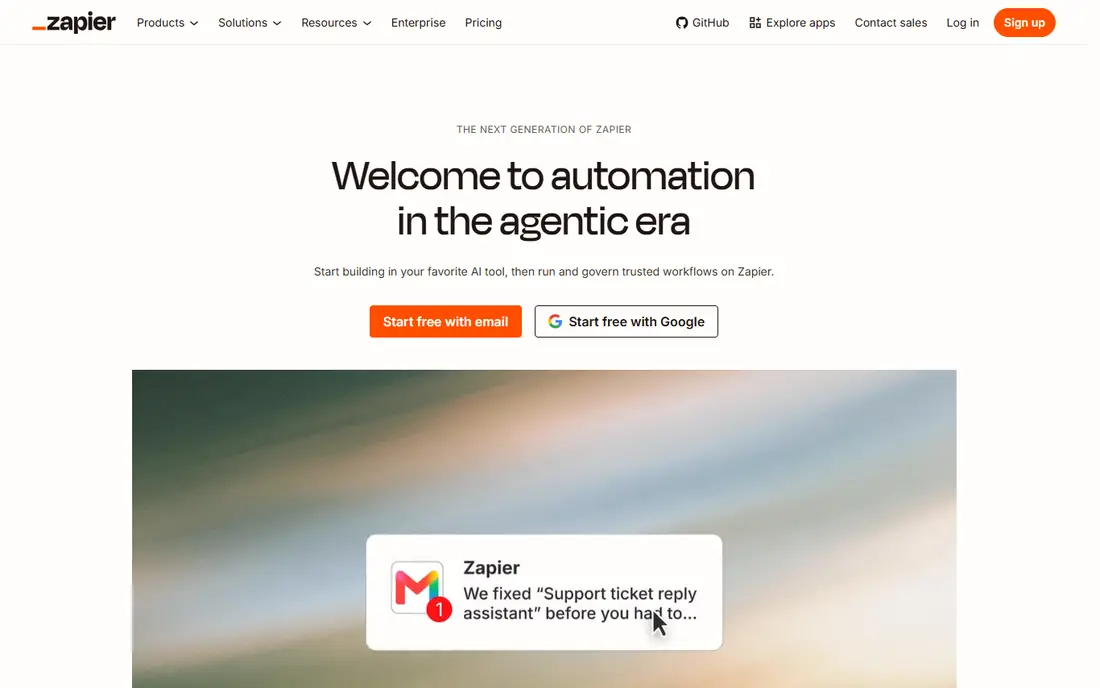
Zapier is the default alternative for a team that wants the most app connections with the least setup friction. Trigger-action flows, called Zaps, connect thousands of apps, and templates cover common jobs such as lead routing and notifications. Paid plans start near 19.99 dollars per month in recent sources.
Per-task pricing is the trade-off. A workflow with many steps can consume tasks quickly, so high-volume teams should model the bill at real volume. Complex branching and data work are also harder than in Make or n8n. For breadth and speed, Zapier still leads.
- Largest app catalogue in sources
- Easy trigger-action setup
- AI-assisted building
- Per-task pricing rises fast at scale
- Complex branching is harder than in Make or n8n
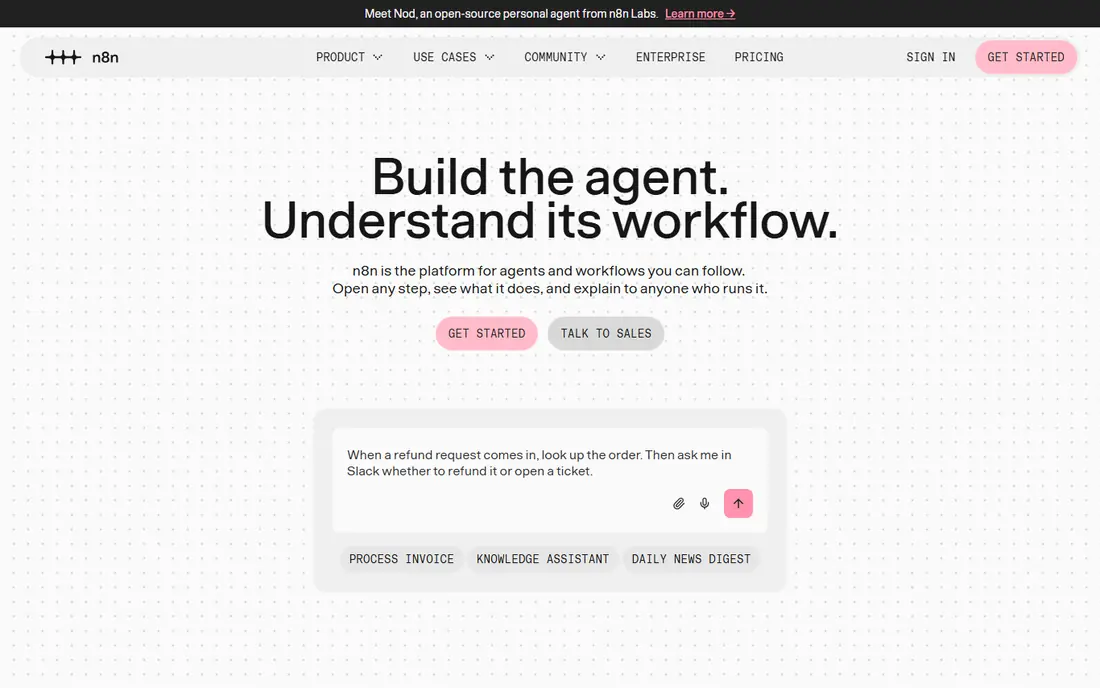
n8n suits a technical team that wants code beside a visual builder. JavaScript and Python nodes, AI nodes and self-hosting give control over data, errors and hosting that closed tools do not offer. Cloud pricing is listed near 24 dollars per month for a Starter plan in recent sources, with a self-hosted community option.
That power needs skill. A non-technical team may find setup slower than Zapier or Integrately, and cloud trial terms should be checked before relying on a free path. For a team that wants to own its automation stack, n8n is the strongest Make alternative.
- Code nodes and AI nodes
- Self-hosted option
- Execution-based cloud pricing
- Needs technical skill for best use
- Cloud free path is trial-led, not a permanent free plan in sources
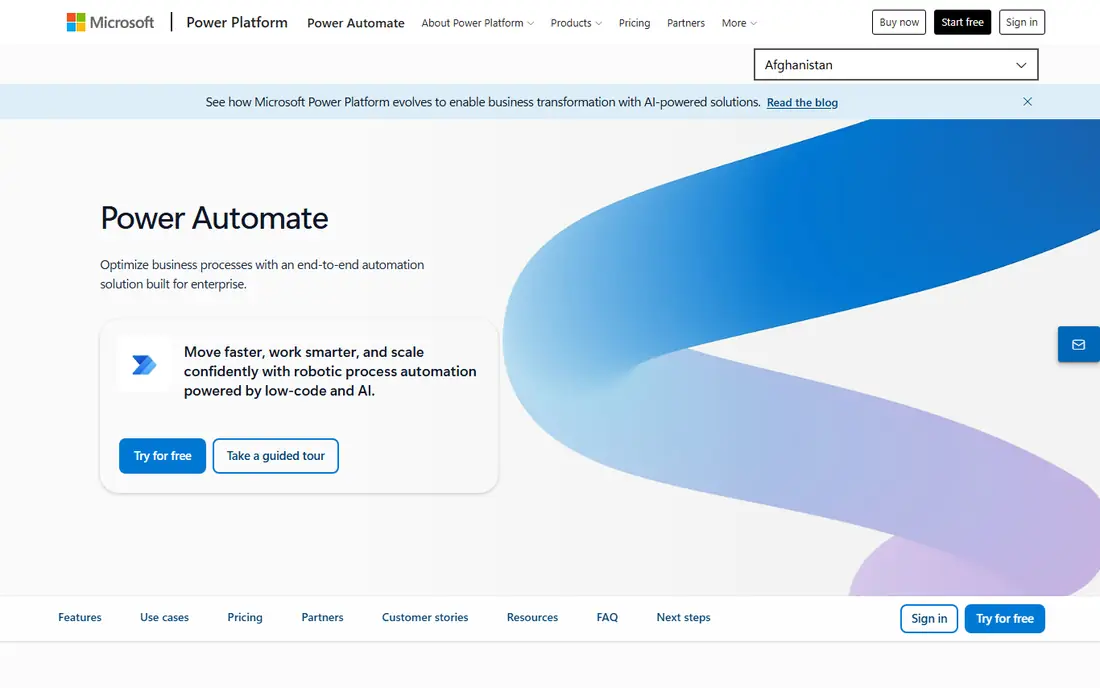
Microsoft Power Automate suits a team already running on Microsoft 365, Teams, SharePoint and Dynamics. Cloud flows handle app-to-app work, desktop flows handle legacy desktop tasks, and Copilot help can draft flows from plain language in recent listings. Premium pricing is listed near 15 dollars per user per month.
Value drops outside the Microsoft ecosystem, since many features assume Microsoft licences and identity. Some plans also need careful licence mapping for per-user versus per-flow use. Inside Microsoft 365, the native links are hard to beat.
- Deep Microsoft 365 links
- Desktop flows
- Copilot-assisted building in sources
- Best value is tied to Microsoft licences
- Non-Microsoft app depth varies
Workato suits an enterprise team that needs automation with governance, audit trails and reusable recipes across departments. Recipes can handle complex integrations, data work and approvals, with controls that suit IT-led programmes. Pricing is quote-based, so we list See website.
Cost and setup are enterprise-level, so a small team should not start here. It also needs IT involvement to get full value. For a firm standardising integration across many systems, Workato is a serious Make replacement.
- Enterprise recipes and governance
- Strong app and API depth
- Reusable connectors
- Quote-based pricing
- Overkill and costly for small teams
Activepieces suits a team that wants an open source automation core with a visual builder that business users can learn. Flows cover common app links, AI agents and human approval steps, and self-hosting gives control over data and cost. A free cloud tier and a free self-hosted path are listed in recent sources.
The app range is smaller than Zapier, so niche apps may need a custom piece or webhook. Cloud pricing terms also vary across sources, so we list See website. For a budget team that values open source, Activepieces is a fresh alternative.
- Open source core
- Self-hosted option
- Visual builder for business users
- App range is smaller than Zapier
- Cloud pricing terms vary by plan in sources
IFTTT suits personal routines and simple device links, such as syncing a smart home device with a calendar or a note app. Applets are trigger-action pairs that take minutes to set up, and Pro pricing is listed near 2.99 dollars per month on annual billing in recent sources.
The free plan allows only a few applets, and complex branching, data work and business governance are out of scope. It is not a Make replacement for a business workflow programme. For simple personal automation, its ease is unmatched.
- Very simple applets
- Strong smart home and device links
- Low Pro price
- Free plan allows few applets in sources
- Not suited to complex business workflows
Pabbly Connect suits a team with many repetitive workflows that wants predictable pricing. Paid plans are listed near 16 dollars per month on annual billing in recent sources, with unlimited workflows on paid plans in listings. That structure helps a team that would pay per task elsewhere.
The interface feels less polished than Zapier or Make, and support and app depth vary by integration. Lifetime deal terms, where offered, also need careful reading for limits. For high-volume, simple-to-mid workflows, Pabbly Connect is a strong budget pick.
- Flat-rate style pricing in sources
- Unlimited workflows on paid plans in listings
- Many app links
- Interface is less polished than Zapier or Make
- Lifetime terms need careful reading
Integrately suits a beginner who wants an automation live in minutes, not hours. Ready automations can be switched on with one click for common app pairs, such as form to CRM or store to email tool. Starter pricing is listed near 19.99 dollars per month on annual billing in recent sources.
Customisation is thinner than Make, n8n or Zapier for branching and data transforms, and the free tier is limited. A team that outgrows templates will need a deeper tool. For a first automation tool, Integrately is the fastest start on this list.
- One-click ready automations
- Large template set
- Quick setup for common apps
- Customisation is thinner than Make or n8n
- Free tier is limited in sources
Tray, listed as Tray.ai, suits an ops team that needs more flexibility than Zapier templates but does not want full code. A low-code builder, a universal connector for APIs and AI agent options help teams automate across sales, support and finance systems. Pricing is quote-based, so we list See website.
It is not a budget self-serve tool, and complex builds still need ops or IT skill. Small teams will find Zapier, Activepieces or Pabbly Connect easier to start. For a mid-market team scaling automation, Tray offers a credible enterprise path.
- Low-code builder for ops teams
- Universal connector for APIs
- AI agent options in sources
- Quote-based pricing
- Needs ops or IT skill for complex builds
How we picked these
We compared vendor pricing pages, builder descriptions and recent automation roundups that cited vendor pages in October 2026. Where pricing units or terms differed across sources, we used See website or the most recent vendor-style figure and noted the unit. We did not claim hands-on testing, and we weighted app range, builder depth, self-hosting, governance and total cost at real workload.
Make itself is not listed, because this article covers alternatives only. A tool made the list only if it still sells workflow automation in October 2026 and can connect apps with triggers, actions and multi-step flows. Pipedream Workflows was excluded for the maintenance and shutdown terms noted in the intro.
How to choose a Make replacement
Start with skill and scale. A beginner should trial Integrately and Zapier, a technical team should trial n8n and Activepieces, a Microsoft team should trial Power Automate, and an enterprise team should trial Workato and Tray. A high-volume budget team should trial Pabbly Connect.
Next, rebuild your three most important Make workflows in a trial, not a demo. Check branching, error handling, data transforms and run history, and measure the billing unit at real volume. A tool that is cheap for ten runs a day can be costly for ten thousand runs a day.
Finally, check reliability and exit terms. Confirm webhook handling, retry rules, version history and data export, and test what happens when an app API changes. Keep Make running in parallel for one cycle if you can, and switch workflows one by one rather than all at once.
Frequently asked questions
What is the best overall alternative to Make?
Zapier is the best overall for app range and ease, while n8n is best for technical control and self-hosting. The right pick depends on whether breadth, code control or low cost matters most to your team.
Is there a free alternative to Make?
Zapier, Activepieces and Integrately offer free tiers, while n8n offers a self-hosted community path and a cloud trial. Free tiers limit runs, flows or features, so check limits at your real volume before relying on them.
Which Make alternative is cheapest at high volume?
Pabbly Connect and Activepieces are often cheapest for high-volume simple workflows, because of flat-rate style and self-hosted options in sources. Zapier per-task pricing can rise fast at the same volume, so model the bill first.
Should I pick Zapier or n8n?
Pick Zapier if you want the widest app range with minimal setup. Pick n8n if you want code nodes, AI nodes and self-hosting, and your team can manage a technical setup.
Can I move my Make scenarios to another tool?
Scenarios do not transfer automatically in most cases, so rebuild key workflows in the new tool and test them in parallel. Export workflow maps and data field lists from Make first, so the rebuild does not miss a step.
Sources
- https://www.zapier.com/pricing
- https://www.n8n.io/pricing/
- https://www.microsoft.com/en-us/power-platform/products/power-automate
- https://www.workato.com/pricing
- https://www.activepieces.com/pricing
- https://www.ifttt.com/plans
- https://www.pabbly.com/connect/pricing/
- https://www.integrately.com/pricing
- https://www.tray.ai/pricing
See where you really rank - block by block
ProMapRanker scans Google Maps across a grid of your service area. Simple monthly plans from $19, white-label on every plan.
Start freeKeep reading
 zyte alternatives
Best Zyte Alternatives in 2026
These zyte alternatives cover managed scraping APIs, proxy networks and no code tools for lawful collection from your own or consented sources only in 2026.
Read → zerto alternatives
Best Zerto Alternatives in 2026
Compare the best zerto alternatives for disaster recovery and replication, with recovery targets, cloud options and honest trade-offs for teams in 2026.
Read → zerofox alternatives
Best ZeroFox Alternatives in 2026
We compared 9 zerofox alternatives for brand protection, phishing takedowns, dark web monitoring, and social impersonation, with clear coverage notes.
Read →