 ProMapRanker
Best Alternatives to Brandfolder in 2026

Key takeaways
- Most enterprise DAM tools in this list use quote-based pricing, so expect a sales conversation rather than a self-serve checkout.
- Cloudinary and Pics.io are the clearest options for teams that want published pricing and a faster start.
- Bynder, Acquia DAM, and Aprimo suit larger teams that need portals, permissions, and content operations in one place.
- Frontify stands out when brand guidelines and asset delivery need to live side by side.
- If your main problem is finding files fast, test search, filters, and metadata on your own folders before you sign a contract.
Quick comparison
| Pick | Great for | Pricing starts at | Free tier | |
|---|---|---|---|---|
 Bynder | Large brand teams | See website | No | Visit |
 Canto | Mid-size marketing teams | See website | Free trial | Visit |
 Acquia DAM (Widen) | Enterprise content operations | See website | No | Visit |
 Aprimo | Complex marketing operations | See website | No | Visit |
 Frontify | Brand guidelines plus assets | See website | Free trial | Visit |
 Cloudinary | Developer-led media delivery | Free | Yes | Visit |
 Pics.io | Small teams on Google Drive | $100 per month | Free trial | Visit |
 MediaValet | Unlimited-user DAM access | See website | No | Visit |
The best alternatives to Brandfolder
Brandfolder alternatives differ mainly in how much control they give you over search, sharing, and brand use. We compared official feature pages and pricing pages, and we focused on tools that store, organize, and distribute brand assets for teams.
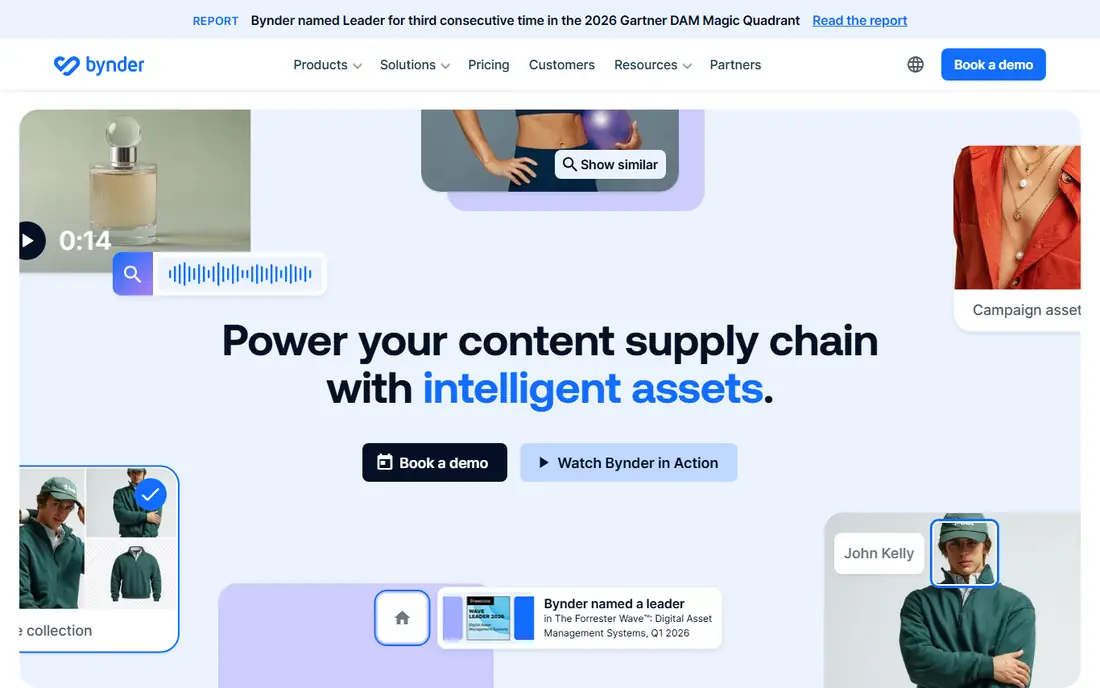
Bynder works well for companies that have grown past shared drives and need one governed place for logos, photos, videos, and templates. Brand portals let partners, agencies, and regional teams pull approved assets without asking marketing for every file. Permissions and version control help stop old logos and expired campaign art from circulating after a rebrand.
The trade-off is scope and cost. Bynder sells modules and negotiated contracts, so a small team may find the sales process heavy for a simple library. Teams that already have clear asset workflows, naming rules, and a person who will own the library will get more from it than teams that just need shared storage. Ask for a demo using your messiest folder, not a polished sample library.
- Strong brand portals
- AI-assisted search and tagging
- Broad integrations
- Quote-based pricing
- Can be more than small teams need
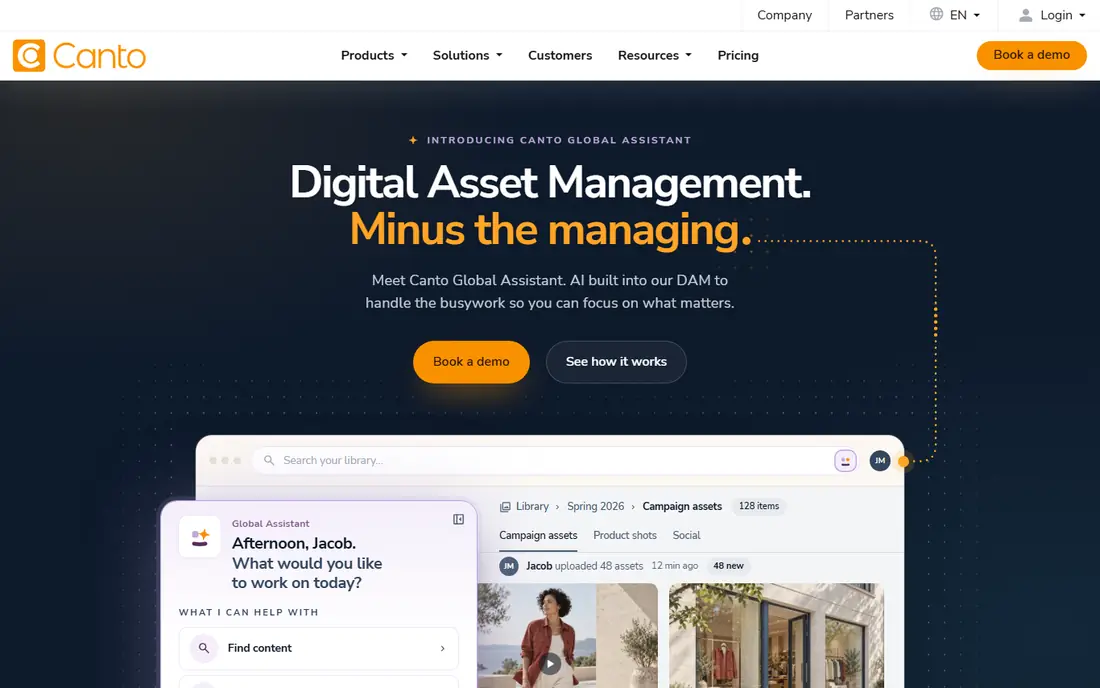
Canto is a practical middle step between a shared drive and a full enterprise DAM. It organizes assets with metadata, collections, and smart albums, and it makes sharing simple through portals and links. Marketing teams that produce a steady stream of product photos, social assets, and sales material can find what they need without a DAM specialist on staff.
Pricing is the main friction. Canto names its packages but does not publish prices, so budgeting takes a sales call. It is also worth checking which package includes the integrations, AI tagging, and reporting you actually need, since those details change the real cost. For teams of ten to fifty people, Canto often feels easier to adopt than a larger platform.
- Clear organization and search
- Useful workspaces and portals
- Strong support for images and video
- No published prices
- Some advanced features sit in higher packages
Acquia DAM, formerly Widen, suits organizations that manage large libraries across brands, regions, and product lines. Its tiers describe user counts and storage in broad terms, and its portals and analytics help teams see which assets are used and where they appear. That matters when a company has hundreds of contributors and thousands of files that must stay current.
The platform is not a quick fix for a small team. Implementation, metadata design, and permissions take planning, and pricing requires a quote. If you already use Acquia products or need product information alongside digital assets, the fit is stronger. If you only need a tidy library for one brand, a lighter tool will be faster and cheaper.
- Deep portals and analytics
- Tiered plans for large teams
- Strong product content support
- Quote-based pricing
- Setup can take time
Aprimo goes beyond asset storage into planning, workflow, and content operations. That breadth helps large marketing departments that need approvals, rights management, and distribution tied to campaigns. When many teams touch the same assets, Aprimo gives managers a clearer view of status, usage rights, and version history.
Smaller teams should be careful here. The platform is built for scale, and its cost and setup reflect that. A trial or demo should focus on your approval chain and your rights rules, since those are the areas where Aprimo earns its price. If your workflow is simple, you may pay for capability you never use.
- Wide content operations features
- Rights and compliance controls
- Strong workflow tools
- Enterprise pricing
- Longer onboarding for smaller teams
Frontify is a strong choice when the problem is not just storage but consistent brand use. Guidelines, logos, fonts, colors, and templates can live together, so a new designer or agency partner sees the rules and the files in one place. That reduces the common problem of correct files used in the wrong way.
Frontify also works as a DAM, with libraries, search, and sharing, but teams with very large video libraries or complex product data should compare it closely with Bynder and Acquia DAM. Pricing depends on plan and user count, so confirm what is included before you assume a feature is part of your tier. For brand-led teams, the combined guidelines and library are a real advantage.
- Brand guidelines in the same place as assets
- Clean sharing for partners
- Good template controls
- Quote-based pricing for larger plans
- DAM depth varies by plan
Cloudinary is different from most tools on this list. It is built for developers who need to store, transform, and deliver images and video at scale, with APIs and automation at the center. A product team can resize, crop, compress, and serve the right version of an asset for web, mobile, and apps without manual exports for every format.
That strength is also its limit for brand teams. Cloudinary can act as a DAM, especially on enterprise plans, but it is not primarily a brand portal product for non-technical users. If your team is engineering-led and your main need is fast, reliable media delivery, start with the free tier. If your main need is approvals and brand control, pair it with clear governance or choose a brand-focused DAM instead.
- Free tier for testing
- Strong image and video transformation
- API-first delivery
- Less focused on brand governance than a pure DAM
- Usage costs can grow with traffic
Pics.io appeals to small teams because it does not force a full migration away from Google Drive. It adds DAM features such as metadata, visual search, collections, and sharing on top of storage many teams already use. That keeps setup short and avoids retraining everyone on a new file system.
The published starting price makes budgeting easier than with quote-based rivals. Still, check storage, user limits, and AI features on your chosen plan, since those are the usual upgrade triggers. For a team that wants a real DAM without an enterprise contract, Pics.io is one of the most straightforward options to test first.
- Published pricing
- Works on top of Google Drive
- Visual search and AI tagging
- Less suited to very large enterprise libraries
- Feature depth depends on plan
MediaValet pitches unlimited users rather than per-seat pricing, which can help companies that want many employees, partners, and agencies to access assets without counting every seat. Its search, collections, and sharing tools cover the core DAM job well, and it suits distributed teams that need one source for approved files.
The catch is transparency. Prices are not published, so you will need a quote to compare it fairly with Bynder or Canto. Teams should also test video handling, permissions, and integrations during a demo, since those details decide whether the unlimited-user model is good value or just a different way to price a large contract.
- Unlimited users on its model
- Strong search and sharing
- Good for distributed teams
- No published prices
- Enterprise sales process
How we picked these
We compared official product pages, pricing pages, and public documentation for DAM tools that match Brandfolder on core tasks: storing brand assets, searching them, controlling access, and sharing approved files. We left out generic cloud storage and tools that do not offer DAM features such as metadata, portals, or version control. We did not claim hands-on testing. Where a vendor does not publish a price, we wrote See website rather than repeating a third-party estimate as fact.
Choosing the right Brandfolder alternative
Start with the job, not the feature list. A team that mainly needs a searchable library for one brand does not need the same platform as a company with five brands, three agencies, and strict rights rules. List the assets you store most, the people who need access, and the mistakes you want to stop, such as old logos in market or expired product photos on retail sites.
Test search with your own files
Upload a messy sample set, including duplicates, similar product shots, and files with poor names. Try to find a specific asset using a keyword, a filter, and a visual search if offered. A DAM that looks clean in a demo can still fail on your real library, and search is the feature your team will use every day.
Check sharing and permissions before price
Portals, link sharing, download controls, and user roles decide whether partners and agencies can help themselves or keep asking your team for files. Confirm who can upload, edit, approve, and delete, and confirm whether external users count toward your user limit. A cheaper plan that limits sharing can cost more in staff time.
Plan for migration and ownership
Ask how assets, metadata, and folder structures move in, how long onboarding takes, and what happens to your files if you cancel. Assign one owner for naming, tagging, and cleanup, since even the best DAM fills with clutter without regular care. A short pilot with one team usually reveals more than a long feature comparison.
Frequently asked questions
What are the best alternatives to Brandfolder?
Bynder, Canto, Acquia DAM, and Frontify are the closest enterprise and mid-market matches, while Cloudinary and Pics.io suit teams that want published pricing or developer-led delivery. The best choice depends on team size, brand governance needs, and whether you need product content or just asset storage.
Are Brandfolder alternatives expensive?
Many are quote-based, so total cost depends on users, storage, modules, and support. Cloudinary offers a free tier and Pics.io publishes a starting price, which makes early budgeting easier. Always ask for the full annual cost, including onboarding and any add-ons, before comparing quotes.
Can a small team use an enterprise DAM?
Yes, but it may be more than needed. Small teams often do better with Pics.io or Cloudinary at first, then move to Canto or Frontify as volume and governance needs grow. A large platform can still work if you have a clear owner and a simple workflow, but expect a longer setup.
Do these tools work with design and marketing apps?
Most DAM tools in this list offer integrations with design tools, content systems, and marketing platforms, though the exact list varies by plan. Check the integrations for the tools your team uses daily, and confirm whether an integration is native, built by a partner, or requires custom work.
How long does it take to switch from Brandfolder?
A small library can move in days if metadata is clean, while a large library with complex permissions can take weeks. Export your assets and metadata first, test a sample migration, and run the old and new systems in parallel until links and portals are checked.
Sources
See where you really rank - block by block
ProMapRanker scans Google Maps across a grid of your service area. Simple monthly plans from $19, white-label on every plan.
Start freeKeep reading
 zoom alternatives for webinars
Best Zoom Alternatives for Webinars in 2026
Discover zoom alternatives for webinars in 2026, from browser-based rooms to sales-focused platforms, with pricing, audience limits and honest trade-offs.
Read → tipalti alternatives
Best Tipalti Alternatives in 2026
Compare the best tipalti alternatives for accounts payable, global payouts and bill pay, with pricing and free plans for small teams in 2026 for US teams.
Read → mixpanel alternatives
Best Mixpanel Alternatives in 2026
Compare the best mixpanel alternatives for product analytics, funnels and retention, with free tiers and current pricing for growing teams in 2026 for US teams.
Read →