 ProMapRanker
Best All-in-One Marketing Platforms in 2026


Teams wanting CRM, marketing, and sales in one place · Pricing starts at: $20 per month
Key takeaways
- HubSpot is the most complete all-in-one platform in this list, but its full automation power sits on higher-priced plans.
- Mailchimp, Brevo, and ActiveCampaign offer the best balance of price and depth for small teams that mainly need email plus a CRM.
- Klaviyo is the standout for online stores, while Keap and Zoho suit service businesses that need sales pipelines and client follow-up in the same tool.
- Free plans are useful for testing, but contact limits, sending limits, and branding limits decide whether a free plan stays useful past month one.
- Pricing rises with contacts or seats, so model your cost at your list size in twelve months, not only at your list size today.
Quick comparison
| Pick | Great for | Pricing starts at | Free tier | |
|---|---|---|---|---|
| HubSpot | Teams wanting CRM, marketing, and sales in one place | $20 per month | Yes | Visit |
 Mailchimp | Beginners wanting email plus simple automation | $13 per month | Yes | Visit |
 ActiveCampaign | Teams needing deep automation and a built-in CRM | $15 per month | Free trial (14 days) | Visit |
 Brevo | Small teams wanting email, SMS, and chat on a budget | $9 per month | Yes | Visit |
 GetResponse | Teams wanting funnels, webinars, and email together | $19 per month | Yes | Visit |
 Klaviyo | Online stores needing data-driven flows | $20 per month | Yes | Visit |
 Constant Contact | Small businesses focused on email and events | See website | Free trial | Visit |
 Keap | Service businesses needing CRM plus payments | See website | Free trial | Visit |
 Zoho Marketing Plus | Teams already using Zoho apps | See website | Free trial | Visit |
The best all-in-one marketing platforms
An all-in-one marketing platform should cover at least email, landing pages, basic automation, and contact management without forcing you to stitch five tools together. We compared official pricing pages, free-plan limits, and published feature lists, and we focused on what a small or mid-size team can actually use in the first month.
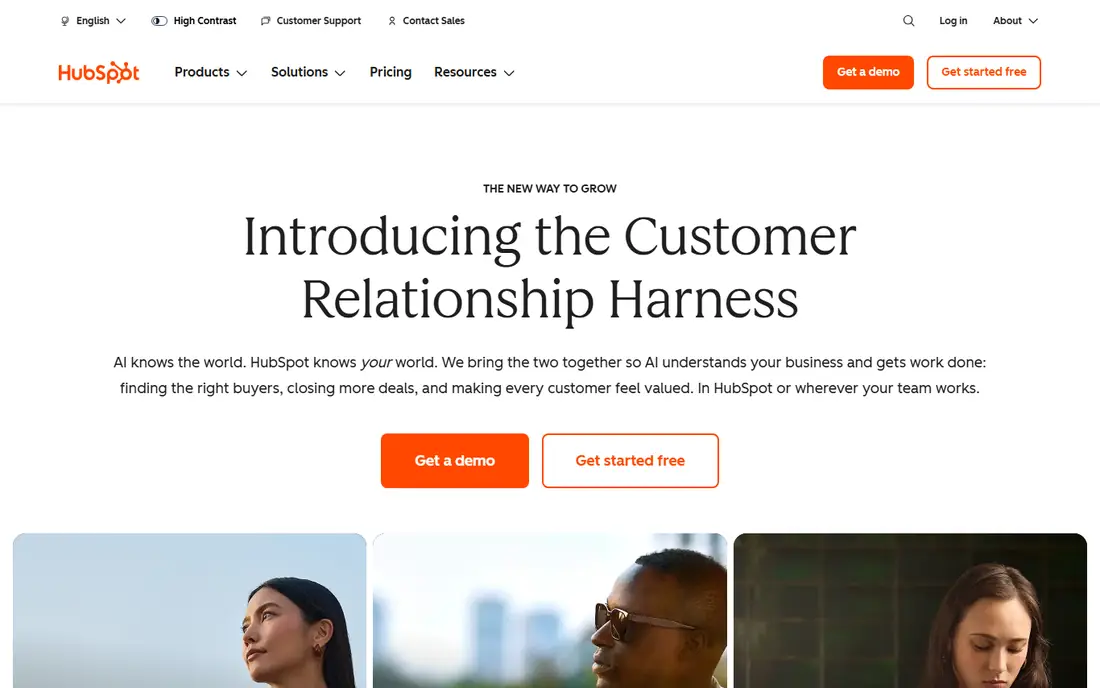
HubSpot is our pick for most people who want one system to grow into. The free CRM covers contacts, deals, pipelines, forms, and landing pages, which is enough to run a small business without paying anything at first. Paid Starter plans add more automation and remove some limits, while Professional plans add the deeper workflows, lead scoring, and reporting that larger teams rely on.
The honest catch is cost at scale. HubSpot charges per seat on paid plans, and the most useful automation features sit on Professional, which is priced far above Starter. If you only need email and simple sequences, a cheaper tool in this list will do the job. If you want sales, marketing, and service data in one record, HubSpot is hard to beat.
- Free CRM with contacts, deals, and pipelines
- Wide integration list
- Strong reporting on paid plans
- Advanced automation needs higher-priced plans
- Per-seat pricing adds up as teams grow
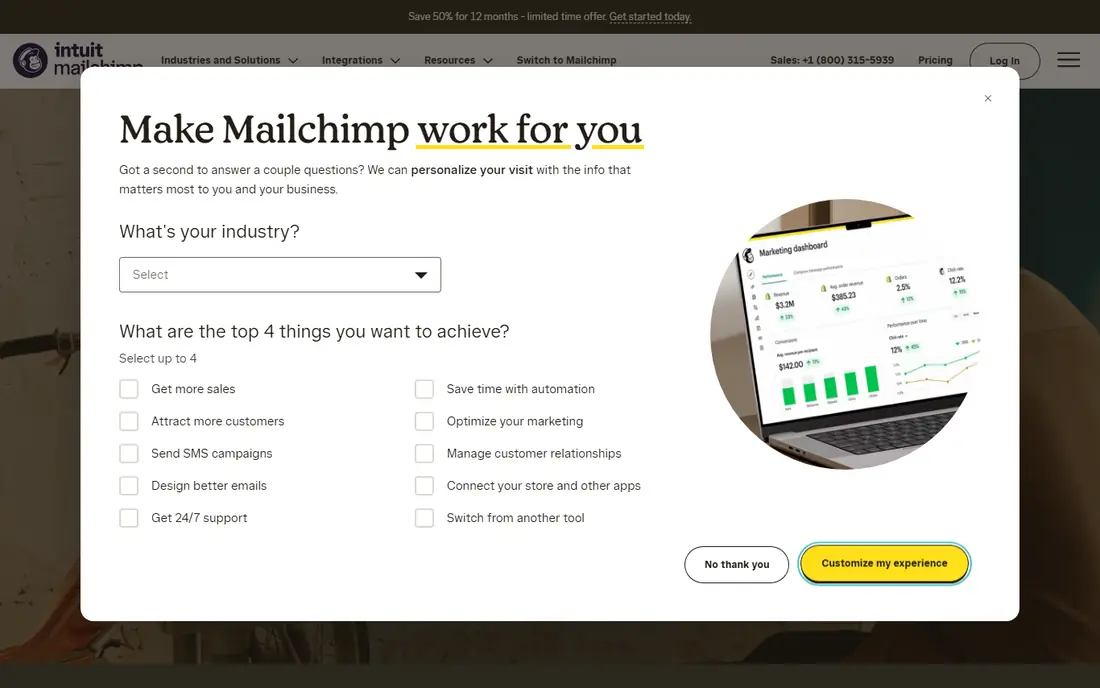
Mailchimp remains the easiest starting point for a team that sends newsletters and simple automated sequences. The builder is clear, templates look polished without design help, and the customer journey builder covers welcome series, abandoned cart, and post-purchase flows on paid plans. For a new business, that is often all you need.
The limits show up as your list grows. Pricing is based on contacts, and costs can climb faster than expected if you keep old or unengaged contacts on the list. Advanced segmentation and multivariate testing sit on higher plans. Clean your list regularly, and treat Mailchimp as a strong email-first platform rather than a full CRM replacement.
- Easy drag-and-drop builder
- Wide template library
- Free plan for very small lists
- Costs rise with contacts, including unsubscribed contacts on some counts
- Advanced automation needs higher plans
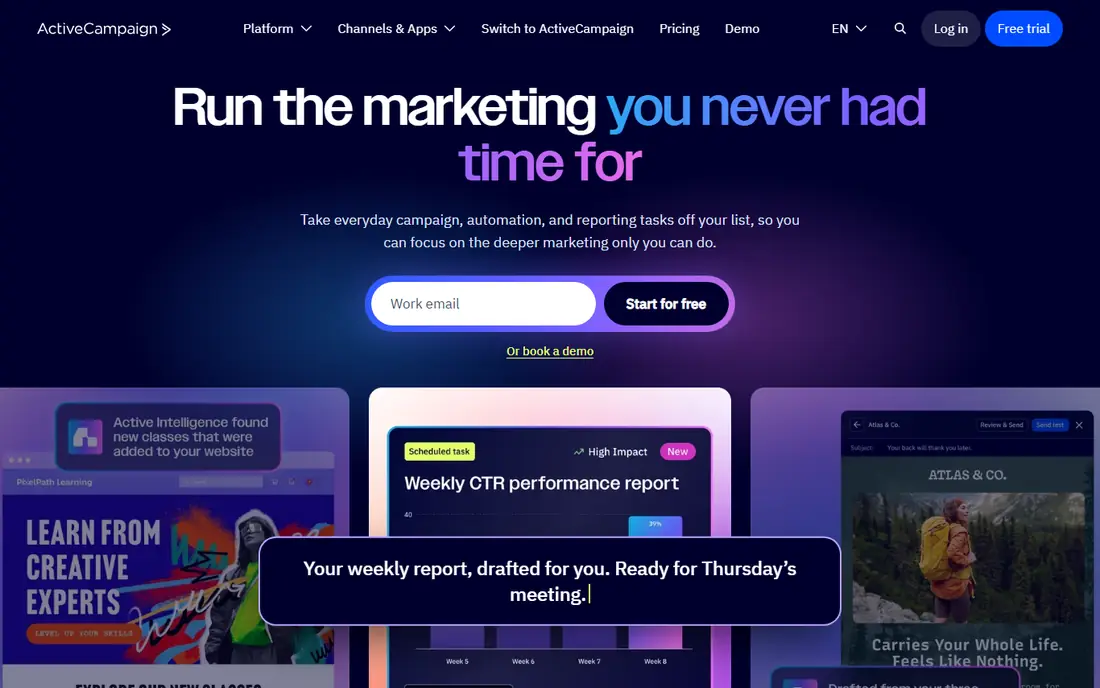
ActiveCampaign is the automation pick in this list. Its visual builder lets you branch a sequence by behavior, tags, deal stage, or site activity, and the built-in CRM means a lead can move from a marketing flow into a sales pipeline without a separate tool. That combination suits B2B teams and online businesses with longer nurture cycles.
The trade-off is complexity. New users can feel overwhelmed by the number of triggers and conditions, and there is no free plan to learn on at leisure. Start with one welcome flow and one re-engagement flow, and add branches only after those two work. For teams that will actually use that depth, the starting price is fair value.
- Visual automation builder with conditions and goals
- Built-in CRM
- Site tracking and event triggers
- Learning curve is steeper than Mailchimp
- No free plan, only a trial
Brevo stands out on pricing logic. Instead of charging mainly by contacts, paid plans charge by email volume, which helps teams with large lists but modest sending frequency. The platform also covers SMS, WhatsApp, and live chat, so a small team can run multi-channel campaigns without adding a second tool.
Design is the compromise. Templates and the editor are functional rather than beautiful, and you may need extra time to make a campaign look polished. If your priority is reaching people across channels at a low monthly cost, Brevo is a strong choice. If design is your main selling point, compare it against Mailchimp first.
- Send-based pricing with unlimited contacts on paid plans
- Email, SMS, and WhatsApp in one workflow
- Free plan to test
- Template design feels plainer than Mailchimp
- Some advanced features need higher plans
GetResponse suits course sellers, coaches, and teams that run live events as part of marketing. Webinar hosting sits inside the same account as email and landing pages, which removes the need for a separate webinar tool and keeps registration data in one list. Funnel templates for lead magnets, sales pages, and thank-you pages shorten setup time.
The interface packs a lot into one dashboard, and new users may need a few sessions to find everything. List-based pricing also means costs grow as your audience grows, even if sending volume stays flat. If webinars are central to your sales process, that bundled value outweighs the learning curve.
- Built-in webinar hosting
- Landing pages and funnels in one account
- Automation templates for common flows
- Interface can feel busy
- Pricing rises with list size
Klaviyo is built for online stores, and it shows in the details. Flows can trigger on browsing, cart abandonment, purchase history, and predicted lifetime value, and reporting ties each flow back to revenue. For a store owner, that link between a campaign and a sale is the point of the tool.
Pricing is the main caution. Klaviyo charges by active profiles, and a growing store can see the bill rise well above the starting price within a year. Non-ecommerce businesses will find much of its power unused. If you sell online and your store platform integrates cleanly, Klaviyo is usually worth the premium.
- Deep store integrations, especially Shopify
- Revenue reporting per flow
- Predictive analytics on higher plans
- Costs scale quickly with profiles
- Less suited to non-ecommerce businesses
Constant Contact fits local businesses, nonprofits, and event-driven teams that want email done well without a steep learning curve. The builder is straightforward, event registration and social posting sit in the same account, and support is geared toward users who are not marketers by trade. That focus makes it a calm choice for a first platform.
The limit is automation depth. Welcome series and basic triggers work well, but complex branching and CRM-driven workflows are thinner than in ActiveCampaign or HubSpot. If your marketing is mainly newsletters, promotions, and event invites, Constant Contact covers it. If you need multi-step nurture logic, shortlist a deeper tool.
- Simple email builder
- Event marketing and social posting tools
- Helpful support for beginners
- Automation is less deep than ActiveCampaign
- No long-term free plan
Keap, formerly Infusionsoft, targets coaches, consultants, agencies, and other service businesses that sell by appointment or retainer. Contacts, pipelines, automated follow-up, quotes, invoices, and payments live in one system, which cuts down on copying client data between tools. Appointment booking and text follow-up help service teams close the gap between a lead and a booked call.
Setup is the trade-off. Keap rewards a careful initial build, with pipelines, tags, and automations mapped before launch, and that takes longer than starting a newsletter tool. The price also reflects the wider feature set. For a service business that wants one client system rather than four subscriptions, that investment makes sense.
- CRM, automation, invoicing, and payments in one place
- Appointment booking
- Templates for service businesses
- Higher starting cost than email-only tools
- Setup takes time to get right
Zoho Marketing Plus is a bundle rather than a single app, covering email campaigns, social media, surveys, webinars, and landing pages under one subscription. The real value appears when a team already uses Zoho CRM, Books, or Desk, because contact and deal data can flow across those apps without extra integration work.
The compromise is consistency. Some apps in the bundle feel more polished than others, and you may still prefer a specialist tool for one channel. For a small business that wants to standardize on Zoho and keep billing simple, the bundle is a practical pick. Check which apps are included in your plan tier before you buy, since tiers differ.
- Bundles email, social, surveys, and webinar tools
- Works with Zoho CRM
- One vendor for many business apps
- Individual apps vary in polish
- Bundle pricing needs a quote for larger teams
How we picked these
We compared official pricing pages, free-plan and trial terms, and published feature lists for platforms that cover email, landing pages, automation, and contact management in one account. We favored tools that a small team can set up without a developer, and we noted where pricing is based on contacts, seats, or sending volume, since that changes the real cost over a year.
How to choose the right all-in-one platform
Start from the channel that drives your sales, not from the longest feature list. If email drives most revenue, pick the email and automation depth first and treat the CRM as a bonus. If sales calls drive revenue, pick the CRM and pipeline first and check that email automation is good enough to support follow-up.
Model the price at your future list size
Most platforms in this list charge more as contacts, profiles, or seats grow. Take your current list, add expected growth for twelve months, and price each shortlisted tool at that size. A tool that looks cheap at 500 contacts can become the most expensive option at 5,000 contacts, especially if unsubscribed contacts still count toward billing.
Test one real campaign before you migrate
Run a welcome sequence, a landing page, and a simple report on a trial or free plan, using your own copy and list segment. That test will show you the editor, the automation builder, and the reporting quality faster than any feature page. If the test campaign feels slow or confusing, that friction will repeat every week after you pay.
Frequently asked questions
What is the best all-in-one marketing platform?
HubSpot is the most complete all-in-one platform for teams that want CRM, marketing, and sales in one system. For smaller budgets, Mailchimp and Brevo cover email plus automation well, while ActiveCampaign is better if deep automation matters most. The best choice depends on your main channel, your list size, and how much automation you will actually build.
What is the best all-in-one marketing software for small businesses?
For most small businesses, we would start with Mailchimp, Brevo, or HubSpot free CRM, depending on budget and team size. Mailchimp is easiest for newsletters, Brevo is cheapest for multi-channel sending, and HubSpot free CRM is best if you also need deals and pipelines. Test one campaign on each free plan before committing.
Is there a free all-in-one marketing platform?
HubSpot, Mailchimp, Brevo, GetResponse, and Klaviyo all offer free plans, but each one limits contacts, sends, or features. Free plans work well for testing and for very small lists, but most growing businesses move to a paid plan within a few months. Read the sending and contact limits before you build a large list on a free tier.
Do I still need a separate CRM with an all-in-one platform?
Not always. HubSpot, ActiveCampaign, Keap, and Zoho include a CRM that covers contacts, deals, and pipelines for many small teams. If your sales process is complex, with custom objects or advanced forecasting, a dedicated CRM may still be worth adding, but most teams in this guide do not need one at first.
How much should a small business pay for marketing software?
A small business can start free and move to roughly 9 to 20 dollars per month for basic email and automation, based on the starting prices in this guide. Costs rise with contacts, seats, or sending volume, so budget for growth and check whether annual billing lowers the monthly rate. Avoid paying for Professional-tier automation until you have a workflow that needs it.
Which platform is best for ecommerce marketing?
Klaviyo is the strongest pick for online stores in this list, thanks to store integrations and revenue reporting per flow. Mailchimp and Omnisend-style ecommerce flows also work for smaller stores, but Klaviyo gives the deepest purchase and browsing triggers. Compare its price at your active profile count, since that count drives the bill.
Sources
See where you really rank - block by block
ProMapRanker scans Google Maps across a grid of your service area. Simple monthly plans from $19, white-label on every plan.
Start freeKeep reading
 zscaler alternatives
Best Zscaler Alternatives in 2026
Looking for zscaler alternatives? We compare 9 SASE and zero trust platforms on architecture, data protection, pricing, and fit for your network and team.
Read → zapier alternatives free
Best Zapier Alternatives Free in 2026
Nine automation tools for zapier alternatives free in 2026, all with genuinely free tiers, plus free plan limits, starting prices and upgrade paths explained.
Read → which platform is best for online reputation
Which Platform Is Best for Online Reputation in 2026
Wondering which platform is best for online reputation? We compare 8 review, listing, and response tools for small and multi-location businesses and agencies.
Read →