 ProMapRanker
Best Algorithmic Trading Platform in 2026


Global multi-asset API trading · Pricing starts at: Free
Key takeaways
- Alpaca and Interactive Brokers lead for API traders, with Alpaca easier to start and Interactive Brokers broader in markets.
- QuantConnect leads for serious backtesting and research, while TradingView leads for chart-based strategy scripting.
- MetaTrader 5 and NinjaTrader suit traders focused on forex, CFDs or futures automation through brokers.
- Paper trading is essential: test every strategy without real money before risking capital.
- Trading carries risk of loss, and automation can lose money faster than manual trading when a strategy or connection fails.
Quick comparison
| Pick | Great for | Pricing starts at | Free tier | |
|---|---|---|---|---|
| Interactive Brokers | Global multi-asset API trading | Free | Yes | Visit |
 Alpaca | API-first stock and ETF trading | Free | Yes | Visit |
 TradeStation | EasyLanguage strategy automation | Free | Yes | Visit |
 QuantConnect | Quant research and backtesting | Free | Yes | Visit |
 MetaTrader 5 | Forex and CFD automation | Free | Yes | Visit |
 NinjaTrader | Futures charting and automation | Free | Yes | Visit |
 TradingView | Chart scripting and alerts | $14.95 per month | Yes | Visit |
 Composer | No-code automated portfolios | $32 per month | Yes | Visit |
 TrendSpider | Chart-based automated triggers | $82 per month | Free trial | Visit |
The best algorithmic trading platform
This is not financial advice, and trading carries risk of loss, including the risk of losing more than expected when borrowed funds or automation are involved. We compared official product, pricing and documentation pages for platforms that support automated strategies, backtesting or API trading. These nine cover brokers, research platforms and chart-based tools.
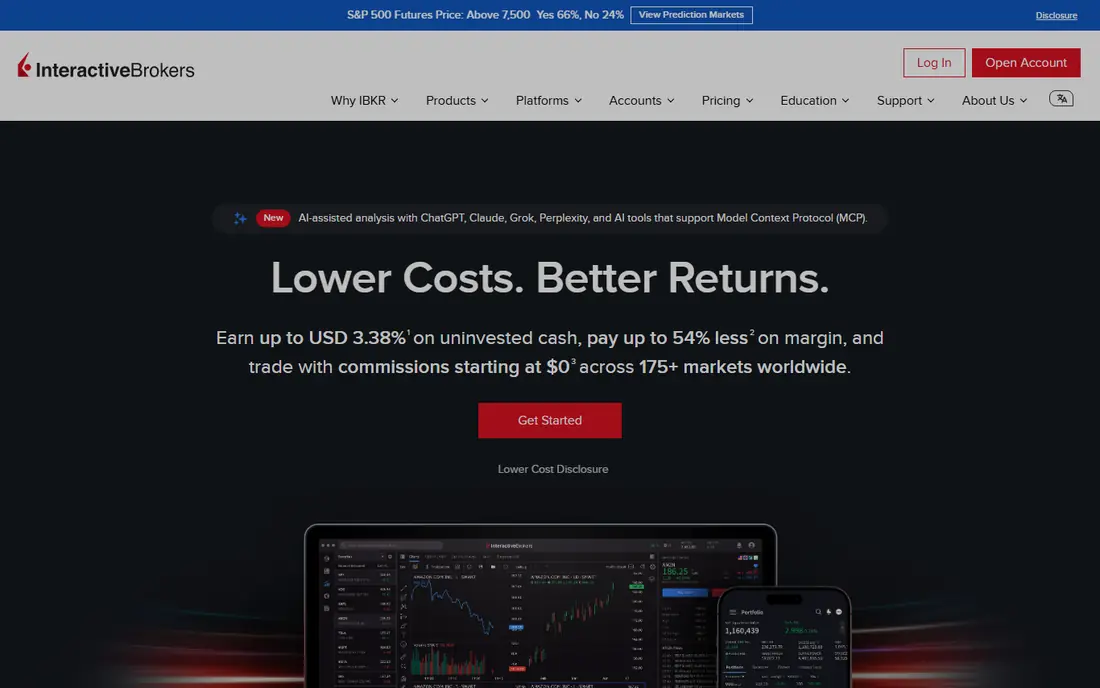
Interactive Brokers suits traders who need more than US stocks: global equities, options, futures, forex, bonds and funds from one account. Its Trader Workstation and Client Portal APIs, plus FIX access, support custom bots and order automation, and paper trading lets traders test logic before funding a strategy. IBKR Lite offers commission-free US stocks and ETFs for eligible US residents, while Pro uses tiered or fixed pricing.
The complexity is real. API access runs through a gateway or workstation that needs reconnection handling, and market data subscriptions add cost beyond commissions. Beginners should start with paper trading and a simple strategy, and confirm API eligibility on their plan before building around it.
- Very broad market and asset coverage
- Mature APIs
- Paper trading available
- API setup is complex for beginners
- Market data fees may apply
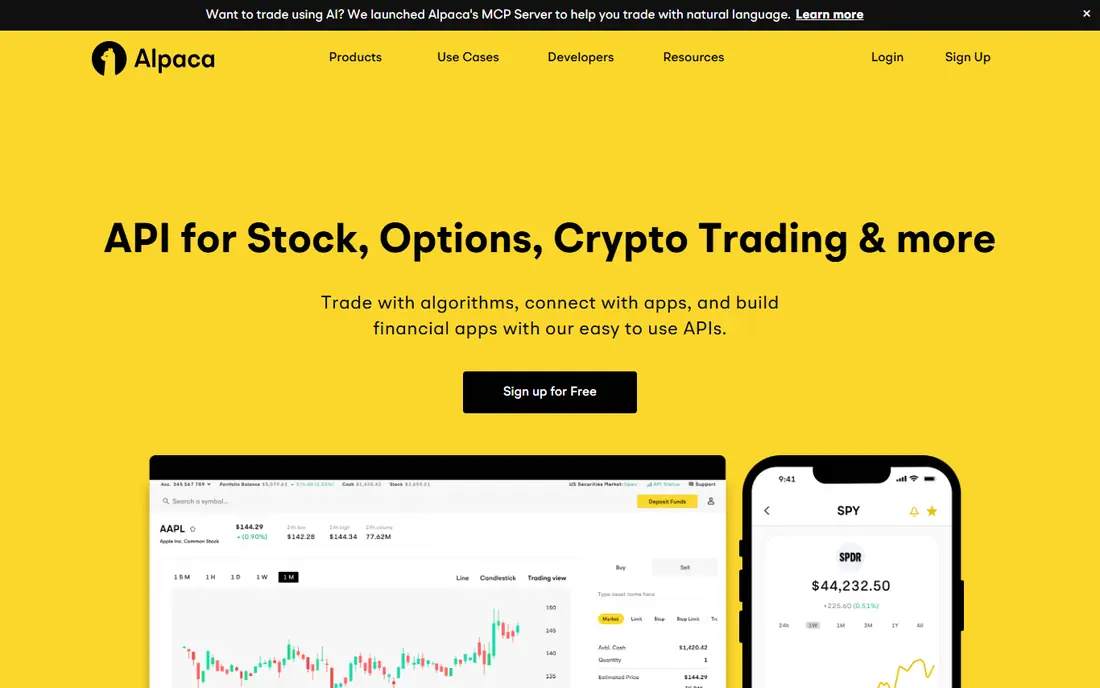
Alpaca is the easiest broker API to start with for US stock and ETF strategies. The REST and WebSocket APIs are modern, documentation and software libraries are clear, and paper trading is free, so a first bot can be tested without capital at risk. Retail stock and ETF trading is commission-free, though crypto pricing differs and paid data tiers exist.
Coverage is the limit. Traders who need futures, global markets or complex order types will outgrow Alpaca and should look at Interactive Brokers or TradeStation. For a first API strategy in US equities, Alpaca keeps setup time low and lets the trader focus on strategy logic rather than brokerage plumbing.
- Modern REST and streaming APIs
- Free paper trading
- Commission-free US stocks and ETFs for retail
- Limited to US equities, ETFs, options and crypto
- Fewer advanced order types than large brokers
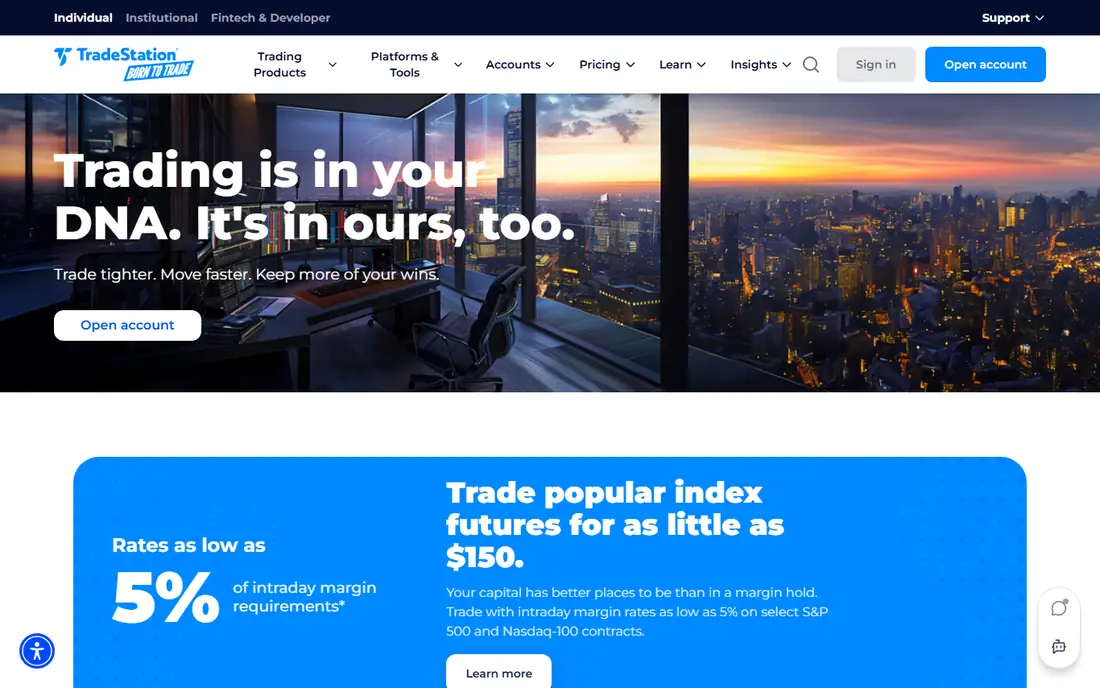
TradeStation suits traders who want to automate without becoming full-time developers. Its EasyLanguage scripting lets traders describe rules in plain terms, backtest them on historical data and automate execution in the platform. Stock and ETF commissions are $0 on the TS SELECT plan, and simulation trading helps test strategies before live use.
The API and interface feel older than Alpaca or QuantConnect, and options commissions vary by contract volume. Traders who want a modern REST API first may prefer Alpaca. Traders who think in charts and rules, and want those rules to trade, will find TradeStation a practical middle ground.
- EasyLanguage scripting for non-developers
- Built-in backtesting
- Stock, options and futures trading
- Platform feels older than newer APIs
- Options pricing varies by volume
QuantConnect is the research-first choice. Its open-source LEAN engine supports Python and C#, and the cloud platform offers historical data across equities, forex, crypto, futures and options for backtesting. Strategies can move from research to live trading through supported brokers, which suits traders who want rigor before capital.
It is not a casual chart tool. Serious use needs coding skill, an understanding of backtest pitfalls such as overfitting, and paid cloud resources for larger jobs. Traders who only want alerts or simple rules should start with TradingView or TrendSpider instead.
- LEAN engine with Python and C#
- Extensive historical data
- Live trading through supported brokers
- Learning curve for serious research
- Paid cloud compute for larger work
MetaTrader 5 is the standard automation platform for forex and CFD traders working through brokers. Expert Advisors, written in MQL5, automate entries, exits and risk rules, and the built-in strategy tester checks those rules on historical data. The platform itself is free through a broker, though spreads, commissions and available assets depend on that broker.
Broker choice decides much of the experience, since execution quality, spreads and support vary widely. Traders should compare brokers on regulation, costs and data quality, and test any Expert Advisor on a demo account first. US stock traders will usually get more from Alpaca, TradeStation or Interactive Brokers.
- Free platform through brokers
- Expert Advisors for automation
- Built-in strategy tester
- Broker-dependent fees and asset range
- Older interface and workflow
NinjaTrader suits futures traders who want professional charting, backtesting and automation without paying for the platform itself. Charting, backtesting and simulation are free, and strategies can be automated with built-in tools or custom code. Futures data, commissions and live trading costs depend on the brokerage and data plan chosen.
The platform rewards traders who invest time in learning it. Beginners may find the depth daunting at first, and the total cost only becomes clear once data and brokerage are added. Futures traders who want a dedicated, serious platform should trial it in simulation before funding a live account.
- Free platform for charting, backtesting and simulation
- Strong futures focus
- Strategy automation
- Live futures costs depend on broker and data
- Learning curve for advanced features
TradingView is the best place to learn strategy scripting on real charts. Pine Script lets traders write indicators and strategies, backtest them visually and set alerts when conditions trigger. The Essential plan starts at $14.95 per month, with a free Basic plan for learning and basic charting.
Execution is the gap. TradingView alone does not place most broker orders directly, so live automation usually needs a bridge such as TradersPost or a broker integration. Traders who want code-to-order automation in one system should look at Alpaca, QuantConnect or Interactive Brokers, and use TradingView for research and alerts.
- Pine Script for strategy scripting
- Excellent charts
- Large community scripts
- Does not execute trades on its own for most brokers
- Automation needs a bridge tool
Composer suits investors who want automated portfolio strategies without writing code. Users build rules from blocks, backtest them, and let the platform rebalance on a schedule. The Trading Pass starts at $32 per month when billed annually, with a free tier for building and backtesting.
It is not a high-frequency or intraday bot platform. Strategies operate at portfolio level, and execution depends on the supported brokerage. Investors who want a rules-based portfolio that runs itself will find Composer approachable. Traders who need tick-level automation should use an API broker instead.
- No-code strategy building with backtests
- Automated rebalancing
- Free build and backtest tier
- Portfolio-level automation, not intraday bot trading
- Trading pass cost adds up
TrendSpider helps traders turn chart patterns into automated triggers without code. Its rule builder, strategy tester and multi-timeframe tools suit traders who think visually and want alerts or actions when a setup appears. The Standard plan starts at $82 per month, with a paid trial available.
Cost and execution are the limits. The entry price is high for casual traders, and live trading still needs a broker connection or bridge tool. Traders who already use TrendSpider for analysis and want automation will get the most value. Traders starting from zero should compare TradingView first.
- No-code rule builder and strategy tester
- Multi-timeframe analysis
- Automated alerts and triggers
- Highest entry price here
- Live execution needs a connected broker or bridge
How we picked these
We compared official product, pricing and documentation pages for platforms current in October 2026. To qualify, a product had to support automated trading, strategy backtesting or API access in a real way, and it had to be available to US traders through a broker, a research platform or a chart tool. We kept prices as See website where vendors price by broker or data plan, rather than printing unverified figures. This guide is educational only and is not financial advice.
How to choose an algorithmic trading platform
Start with the asset and the skill level. US stock API traders should start with Alpaca, global multi-asset traders with Interactive Brokers, and research-focused traders with QuantConnect. Chart traders should start with TradingView, and no-code investors with Composer. Matching the platform to the asset avoids months of work on a tool that cannot trade what you want.
Backtesting, paper trading and risk
Backtest on out-of-sample data, not just the period used to design the strategy, and watch for overfitting, survivorship bias and unrealistic fills. Paper trade the exact live logic, including order types, fees and data delays, before risking money. Set a maximum loss per strategy, a kill switch for connection failures, and position limits that survive a bad day. Automation does not remove risk; it can repeat a mistake many times in minutes.
Costs and infrastructure
Add commissions, spreads, market data, platform fees and hosting to the headline price. A free API still costs money when data and execution are included. Check broker regulation, account protection and API rate limits, and run bots on stable infrastructure with logging and alerts, not on a laptop that sleeps overnight.
Frequently asked questions
What is the best algorithmic trading platform?
Interactive Brokers leads for global multi-asset API trading, while Alpaca leads for easy US stock API trading. QuantConnect leads for research and backtesting. The best pick depends on assets, coding skill and whether you want a broker, a research platform or a chart tool.
What is the best algorithmic trading software for beginners?
Alpaca and TradingView are the gentlest starting points. Alpaca offers a free API and paper trading for US stocks, while TradingView offers free charting and Pine Script learning. Both let beginners test ideas without risking capital, which matters more than any advanced feature.
Which platforms are best for algorithmic trading with little coding?
TradeStation, Composer and TrendSpider lead for low-code or no-code automation. TradeStation uses plain-language EasyLanguage, Composer uses visual portfolio blocks, and TrendSpider uses chart rules. API brokers such as Alpaca still need code, so pick a visual tool if coding is a barrier.
What is the best trading platform for algorithmic trading in futures?
NinjaTrader leads for futures charting and automation, with TradeStation and Interactive Brokers as strong alternatives. NinjaTrader offers free charting and simulation, while live costs depend on brokerage and data. Test any futures strategy in simulation first, since borrowed funds raise risk fast.
How much does algorithmic trading software cost?
Costs range from free broker APIs and paper trading to $82 per month for chart automation tools. Commissions, spreads, market data and hosting sit on top of platform fees. Start free, paper trade, and only pay for data or higher tiers once a strategy shows promise in testing.
Sources
- https://www.interactivebrokers.com
- https://alpaca.markets/pricing
- https://www.tradestation.com/pricing/
- https://www.quantconnect.com/pricing
- https://www.metatrader5.com
- https://ninjatrader.com/pricing
- https://www.tradingview.com/pricing/
- https://www.composer.trade/pricing
- https://www.trendspider.com/pricing
See where you really rank - block by block
ProMapRanker scans Google Maps across a grid of your service area. Simple monthly plans from $19, white-label on every plan.
Start freeKeep reading
 zoom alternatives for webinars
Best Zoom Alternatives for Webinars in 2026
Discover zoom alternatives for webinars in 2026, from browser-based rooms to sales-focused platforms, with pricing, audience limits and honest trade-offs.
Read → tipalti alternatives
Best Tipalti Alternatives in 2026
Compare the best tipalti alternatives for accounts payable, global payouts and bill pay, with pricing and free plans for small teams in 2026 for US teams.
Read → mixpanel alternatives
Best Mixpanel Alternatives in 2026
Compare the best mixpanel alternatives for product analytics, funnels and retention, with free tiers and current pricing for growing teams in 2026 for US teams.
Read →