 ProMapRanker
Best Algo Trading Platform in 2026


Quant research and cloud backtesting · Pricing starts at: Free
Key takeaways
- QuantConnect, Alpaca, and Interactive Brokers suit coders, while TradeStation, MetaTrader 5, and NinjaTrader suit traders who prefer a desktop platform.
- TradingView and TrendSpider suit chart-based and no-code ideas, but live execution usually needs a broker link or bridge.
- Paper trading and demo accounts are essential first steps; a backtest alone is not proof that a strategy will profit.
- Always add up platform fees, commissions, exchange fees, and market data, because the headline price is rarely the total cost.
Quick comparison
| Pick | Great for | Pricing starts at | Free tier | |
|---|---|---|---|---|
| QuantConnect | Quant research and cloud backtesting | Free | Yes | Visit |
 Alpaca | API-first US stock and crypto trading | Free | Yes | Visit |
 Interactive Brokers API | Global multi-asset algo trading | Free | Yes | Visit |
 TradeStation | EasyLanguage strategy building | Free | Yes | Visit |
 MetaTrader 5 | Forex and CFD automation | Free | Yes | Visit |
 NinjaTrader | Futures algo trading | Free | Yes | Visit |
 TradingView | Chart-based strategy scripting | $14.95 per month | Yes | Visit |
 TrendSpider | No-code automated analysis | $82 per month | Free trial | Visit |
The best algo trading platform
This is not financial advice. Trading carries risk, and automated trading can lose money fast, especially with borrowed funds. The platforms below help you build, test, and run rules-based strategies, but none of them removes market risk. Start with paper trading, use small size, and set risk limits before going live.
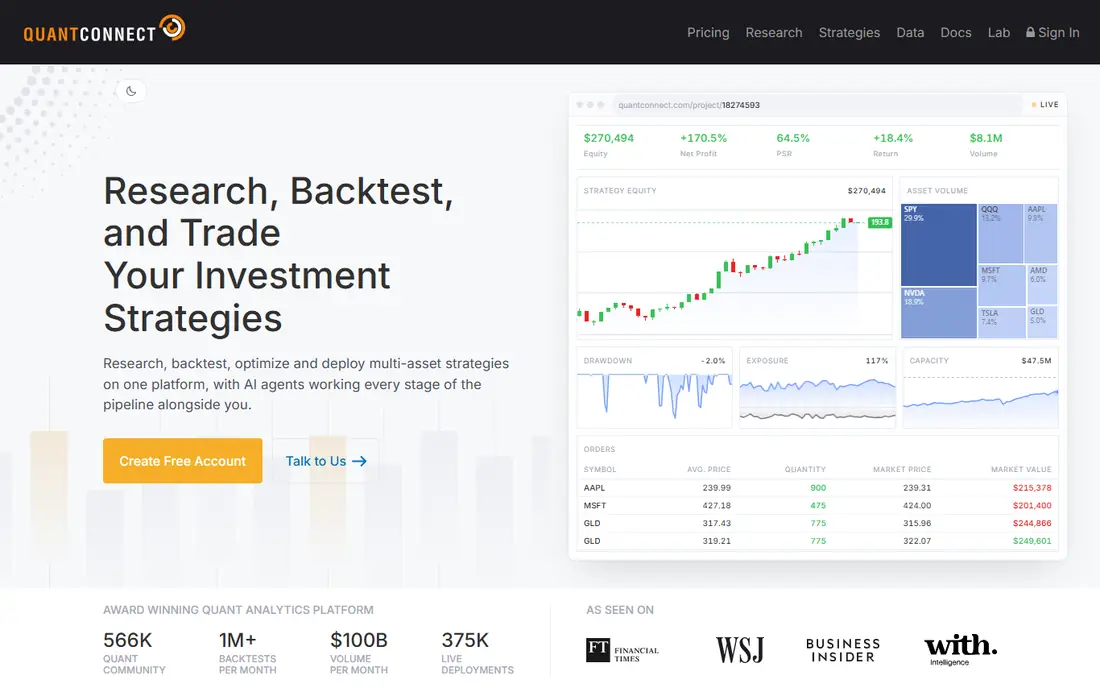
QuantConnect suits traders who can code and want serious research before risking money. The cloud platform supports Python and C# strategies, historical data across several asset classes, and backtesting with realistic modelling. For a trader building a rules-based system, that research depth is the main draw.
It is not a casual charting app. Non-coders will struggle, and live trading still requires a supported broker account and careful risk settings. Start with paper trading and a simple strategy, and treat backtest results as a hypothesis to test, not as proof of future profit.
For a team weighing QuantConnect, the practical test is simple. Run one real campaign or workflow end to end, check how clean the data looks in the reports, and confirm the total price at your actual contact, user, or volume level before signing a longer term. That short trial tells you more than any feature list, because it shows where work slows down and where the tool fits your daily routine.
- Cloud research with Python and C#
- Broad historical data
- Broker connections for live trading
- Learning curve for non-coders
- Paid tiers for heavier research
- Live trading needs a broker account
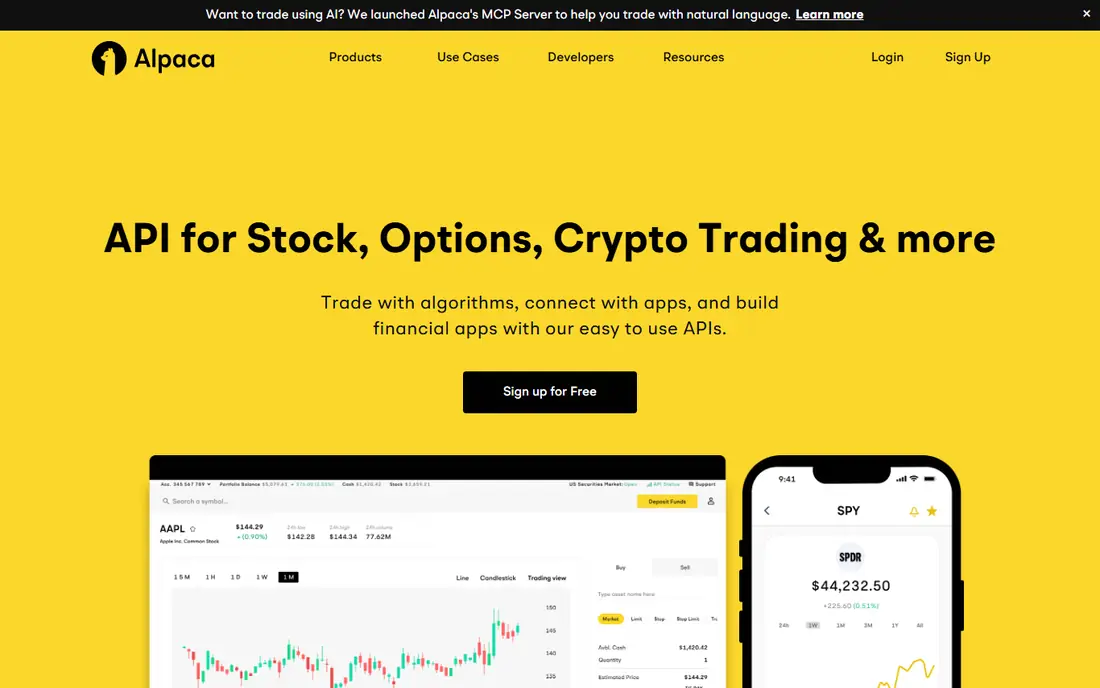
Alpaca is built for developers who want to turn code into orders without a heavy desktop platform. Its API covers US stocks and crypto, paper trading lets a strategy run without real money, and retail stock commissions are commission-free. For a coder testing an idea, that low friction is valuable.
The platform is US-focused and API-first, so it is not a good fit for traders who want a guided desktop terminal or global futures access. Paid market data can also add cost for strategies that need full exchange feeds. Check data, order types, and account rules before going live.
For a team weighing Alpaca, the practical test is simple. Run one real campaign or workflow end to end, check how clean the data looks in the reports, and confirm the total price at your actual contact, user, or volume level before signing a longer term. That short trial tells you more than any feature list, because it shows where work slows down and where the tool fits your daily routine.
- Simple API for stocks and crypto
- Paper trading
- Commission-free retail stock trades
- US-focused
- API skill required
- Market data tiers can add cost
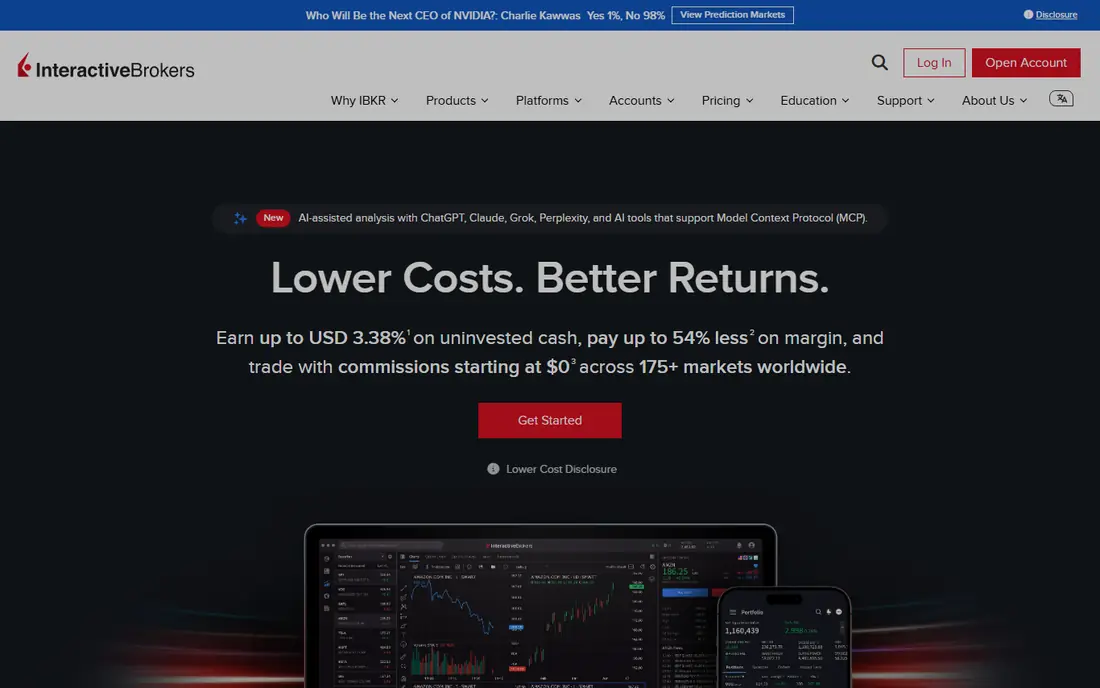
Interactive Brokers suits experienced algo traders who need global stocks, options, futures, forex, and bonds from one account. The API supports several languages and advanced order types, which gives a coder fine control over execution. For a strategy that spans markets, that breadth is hard to match.
The setup is the catch. API access usually runs through Trader Workstation or IB Gateway, which needs reconnection handling and monitoring. Market data fees vary by exchange, and commissions depend on plan. This is a platform for traders who are comfortable running infrastructure, not a plug-and-play bot.
For a team weighing Interactive Brokers API, the practical test is simple. Run one real campaign or workflow end to end, check how clean the data looks in the reports, and confirm the total price at your actual contact, user, or volume level before signing a longer term. That short trial tells you more than any feature list, because it shows where work slows down and where the tool fits your daily routine.
- Wide global market access
- Many order types
- API in several languages
- Setup needs a running gateway or workstation
- Data fees vary
- Complexity is high
TradeStation appeals to traders who want to write strategies in EasyLanguage, a more readable language than full Python or C# for many users. The platform combines charting, backtesting, scanning, and brokerage execution, so a strategy can move from idea to live order in one place. That integration saves the glue work of connecting separate tools.
The platform is tied to TradeStation as broker, so traders who want another broker should look elsewhere. Commissions, data, and account terms vary by plan and asset, so confirm them before funding. As with any algo tool, a strong backtest does not remove market risk.
For a team weighing TradeStation, the practical test is simple. Run one real campaign or workflow end to end, check how clean the data looks in the reports, and confirm the total price at your actual contact, user, or volume level before signing a longer term. That short trial tells you more than any feature list, because it shows where work slows down and where the tool fits your daily routine.
- EasyLanguage for readable strategies
- Integrated brokerage
- Backtesting and scanning
- Platform tied to TradeStation brokerage
- Data and commission details vary
- Learning curve remains
MetaTrader 5 is the standard choice for forex and CFD traders who automate with Expert Advisors. Strategies written in MQL5 can run on charts, backtest against broker data, and trade through a supported broker. The wide broker ecosystem means a trader can often keep a preferred broker while using the same platform.
Quality varies by broker, because data, spreads, and execution come from the broker, not from MetaTrader alone. Forex and CFD trading also carries high risk, including borrowed-funds risk, so position sizing and stop rules matter more than the strategy code. Test any Expert Advisor on a demo account first.
For a team weighing MetaTrader 5, the practical test is simple. Run one real campaign or workflow end to end, check how clean the data looks in the reports, and confirm the total price at your actual contact, user, or volume level before signing a longer term. That short trial tells you more than any feature list, because it shows where work slows down and where the tool fits your daily routine.
- Expert Advisors in MQL5
- Wide broker support
- Backtesting and alerts
- Broker-dependent quality
- Forex and CFD risk is high
- Interface feels dated to some users
NinjaTrader is a strong fit for futures traders who want to build, backtest, and automate strategies in NinjaScript, based on C#. The platform offers charting, market replay, simulation, and direct futures brokerage, which helps a trader practise a strategy before trading live. For futures-focused automation, that depth is clear.
The desktop platform is Windows-focused, with web and mobile options that do not carry every desktop feature. Commissions, exchange, and clearing fees sit on top of any plan fee, so the all-in cost per trade matters. Futures use borrowed funds, so losses can exceed the initial margin in fast markets, which makes risk controls essential.
For a team weighing NinjaTrader, the practical test is simple. Run one real campaign or workflow end to end, check how clean the data looks in the reports, and confirm the total price at your actual contact, user, or volume level before signing a longer term. That short trial tells you more than any feature list, because it shows where work slows down and where the tool fits your daily routine.
- NinjaScript in C#
- Futures focus
- Charting, replay, and simulation
- Desktop is Windows-focused
- Commissions and fees sit on top
- Futures margin borrowing raises risk
TradingView suits traders who think in charts and want to script ideas in Pine Script without a desktop install. The charting is clear, the script library is large, and strategies can be backtested on screen. For learning and idea testing, that ease of use is a real advantage.
TradingView on its own does not place broker orders in the way a full algo platform does. Automation usually needs alerts or webhooks connected to a broker or a third-party bridge, which adds a link that must be monitored. Paid plans start at $14.95 per month for Essential, and real-time exchange data can add cost.
For a team weighing TradingView, the practical test is simple. Run one real campaign or workflow end to end, check how clean the data looks in the reports, and confirm the total price at your actual contact, user, or volume level before signing a longer term. That short trial tells you more than any feature list, because it shows where work slows down and where the tool fits your daily routine.
- Pine Script for indicators and strategies
- Strong charting
- Large script community
- No native broker execution alone
- Alerts and webhooks needed for automation
- Real-time data can cost extra
TrendSpider suits traders who want automation without writing code. It automates chart analysis, supports strategy testing and alerts, and helps a trader scan many symbols for set patterns. For a visual trader who does not code, that no-code route can turn an idea into a tested rule faster than learning a language.
The entry Standard plan is $82 per month, and there is no permanent free plan, only a trial. Code-based platforms give more control for complex strategies, and TrendSpider still needs a broker link for live execution. Use it when chart-based rules are the strategy, not when you need a custom multi-asset engine.
For a team weighing TrendSpider, the practical test is simple. Run one real campaign or workflow end to end, check how clean the data looks in the reports, and confirm the total price at your actual contact, user, or volume level before signing a longer term. That short trial tells you more than any feature list, because it shows where work slows down and where the tool fits your daily routine.
- Automated chart analysis
- Strategy testing without code
- Alerts and scanning
- No permanent free plan
- Automation depth is less than code platforms
- Price is high for casual use
How we picked these
We compared official product pages, pricing pages, and public documentation, and we focused on algo-specific jobs: strategy coding or no-code building, backtesting, paper trading, broker execution, and risk controls. We left out social trading apps and signal sellers that do not let a trader build and control a strategy. Prices are starting prices or free tiers where published, and we used See website where a vendor does not publish a single entry price. This article is general information only and is not financial advice.
How to choose an algo platform without taking on hidden risk
Start with the market and the skill you already have. Coders should shortlist QuantConnect, Alpaca, or Interactive Brokers. Futures traders should shortlist NinjaTrader. Forex traders should shortlist MetaTrader 5. Chart-based traders should shortlist TradingView or TrendSpider. Next, test the full loop: write a simple rule, backtest it, run it on paper, and watch how orders, fills, and errors are reported. Finally, set risk rules before live trading, including maximum loss per trade and per day, and a kill switch for a strategy that behaves badly. A platform without clear risk controls is not ready for live money, however good its charts look.
Frequently asked questions
What is the best algorithmic trading software for beginners?
TradingView and TrendSpider are the easiest starting points for chart-based ideas, while QuantConnect and Alpaca suit beginners who already code. In all cases, start with paper trading and a simple strategy before using real money.
What is the best algo trading software for developers?
QuantConnect suits cloud research in Python and C#, Alpaca suits a simple API for US stocks, and Interactive Brokers suits global multi-asset strategies. The best choice depends on markets, data needs, and how much infrastructure you want to run.
What is the best trading algorithms software for futures?
NinjaTrader is the clearest futures pick in this list, because it combines NinjaScript, futures brokerage, replay, and simulation. TradeStation also covers futures, but its strength is EasyLanguage and integrated stock and futures brokerage.
Can algo trading guarantee profits?
No. Backtests can overfit, markets change, and borrowed funds can magnify losses. Automated trading can also fail through bugs, data errors, or connection loss. Treat any claim of guaranteed returns with scepticism, and never trade money you cannot afford to lose.
Do I need to code to use an algo trading platform?
Not always. TrendSpider and TradingView support no-code and script-based chart strategies, while QuantConnect, Alpaca, and Interactive Brokers need coding. No-code tools are easier to start, but code gives more control for complex strategies.
Sources
See where you really rank - block by block
ProMapRanker scans Google Maps across a grid of your service area. Simple monthly plans from $19, white-label on every plan.
Start freeKeep reading
 zoho inventory alternatives
6 Alternatives to Zoho Inventory, Compared on Price and Fit
Zoho Inventory alternatives: 6 tools compared on price, free plans and fit. Katana leads the list for manufacturers. Fit and flaws are laid out for each entry.
Read → zoho crm alternatives
Best Zoho CRM Alternatives (2026)
Need Zoho CRM alternatives? We compare 7 tools on cost, free access and who each suits. Every pick gets a straight assessment. Built for quick decisions.
Read → zelle alternatives
Best Zelle Alternatives in 2026
Compare the best Zelle alternatives for sending money to friends, paying sellers and moving funds abroad, with honest notes on fees, speed and safety in 2026.
Read →