 ProMapRanker
Best AI Writing Tools in 2026

Key takeaways
- ChatGPT and Claude suit most general drafting, while Jasper suits marketing teams that need brand voice controls.
- Grammarly and QuillBot are editing specialists, not full drafting platforms, and they pair well with a general assistant.
- Rytr is the cheapest usable drafting option, while Writesonic suits SEO article workflows.
- Check word, seat and usage limits, since those limits decide the real monthly cost.
Quick comparison
| Pick | Great for | Pricing starts at | Free tier | |
|---|---|---|---|---|
 ChatGPT ChatGPT | All-round drafting and editing | $20 per month | Yes | Visit |
 Claude Claude | Natural long-form prose | $20 per month | Yes | Visit |
 Jasper Jasper | Marketing teams and brand voice | $69 per month | Free trial (7 days) | Visit |
 Copy.ai Copy.ai | Short marketing copy and sales workflows | $29 per month | Yes | Visit |
 Grammarly Grammarly | Grammar, tone and polish | $12 per month | Yes | Visit |
 QuillBot QuillBot | Paraphrasing and summarizing | $8.33 per month | Yes | Visit |
 Rytr Rytr | Budget short-form drafting | $9 per month | Yes | Visit |
 Writesonic Writesonic | SEO articles and content workflows | $79 per month | Free trial | Visit |
The best AI Writing Tools in 2026
AI writing tools now range from general chat assistants to marketing platforms with brand voice controls. The best AI tool for writing depends on whether you draft, edit, optimize for search, or produce marketing copy at scale.
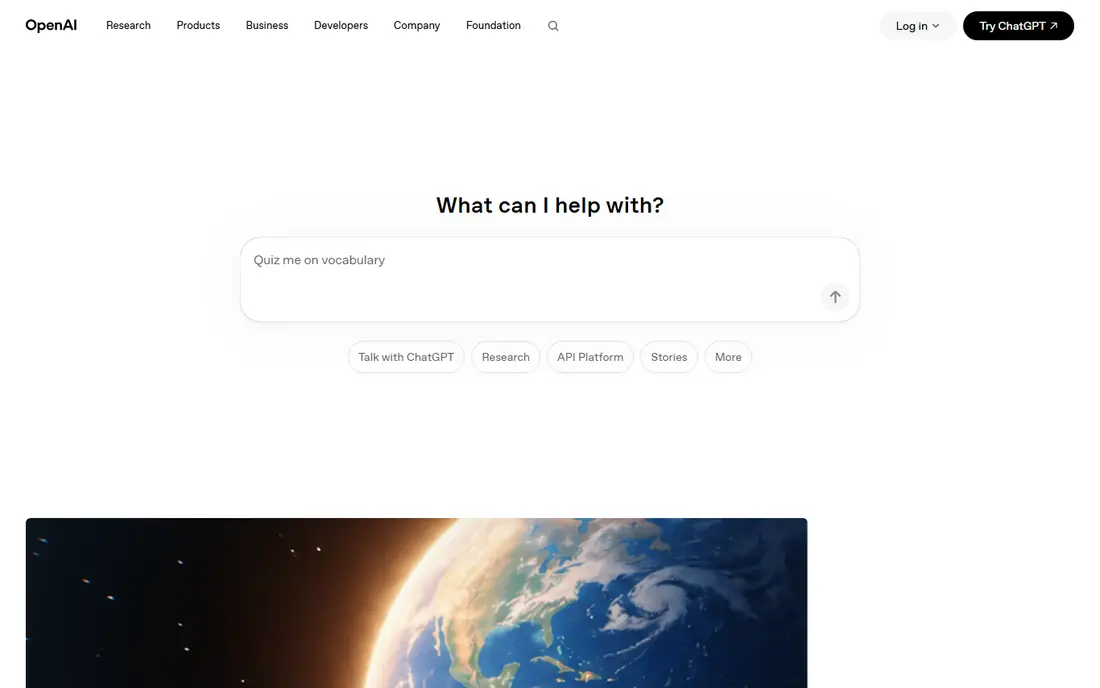
For many readers, ChatGPT is the first name worth trying, because it focuses on one job and does it clearly. It is best for all-round drafting and editing. ChatGPT handles outlines, drafts, rewrites and brainstorming in one place, which makes it a useful default for many writers. In daily use, that strength is what most people notice first, and it helps explain why this option keeps appearing in current roundups and vendor documentation.
Its output still needs checking, since it can state facts confidently that are wrong, so treat every draft as a starting point. That trade-off does not make it a poor choice, but it does mean you should weigh it against how you plan to use it. Try the free option first if one is offered, and check whether the paid limits match how often you will actually use it. If it fits your routine and budget, it can serve you well for a long time.
- Versatile drafting
- Outlining
- Editing and research help
- Output needs fact-checking
- Usage limits apply on some plans
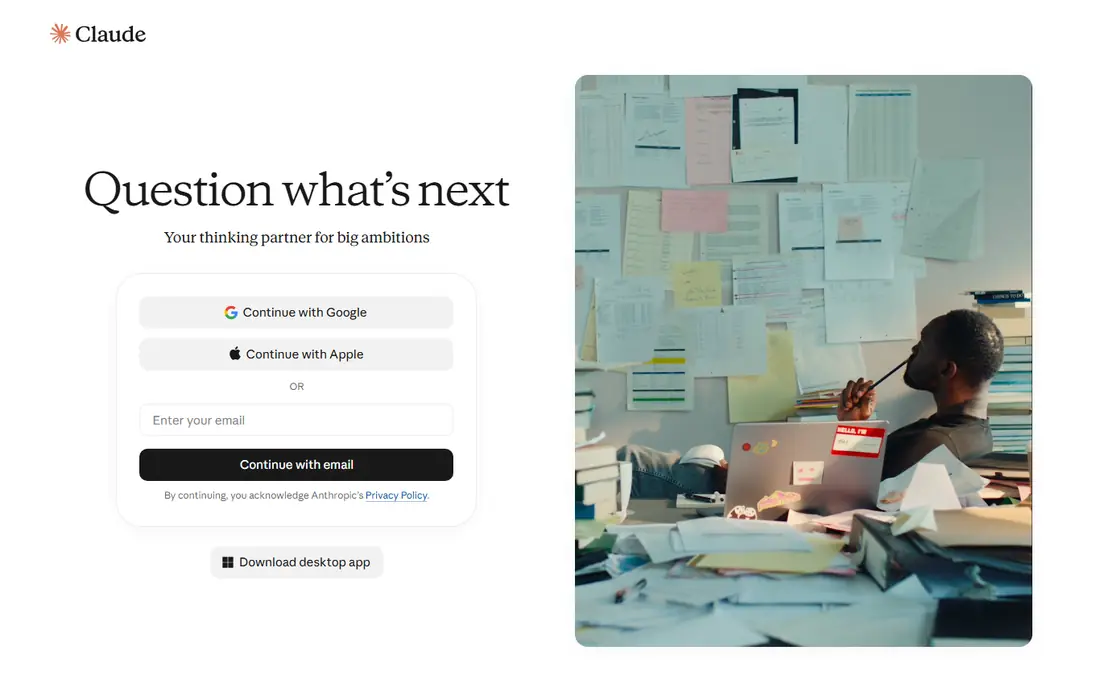
If you want a calmer starting point, Claude deserves a close look, since it keeps the setup short and the daily routine simple. It is best for natural long-form prose. Claude is often praised for natural long-form prose, and it handles long documents and careful rewrites well. In daily use, that strength is what most people notice first, and it helps explain why this option keeps appearing in current roundups and vendor documentation.
It is less of a marketing platform than Jasper or Copy.ai, so teams that need templates and brand workflows may need extra structure. That trade-off does not make it a poor choice, but it does mean you should weigh it against how you plan to use it. Before you pay, compare the plan limits with your real weekly use, not with the longest feature list. If it fits your routine and budget, it can serve you well for a long time.
- Strong long-form writing
- Good editing
- Handles long documents
- Usage limits on free tier
- Fewer marketing templates than Jasper
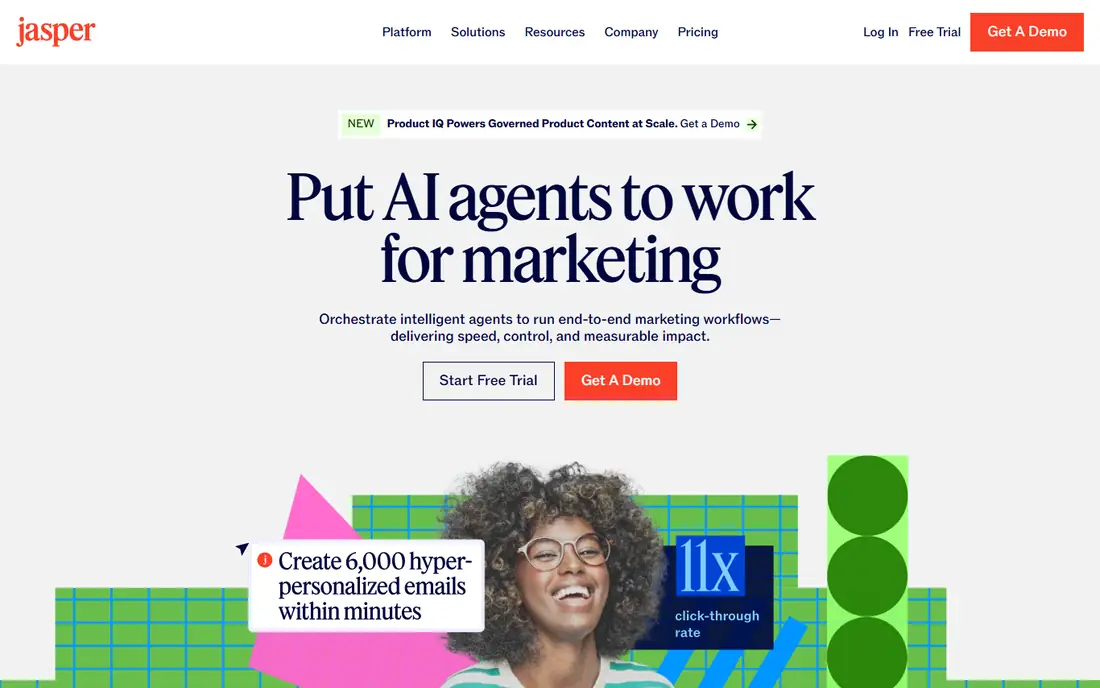
We put Jasper on this list for readers who need a practical option rather than a long feature list. It is best for marketing teams and brand voice. Jasper focuses on marketing teams that need consistent brand voice across campaigns, with workflows for longer content. In daily use, that strength is what most people notice first, and it helps explain why this option keeps appearing in current roundups and vendor documentation.
Per-seat pricing makes it costly for larger teams, so count seats carefully before you commit. That trade-off does not make it a poor choice, but it does mean you should weigh it against how you plan to use it. It is worth a short trial period, because the right fit usually shows up in the first week of daily use. If it fits your routine and budget, it can serve you well for a long time.
- Brand voice controls
- Campaign workflows
- Long-form drafting
- Per-seat pricing adds up
- No permanent free plan
Copy.ai stands out for a different reason than the leaders above it, and that difference may matter more to you than raw size. It is best for short marketing copy and sales workflows. Copy.ai suits short marketing and sales copy, with a chat plan that covers several seats at a modest price. In daily use, that strength is what most people notice first, and it helps explain why this option keeps appearing in current roundups and vendor documentation.
Its higher workflow tiers jump sharply in price, so solo writers should stay on the chat plan unless they need those workflows. That trade-off does not make it a poor choice, but it does mean you should weigh it against how you plan to use it. Check the current pricing page before you subscribe, since plans and limits change during the year. If it fits your routine and budget, it can serve you well for a long time.
- Affordable team seats
- Short-form copy
- Sales workflow tools
- Long-form depth is weaker
- Higher workflow tiers cost far more
A good shortlist should include Grammarly, because it serves a specific kind of user very well. It is best for grammar, tone and polish. Grammarly polishes drafts wherever you write, with grammar, clarity and tone suggestions that help busy professionals. In daily use, that strength is what most people notice first, and it helps explain why this option keeps appearing in current roundups and vendor documentation.
It does not replace a drafting tool, since its strength is editing and improving text you already have. That trade-off does not make it a poor choice, but it does mean you should weigh it against how you plan to use it. Try the free option first if one is offered, and check whether the paid limits match how often you will actually use it. If it fits your routine and budget, it can serve you well for a long time.
- Works across apps
- Tone and clarity suggestions
- Plagiarism checks on paid plans
- Not a full drafting tool
- AI prompts are limited on free plan
QuillBot is the quieter choice here, and quiet can be a strength when you want fewer distractions. It is best for paraphrasing and summarizing. QuillBot helps rewrite sentences, shorten long passages and summarize research, which suits students and editors. In daily use, that strength is what most people notice first, and it helps explain why this option keeps appearing in current roundups and vendor documentation.
Free use is limited in length and modes, so regular users will need Premium for full paraphrasing. That trade-off does not make it a poor choice, but it does mean you should weigh it against how you plan to use it. Before you pay, compare the plan limits with your real weekly use, not with the longest feature list. If it fits your routine and budget, it can serve you well for a long time.
- Paraphrase modes
- Summarizer
- Grammar checks
- Free paraphrase length is short
- Long-form drafting is limited
If the bigger names feel like too much, Rytr offers a smaller, more focused way to get the same job done. It is best for budget short-form drafting. Rytr gives budget writers a usable drafting tool with templates for emails, ads and social posts at a low monthly price. In daily use, that strength is what most people notice first, and it helps explain why this option keeps appearing in current roundups and vendor documentation.
Long articles need more editing than Jasper or Claude output, so it fits short-form work better than deep long-form projects. That trade-off does not make it a poor choice, but it does mean you should weigh it against how you plan to use it. It is worth a short trial period, because the right fit usually shows up in the first week of daily use. If it fits your routine and budget, it can serve you well for a long time.
- Very low price
- Many templates
- Supports many languages
- Long-form quality is basic
- Output needs more editing
We included Writesonic because it answers a need the other picks do not cover as directly. It is best for seo articles and content workflows. Writesonic targets SEO content teams, with article packs and tracking for how content appears in AI search results. In daily use, that strength is what most people notice first, and it helps explain why this option keeps appearing in current roundups and vendor documentation.
Solo bloggers may find the entry price hard to justify, since general assistants plus an editor cover much of the same work for less. That trade-off does not make it a poor choice, but it does mean you should weigh it against how you plan to use it. Check the current pricing page before you subscribe, since plans and limits change during the year. If it fits your routine and budget, it can serve you well for a long time.
- SEO article workflows
- AI search visibility tracking
- Templates
- Entry price is high for solo writers
- Article limits apply
How we picked these
We compared official pricing pages, free tiers and feature lists for tools that are still offered in October 2026. We included general assistants, marketing platforms and editing tools, because readers use the term AI writing tool for all three. We noted seat limits, word limits and where output needs human checking.
How to choose the right writing tool
Start with the task. Drafting a blog post, writing ad copy, paraphrasing research and polishing an email are different jobs, and one tool rarely does all four equally well.
Next, check limits in plain numbers. Seats, monthly words, AI prompts and article counts decide cost, so match those limits to your real output, not to a best-case month.
Finally, keep a human edit step. AI drafts save time, but facts, tone and legal claims still need a person to check them before publishing.
Frequently asked questions
What is the best AI writing tool for most people?
ChatGPT or Claude, plus Grammarly for editing, covers most writing needs at a modest cost. Jasper only earns its price for marketing teams that need brand voice at scale.
What is the best AI tool for writing blog posts?
Claude suits long-form blog prose, while Writesonic suits SEO article workflows. For a simple blog, a general assistant plus an editor is often enough.
What is the best free AI writing tool?
ChatGPT, Claude, Grammarly, QuillBot and Rytr all offer free tiers with limits. The best free choice depends on whether you draft, edit or paraphrase most.
What is the best AI writing software for marketing teams?
Jasper is a strong marketing pick, thanks to brand voice and campaign workflows. Copy.ai is a cheaper option for short-form and sales copy.
What is the best AI writing app for editing?
Grammarly is the clear editing pick, with tone and clarity help across apps. QuillBot is better if paraphrasing and summarizing are your main jobs.
Sources
See where you really rank - block by block
ProMapRanker scans Google Maps across a grid of your service area. Simple monthly plans from $19, white-label on every plan.
Start freeKeep reading
 youtube alternatives
Best YouTube Alternatives in 2026
Looking for youtube alternatives in 2026? We compare Vimeo, Dailymotion, Twitch, Rumble, and more on price, audience, monetization, control and privacy.
Read → what's the best ai tool for photo editing
What Is the Best AI Tool for Photo Editing in 2026
What is the best AI tool for photo editing? We compare ten tools for 2026, from Photoshop and Lightroom to Luminar, Topaz, Canva and mobile editors today.
Read → twitter alternatives
Best Twitter Alternatives in 2026
Compare the best twitter alternatives for 2026, from Bluesky, Threads, and Mastodon to Reddit, Tumblr, and Micro.blog, with free plans and audience notes.
Read →