 ProMapRanker
Best AI Workspace Tool for Documents in 2026

Key takeaways
- The best AI workspace depends on whether your documents are mostly pages, tables, or shared team knowledge.
- Notion and Coda lead for flexible docs plus databases, while Google Workspace and Microsoft Loop suit teams already inside those ecosystems.
- AI pricing varies a lot: some tools include AI in a paid plan, while others charge per seat on top of the base price.
- Check data controls and export options before moving a whole knowledge base into any AI workspace.
Quick comparison
| Pick | Great for | Pricing starts at | Free tier | |
|---|---|---|---|---|
 Notion | Flexible docs and wikis | See website | Yes | Visit |
 Coda | Programmable docs and tables | See website | Yes | Visit |
 ClickUp | Docs plus project work | See website | Yes | Visit |
 Taskade | AI-native team workspace | See website | Yes | Visit |
 Google Workspace | Gemini-assisted docs | See website | No | Visit |
 Microsoft Loop | Microsoft 365 team docs | See website | Yes | Visit |
 Slite | Team knowledge base | See website | Yes | Visit |
 AFFiNE | Local-first docs and whiteboards | See website | Yes | Visit |
 Confluence | Large team documentation | See website | Yes | Visit |
The best AI workspace tools for documents
We compared official feature and pricing pages for workspaces that combine documents with AI writing, summarising, search, and task help. A good AI workspace should keep documents easy to find, easy to edit together, and easy to export. The tools below differ in structure, AI pricing, and ecosystem fit.
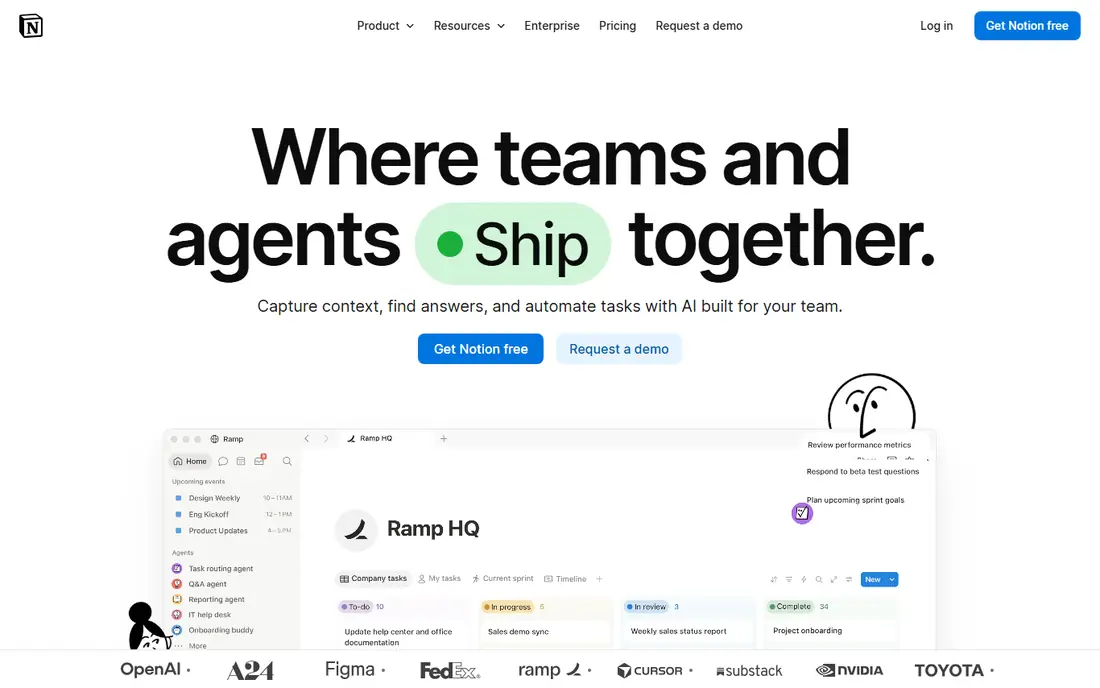
Notion remains the default choice for many teams because pages, databases, and wikis live in one place. You can start with a simple doc, turn it into a tracker, and link it to a team wiki without switching apps. AI features help draft, summarise, translate, and answer questions across workspace content, which is useful when knowledge grows faster than anyone can read it.
The pricing catch is per-seat AI cost. If every team member needs full AI, the total rises quickly, so check which plan includes AI for your team size. Notion also rewards good structure: without clear ownership and naming, a large workspace can become hard to search. Used with discipline, it is a strong all-round document workspace.
- Flexible pages and databases
- AI writing, summarising, and workspace Q and A
- Large template library
- AI cost is charged per seat on some plans
- Very large workspaces need careful organisation
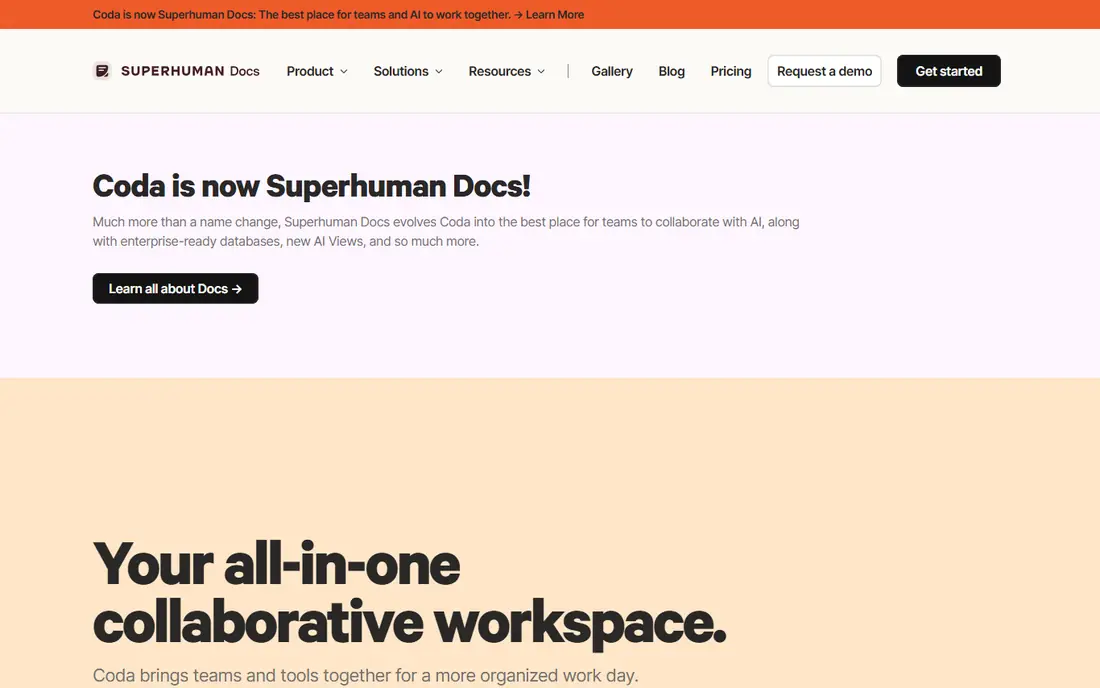
Coda suits teams whose documents are really structured work: trackers, briefs with live data, and operating docs that need formulas and buttons. AI can work at row and column level, so you can summarise, categorise, or draft content across a table rather than one page at a time. That strength shows up in operations, product, and project docs where data and prose sit together.
Learning Coda takes longer, especially for non-technical users who only need simple pages. Its Maker-based billing can save money when many people only view or edit, but you should model your own team shape before assuming savings. For document-heavy teams that live in tables, Coda is a serious alternative to Notion.
- Docs that act like apps with tables and formulas
- AI columns and automations
- Charges mainly Doc Makers
- Steeper learning curve than Notion
- Mobile experience is less polished
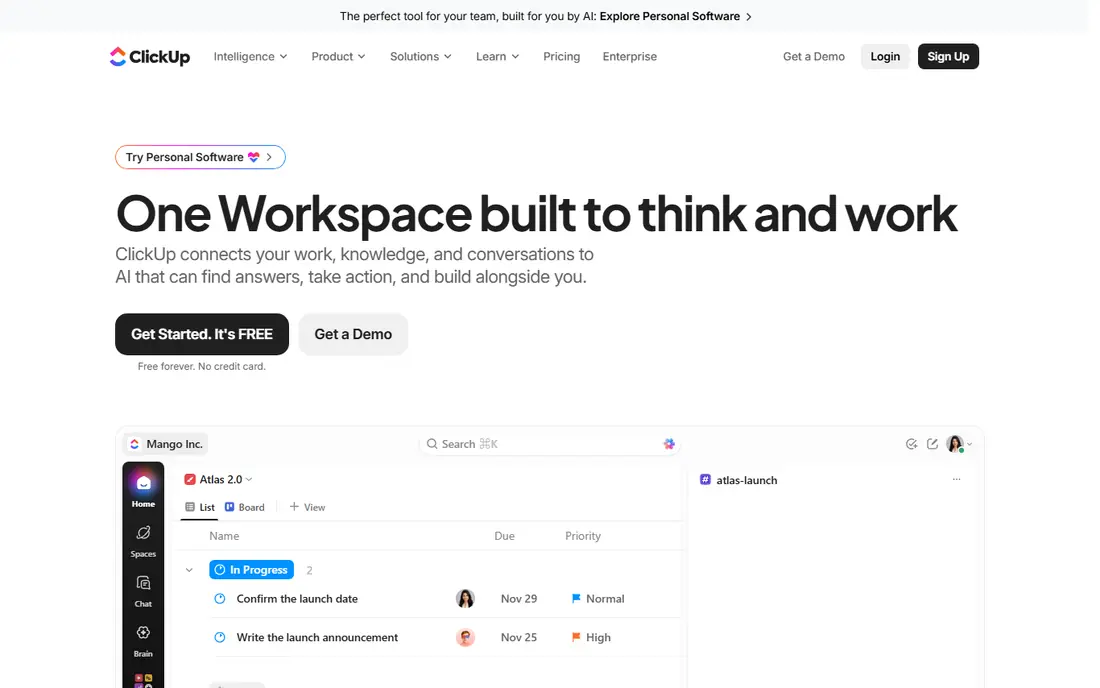
ClickUp fits teams that want documents next to the work itself. A spec can sit beside its tasks, a meeting note can spawn action items, and AI can summarise threads or draft updates. That link between docs and delivery is helpful for product, marketing, and operations teams that already manage projects in the same tool.
The downside is breadth. ClickUp packs in many features, and new users can feel lost before they find the doc setup that suits them. Start with a small set of spaces and templates, and check which AI features are included in your chosen plan. For teams that want one place for docs and tasks, the integration is worth the learning time.
- Docs linked to tasks and projects
- AI writing and summarising
- Many views for work tracking
- Feature breadth can feel busy
- AI features vary by plan
Taskade is built around AI agents, automations, and project views from the start, rather than adding AI to an older notes app. Teams can use agents to draft, organise, and update work across projects, and they can switch between lists, boards, calendars, and mind maps for the same work. That makes it appealing for teams that want AI to do more than rewrite a paragraph.
The ecosystem is smaller than the largest rivals, so check integrations for tools your team already uses. Agent workflows also need clear instructions and review, or they can create busywork. For teams open to an AI-first workspace and willing to shape it, Taskade offers a broad surface at a competitive starting price.
- AI agents and automations built into projects
- Multiple project views
- Generous free starting tier
- Smaller ecosystem than Notion or Google
- Agent features need careful setup to stay useful
Google Workspace suits teams that already live in Docs, Drive, and Gmail. Documents are easy to share, comment on, and co-edit in real time, and Gemini assistance can draft, summarise, and refine text inside Docs. Because many partners and clients already use Google tools, collaboration outside your team is usually simple.
The limits are plan-based. Business Workspace is paid, and AI features depend on the plan you choose, so confirm what is included before you budget. Teams that need structured databases or programmable docs may still prefer Notion or Coda. For straightforward collaborative documents with AI help, Google Workspace is hard to beat for familiarity.
- Familiar Docs, Sheets, and Drive
- Gemini help for drafting and summarising
- Strong sharing controls
- Paid plans only for business use
- AI availability depends on plan and region
Microsoft Loop is built for teams inside Microsoft 365. Pages hold text, tables, and tasks, and Loop components can stay in sync when pasted into Teams, Outlook, or other Microsoft apps. That portability helps when a checklist or table needs to live in a chat thread and a document at the same time. Copilot can assist on eligible plans, subject to licence terms.
Loop is less compelling outside Microsoft 365, and its component model takes a little getting used to. Teams that already pay for Microsoft 365, use Teams daily, and need shared docs with live components will get the most from it. Check Copilot licensing carefully, since AI access is not the same as basic Loop access.
- Portable components that sync across Microsoft 365 apps
- Copilot integration on eligible plans
- Familiar Microsoft controls
- Full value needs Microsoft 365
- Some AI features require a Copilot licence
Slite focuses on team knowledge: handbooks, processes, and decisions that new hires and remote colleagues need to find quickly. Its clean structure and AI-assisted search help people get answers without asking in chat for the tenth time. Async teams that document decisions carefully will appreciate its calm, readable layout.
Slite is not trying to be a full project platform, so teams that need heavy task tracking will pair it with another tool. That focus is also its strength, because it avoids the clutter of all-in-one apps. If your main problem is scattered docs and repeated questions, Slite is a focused, lower-noise option.
- Clean knowledge base structure
- AI-assisted search and writing
- Good for async teams
- Less of a project tracker than ClickUp or Coda
- Smaller template range than Notion
AFFiNE appeals to users who want control over their data and a single workspace for docs, whiteboards, and databases. Its local-first approach lets you keep work on your own device or self-hosted setup, which matters for privacy-conscious teams and individuals. The interface combines page writing with visual planning, so brainstorming and documentation can sit side by side.
AI support is still developing compared with the largest vendors, so teams buying mainly for advanced AI agents may prefer Notion, Coda, or Google Workspace. For users who rank ownership, offline access, and open-source foundations highly, AFFiNE offers a credible and flexible document workspace.
- Docs, whiteboards, and databases in one workspace
- Local-first option for data control
- Open-source base
- AI features are newer and less mature than Notion
- Smaller integration range
Confluence suits larger organisations, especially those already using Jira. Spaces organise documentation by team or product, templates standardise specs and retrospectives, and AI help can summarise and draft within that structure. For engineering and product teams, the link between docs and tickets keeps decisions close to the work they describe.
Small teams may find Confluence heavier than Notion or Slite, and setup benefits from clear space ownership. AI availability also depends on plan, so confirm it during a trial. When documentation must scale across many teams and stay tied to delivery work, Confluence remains a dependable choice.
- Structured spaces for large teams
- Strong Jira integration
- Templates for product and project docs
- Can feel heavy for small teams
- AI features depend on plan and Atlassian Intelligence access
How we picked these
We compared official feature and pricing pages for AI workspaces that handle documents as a core job in October 2026. We favoured tools with current AI writing, summarising, or search features, real collaboration, and a usable free or trial path. We left out pure chatbots and single-purpose writing apps, since the topic is a workspace for documents, not just text generation.
How to choose an AI document workspace
Start with your document shape. If most work is prose and wikis, Notion, Slite, or Google Workspace will feel natural. If docs contain live tables and operating data, Coda deserves first attention. If docs must sit beside tasks, ClickUp or Confluence may fit better. Try your real documents in a trial, not sample templates, and check search quality, since AI summarising is only useful if you can find the right page later.
Next, check AI pricing for your whole team, not just one seat. Some vendors include AI in a business plan, while others charge per user on top of the base plan. Also check data handling: what the AI model can access, whether workspace content is used for training, and how you export pages and databases if you leave. A workspace that is hard to leave is a long-term commitment, so test export early.
Frequently asked questions
What is the best AI workspace tool for documents?
Notion is the safest all-round pick for most teams, Coda wins for structured docs with tables, and Google Workspace or Microsoft Loop win inside their ecosystems. The best choice follows your document shape, team size, and existing tools.
Are there free AI workspace tools for documents?
Yes, Notion, Coda, ClickUp, Taskade, Slite, AFFiNE, and Confluence all offer free plans, though AI features may be limited or paid on those plans. Check which AI features are included free, since a free workspace does not always mean free AI.
What are the best AI workspace tools for documents for small teams?
Small teams often do well with Notion, Slite, or Taskade, because setup is fast and free tiers cover early use. Pick the tool your team will actually maintain, since an unused wiki helps no one, however strong its AI features are.
Can AI workspaces replace Google Docs or Word?
They can for many internal docs, wikis, and specs, but not for every use. Formal client documents, legal files, and heavily formatted reports may still need Docs or Word. Many teams use an AI workspace for internal knowledge and keep Docs or Word for external documents.
Is my document data used to train AI models?
That depends on vendor, plan, and settings, so check the current privacy and AI terms before migrating sensitive docs. Prefer vendors that state clearly how workspace content is handled, and avoid putting confidential material into AI features until you have read those terms.
How do I move documents into a new AI workspace?
Use import tools for Docs, Markdown, or Confluence where available, then test formatting, links, and tables on a small set of real pages. Plan ownership, naming, and archiving before a bulk import, or you will move clutter along with useful knowledge.
Sources
See where you really rank - block by block
ProMapRanker scans Google Maps across a grid of your service area. Simple monthly plans from $19, white-label on every plan.
Start freeKeep reading
 zscaler alternatives
Best Zscaler Alternatives in 2026
Looking for zscaler alternatives? We compare 9 SASE and zero trust platforms on architecture, data protection, pricing, and fit for your network and team.
Read → zapier alternatives free
Best Zapier Alternatives Free in 2026
Nine automation tools for zapier alternatives free in 2026, all with genuinely free tiers, plus free plan limits, starting prices and upgrade paths explained.
Read → which platform is best for online reputation
Which Platform Is Best for Online Reputation in 2026
Wondering which platform is best for online reputation? We compare 8 review, listing, and response tools for small and multi-location businesses and agencies.
Read →