 ProMapRanker
Best AI Workforce Automation Platforms in 2026

Visual workflow builders who want low per-run costs · Pricing starts at: $12 a month (billed yearly)
Direct answer
If you need visual workflow builders who want low per-run costs, Make is the first tool to look at here. Listed starting prices: Make from $12 a month, n8n from €20 per month and Lindy from $29.99 per user a month. Look at n8n for technical teams that want per-run pricing and self-hosting, and at Lindy for small teams that want AI agents for email and scheduling. The other 3 tools in the list cover narrower or pricier cases.
ProMapRanker put together this guide to AI workforce automation platforms for readers who want a clear shortlist without reading every vendor page. It compares 6 tools on starting price, free plans, who each one suits and where each one falls short.
Key takeaways
- The list opens with Make, aimed at visual workflow builders who want low per-run costs.
- Workato fits enterprise integration with AI agents on one credit meter.
- Check the limits for Make before you commit: all subscription levels carry the same 10,000 credits, so higher levels buy features, not capacity.
- Make, n8n, UiPath, Workato: these are the 4 tools out of 6 that offer a free plan.
Quick comparison
| Pick | Great for | Pricing starts at | Free tier | |
|---|---|---|---|---|
| Make | Visual workflow builders who want low per-run costs | $12 a month (billed yearly) | Yes | Visit |
 n8n | Technical teams that want per-run pricing and self-hosting | €20 per month (billed annually) | Yes | Visit |
 Lindy | Small teams that want AI agents for email and scheduling | $29.99 per user a month | Free trial (7 days) | Visit |
 Microsoft Power Automate | Microsoft 365 teams automating inside their tenant | $15 per user per month (billed yearly) | Free trial (30 days) | Visit |
 UiPath | Governed enterprise automation with agents and robots | $25 a month | Yes | Visit |
 Workato | Enterprise integration with AI agents on one credit meter | $75 a month | Yes | Visit |
Our 6 AI workforce automation platforms
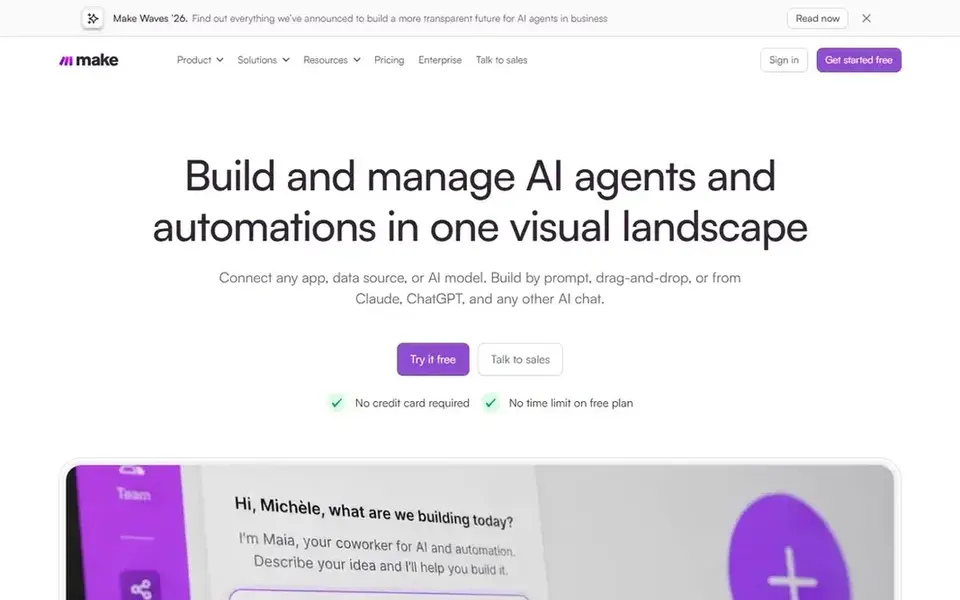
Make works best for visual workflow builders who want low per-run costs. Make, formerly Integromat, is a visual workflow builder that links apps with scenarios made of modules, metering usage in credits, where one module run normally costs one credit.
Also, Make replaced operations with credits in August 2025, converting existing balances one to one. Make cost at the entry level: $12 per month. A free plan is available with Make.
- Free plan with 1,000 credits per month
- Every subscription tier contains 10,000 credits and unlimited scenarios
- All subscription levels carry the same 10,000 credits, so higher levels buy features, not capacity
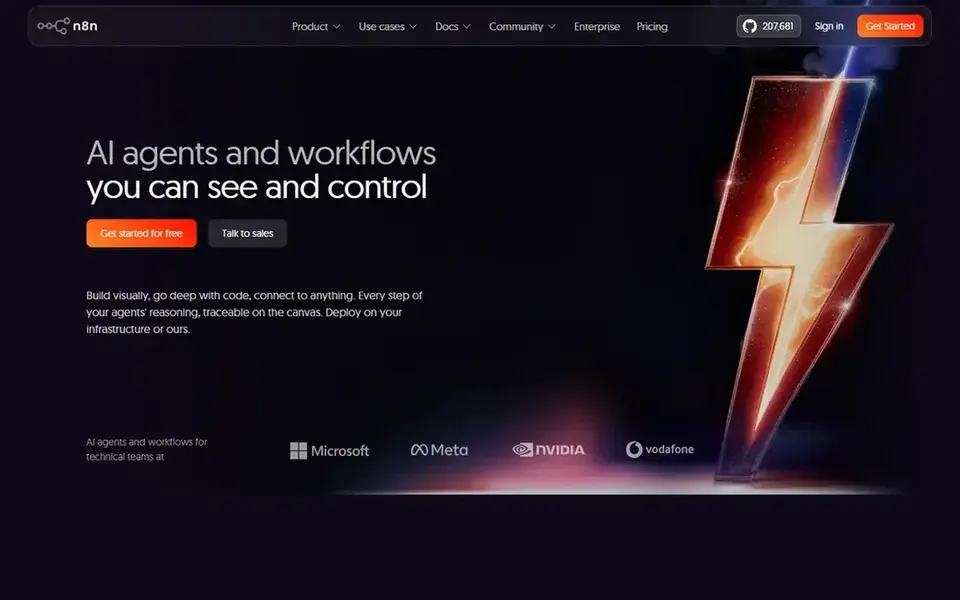
n8n makes the most sense for technical teams that want per-run pricing and self-hosting. Cloud Pro costs 50 euros per month on annual billing for 10,000 executions, with admin roles, global variables, 3 shared projects and a 40-minute run limit. n8n prices by executions, where one execution is a single run of your whole workflow, no matter how numerous steps it contains or how much data it processes.
US visitors see the same plans at $20 and $50 per month on annual billing. Beyond that, the self-hosted Community Edition is free with no execution cap, and Business costs 667 euros per month on annual billing. n8n pricing: €20 per month. n8n includes a free tier.
- Free self-hosted Community Edition
- Charges per entire workflow run
- Starter caps a single execution at 5 minutes and permits 5 concurrent executions
Lindy is a good fit for small teams that want AI agents for email and scheduling. Lindy is a no-code AI agent product that builds agents for email triage, meeting scheduling, CRM updates, lead routing and outbound calls, using plain-language instructions.
Pro costs $99.99 per user per month with 15,000 credits, 3 connected inboxes, computer use for browser automation, model selection and a 1 to 1 onboarding session. Lindy pricing: $29.99 per user per month. Free plan details: Free trial (7 days).
Drawbacks to consider: overages bill at twice the standard rate.
- No-code agent builder with computer use on Pro
- 3,000 or more integrations
- Credit allowance per plan is not published in full
Microsoft Power Automate
Great for: Microsoft 365 teams automating inside their tenant
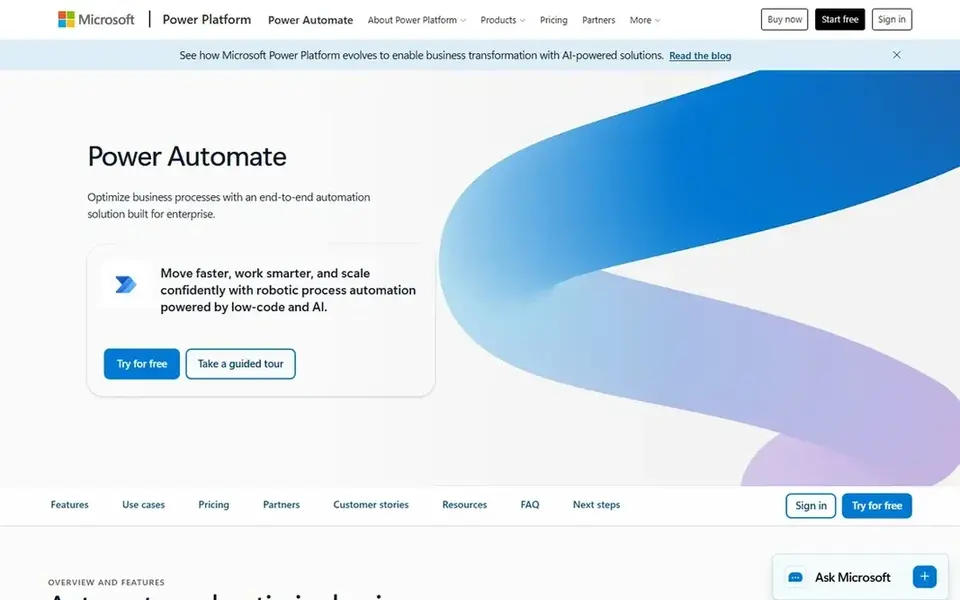
Microsoft Power Automate serves Microsoft 365 teams automating inside their tenant. Microsoft Power Automate is the flow builder inside the Microsoft 365 world, handling cloud flows between apps and desktop flows that automate work on a computer.
Starting cost for Microsoft Power Automate: $15 per user per month. On free options: Free trial (30 days).
Drawbacks to consider: Premium connectors need a licence.
- Process mining and premium connectors
- Premium bundles attended desktop RPA
- AI Builder credits no longer come with new licences from 1 November 2026
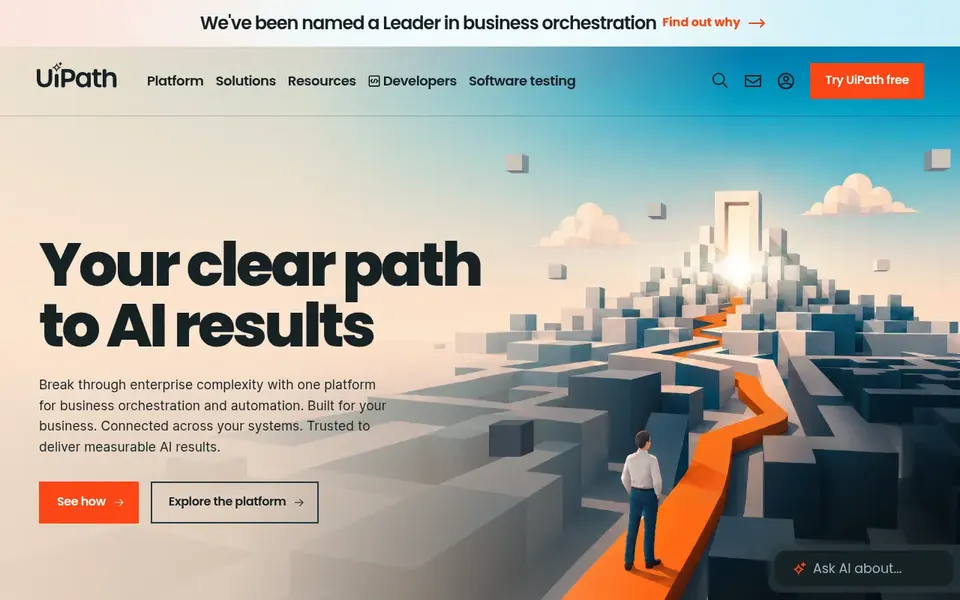
UiPath was built for governed enterprise automation with agents and robots. UiPath sells agentic automation through Automation Cloud, with robots, agents and API workflows managed in one place.
Standard removes the user and robot limits, brings single sign-on, custom roles and audit logs, and lets you pick a hosting region. UiPath pricing: $25 per month. You can start on UiPath without paying.
The main drawbacks: Entry-level is hosted in the European region only.
- Standard and Enterprise add agents
- Governance and region choice
- Standard and Enterprise pricing is custom
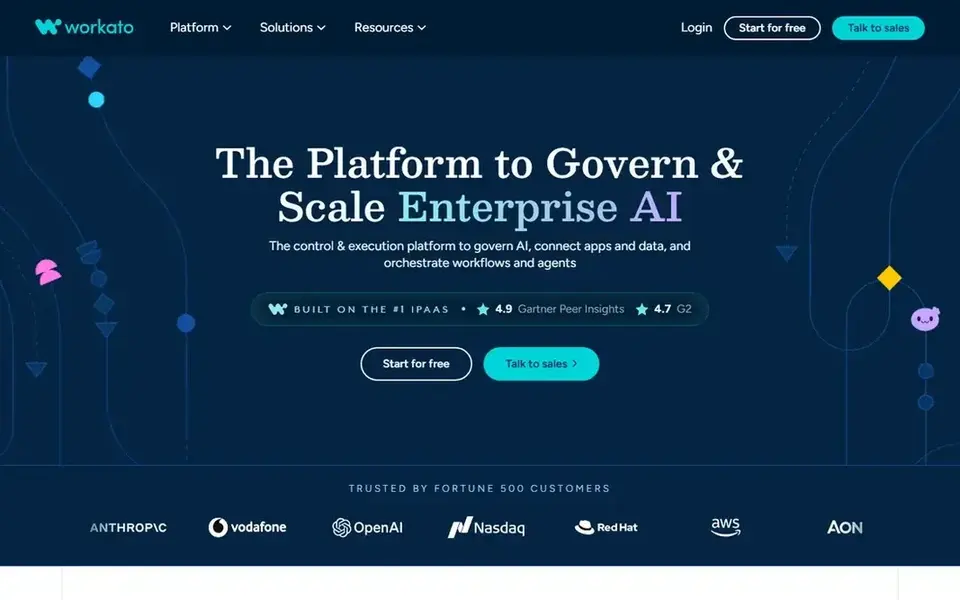
Workato is a good fit for enterprise integration with AI agents on one credit meter. Pro is restricted to 3 workspace users, whereas enterprise editions are custom priced.
Where it falls short: Unused Pro credits expire each month.
Workato starts at: $75 per month. A free plan is available with Workato.
- Free plan with a one-time 50,000-credit grant
- Agents and document work
- Enterprise editions are custom priced
Selection criteria
Selection started from tools commonly considered for AI workforce automation platforms, then narrowed to 6 that have clear pricing information or a clear quote process. Figures are shown as the vendors publish them. Billing terms, seat minimums and add-ons can change the real cost. The order reflects how well each tool fits the most common buying scenario for AI workforce automation platforms, then price clarity, then free plan access. It is a starting point, not a verdict.
What to confirm before you sign up
- Prices are a starting point; Make shows $12 per month to start, so verify what your seat count would cost.
- Look at free plan limits closely: Make, n8n, UiPath and Workato have one, and the caps decide whether it is usable for real work.
- Use real work to test the free trial from Lindy and Microsoft Power Automate, rather than a demo project.
- Read the limits listed for Make first: all subscription levels carry the same 10,000 credits, so higher levels buy features, not capacity.
- Run a one or two week pilot of Microsoft Power Automate with the people who will use it every day.
- Check the integration list for n8n against the tools you run today, and note which ones need a higher plan.
Frequently asked questions
Do these tools publish their prices?
Yes. Every tool from Make to Workato shows a starting price, though seats, add-ons and billing terms still change the final cost.
Which options for AI workforce automation platforms have a free plan?
On this list, Make, n8n, UiPath and Workato include a free plan. Caps on seats, usage or features are common, so test the free plan against your real workload. Several others offer a trial instead.
Is Make the right pick for everyone comparing AI workforce automation platforms?
No single tool suits every team. Make comes first because it fits visual workflow builders who want low per-run costs, while n8n suits technical teams that want per-run pricing and self-hosting and Lindy suits small teams that want AI agents for email and scheduling. Match the tool to your own size, budget and workflow before deciding.
What is the best AI workforce automation system?
For most readers this guide would start with Make, built for visual workflow builders who want low per-run costs. n8n is the alternative for technical teams that want per-run pricing and self-hosting, and Lindy for small teams that want AI agents for email and scheduling. The right answer depends on budget and workflow.
What is the cheapest option for AI workforce automation platforms in this list?
On published monthly entry prices, Make is the lowest here at $12 per month. Entry price is only part of the cost, because seats, add-ons and billing terms can change the total. Each of the 6 options in this AI workforce automation platforms guide has its own card above with the price, free plan and limits.
Sources
See where you really rank - block by block
ProMapRanker scans Google Maps across a grid of your service area. Simple monthly plans from $19, white-label on every plan.
Start freeBrowse all guides
← 2026 Guide to the Best Recruiting Software That Uses AIAI Driven Recruitment Software: 6 Options Compared in 2026 →
 best ai tool for resume building
Best AI Tool for Resume Building (2026)
Best AI tool for resume building: 6 contenders ranked by fit, with entry costs and free tiers. Strengths and weak spots are spelled out. Reviewed this month.
Read → best ai interviewer platform
Best AI Interviewer Platform (2026)
Searching for the best AI interviewer platform? Here are 6 options with prices and free plans. Price notes and drawbacks come with each one. Easy to scan.
Read → best ai coaching platforms for hr teams
AI Coaching Platforms for HR Teams in 2026: Top 7 Compared
Best AI coaching platforms for HR teams: 7 contenders ranked by fit, with entry costs and free tiers. The weak spots sit next to the strengths. Numbers first.
Read → best whistleblowing software
Best Whistleblowing Software in 2026
Best whistleblowing software in 2026: we compare 9 reporting and case tools for ethics, compliance and employee concerns, with pricing for compliance teams.
Read → best company size for a peo
Best Company Size for a PEO in 2026
Find the best company size for a PEO in 2026, with 9 PEOs matched to team size, from under 10 staff to 500, plus costs and fit notes for growing firms.
Read → best onboarding software
Best Onboarding Software in 2026
We compared the best onboarding software in 2026 for new hires, from payroll-first tools to global platforms, to help you pick a fit for your team size.
Read →More in HR & Recruiting · All guides A to Z by date · Latest guides