 ProMapRanker
Best AI Website Design Tools No Coding in 2026

Key takeaways
- AI builders can produce a full draft site from a short description, but you still need to check the copy, images, and contact details before publishing.
- Wix and Squarespace suit most small businesses, while Framer and Webflow suit people who care more about design control.
- Free plans are useful for testing, but a custom domain and removal of builder branding usually require a paid plan.
- Price alone is a poor guide, because renewal prices, editor seats, and ecommerce fees can change the total cost.
Quick comparison
| Pick | Great for | Pricing starts at | Free tier | |
|---|---|---|---|---|
 Wix | All-round small business sites | $17 per month | Yes | Visit |
 Squarespace | Design-led service businesses | $16 per month | Free trial | Visit |
 Framer | Modern marketing sites | $5 per month | Yes | Visit |
 Webflow | Design control and larger content sites | $14 per month | Yes | Visit |
 Durable | Getting a service business online fast | $15 per month | Yes | Visit |
 Hostinger | Low-cost AI-built sites | $2.99 per month | No | Visit |
 10Web | AI-built WordPress sites | $10 per month | Free trial | Visit |
 Duda | Agencies and client sites | See website | Free trial | Visit |
 GoDaddy | Simple sites with guided setup | $9.99 per month | Free trial | Visit |
The best AI website design tools no coding
These tools turn a description of your business into a draft site, then let you edit text, images, and pages without writing code. We compared their AI setup, editing freedom, pricing, and limits.
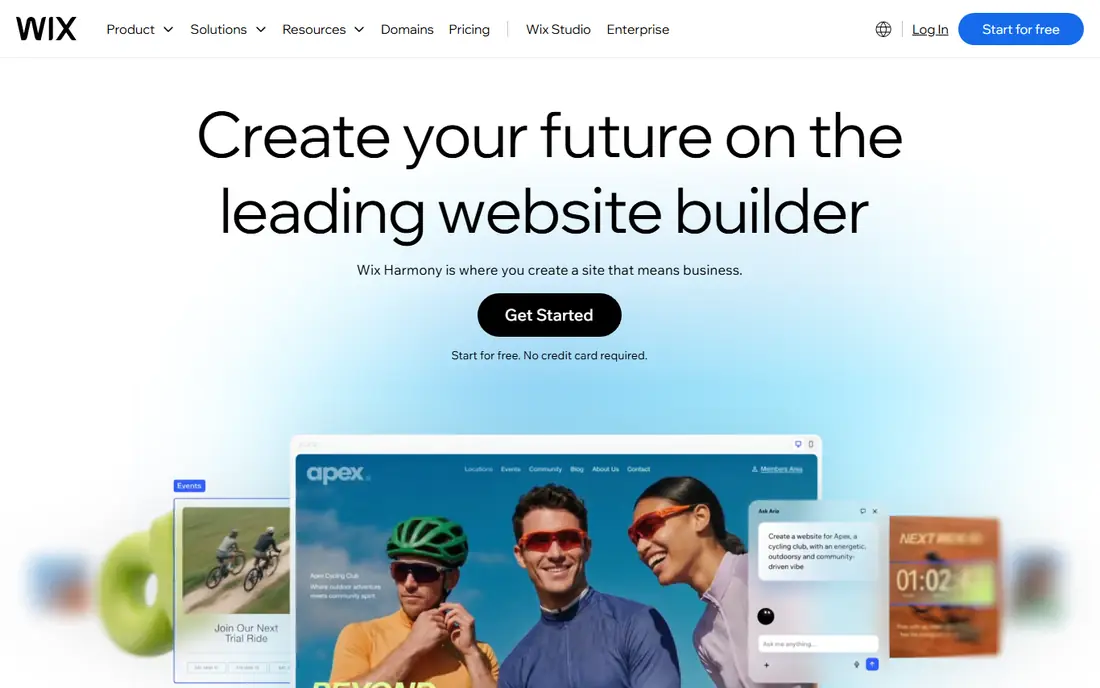
Wix is our pick for most people who want one place to build and run a small business site. Its AI setup asks about your business and builds a draft with pages, starter text, and images, and you can then change almost anything in the visual editor. That mix matters, because a pure AI draft rarely matches your services, prices, and tone on the first try.
The wider platform is the other reason Wix leads here. Booking, online store tools, contact forms, and a blog sit inside the same account, so a service business can add appointments later without rebuilding. The catch is lock-in: a Wix site stays on Wix, so moving later means rebuilding elsewhere. Paid plans also climb once you need selling tools, so check the plan that covers payments before you commit.
- Wide template and app range
- AI chat setup plus drag-and-drop editing
- Built-in booking, store, and blog tools
- Sites cannot be moved to another host
- Higher plans are needed for full ecommerce
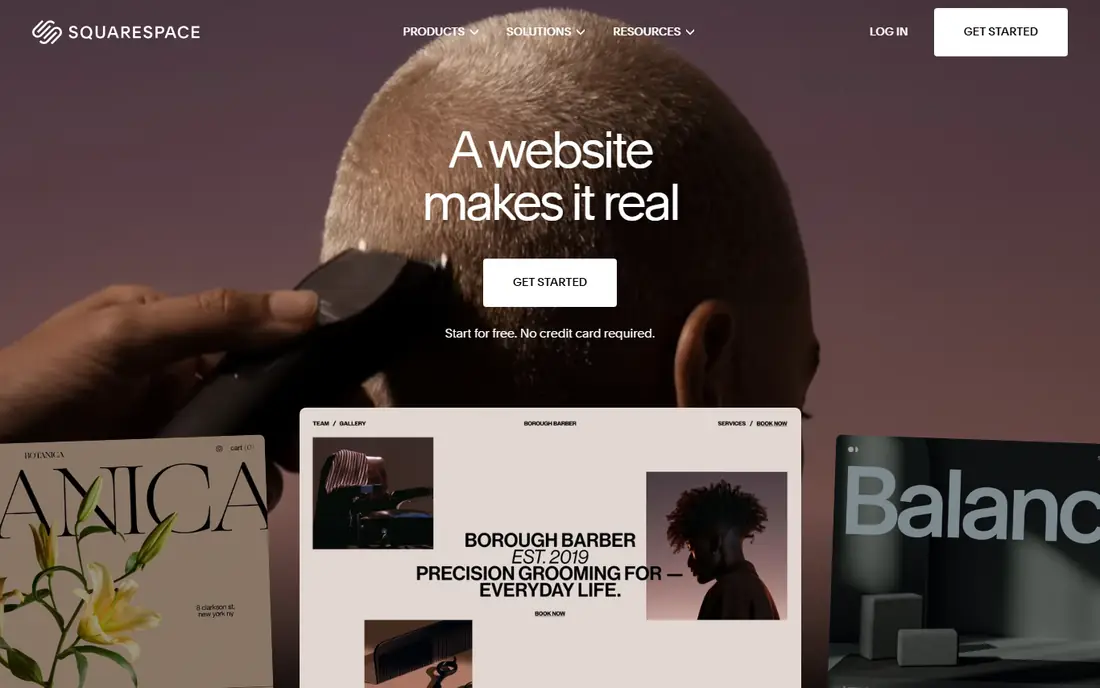
Squarespace suits businesses where looks carry weight, such as salons, studios, photographers, and restaurants. Its templates are curated rather than endless, which helps a non-designer avoid a cluttered result. Blueprint AI builds a starting site from your answers, and the editor keeps spacing, type, and images consistent as you edit.
Scheduling is a real strength for service businesses, and selling is available on entry plans, though fees and limits vary by plan. The trade-off is choice: if you want a very unusual layout or a large product catalog, you may hit the edges of the system sooner than with Wix or Webflow. Use the trial to build a real draft with your own photos before paying.
- Polished templates
- Blueprint AI builds a multi-page draft
- Strong scheduling and commerce tools
- No free plan
- Fewer templates than Wix
- Large stores are better served elsewhere
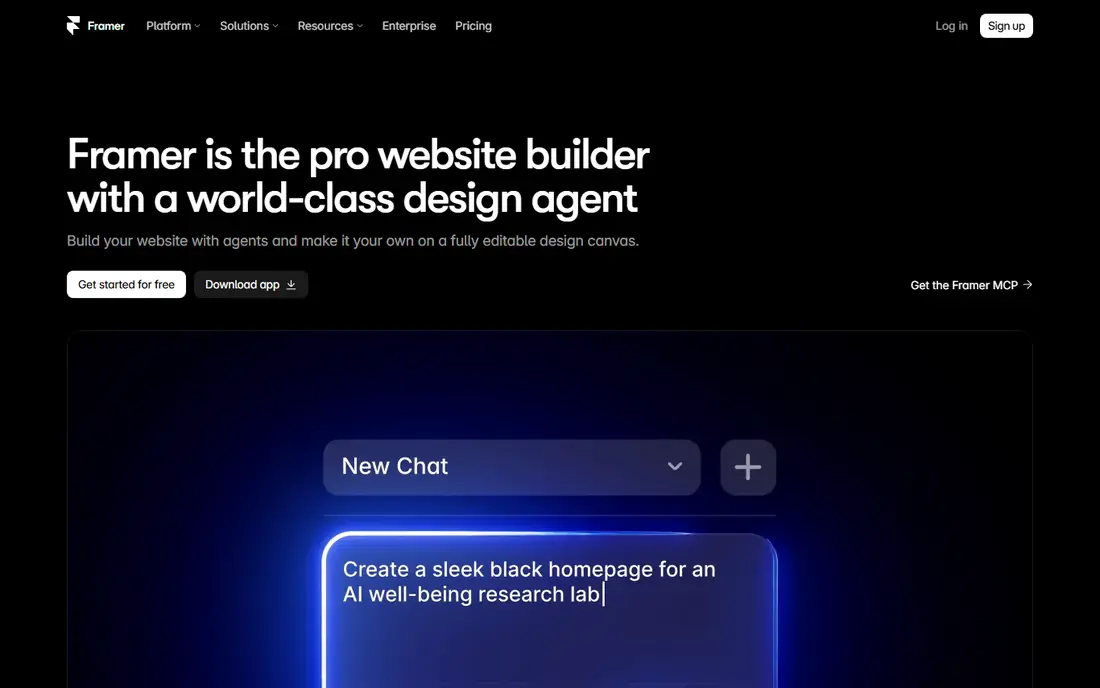
Framer is the pick when a marketing site needs to look like it came from a design studio. Its AI tools can generate pages and sections, and the canvas gives fine control over layout, motion, and type. Sites tend to load fast and look current, which matters for startups, agencies, and product launches.
Beginners should still expect a learning curve. Framer gives you more control than a simple template builder, and that control takes time to use well. It is also not the right choice for a full online store, since ecommerce needs third-party tools. For a brochure, portfolio, or landing site, though, it is hard to beat on looks for the price.
- Fast, polished sites with animation
- Free plan for testing
- AI generation for pages and content
- No native full online store
- Design freedom can overwhelm beginners
Webflow sits between a template builder and a hand-coded site. You still do not need to write code, but you work with layout concepts such as sections, grids, and classes, so the result can match a custom design closely. Its content system handles blogs, case studies, and directories far better than most simple builders.
That power is also the drawback for a first-time site owner. A business owner who only needs five pages may find Webflow slower to learn than Wix or Durable. Costs can also rise with extra editors and content limits. Choose Webflow when design quality and a growing content library matter more than the fastest possible launch.
- Precise layout control
- Strong CMS for blogs and collections
- Good for designers and agencies
- Steeper learning curve
- Seats and CMS limits add cost on bigger sites
Durable is built for speed. Enter a business name and a few details, and it returns a complete site in well under a minute, with pages, copy, and images ready to edit. For plumbers, cleaners, consultants, and other local services, that speed is the point: you can be contactable online the same day.
The bundled business tools add value after launch. A simple CRM, invoicing, and booking features mean fewer separate subscriptions for a small service firm. Design freedom is narrower than on a canvas builder, so a brand with strict visual rules may feel boxed in. If speed and simple business tools matter more than pixel-level design, Durable is a strong fit.
- Very fast AI site generation
- Built-in CRM, invoicing, and booking tools
- Simple editing
- Less design freedom than Framer or Webflow
- No full ecommerce store
Hostinger is the budget pick in this list. Its AI builder creates a draft site from your description, and the plan bundles hosting and a domain, which keeps the first-year bill simple. For a new business testing an idea, or a side project with a tight budget, that low entry price is hard to ignore.
Read the renewal price before you buy. Introductory rates rise sharply after the first term, so price the second year, not just the first month. Designs are clean but less varied than the leaders, and advanced features are thinner. As a low-cost starting point, it works well. As a long-term home for a complex site, compare the renewal total first.
- Very low introductory price
- Hosting, domain, and AI builder in one bill
- Simple editor
- Introductory price rises on renewal
- Design range is narrower than Squarespace
10Web is the best route to an AI-built site that you still own in the WordPress sense. Its AI can generate a site from a prompt, rebuild one from an existing URL, or start from a file, and the result is a genuine WordPress site with managed hosting. That ownership matters if you later want plugins, a developer, or a move to another host.
WordPress freedom brings upkeep that closed builders hide, such as plugin updates and compatibility checks, though managed hosting reduces that burden. Pricing is fair on annual billing and higher month to month. Pick 10Web if you want AI speed plus WordPress flexibility, and you are comfortable with a slightly more technical platform.
- Builds real WordPress sites you can export
- Managed hosting included
- AI recreates sites from a URL
- WordPress adds upkeep compared with closed builders
- Monthly billing costs more
Duda is aimed at people who build sites for others. Agencies and freelancers get tools to manage many client sites, reuse sections, and present the platform under their own brand. AI features help with draft content and page sections, while the editor stays structured enough for team work.
A single small business owner may find Duda more platform than needed, and its pricing needs a check on the vendor site for the current plan details. For a team that ships client sites every week, though, the workflow tools save real time. Choose Duda when you manage sites for clients, not just one site for yourself.
- Client management and white-label options
- AI content and section tools
- Good for teams
- Less suited to a single hobby site
- Pricing is not as transparent at a glance
GoDaddy suits owners who want guidance at every step. Its builder asks simple questions, suggests sections, and keeps editing to clear choices rather than a blank canvas. Buying a domain, email, and hosting from the same account also simplifies setup for a first site.
The limit is flexibility. If you want a distinctive design or complex features, you will likely outgrow GoDaddy sooner than Wix or Squarespace. For a simple brochure site, a local business page, or a small store, it gets the job done with little fuss. Treat it as a fast, guided start rather than a long-term design platform.
- Guided setup for beginners
- Domain, email, and hosting in one account
- Simple store tools
- Design flexibility is limited
- Advanced sites outgrow it quickly
How we picked these
We compared official feature pages, pricing pages, and app and platform documentation for AI builders that publish a working no-code editor in October 2026. We favored tools with a real AI setup step, a visual editor, a custom domain option, and a current paid plan, and we left out code-first frameworks and tools that only generate code for a developer to finish. Prices in this article are starting paid prices from vendor and comparison sources checked in October 2026, and they can change with billing term and region, so confirm the current figure on the vendor pricing page before buying.
What to check before you choose an AI builder
Start with the job the site must do. A brochure site needs good templates and fast editing. A store needs payments, shipping, and product limits that fit your catalog. A service business needs booking, forms, and a phone number that is easy to find. Write that short list before you test any builder, because AI demos all look good until your real content goes in.
Test with your own content
Build a draft with your real services, prices, and photos, not the demo copy. Check mobile layout, page speed, and how forms send messages to you. A builder that looks polished with stock images can feel cramped with long service descriptions or many photos.
Price the second year
Compare renewal prices, domain costs, editor seats, and store fees. A low first-year price can cost more over two years than a steadier plan. Also check what happens if you cancel: if you can export content, keep your domain, or only keep a copy of your text and images.
Check ownership and limits
Ask if you can move the site, add code or integrations later, and connect the tools you already use, such as email marketing or booking software. AI generation is only the first day of a site. Editing, search visibility, and day-to-day updates matter far more over the years that follow.
Frequently asked questions
Can AI really build a website without coding?
Yes, for a standard business, portfolio, or landing site. You describe the business, pick a style, and the builder drafts pages and copy. You still need to edit the text, replace images, check contact details, and publish the site yourself.
Do I need a paid plan to use my own domain?
In most cases, yes. Free plans usually use a builder subdomain and show builder branding. A paid plan is normally needed to connect a custom domain and remove that branding.
Is an AI-built site good for search engines?
It can be, if you write clear page titles, headings, and service descriptions, and keep the site fast and mobile friendly. AI draft copy often needs editing to match what local customers actually search for.
Which tool is best for selling online?
Wix and Squarespace cover small to mid-size stores well, while a large catalog or complex shipping rules may suit a dedicated store platform better. Check product limits, payment fees, and shipping options before choosing.
Can I move my site to another builder later?
It depends on the platform. WordPress sites built with 10Web can be moved more freely. Closed builders such as Wix and Squarespace usually require rebuilding the design elsewhere, though you can usually keep your domain and export some content.
Sources
- https://www.wix.com
- https://www.squarespace.com
- https://www.framer.com
- https://www.webflow.com
- https://www.durable.co
- https://www.hostinger.com
- https://10web.io
- https://www.duda.co
- https://www.godaddy.com
- https://www.lowcode.agency/blog/no-code-website-builder
- https://news.ssbcrack.com/best-ai-website-builders/
See where you really rank - block by block
ProMapRanker scans Google Maps across a grid of your service area. Simple monthly plans from $19, white-label on every plan.
Start freeKeep reading
 surfer seo alternatives
Surfer SEO Alternatives in 2026
We compared surfer seo alternatives for content optimisation, briefs, and scoring, covering Frase, Clearscope, NeuronWriter, MarketMuse, and more tools.
Read → best accounting software for accountants
Best Accounting Software for Accountants in 2026
We compare the best accounting software for accountants and CPA firms, from practice management to ledgers and tax prep, for firms of all sizes in 2026.
Read → best web hosting services for small business
Best Web Hosting Services for Small Business in 2026
We compared the best web hosting services for small business on price, speed, support and renewals, from budget shared hosting to managed WordPress in 2026.
Read →