 ProMapRanker
Best AI Watermark Remover Tools in 2026

Key takeaways
- WatermarkRemover.io is the most focused pick for images, video, and PDFs in one browser tool.
- Cleanup.pictures suits quick object and mark cleanup, with a simple free route at lower resolution.
- Desktop tools such as InPaint and Photo Stamp Remover suit repeated work without monthly credit worry.
- Only remove watermarks from images you own or have clear rights to use, never to pass off someone else work as yours.
- Complex watermarks over faces, text, or busy detail may need manual cleanup, even with AI help.
Quick comparison
| Pick | Great for | Pricing starts at | Free tier | |
|---|---|---|---|---|
 WatermarkRemover.io | Images, video, and PDFs | Free | Yes | Visit |
 Cleanup.pictures | Quick photo cleanup | Free | Yes | Visit |
 Dewatermark AI | Daily free image and video work | Free | Yes | Visit |
 HitPaw Watermark Remover | Video watermark removal | See website | Free trial | Visit |
 InPaint | Desktop batch cleanup | $29.99 | Free trial | Visit |
 Photo Stamp Remover | Desktop photo cleanup | See website | Free trial | Visit |
 Apowersoft Watermark Remover | Simple desktop removal | See website | Free trial | Visit |
 Adobe Express | Quick edits in a design suite | Free | Yes | Visit |
The best ai watermark remover tools
We compared tools that remove watermarks from images and, where stated, video, with attention to free credits, resolution limits, and batch work. A plain warning runs through this article: use these tools only on your own images or images you have licensed rights to edit.
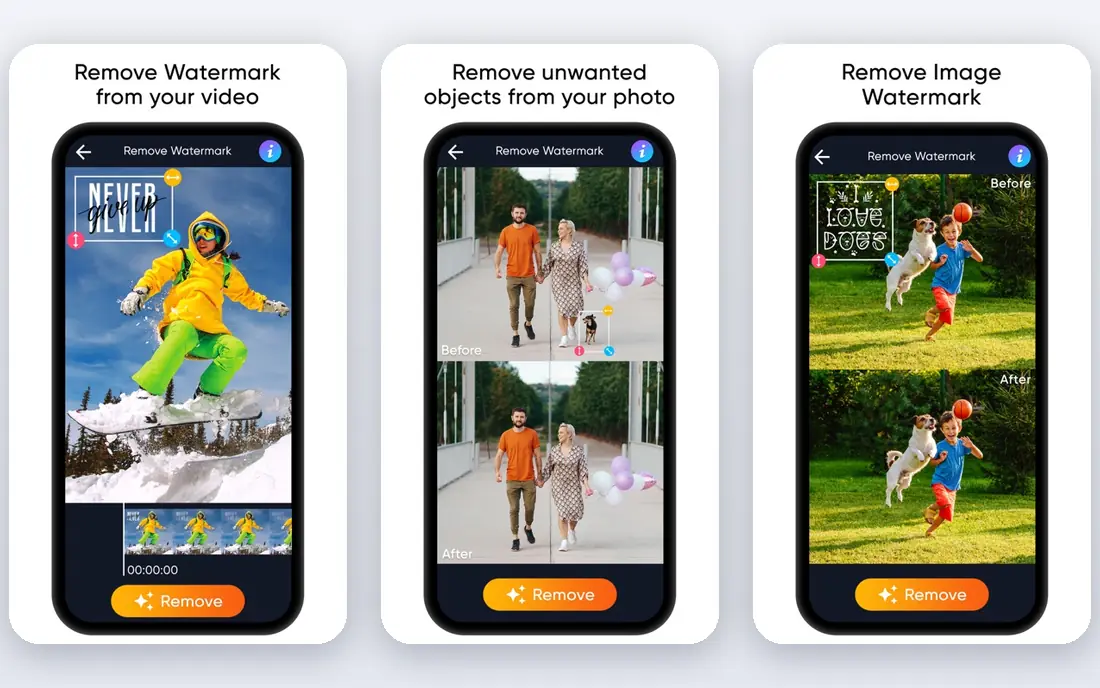
WatermarkRemover.io is the most direct pick for this job. Upload an image, video, or PDF, let the AI find the mark, and compare the result in a split preview before you save it. That preview matters, since a mark over busy detail can leave a soft patch you would rather catch early.
The free tier gives only a few credits and downloads each month in recent listings, so it suits occasional cleanup, not daily bulk work. Paid credit packs and yearly plans cover heavier use, but check credit rules for video, since video use is not always counted the same as one image.
- Automatic detection for images, video, and PDFs
- Split preview before download
- Batch and API options
- Free credits are few each month
- Unused subscription credits expire at month end in recent listings
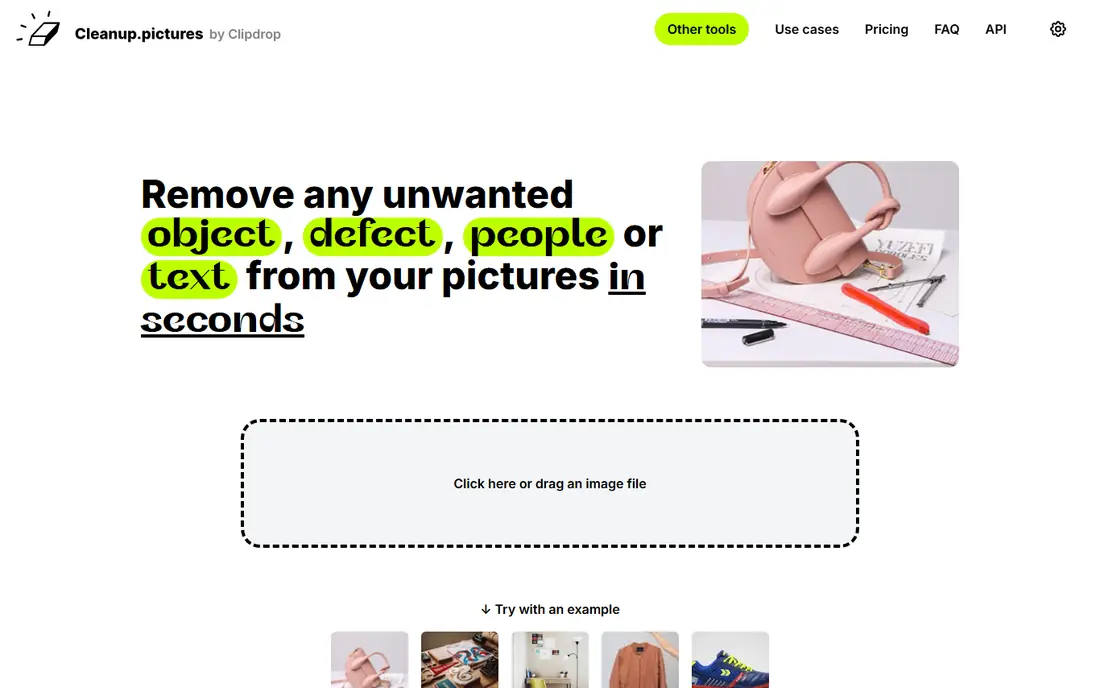
Cleanup.pictures is a good second choice when you want to paint over a mark yourself. Brush the watermark, let the AI fill the area, and check the result. It also handles tourists, timestamps, and stray objects, which makes it useful for travel and product photos beyond watermark work.
Free use is limited to lower resolution in recent listings, so it fits social posts and drafts better than print files. For full-resolution exports, a paid plan is needed. It is an image tool first, so video marks need a different tool from this list.
- Simple brush workflow
- Free use at limited resolution
- Useful for objects and marks
- Full resolution needs a paid plan
- Mainly an image tool, not a video remover
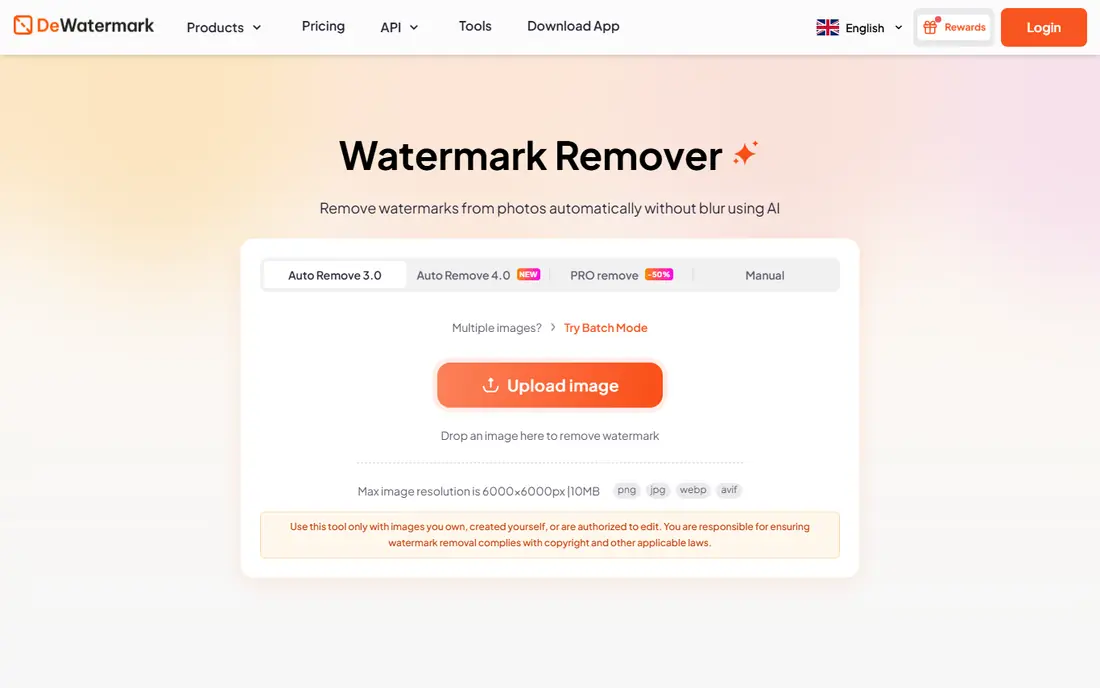
Dewatermark AI stands out for its daily free allowance, which suits people who clean a few images most days rather than a large batch once a month. It covers image and video marks, offers batch work, and adds a manual brush for marks the automatic pass misses. An API option also helps teams that process files in a workflow.
Daily does not mean unlimited. A few credits a day will not cover a large archive, and very complex marks may need more than one attempt. Use the free tier to judge quality on your own images, then choose a paid plan only if daily volume justifies it.
- Daily free credits in recent listings
- Image and video removal
- Batch and manual brush options
- Free credits are still limited per day
- Complex marks may need several passes
HitPaw is worth a look when video is the main job. Its watermark remover is built to handle moving marks across frames, which browser image tools do not do well. Batch options help when several clips share the same logo position, a common case for creators reusing old footage they own.
Pricing is the part to check carefully, since HitPaw sells several products and plans, and trial exports are limited. Confirm you are pricing the watermark remover itself, not a bundle, and test it on a short clip you own before you pay. Video quality after removal also depends on how large and busy the original mark was.
- Video-focused removal
- Batch video options
- Desktop app for repeated work
- Pricing varies by plan and platform
- Trial limits apply
InPaint suits people who clean images often and dislike credit counting. The desktop app lets you mark a watermark and remove it, and recent listings describe unlimited image processing during the license period. That model is easier to budget than credits when you process hundreds of photos.
It is not a web tool, so you need to install it on Windows or Mac, and the interface is functional rather than polished. Video is not the focus here. For steady photo work on your own images, though, the simple license model is a real advantage.
- One-time style license model in recent listings
- Unlimited images during the license period
- Desktop control
- Desktop only
- Interface is plain compared with web tools
Photo Stamp Remover, from SoftOrbits, is built for removing date stamps, logos, and text marks from photos. Batch processing helps when a whole set shares the same stamp, such as an old camera date stamp across a holiday album. The tool sits in a wider suite, so users who also restore old photos may find extra value there.
Trial limits and final pricing should be checked on the vendor site, since bundle and suite pricing can confuse the cost of this single tool. It is a photo tool, not a video remover, and results still depend on the mark size and background detail.
- Focused stamp and mark removal
- Batch photo options
- Part of a wider SoftOrbits suite
- Pricing and trial limits need checking at checkout
- Desktop only
Apowersoft Watermark Remover covers both images and video in a desktop app, with simple box and brush selection tools. That breadth helps users who have a mix of stills and clips to clean, without learning two separate tools. Batch work is available for sets that share a mark position.
The trial is limited, and full use needs a paid plan, so test it on your hardest file first, not your easiest. Marks over faces, fine text, or moving detail are the hardest cases, and no tool here guarantees a flawless result on those. Keep the original file until you are happy with the export.
- Simple selection tools for image and video marks
- Batch options
- Windows and Mac versions
- Paid plan needed for full exports
- AI quality varies with mark complexity
Adobe Express earns a place as a general design tool with object removal, rather than a dedicated watermark specialist. If you already use Express for social posts, you can clean a small mark and finish the design in the same place, without exporting to another app. Resize and template options add value for social publishing.
Do not expect it to match a dedicated remover on large or video watermarks. Removal quality depends on the mark and the plan, and advanced features need a paid tier. Use Express when cleanup is one small step in a design job, and use a dedicated tool when removal itself is the main job.
- Free tier for basic design work
- Remove-object tools in the editor
- Easy sharing and resize options
- Not a dedicated watermark remover
- Best features sit on paid plans
How we picked these
We compared vendor pages and recent pricing listings for tools that are live in October 2026, and we favored tools with a clear free or trial route and a stated focus on watermark or object removal. We did not claim hands-on testing. Where pricing listings disagreed, we wrote See website rather than picking a disputed figure. We also kept the rights warning central, since watermark removal can easily cross into misuse.
How to use a watermark remover fairly
Only edit what you own or are licensed to edit
Remove a mark from your own photo, a client file you are licensed to edit, or a stock image under its license terms. Do not remove a photographer watermark, stock agency mark, or creator logo to use the image without paying or crediting the owner. When in doubt, buy the clean licensed file instead.
Start with the hardest file
Test a tool on the most difficult mark in your set, not the easiest. A large mark over a face or busy texture will show the limits fast. If the result looks soft or smeared, try a manual brush pass or accept that the file may not be usable at full size.
Keep the original
Save the original file before you edit, and export the cleaned version as a copy. This habit protects you if a client asks for a different crop, and it keeps a clear record of what you changed. It also helps if a later export needs a higher resolution.
Check video frame by frame
Video marks move, and a clean first frame does not guarantee a clean full clip. Watch the whole export, especially where the subject crosses the mark area. A small blur that looks fine in a still can stand out in motion.
Frequently asked questions
What is the best ai watermark remover tool for photos?
WatermarkRemover.io is the most focused photo option, with automatic detection and a preview before download. Cleanup.pictures is a strong free alternative for quick brush cleanup at lower resolution. For repeated photo work, a desktop tool such as InPaint avoids monthly credit limits.
Can AI remove watermarks from videos?
Yes, tools such as WatermarkRemover.io, Dewatermark AI, and HitPaw handle video marks, with varying limits and quality. Video removal is harder than photo removal, since the mark may move and the background changes. Test on a short clip you own before paying for a large batch.
Is it legal to remove a watermark?
It depends on rights, not on the tool. Removing a mark from your own image or a file you are licensed to edit is a normal editing step. Removing a mark to use someone else work without permission or payment can breach copyright and license terms. Buy the licensed clean file when you do not own the rights.
Why does AI struggle with some watermarks?
Large marks, marks over faces or fine detail, and semi-transparent marks blended into texture are the hardest cases. The AI must invent pixels where the mark sat, and busy backgrounds give it less to work with. Manual cleanup or a different crop sometimes gives a better result than another automatic pass.
Do free watermark removers limit resolution?
Many do. Cleanup.pictures free use is limited to lower resolution in recent listings, and other free tiers limit credits or downloads. Check resolution and export rules before you process a file you need for print or large display, since a clean low-resolution file may not serve that use.
Sources
See where you really rank - block by block
ProMapRanker scans Google Maps across a grid of your service area. Simple monthly plans from $19, white-label on every plan.
Start freeKeep reading
 zscaler alternatives
Best Zscaler Alternatives in 2026
Looking for zscaler alternatives? We compare 9 SASE and zero trust platforms on architecture, data protection, pricing, and fit for your network and team.
Read → zapier alternatives free
Best Zapier Alternatives Free in 2026
Nine automation tools for zapier alternatives free in 2026, all with genuinely free tiers, plus free plan limits, starting prices and upgrade paths explained.
Read → which platform is best for online reputation
Which Platform Is Best for Online Reputation in 2026
Wondering which platform is best for online reputation? We compare 8 review, listing, and response tools for small and multi-location businesses and agencies.
Read →