 ProMapRanker
Best AI Voice Translator Apps in 2026


Free everyday voice translation · Pricing starts at: Free
Key takeaways
- Google Translate and Microsoft Translator are the strongest free starting points for everyday spoken translation.
- DeepL Voice suits careful, prepared speech where phrasing and tone matter more than speed.
- JotMe and Maestra suit meetings and events, where captions, summaries and shared translation matter.
- iTranslate, SayHi and Papago are better for short travel conversations than for long professional calls.
- No voice translator is safe for legal, medical or safety-critical instructions on its own, so check important wording in writing too.
Quick comparison
| Pick | Great for | Pricing starts at | Free tier | |
|---|---|---|---|---|
| Google Translate | Free everyday voice translation | Free | Yes | Visit |
 DeepL | Natural-sounding voice translation | $8.74 per month | Yes | Visit |
 Microsoft Translator | Free group conversations | Free | Yes | Visit |
 iTranslate Voice | Simple travel conversations | See website | Yes | Visit |
 SayHi Translate | Quick two-way phone conversations | Free | Yes | Visit |
 Papago | Korean, Japanese and Chinese conversation | Free | Yes | Visit |
 JotMe | Live meeting translation and notes | $10 per month | Yes | Visit |
 Maestra AI | Meetings, events and captions | $15 per month | Free trial | Visit |
The best ai voice translator apps
We compared apps that translate spoken words in real time or in short turns, and we kept tools that work on a phone or in a meeting. Some are free consumer apps, while others are paid tools built for work, and the right pick depends on how long your conversations run.
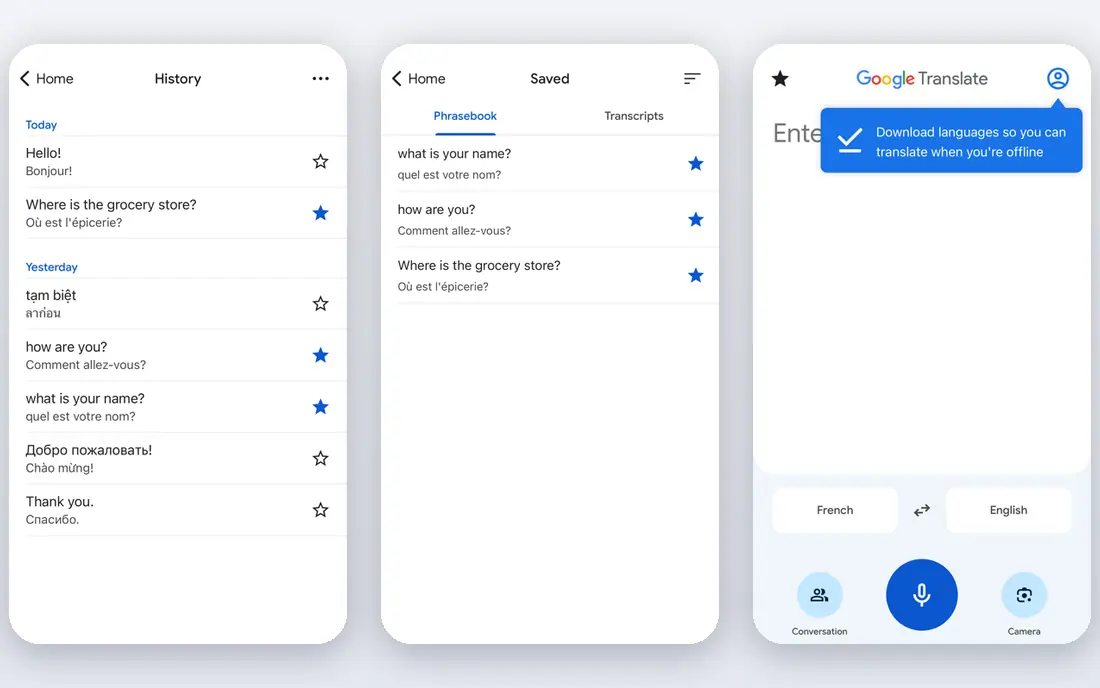
Google Translate is the default choice for most people, and that is fair. It is free, it covers a very large number of languages, and its conversation mode lets two people speak in turn and hear the result in their own language. Camera translation and offline language packs add value for travel, since you can translate a sign or a menu even with a weak connection.
The limit is the turn-based rhythm. You speak, you wait, the other person speaks, and that pause breaks the flow of a natural chat. Accuracy is strong for common phrases and major languages, but it falls off with background noise, heavy accents and idioms. Use it for directions, shopping, hotels and everyday help, and treat it as a helper rather than an interpreter for anything that must be exact.
- Very wide language coverage
- Conversation mode for two speakers
- Offline packs for many languages
- Turn-based exchanges can feel slow
- Accuracy drops with noise, slang and fast overlapping speech
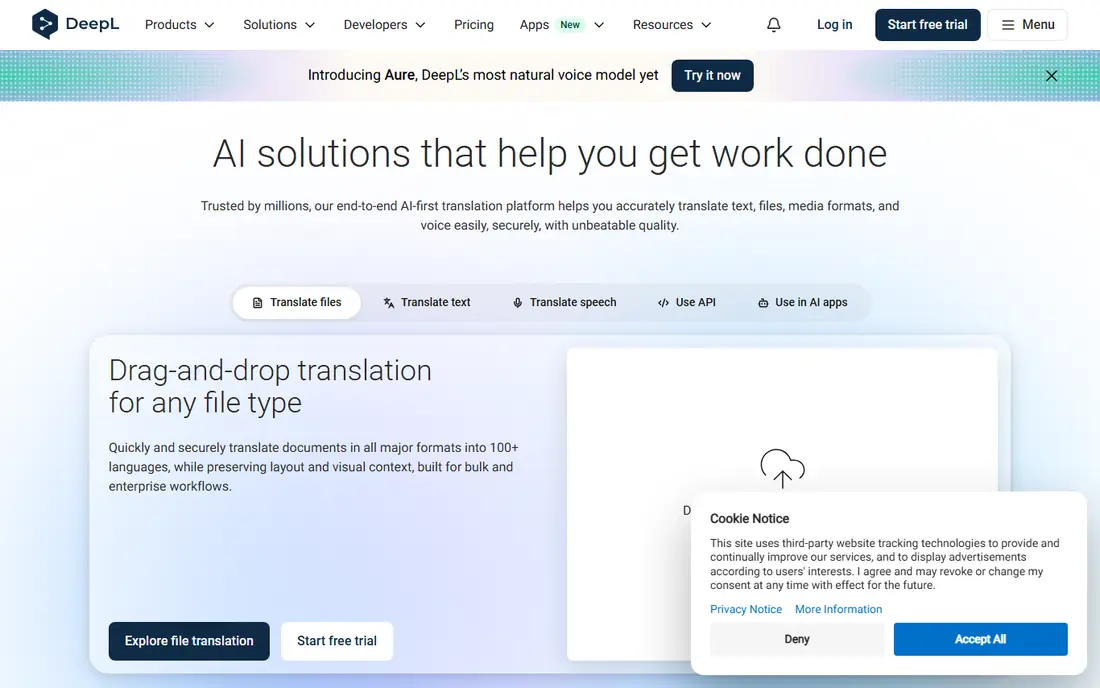
DeepL built its name on written translation, and its voice tools carry the same strength, which is natural phrasing rather than word-by-word output. For European language pairs, the result often reads and sounds closer to what a fluent speaker would say, and paid plans add glossaries and tone controls that help with work terms. That makes it a good pick for prepared talks, client messages and careful conversations.
It does not match Google Translate for sheer language breadth, so check that your language pair is supported before you rely on it. Voice translation is also less central here than in a meeting tool such as JotMe, so it suits one-to-one conversations and dictated messages more than a large group call. The free plan is a useful test, and the paid plan is worth it mainly if you translate often or need consistent terms.
- Strong phrasing for European languages
- Tone and glossary controls on paid plans
- Voice mode for spoken input
- Fewer languages than Google Translate
- Voice features are newer and less built for group calls
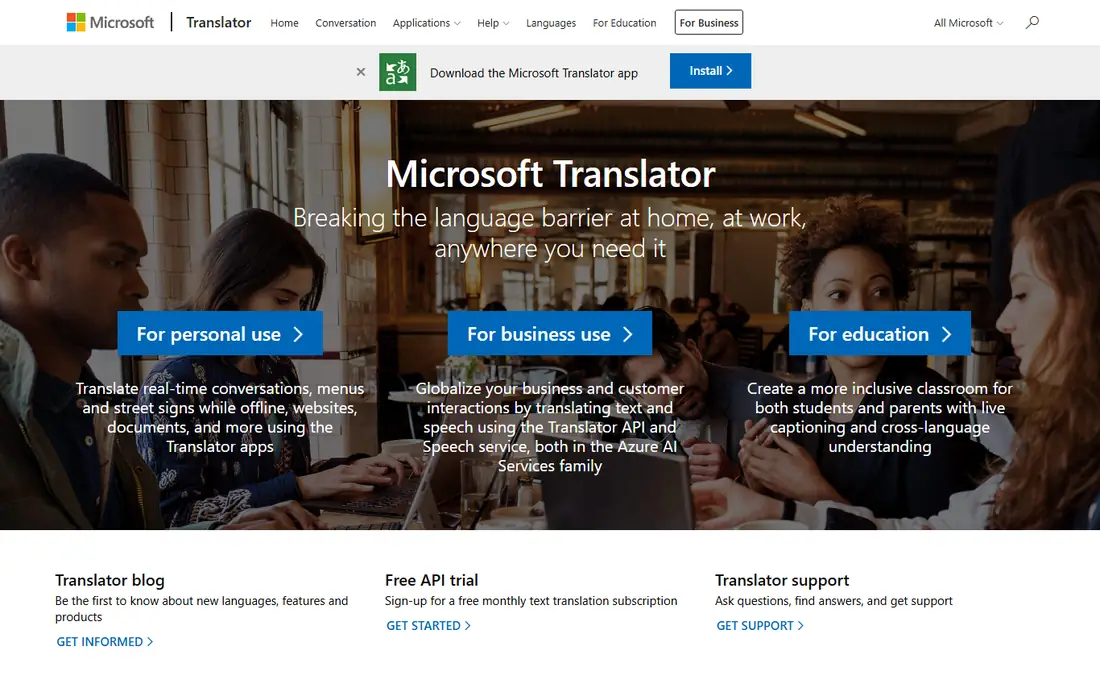
Microsoft Translator is easy to overlook, but its group feature is genuinely useful. One person starts a conversation, others join with a code, and each person reads and hears the translation in their own language on their own phone. That setup works well for a classroom, a small meeting or a family gathering where not everyone shares a language.
The app itself is free, and it also handles text, camera and offline translation for many languages. Quality is solid for major languages and weaker for rarer pairs, which is true of most free tools. The main practical limit is connection quality, since a group session with several phones needs steady internet. For a free group tool, though, it is hard to beat.
- Free group conversation mode with a shared code
- Works across phones and browsers
- Supports many languages
- Translation quality varies by language pair
- Group mode needs a stable connection for everyone
iTranslate Voice keeps the design simple, which is exactly what you want when you are standing in a station or a shop. You speak, it translates, and the other person answers back. The phrasebook covers common travel situations, so you can also play a prepared phrase instead of speaking into the phone in a noisy place.
Long conversations expose its limits. It is built for turns, not for continuous interpretation, and the free version is more limited than Google Translate. Offline mode and extra features sit behind a paid plan, so check the price in your app store before a trip. As a clean, easy travel companion, it still earns its place, especially for people who find larger apps cluttered.
- Simple speak-and-translate design
- Phrasebook for common travel phrases
- Offline mode on paid plans
- Best for short exchanges rather than long talks
- Some features need a paid subscription
SayHi Translate does one job and does it without fuss. You pick two languages, tap to speak, and the app speaks the translation back. The interface is plain, the buttons are large, and there is little to learn, which helps when you are talking to someone who is not used to translation apps.
It does not try to be a meeting tool, a document translator or a learning app, and that narrow focus is both its strength and its limit. There are no captions for a group, no summaries and no deep language tools. For a quick chat with a driver, a shopkeeper or a new friend, that simplicity is a plus. For work, pick a meeting tool from this list instead.
- Fast two-way voice translation
- Simple interface with large language buttons
- Free to use
- Smaller feature set than major translators
- Less suited to meetings or document work
Papago comes from Naver, and it shows its strength most clearly with Korean, Japanese and Chinese. If you travel in Korea or Japan, or you talk regularly with speakers of those languages, it is often the first app worth trying. It handles spoken conversation, text and camera translation, and it understands context in those language pairs better than many general tools.
Outside East Asian languages, it is less compelling, and Google Translate or DeepL will usually serve you better. The app is free, so there is no cost to keeping it alongside a general translator. Think of Papago as a specialist for a region and a set of languages, not as a replacement for a broad translator.
- Strong for Korean, Japanese and Chinese
- Conversation, camera and image translation
- Free for everyday use
- Weaker outside East Asian language pairs
- Some features are tied to the Naver ecosystem
JotMe is built for work calls rather than travel chats. It captures audio from your system, translates it live, and produces meeting notes you can search later, without adding a visible bot to the call. It works across Zoom, Google Meet, Microsoft Teams and other common platforms, and it supports a large number of language combinations for live translation.
The free plan gives you a limited number of translation minutes each month, which is enough to test it on a few calls. Paid plans raise those minutes, but the minute-based model means a team that meets all day should check the total cost before committing. For a small business with regular multilingual calls, the combination of live translation and notes in one tool is a clear time saver.
- Live translation across video calls without a meeting bot
- AI meeting notes in many languages
- Works across major call platforms
- Paid plans are priced by minutes, so heavy use adds up
- Best value is for regular meeting users
Maestra AI sits at the professional end of this list. It provides live captions, translated audio and voice options for meetings, webinars and events, and viewers can follow along in a browser. That makes it useful when an audience is large, when accessibility matters, or when a speaker needs to reach people in several languages at once.
It is not a casual travel app, and its pricing reflects that. A free trial lets you test it, but regular use needs a paid plan, and the cost only makes sense if you run meetings or events often. If your need is a one-to-one chat on holiday, a free app will serve you better. If your need is a multilingual event, Maestra is one of the few tools here built for that scale.
- Live captions and translated audio for meetings and events
- Voice cloning options
- Browser-based with no install for viewers
- Paid tool with no free plan for regular use
- Overkill for a short travel conversation
How we picked these
We compared official product pages, pricing pages and app store listings, and we kept tools that translate spoken language and are still available in October 2026. A tool had to offer voice input and spoken or captioned output, not just typed text. We weighed language coverage, meeting support, free limits and price, and we left out hardware-only earbuds and tools that only translate text. Prices shown are the vendor's listed starting prices, and we wrote See website where a price varies by store, region or plan.
How to pick a voice translator for your situation
Start with the setting. For travel, a free app with offline packs and a simple conversation mode will cover most needs, and Google Translate is the safest first install. For a language pair centred on Korean, Japanese or Chinese, add Papago as a second app. For work calls, the question changes, because you need captions, notes and a tool that does not disrupt the call, and that is where JotMe or Maestra fit better.
Next, test with a real conversation before you rely on any app. Speak at a normal pace, try a name, a number and a date, and check that the other person understands the result. Background noise, fast speech and overlapping talk will lower accuracy in every tool here, so move to a quieter spot when the message matters. For anything legal, medical or safety-related, get the key wording checked in writing by a fluent speaker, since a voice app can miss a detail that changes the meaning.
Privacy and consent
Tell the other person that a translation app is listening, and get their agreement before you record a conversation. That is good manners, and in some places it is also a legal duty. Check the app's privacy page for how recordings are stored, and avoid sending sensitive personal details through a free tool when a paid plan offers stronger controls.
Frequently asked questions
What is the best free ai voice translator app?
Google Translate is the best free starting point for most people, thanks to its wide language coverage, conversation mode and offline packs. Microsoft Translator is a strong free alternative when you need a group conversation with several phones.
Can voice translators work offline?
Some can, for downloaded language packs, but live AI translation usually needs internet. Download your languages before a trip, and test offline mode at home so you know which features still work without a connection.
How accurate are AI voice translators?
Accuracy is strong for common phrases and major languages in quiet settings, and weaker with noise, slang, fast speech and rare language pairs. Treat the result as a good draft for everyday talk, and double-check anything that must be exact.
Do these apps work for live meetings?
JotMe and Maestra are built for live meetings and events, with captions and notes. Consumer apps such as Google Translate and Microsoft Translator can help in a small meeting, but they are turn-based and less suited to a long group call.
Which app is best for Korean or Japanese?
Papago is a strong pick for Korean, Japanese and Chinese conversation, and it is free. Google Translate is a good backup for other languages and for offline use.
Should I use a voice translator for medical or legal talk?
No, not on its own. Use a professional interpreter for medical, legal or safety-critical conversations, and use a voice app only as a backup for simple, low-risk messages.
Sources
See where you really rank - block by block
ProMapRanker scans Google Maps across a grid of your service area. Simple monthly plans from $19, white-label on every plan.
Start freeKeep reading
 worlds best local seo company
8 Worlds Best Local SEO Companies for Map Pack Growth in 2026
Compare the worlds best local seo company options for Google Business Profile work, citations, reviews, and multi-location rankings and reporting in 2026.
Read → world's best web hosting company
World's Best Web Hosting Company in 2026
Searching for the world's best web hosting company? We compared 10 hosts on price, renewal rates, speed, and support to help you choose well today in 2026.
Read → who's got the best nanny tax services
Who's Got the Best Nanny Tax Services in 2026
We answer who's got the best nanny tax services, comparing full filing, back taxes, software, and pricing so families can handle nanny taxes correctly.
Read →