 ProMapRanker
Best AI Voice Recorder Apps in 2026

Key takeaways
- Otter.ai and Notta offer the best value for solo users, with free plans and paid plans near 8 dollars a month billed annually.
- Fireflies.ai and Fathom suit teams that need meeting bots, CRM links, and shared searchable notes.
- Descript is different from the rest, because it lets you edit audio and video by editing the transcript text.
- Free minute caps matter more than headline prices, so check monthly minutes, per recording limits, and storage caps before you pay.
- Always tell people you are recording, and check consent rules in your state or country before you record a meeting or call.
Quick comparison
| Pick | Great for | Pricing starts at | Free tier | |
|---|---|---|---|---|
 Otter.ai | Live meeting transcription | $8.33 per month | Yes | Visit |
 Notta | Multilingual transcription | $8.17 per month | Yes | Visit |
 Fireflies.ai | Team meeting analytics | $10 per month | Yes | Visit |
 Descript | Editing audio by text | $16 per month | Yes | Visit |
 Rev | High accuracy transcripts | $14.99 per month | Yes | Visit |
 Fathom | Free recording for individuals | See website | Yes | Visit |
 tl;dv | Reviewing recorded calls | $18 per month | Yes | Visit |
 Happy Scribe | Multilingual subtitles and transcripts | $8.50 per month | Free trial | Visit |
The best AI voice recorder apps
We compared official pricing pages, feature pages, and product documentation, and we focused on recording, transcription, summaries, and the limits that bind real work.
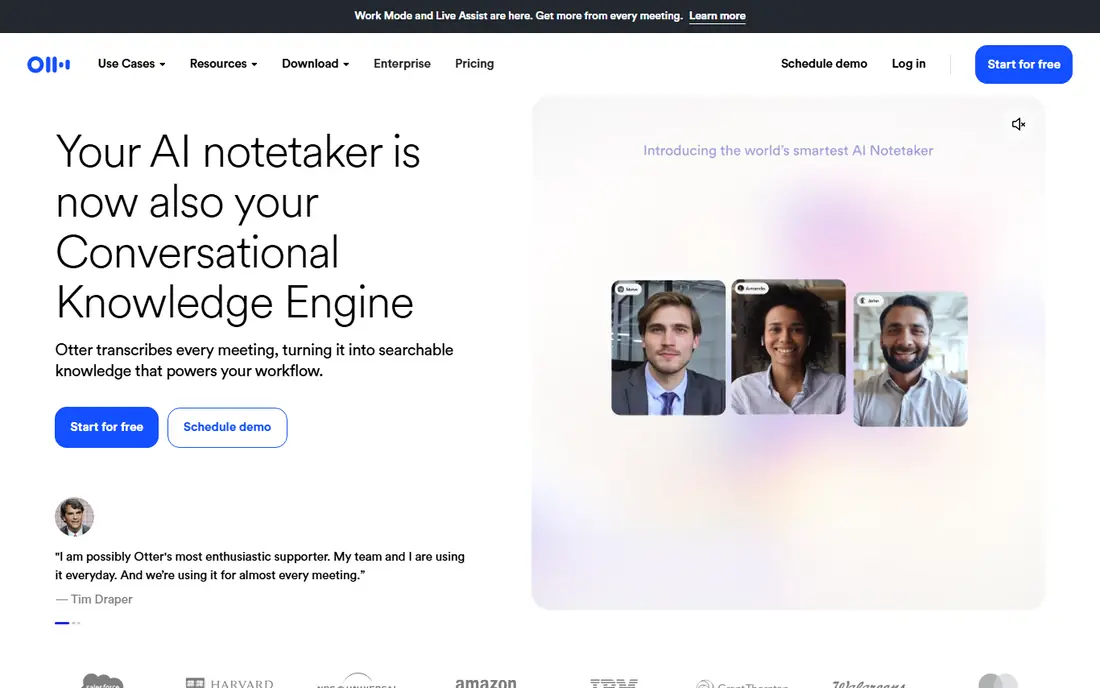
Otter.ai records and transcribes in real time, and it can join Zoom, Google Meet, and Teams meetings to capture the conversation for you. After a meeting, you can search the transcript, read an AI summary, and share highlights with teammates. That combination makes it the default choice for people who attend many meetings and need notes they can actually find later.
The free plan gives 300 transcription minutes a month, with recordings capped at 30 minutes each, which covers short calls but not long workshops. Paid Pro, at 8.33 dollars per user per month billed annually, raises the limit to 1,200 minutes. If you record mainly in English and want live notes, Otter is hard to beat at this price.
- Live transcription during meetings
- Searchable transcripts and summaries
- Calendar and meeting links
- Free plan caps at 300 minutes a month
- Best results in English
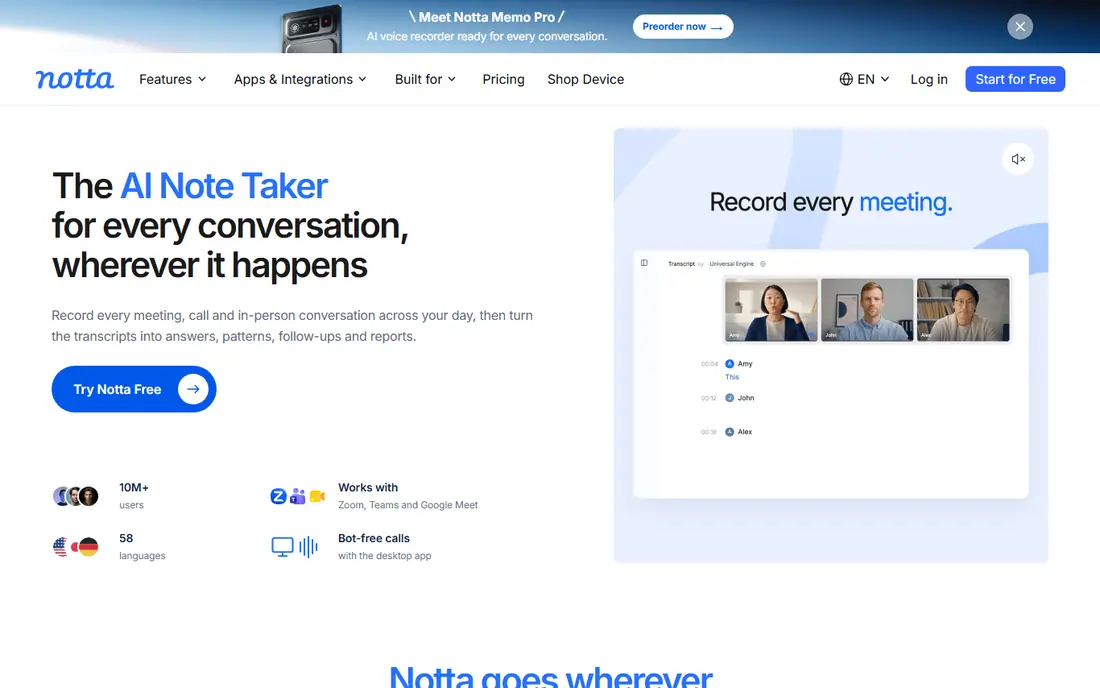
Notta suits people who record in more than one language or who interview speakers across countries. It supports dozens of languages, offers AI summaries, and its Pro plan at 8.17 dollars a month billed annually includes 1,800 minutes, which is more than Otter Pro. You can record live, upload files, and export transcripts for editing.
The free plan is the catch. It allows 120 minutes a month, but each recording is capped at 3 minutes, so it works for voice notes rather than full meetings. Test the paid plan if you need full calls, and check language accuracy for your specific languages during the trial.
- Strong multilingual support
- Generous paid minute allowance
- AI summaries and translation options
- Free plan caps each recording at 3 minutes
- Web and mobile setup takes a little learning
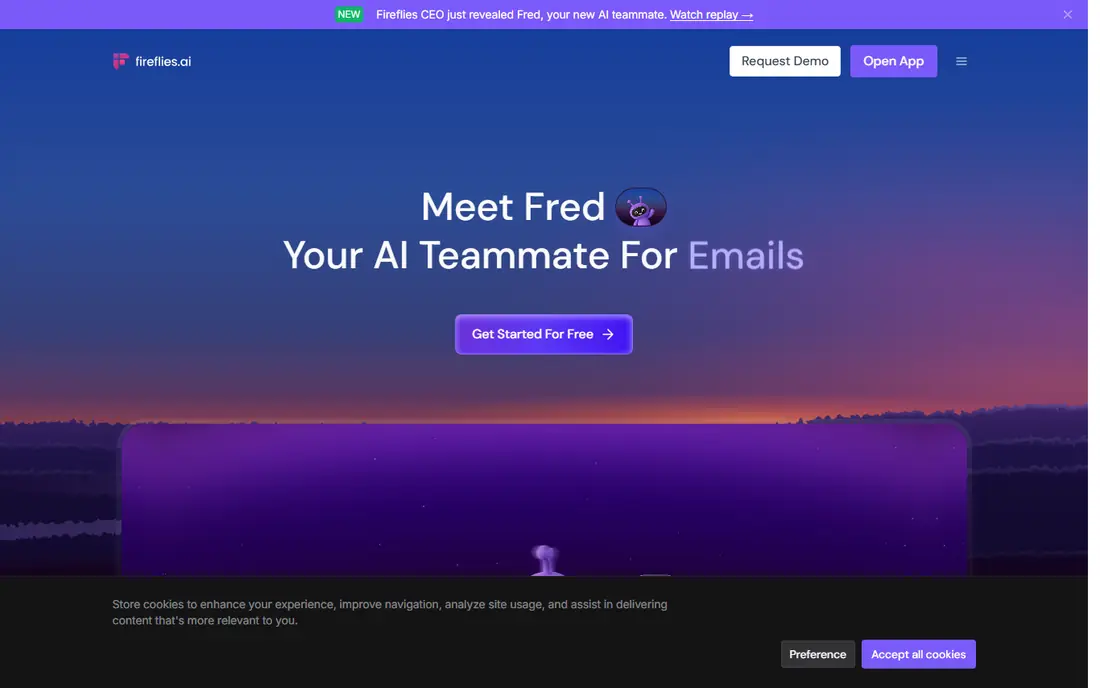
Fireflies.ai joins meetings as a bot, transcribes them, and pushes notes and action items into tools such as Salesforce, HubSpot, and Slack. Teams like the searchable library, speaker tracking, and analytics that show talk time and topics across calls. Pro pricing starts at 10 dollars per seat per month billed annually, which is reasonable for a team tool.
The free plan allows transcription but caps storage, so long term archiving needs a paid plan. Heavy users should also check how AI credits apply to summaries and extra features, because the headline price may not cover every use. For sales and customer teams, the integrations still make Fireflies a strong pick.
- Meeting bot for major platforms
- Broad integrations
- Unlimited transcription on paid plans in effect
- Free plan is storage capped
- AI credit system can add complexity for heavy users
Descript is not just a recorder. It transcribes your audio or video, then lets you cut, rearrange, and clean the recording by deleting or moving words in the transcript. That workflow saves creators, podcasters, and course makers a lot of time, because you can fix a spoken mistake without learning a traditional audio editor. The Hobbyist plan starts at 16 dollars a month billed annually, with 10 hours of transcription.
If you only need meeting notes, Descript is more tool than you need, and its live meeting capture is thinner than Otter or Fireflies. If you publish audio or video, however, the text based editing alone can justify the price.
- Edit audio and video by editing text
- Filler word removal
- Studio sound cleanup tools
- Higher entry price
- Transcription focus is on creators, not live meetings
Rev suits work where accuracy cannot be approximate, such as legal interviews, research, and published quotes. Its AI plan starts at 14.99 dollars a month, and human transcription is available from about 1.25 dollars per minute for cases where a person must check every word. Captions and subtitles are also available, which helps video teams.
The cost rises fast if you send many hours for human transcription, so reserve that option for final, publishable material and use AI for drafts. For everyday meeting notes, Otter or Notta will be cheaper, but for a transcript you must rely on, Rev is the safer choice.
- AI plus human transcription options
- Strong accuracy for legal and research work
- Captions and subtitles
- Human transcription costs extra per minute
- AI plan limits need checking for heavy use
Fathom stands out for individuals because its free tier allows unlimited recording for personal use, with summaries and highlights included. You can record a call, get a summary, and share a short clip or a set of action items without paying first. That makes it a good first test if you are new to AI note taking.
Paid plans add team features, CRM links, and deeper integrations, and pricing should be checked on the vendor site, as plans change by tier. If you mainly need solo meeting notes and summaries, the free tier may be all you need, which is rare in this category.
- Generous free recording tier
- Automatic summaries
- Easy sharing of clips and notes
- Paid pricing varies by plan
- Meeting platform support should be checked for your stack
tl;dv records meetings, transcribes them, and lets you mark moments, make short clips, and search across your call history. That review workflow suits managers, coaches, and sales teams who revisit calls to check what was promised or how a conversation went. The free plan covers basic recording, and paid plans start at 18 dollars per user per month billed annually.
The price is higher than solo focused rivals, so tl;dv makes most sense when review and coaching are part of the job. If you only need a transcript and a summary, a cheaper app will do the same core job.
- Timestamped highlights and clips
- Easy search across calls
- Good for coaching and review
- Higher entry price than Otter or Notta
- Some features need a paid plan
Happy Scribe suits creators and teams who need transcripts and subtitles in several languages. Its Basic plan starts at 8.50 dollars a month billed annually, with 120 minutes included, and higher plans add more minutes and seats. Human transcription is available for higher accuracy, priced per minute, which suits final video or research material.
The lack of a full free plan means you should use the trial carefully, with real audio in your main languages. For subtitle work and multilingual publishing, Happy Scribe is a focused choice, while Otter and Notta are better for everyday meeting capture.
- Multilingual transcription and subtitles
- Human transcription option
- Clear export formats
- No full free plan, only a trial
- Minute allowances need checking for heavy users
How we picked these
We compared official pricing pages, feature pages, and product documentation in October 2026, and we favored apps that are still actively sold and that record and transcribe in a way a reader can verify. We noted free minute caps and per recording limits, because those limits decide whether a free plan is usable. We did not claim hands on transcription tests, and we did not repeat vendor accuracy claims as our own results.
Choosing the right recorder for your work
Match the app to the job, not to the longest feature list. Meeting heavy workers need a bot and searchable notes. Interviewers need multilingual support and long recordings. Creators need text editing and subtitles. Check three limits before you pay: monthly minutes, maximum recording length, and how long transcripts are stored.
Consent and privacy first
Tell everyone on a call or in a room that you are recording, and get consent where the law requires it. Some states and countries require all parties to consent, and workplace rules may add further limits. Also check where recordings are stored, who can access them, and how long they are kept, especially for client or medical conversations.
Test with your real audio
Use a trial with a real meeting, an accented speaker, and background noise, not only a clean demo. Check speaker labels, summary quality, and export format, and see how long it takes to find a key point later. A tool that looks good in a demo but fails on your worst audio will cost you time every week.
Frequently asked questions
What is the best AI voice recorder app for meetings?
Otter.ai is our pick for most meeting users, thanks to live transcription, summaries, and a useful free plan. Fireflies.ai and Fathom are strong alternatives for teams and for solo users who want generous free recording.
Which app is best for multilingual transcription?
Notta and Happy Scribe lead for multilingual work, with broad language support and translation options. Test accuracy in your specific languages during a trial, because results vary by accent and audio quality.
Is there a free AI voice recorder app?
Yes. Otter.ai offers 300 free minutes a month, and Fathom offers generous free recording for individuals. Notta offers a free plan too, but its 3 minute per recording cap limits it to short notes.
Can I edit audio by editing text?
Yes, with Descript. It lets you cut and rearrange audio and video by editing the transcript, which is much faster than traditional audio editing for creators and podcasters.
Do I need consent to record a meeting?
In many places, yes, and in some places every party must consent. Tell participants you are recording, check local law and workplace policy, and do not record private conversations without permission.
How accurate is AI transcription?
Accuracy varies with audio quality, accents, crosstalk, and background noise. Clean, single speaker audio works best, while overlapping speech and poor microphones reduce accuracy. Use human transcription for material you must publish or rely on legally.
Sources
See where you really rank - block by block
ProMapRanker scans Google Maps across a grid of your service area. Simple monthly plans from $19, white-label on every plan.
Start freeKeep reading
 zoro.to alternatives
Best Zoro.to Alternatives in 2026
We compare the best zoro.to alternatives in 2026, listing only legal licensed anime streaming services, from Crunchyroll to free options for fans today.
Read → zip alternatives
Best Zip Alternatives in 2026
We compare the best zip alternatives for buy now, pay later in 2026, covering pay-in-4 plans, fees, spending limits, and credit reporting options today.
Read → yesware alternatives
Best Yesware Alternatives in 2026
Compare the best yesware alternatives for sales email tracking, templates, and sequences, with current pricing and honest tradeoffs for small sales teams.
Read →