 ProMapRanker
Best AI Voice Note Taking Apps in 2026

Key takeaways
- Otter and Fireflies are the strongest all-round picks for meetings, with searchable transcripts and summaries.
- Notta suits multilingual users and people who want notes in many languages from one recording.
- Granola suits people who dislike meeting bots, since it captures audio from your own device.
- Fathom offers a generous free plan for individuals who record meetings often.
- Voicenotes and Speakwise suit personal, on-the-go voice notes rather than large team meetings.
- Always get consent before recording other people, and check local recording rules before you press record.
Quick comparison
| Pick | Great for | Pricing starts at | Free tier | |
|---|---|---|---|---|
 Otter.ai | Searchable meeting transcripts | $8.33 per month | Yes | Visit |
 Fireflies.ai | Team conversation intelligence | $10 per month | Yes | Visit |
 Notta | Multilingual transcription | $8.17 per month | Yes | Visit |
 Granola | Bot-free meeting notes | See website | Yes | Visit |
 Fathom | Generous free meeting recording | $15 per month | Yes | Visit |
 Voicenotes | Quick personal voice notes | See website | Yes | Visit |
 Speakwise | Hands-free in-person notes | See website | Free trial | Visit |
 Plaud Note | Hardware-backed voice notes | See website | Free trial | Visit |
The best ai voice note taking apps
We compared apps that turn spoken words into useful notes, not just raw recordings. Some are built for meetings, some for personal notes, and the best pick depends on where you speak most, in a call, in a room, or on the move.
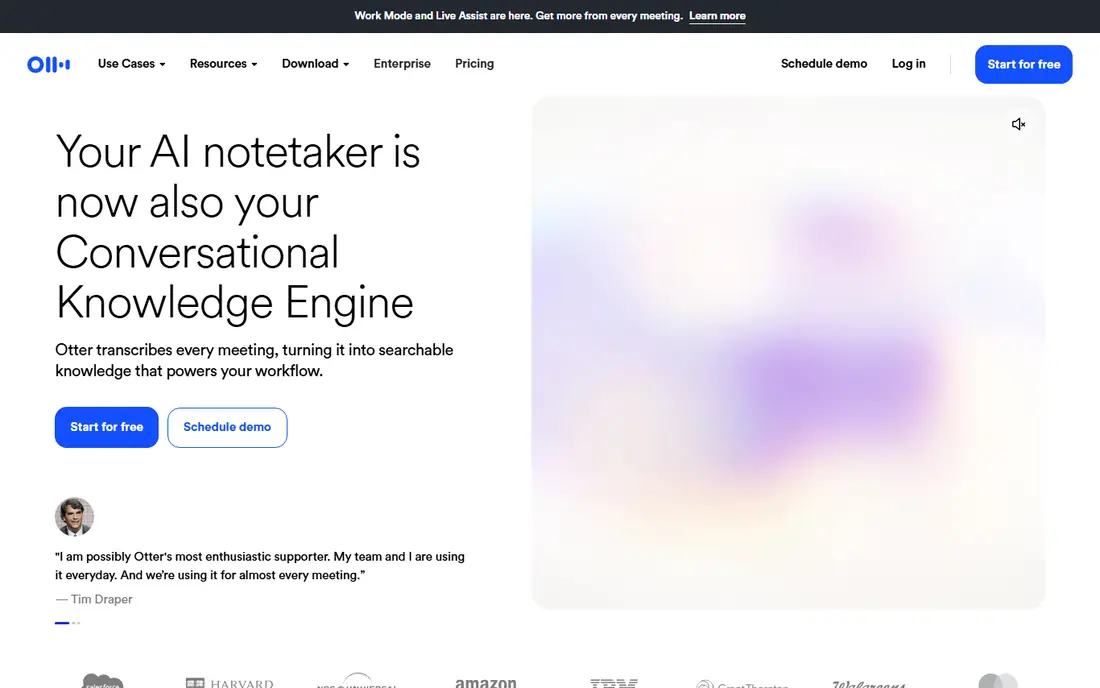
Otter is the safest all-round pick for meeting notes. It transcribes live, labels speakers, and produces a summary with action items, so you can search for a decision weeks later instead of re-listening to a whole call. The free plan gives you a useful monthly minute allowance, which is enough to test it on real meetings before you pay.
The limits are mainly about scale. The free plan caps both monthly minutes and minutes per conversation, and the Pro plan raises those limits for a monthly per-user price. Video replay and deeper search are stronger on paid plans too. For a team that needs to revisit meeting content often, Otter is still the most complete and mature option on this list.
- Live transcription with speaker labels
- Searchable notes with video replay on paid plans
- Works across Zoom, Meet and Teams
- Free plan caps minutes and meeting length
- Per-user pricing adds up for large teams
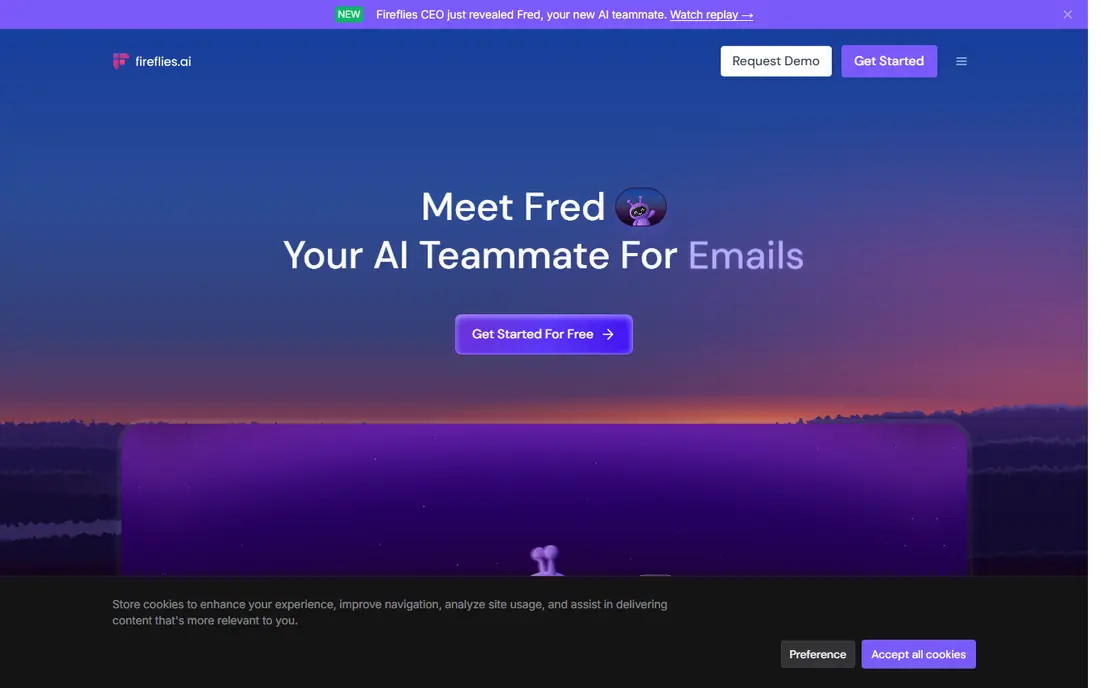
Fireflies is built for teams that want to learn from their calls, not just record them. It transcribes meetings, creates summaries, and lets you ask questions across your meeting history, which helps when you need to find what a client said about price, timing or a feature. It supports many languages and connects with common CRMs and project tools, so notes can flow into the systems your team already uses.
The free plan gives unlimited transcription but limits storage and AI summaries, so heavy users will need a paid plan. Some companies block meeting bots, which is a practical issue to check before you rely on Fireflies for every call. If your team values searchable call history and analysis, Fireflies offers strong value at its starting price.
- Unlimited transcription on paid plans with storage limits
- AI chat over meeting history
- Wide integration library
- Free plan limits AI summaries
- Bot-based capture may be blocked by some companies
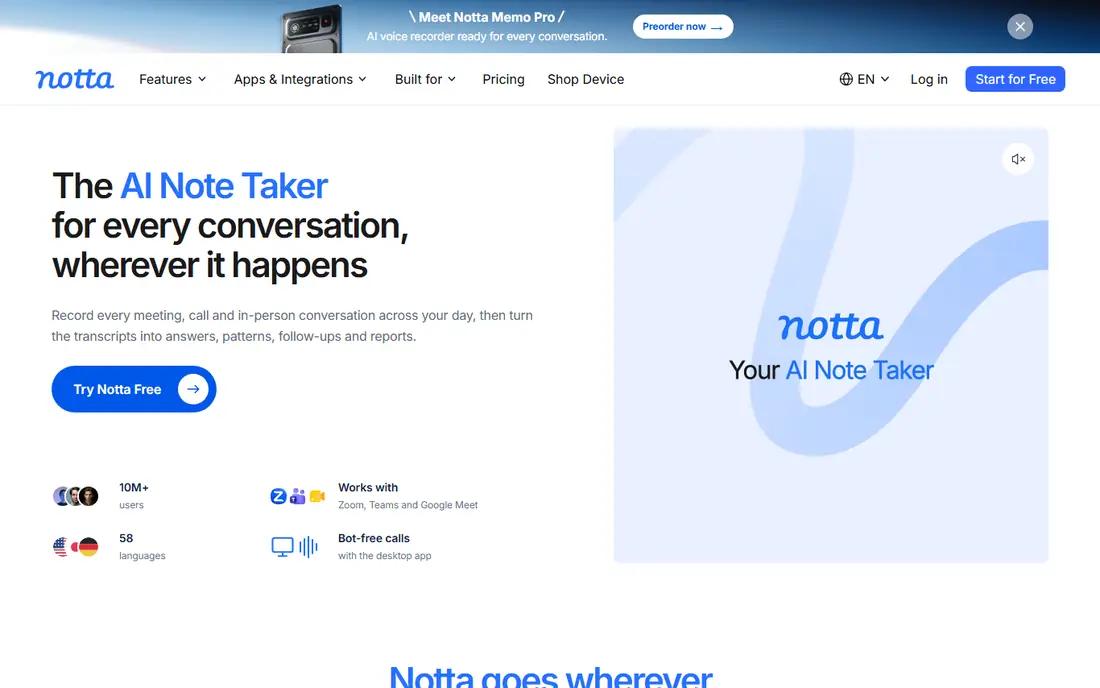
Notta is a good pick when your notes cross languages. It transcribes in many languages, supports bilingual meetings, and can turn a recording into a summary, a document or a set of slides. That range makes it useful for interviews, lectures and international teams, where a single-language tool would leave half the conversation behind.
The free plan is limited to a modest monthly minute allowance and short conversations, so it works as a trial rather than a long-term free tool. Accuracy is strong for clear speech in major languages and weaker with heavy accents, overlapping talk or background noise, which is true of most transcription tools. For multilingual work at a fair price, Notta is a solid choice.
- Transcription in many languages
- Bilingual meeting support
- Exports to PDF, Word and other formats
- Free plan caps minutes and conversation length
- Accuracy varies with accents and noise
Granola takes a different approach to meeting notes. Instead of sending a bot into your call, it captures audio from your own computer and builds notes from the transcript plus the notes you type during the meeting. That design appeals to people who dislike visible bots, work in companies that block them, or simply prefer a quieter tool.
The result is a notes-first product rather than a full team library. It is excellent for personal meeting notes and follow-ups, and less built for a large team that needs shared search across hundreds of calls. The free plan limits how long notes stay available, and paid plans extend that history. If bot-free capture is your priority, Granola is the clearest pick here.
- Captures audio from your device with no meeting bot
- Notes-first summaries built from your own notes
- Clean, simple design
- Free plan limits note history
- Device-based capture suits personal use more than large team libraries
Fathom is the best free starting point for an individual who records meetings often. Its free plan offers unlimited recordings and transcriptions, which is more generous than most competitors, and it produces AI summaries for Zoom, Google Meet and Microsoft Teams calls. You can also share highlights and clips, which helps when only one part of a call matters to a colleague.
The free plan limits the number of advanced AI summaries each month, and team features such as shared workspaces need a paid plan. That trade-off is fair, since the free tier already covers the core job of recording and transcribing. For a solo user or a small team testing AI notes, Fathom is a low-risk first install.
- Free plan with unlimited recordings and transcriptions
- AI summaries for common call platforms
- Easy sharing of clips
- Advanced AI summaries are limited on the free plan
- Team features need a paid plan
Voicenotes is for the moment when an idea hits while you are walking, driving or between meetings. You speak, it transcribes, and it turns the note into a short summary with action items, so a two-minute thought becomes a usable task list. The interface is deliberately simple, with no meeting setup, no bot and no calendar step to slow you down.
That simplicity is also its limit. It is not built for hour-long meetings, speaker labelling or team call libraries, and it will not replace Otter or Fireflies for that work. Use Voicenotes as a personal capture tool alongside a meeting tool, and you get the best of both, fast personal notes plus proper meeting records when you need them.
- Very fast capture for thoughts on the go
- AI summaries and action items from short notes
- Simple, clean interface
- Built for personal notes, not long meetings
- Team features are thinner than meeting tools
Speakwise is built for people who spend their day in face-to-face meetings, such as sales reps, nurses and field workers. You can start a recording with one tap or hands-free, speak through a meeting or assessment, and get an AI summary with action items soon after you stop. Offline reliability is a real advantage in hospitals, offices and other places where Wi-Fi is patchy.
The focus on iPhone and in-person use means it is less suited to a desktop-heavy team that lives on video calls. Check the current platform and pricing on the vendor site, since mobile apps change plans often. For mobile-first, in-person note taking, Speakwise is a distinctive and practical choice.
- One-tap and hands-free recording on iPhone
- Fast AI summaries with action items
- Works offline for in-person meetings
- IPhone-focused, so Android users should check availability
- Best for in-person and mobile use rather than desktop calls
Plaud Note pairs a small recording device with an AI app, which helps when recording from a phone is awkward, such as in a long meeting or a call where you want a dedicated device. You record on the device, sync to the app, and get a transcript plus an AI summary. That hardware approach can feel more reliable than relying on a phone battery and microphone alone.
The cost is the obvious catch, since you buy the device as well as paying for plan features, and transcription allowances vary by plan. It also raises the same consent issue as any recorder, so tell everyone in the room before you record. For people who record often and want a dedicated tool, Plaud Note is a useful alternative to phone-only apps.
- Small recording device for meetings and calls
- AI transcription and summaries in the companion app
- Useful when phone recording is awkward
- Requires buying the device
- Transcription minutes and AI features depend on the plan
How we picked these
We compared official product pages, pricing pages and app listings, and we kept tools that turn voice into searchable notes with AI summaries, not just plain recorders. We weighed transcription quality, meeting support, bot-free capture, free limits, language support and price, and we left out tools that only transcribe files with no note-taking features. Prices are vendor list prices, and we wrote See website where pricing depends on device, plan or store. Remember that accuracy depends on audio quality, so test any tool with your own voice and your own meeting setup.
How to pick a voice note app for your day
Start with where you speak. If most of your notes come from video calls, pick Otter, Fireflies or Fathom, and check that the tool works with your call platform and your company's bot policy. If most of your notes come from in-person meetings or from walking between jobs, pick Speakwise, Voicenotes or Plaud Note, and test offline recording before you rely on it. If you work in several languages, Notta deserves a closer look.
Next, check the limit that will bind you first. Free plans differ in minutes, meeting length, storage and history, and the cheapest plan is not always the best value if you hit its cap every week. Test with a real meeting, read the summary for errors, and check how easy it is to fix a wrong name, number or date. A tool that makes editing easy will save you more time than a tool with a slightly better transcript that is hard to correct.
Consent and privacy
Only record people with their knowledge and agreement, and check the recording rules where you live and work. Some places require all parties to consent, and some companies block recording tools outright. Check how long recordings are stored, who can access them, and whether you can delete them, especially for sensitive work. For medical, legal or financial notes, use a tool with clear privacy controls and review every summary before you share it.
Frequently asked questions
What is the best ai voice note taking app overall?
Otter is the best all-round pick for meetings, thanks to searchable transcripts and summaries. Fireflies is close behind for teams that want conversation intelligence, and Fathom is the best free starting point for individuals.
Can AI voice note apps work without a meeting bot?
Yes. Granola captures audio from your own device with no bot, and phone apps such as Speakwise and Voicenotes record directly from your device. Bot-free capture is useful when a company blocks meeting bots.
Are AI voice notes accurate enough for work?
Accuracy is strong for clear speech in quiet settings, and weaker with noise, accents and overlapping talk. Always review names, numbers and dates before you share a summary, and keep the recording when a detail matters.
Do I need consent to record a meeting?
Yes, in most cases you should tell everyone that you are recording and get their agreement, and in some places the law requires consent from all parties. Check your local rules and your company policy before you record.
Which app is best for personal voice notes?
Voicenotes is best for quick personal notes on the go, thanks to fast capture and short summaries. Speakwise suits in-person notes, while Otter and Fathom suit longer meetings.
Can I use these apps for lectures or interviews?
Yes, with consent from the speaker and a good microphone position. Notta and Otter work well for lectures and interviews, and you should still check the transcript against your own notes for key facts.
Sources
See where you really rank - block by block
ProMapRanker scans Google Maps across a grid of your service area. Simple monthly plans from $19, white-label on every plan.
Start freeKeep reading
 worlds best local seo company
8 Worlds Best Local SEO Companies for Map Pack Growth in 2026
Compare the worlds best local seo company options for Google Business Profile work, citations, reviews, and multi-location rankings and reporting in 2026.
Read → world's best web hosting company
World's Best Web Hosting Company in 2026
Searching for the world's best web hosting company? We compared 10 hosts on price, renewal rates, speed, and support to help you choose well today in 2026.
Read → who's got the best nanny tax services
Who's Got the Best Nanny Tax Services in 2026
We answer who's got the best nanny tax services, comparing full filing, back taxes, software, and pricing so families can handle nanny taxes correctly.
Read →