 ProMapRanker
AI Voice Dictation Software: Best Picks of 2026

Investigative and legal transcription · Pricing starts at: $25.49 per seat a month
Direct answer
Rev leads the list, best for investigative and legal transcription. Listed starting prices: Rev from $25.49 per seat a month, Descript from $16 per person per month and Otter.ai from $8.33 per user a month. Alternatives: Descript for text-based audio and video editing, and Otter.ai for live meeting transcription and notes. All 5 tools are compared below on price, free plan and limits.
ProMapRanker compared 5 tools for AI voice dictation software. The goal is a practical shortlist: published prices, free plan facts, best-fit use cases and honest limits for every entry.
Key takeaways
- Rev sits first on this list: investigative and legal transcription.
- Before buying Rev, weigh this: specialized focus narrows general use.
- A free plan is available from 2 of the 5 tools: Descript, Otter.ai.
- For multilingual transcription with summaries, Sonix is worth a look.
Quick comparison
| Pick | Great for | Pricing starts at | Free tier | |
|---|---|---|---|---|
| Rev | Investigative and legal transcription | $25.49 per seat a month | Not stated | Visit |
 Descript | Text-based audio and video editing | $16 per person per month | Yes | Visit |
 Otter.ai | Live meeting transcription and notes | $8.33 per user a month | Yes | Visit |
 Trint | Newsroom and media production workflows | See website | Not stated | Visit |
 Sonix | Multilingual transcription with summaries | $10 per hour | Free trial | Visit |
The full AI voice dictation software list
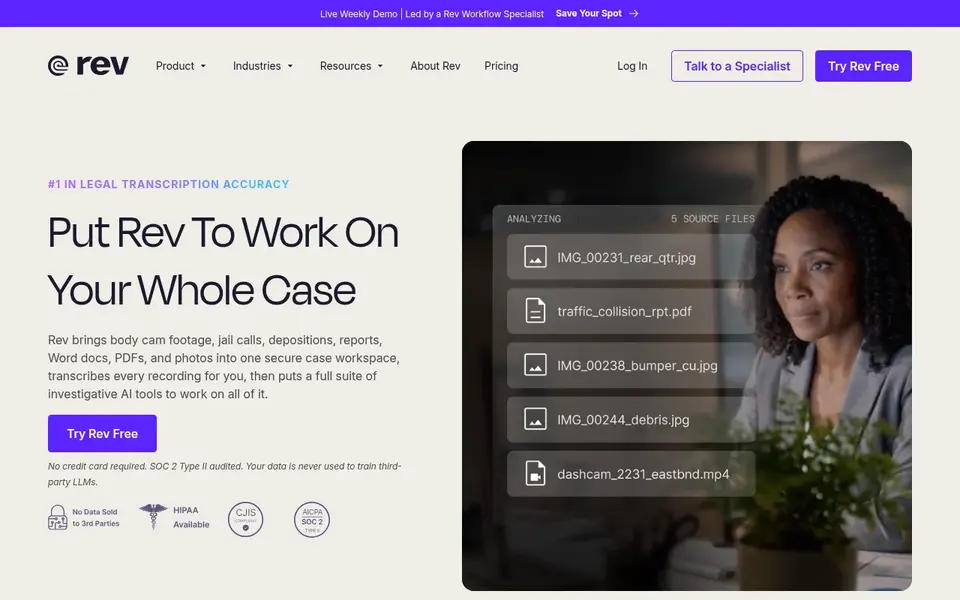
In short, Rev is for investigative and legal transcription. Pick Rev when the transcript must support a legal or investigative record and general dictation is secondary.
Trade-offs to know: Not a media editing suite.
Its legal AI turns digital evidence into verified, citable findings to help run a case. Rev cost at the entry level: $25.49 per seat per month. Free access: Not stated.
- Turns digital evidence into citable findings
- Positioned for legal and investigative work
- Specialized focus narrows general use
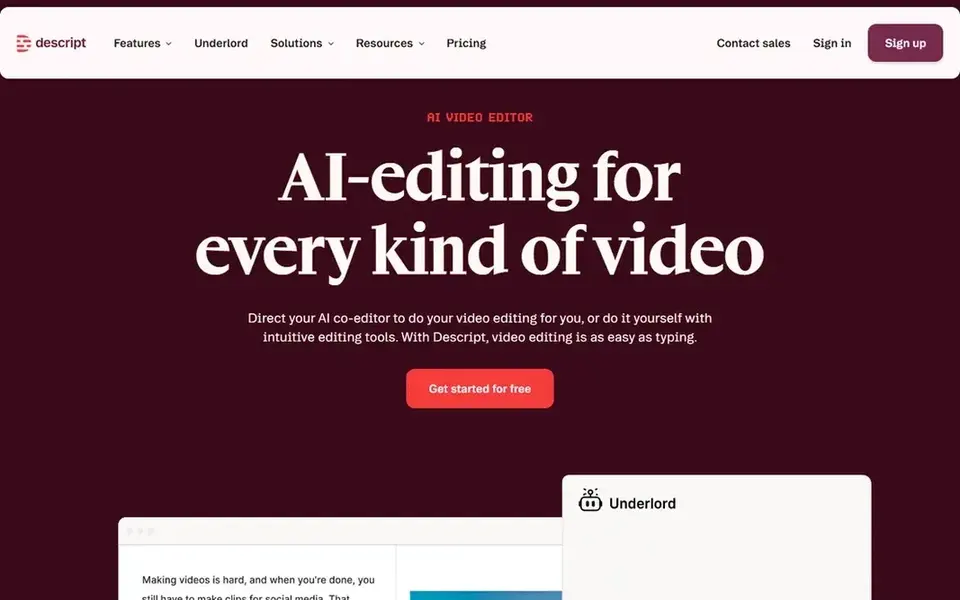
Descript serves text-based audio and video editing. It fits podcasters, video creators and marketers who want the transcript to double as the editing surface, so removing a sentence from the text removes it from the recording.
Worth adding: Descript is an editor first, so it is not the obvious pick for capturing live meetings or producing legal transcripts. Starting cost for Descript: $16 per person per month. Descript offers a free plan.
Downsides: Editing focus instead of meeting notes.
- Transcribe and publish in one tool
- Merges transcription with editing
- Overkill for straightforward dictation
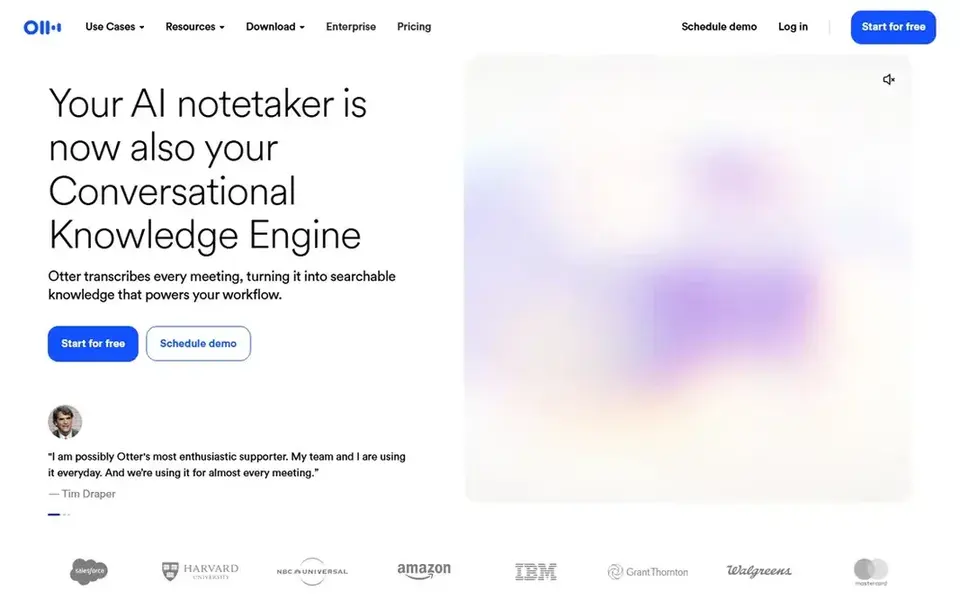
In short, Otter.ai is for live meeting transcription and notes. Otter.ai presents itself as an AI meeting agent built around live transcription, live chat, automatic summaries, insights and action items. Since Otter centers on meetings, it is not the most solid fit for editing recorded media or for investigation-grade legal transcripts.
Those who require a text-based audio and video editor should look at Descript, and those working with legal evidence should consider Rev. Otter works best as a note-taking layer for live conversation. Otter.ai cost at the entry level: $8.33 per user per month. You can start on Otter.ai without paying.
Honest limits: Less suited to investigative or legal work.
- Live transcription
- Live chat and insights
- Concentrated on meetings instead of media editing
Where Trint fits: newsroom and media production workflows. Pick Trint when transcription is one step in an editorial or production pipeline that involves multiple collaborators.
Highlights: Broad language support.
Honest limits: Less concentrated on meeting notes.
Trint leans toward media production instead of live meeting capture or legal evidence handling. Pricing for Trint is not stated here, so ask the vendor for current figures. On free options: Not stated.
- Translate and collaborate
- Built around media production
- Geared toward production teams
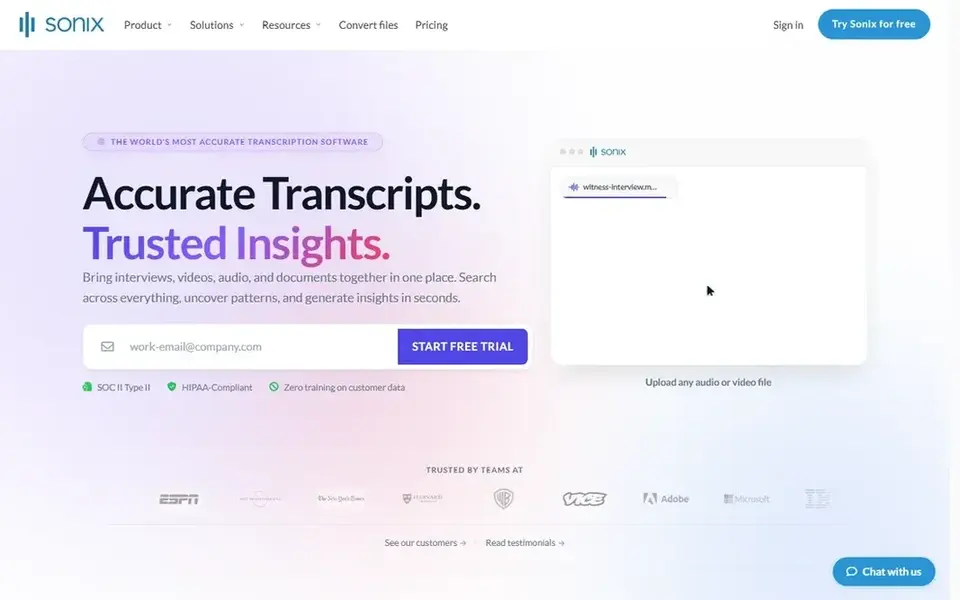
Sonix works best for multilingual transcription with summaries. Choose Sonix when multilingual file transcription is the core task.
Where it is weaker: Editing features are restricted compared to editors.
Sonix is oriented toward transcribing files rather than capturing live meetings or editing media. Sonix starts at: $10 per hour. As for free access: Free trial.
- Takes care of audio and video files
- AI summaries and speaker detection
- Not a live meeting notetaker first
How we chose
The comparison looks at four things: starting price, free access, how well the feature set matches AI voice dictation software, and the main limit of each tool. Figures are shown as the vendors publish them. Billing terms, seat minimums and add-ons can change the real cost. Order on the page follows fit for the typical buyer first, then price transparency and free access. Your own requirements should decide the final pick.
Things to verify first
- Get a written quote from Trint; the list shows no starting price for them.
- Read the fine print on the free plans from Descript and Otter.ai; seat, project and feature caps differ.
- Take the trial from Sonix and push a live task through it before you pay.
- Before choosing Rev, weigh its main limit: specialized focus narrows general use.
- Test how quickly Otter.ai answers a pre-sales question; it hints at how support will feel later.
- Ask Rev how an export works before you move any records in; an easy exit lowers the risk.
Frequently asked questions
Can I try these options before paying?
Often, yes. Descript and Otter.ai have a free plan and Sonix offers a free trial. Use your own data and a real task during the test, and check what the free tier or trial limits before you rely on it.
Is Rev the right pick for everyone comparing AI voice dictation software?
No single tool suits every team. Rev comes first because it fits investigative and legal transcription, while Descript suits text-based audio and video editing and Otter.ai suits live meeting transcription and notes. Match the tool to your own size, budget and workflow before deciding.
Which tool is a good match for meeting notes?
Rev is the pick this page puts first, mainly for investigative and legal transcription. If your situation differs, Descript suits text-based audio and video editing, and Otter.ai suits live meeting transcription and notes. Compare price and limits before you decide.
Can I edit audio and video with these tools?
Descript is the clearest fit for editing, since it lets you edit audio and video by editing the transcript text. If publishing edited media is the goal, start with Descript and confirm export choices.
What is the cheapest option for AI voice dictation software in this list?
On published monthly entry prices, Otter.ai is the lowest here at $8.33 per user per month. Entry price is only part of the cost, because seats, add-ons and billing terms can change the total. Prices, free plan details and limits for all 5 tools in this AI voice dictation software roundup sit on the individual cards above.
What is the difference between dictation and transcription tools?
Many tools here do both, but they differ in whether they focus on live meetings, uploaded files or media editing. Match the tool to how your spoken content is created and used.
Sources
See where you really rank - block by block
ProMapRanker scans Google Maps across a grid of your service area. Simple monthly plans from $19, white-label on every plan.
Start freeBrowse all guides
← Best Looking for Best Video Clipping Software in 2026Top 6 Audio Enhancement Software, Compared on Price (2026) →
 best small language model for transcription
5 Best Small Language Model for Transcription in 2026
Best small language model for transcription: 5 contenders ranked by fit, with entry costs and free tiers. Verdicts stay brief and factual. Details below.
Read → best audio enhancing software
2026 Guide to the Best Audio Enhancing Software
5 tools for the best audio enhancing software, compared on pricing, free plans and best-fit use. Strengths and weak spots are spelled out. Pick by budget.
Read → best ai voice agents for multilingual call centers
Best AI Voice Agents for Multilingual Call Centers (2026)
Best AI voice agents for multilingual call centers in 2026: 6 contenders with entry costs and free tiers. Fit, price and catches for every tool. Quick to scan.
Read → best prayer app free
Best Prayer App Free in 2026: 9 Apps Compared
We compared the best prayer app free options for daily prayer, guided audio and prayer lists, with free tiers and paid prices checked in October 2026.
Read → best video analytics software
Video Analytics Software
Compare 5 picks for the best video analytics software, with prices, free plans and who each fits. Weak spots flagged for every entry. Budget notes included.
Read → best ai video upscaling tools
Best AI Video Upscaling Tools in 2026
Compare the best ai video upscaling tools for 2026, from Topaz Video to free cloud options, with current pricing, free plans, and honest limits in detail.
Read →More in Video, Audio & Podcasts · All guides A to Z by date · Latest guides