 ProMapRanker
Best AI Voice Chat App in 2026

Key takeaways
- ChatGPT Voice and Gemini Live lead for everyday spoken conversation, with free tiers that cover casual use.
- The phone or computer you already use matters a lot, since Siri, Gemini, and Copilot fit best inside their own systems.
- Paid plans cluster near $20 per month, so voice quality, limits, and app connections matter more than a small price gap.
- Voice chats are recorded and processed by the vendor in most cases, so check retention and deletion settings before sharing personal details.
- This list covers general-purpose conversation tools only, for adults, and excludes tools built for explicit or non-consensual content.
Quick comparison
| Pick | Great for | Pricing starts at | Free tier | |
|---|---|---|---|---|
 ChatGPT Voice | Natural everyday conversation | Free | Yes | Visit |
 Gemini Live | Google app users | Free | Yes | Visit |
 Microsoft Copilot Voice | Microsoft 365 users | Free | Yes | Visit |
 Claude Voice | Long, careful discussions | Free | Yes | Visit |
 Perplexity Voice | Voice answers with sources | Free | Yes | Visit |
 Pi | Calm, supportive conversation | Free | Yes | Visit |
 Grok Voice | X users and fast chat | Free | Yes | Visit |
 Siri | Apple device owners | Free | Yes | Visit |
The best ai voice chat apps
We compared general-purpose voice chat tools on conversation quality, free access, paid limits, device fit, and privacy controls. Our pick for most people is ChatGPT Voice, with Gemini Live close behind for Google users.
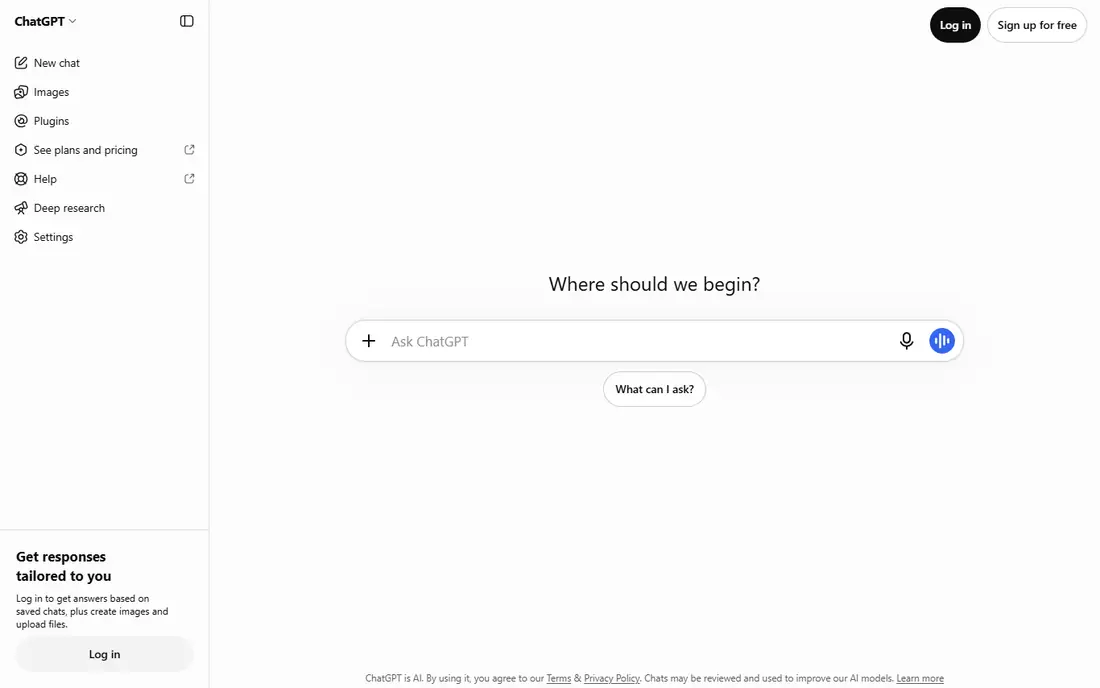
ChatGPT Voice feels closest to a normal spoken exchange among the tools here. You can interrupt, change direction mid-sentence, and ask follow-up questions without restating the full context each time. That makes it a good fit for brainstorming, drafting ideas aloud, practicing a talk, or working through a question while your hands are busy. The app also handles text, files, and images, so a voice chat can turn into a written draft without starting over.
The catch is limits. Free access covers casual chats, but heavy users will hit caps and need Plus at $20 per month for higher access. Voice data and chat history are tied to your account settings, so we suggest checking data controls before using it for work or personal topics. For most people, though, the free tier is the right place to start, and the paid tier only makes sense once you know you use voice daily.
- Natural pacing and interruption handling
- Strong free tier
- Works across phone, web, and desktop
- Paid Plus plan costs $20 per month for higher limits
- Free access has usage limits
- Voice history needs manual privacy review
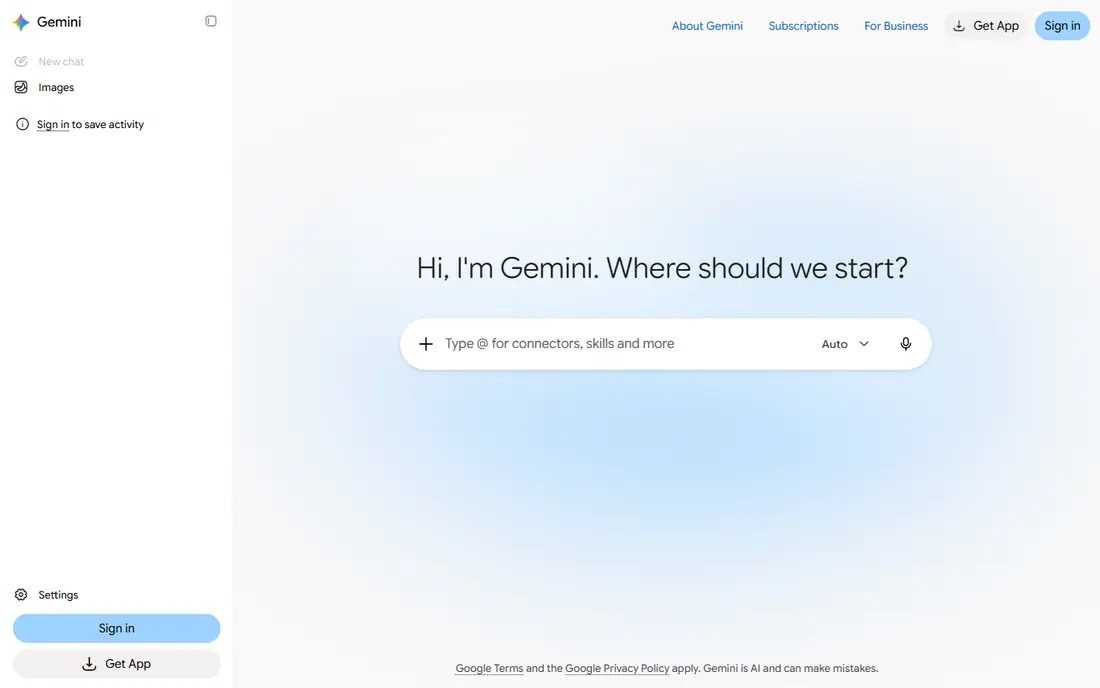
Gemini Live is the natural choice if your email, calendar, and documents already live with Google. It can talk through your day, help draft a message, or pull details from connected Google apps when you allow that access. The voice itself is clear and steady, and it handles topic changes well in a live conversation. Android users get the deepest fit, since Gemini can act as the device assistant on many phones.
Outside Google apps, the advantage fades. It is less useful as a standalone writing or coding partner than ChatGPT or Claude for some tasks, and paid limits still apply at $19.99 per month for Google AI Pro. Privacy also deserves a check, since connected app access means more data can flow into a chat. Turn on only the connections you actually need, and review them after a few weeks of use.
- Strong ties to Gmail, Calendar, and Docs
- Live conversation on Android and iOS
- Free tier covers casual use
- Google AI Pro costs $19.99 per month for higher limits
- Weaker outside Google apps
- Some features vary by device and region

Copilot Voice earns its place for people who spend the day in Word, Outlook, Teams, or Edge. Talking through a document, asking for a summary of a long thread, or drafting a reply feels natural inside that setup. The free tier lets most people try voice without paying, and Windows users can reach it without installing a separate assistant. For office work, that closeness to your files is a real advantage.
As a general chat partner, Copilot is more businesslike than playful. It answers well, but it lacks some of the warmth and back-and-forth flow of ChatGPT Voice or Pi. Paid access also depends on the Microsoft plan you hold, so check the current plan page rather than assuming one price covers every feature. If you do not use Microsoft apps much, one of the other tools here will feel more flexible.
- Fits Windows, Edge, and Microsoft 365 workflows
- Free voice access
- Useful for summarizing documents and mail
- Paid features sit inside Microsoft 365 plans
- Less strong as a casual chat companion
- Some features need a work or school account setup
Claude Voice suits people who want to talk through a complex topic slowly and in detail. It tends to give organized answers, flag trade-offs, and keep track of a long discussion without losing the thread. That makes it a good partner for planning, editing, learning a hard subject, or talking through a decision with pros and cons laid out in speech. The written transcript also helps, since you can reread a point that was easy to miss while listening.
The limits are practical. Free use is capped per session, and voice availability can differ across the web and mobile apps, so check the app you plan to use most. Claude also has fewer built-in device controls than Siri or Gemini, so it will not replace a phone assistant for alarms, calls, or smart home control. At $20 per month, Pro is priced like its main rivals, so choose it for reasoning quality rather than price.
- Clear, structured spoken answers
- Strong for long documents and careful reasoning
- Pro plan at $20 per month
- Voice features vary by app and plan
- Free tier has session limits
- Fewer device integrations than Siri or Gemini
Perplexity Voice is different from the rest of this list because it starts from search. Ask a question aloud and it looks up current information, then speaks an answer with sources you can open and check. That matters for news, prices, sports results, and other facts that change often, where a model speaking from memory alone can go stale. For research on the move, it can save a lot of typing and tab switching.
For free-form conversation, it is less engaging than ChatGPT Voice or Pi. It answers the question in front of it well, but it is not built for long brainstorming sessions or personal coaching chats. Paid plans and limits change, so use the free tier first and read the pricing page before paying. If your main need is trustworthy spoken answers to factual questions, this is a strong specialist pick.
- Spoken answers linked to web sources
- Strong for current events and research questions
- Free tier for casual use
- Less suited to long open-ended chat
- Paid limits and pricing need checking on the site
- Voice mode is newer than its text search
Pi takes a quieter approach. Its voice is calm, its answers are plain, and it is easy to talk to for a long stretch without feeling rushed. People use it to think aloud, plan a day, practice a difficult conversation, or work through a personal goal in words. The simple design is part of the appeal, since there are few settings to manage and no large ecosystem to learn.
That simplicity is also the limit. Pi does not connect deeply to email, calendars, or documents, and it cannot control your phone or smart home like Siri or Gemini. It is a conversation partner, not a productivity suite. If you want one app that also files, searches, and drafts, pick a larger tool. If you want a calm place to talk and think, Pi is hard to beat at its free price.
- Warm, easy conversational tone
- Free access
- Good for talking through ideas and daily planning
- Smaller feature set than ChatGPT or Gemini
- No deep app integrations
- Not a device assistant
Grok Voice fits people who already spend time on X and want a voice assistant in that same world. It answers quickly, keeps a direct tone, and can talk through trending topics and current discussion. The voice mode is easy to reach from the app, and casual users can try it without a separate download. For quick questions and commentary, speed is its main strength.
The catch is access. The best models and highest limits sit behind paid X tiers, and the exact terms change with those plans, so check the current pricing page before committing. Grok also has fewer document, email, and calendar connections than Copilot or Gemini. It is a reasonable choice for fast chat, but less convincing as an all-day work assistant.
- Fast, direct voice chat
- Ties to X for current discussion
- Free access for many users
- Full access depends on X subscription tiers
- Voice quality and limits vary by plan
- Smaller app ecosystem than rivals
Siri is the voice tool most Apple owners already have, and that is its core advantage. It sets timers, sends messages, starts calls, plays music, and controls HomeKit devices without opening another app. It also handles many requests on the device, which can help privacy for simple tasks. For daily device control, no third-party chat app matches that closeness to iOS and macOS.
For long conversation, Siri falls behind. It answers short requests well, but it is not built for extended brainstorming, deep research chats, or long document discussions. Newer Apple devices add stronger AI features, while older models get a simpler version. Use Siri for device tasks and quick answers, and pair it with ChatGPT Voice or Gemini Live when you want a longer spoken discussion.
- Built into iPhone, iPad, Mac, and Apple Watch
- Handles calls, messages, timers, and device controls by voice
- No extra cost
- Weaker at long open-ended conversation than ChatGPT or Claude
- Advanced AI features need newer hardware
- Tied to Apple devices
How we picked these
We compared official feature pages, app store listings, pricing pages, and public reviews for general-purpose voice chat tools available in October 2026. We kept only tools that exist today, offer a real voice conversation mode, and fit ordinary adult use for questions, planning, learning, and work. We excluded tools built for explicit content, non-consensual imitation, or impersonation, and we excluded narrow transcription or phone-agent products that do not offer open conversation. Prices noted here come from vendor pages and recent pricing guides, and unverified prices are shown as See website in other guides. Where a price could change with a plan bundle, we say so rather than giving a single fixed figure.
Choosing the right voice chat app
Start with the device and apps you already use. Apple owners get the most from Siri for device tasks, Google users get the most from Gemini Live, and Microsoft 365 users get the most from Copilot. If you switch devices often, a cross-platform app such as ChatGPT Voice or Claude Voice travels better, since it works on phone, web, and desktop with one account.
Next, test the free tier for a week before paying. Talk in the places you will actually use it, such as the car, the kitchen, or a walk, and notice background noise handling, interruption behavior, and how often you need to repeat yourself. Check privacy settings in the same week. Look for voice history, retention, and deletion controls, and avoid sharing passwords, financial details, or sensitive health information in a voice chat. Note on responsible use: these tools are for adults in general conversation, they can produce errors, and they must not be used to imitate a real person without that person's consent, to harass someone, or to create explicit content. If a voice tool offers a persona that mimics a real person, treat that as a warning sign and choose a different tool.
Frequently asked questions
What is the best ai voice chat app for most people?
ChatGPT Voice is our pick for most people because its free tier covers casual use and its voice handles interruptions and topic changes well. Gemini Live is the better pick for heavy Google users, and Siri remains best for device control on Apple hardware.
Are there good free ai voice chat apps?
Yes. ChatGPT Voice, Gemini Live, Copilot Voice, Claude Voice, Perplexity Voice, Pi, Grok Voice, and Siri all offer free access in some form. Free tiers limit usage, model choice, or features, so heavy daily users may still need a paid plan near $20 per month.
Can an AI voice chat app control my phone or smart home?
Siri and Gemini Live offer the deepest device control on their own platforms, including calls, messages, timers, and smart home devices. ChatGPT Voice, Claude Voice, and Pi focus on conversation rather than device control, so they are weaker for that job.
Is my voice data private?
Most voice chats are processed on vendor servers, and history may be kept unless you change settings or delete it. Check each app for retention, training, and deletion controls, and avoid sharing sensitive personal, financial, or health details in voice chats.
Do AI voice chat apps work for kids?
These tools are designed for adults, and parents should check age ratings, account controls, and data policies before letting a child use any of them. For children, a parent-supervised app built for learning is a safer choice than a general voice chat tool.
Which app is best for research questions spoken aloud?
Perplexity Voice is the strongest pick for factual research, since it links spoken answers to web sources you can open and check. ChatGPT Voice and Gemini Live also answer current questions, but always verify important facts against a primary source.
Sources
See where you really rank - block by block
ProMapRanker scans Google Maps across a grid of your service area. Simple monthly plans from $19, white-label on every plan.
Start freeKeep reading
 zscaler alternatives
Best Zscaler Alternatives in 2026
Looking for zscaler alternatives? We compare 9 SASE and zero trust platforms on architecture, data protection, pricing, and fit for your network and team.
Read → zapier alternatives free
Best Zapier Alternatives Free in 2026
Nine automation tools for zapier alternatives free in 2026, all with genuinely free tiers, plus free plan limits, starting prices and upgrade paths explained.
Read → which platform is best for online reputation
Which Platform Is Best for Online Reputation in 2026
Wondering which platform is best for online reputation? We compare 8 review, listing, and response tools for small and multi-location businesses and agencies.
Read →