 ProMapRanker
Best AI Voice Changer App in 2026

Key takeaways
- Voicemod is our pick for most gamers and streamers, with real-time voices and a soundboard built for live use.
- ElevenLabs is the strongest choice for recorded work, where voice quality and a commercial license matter more than live effects.
- Clownfish and Voxal give you usable free options, but they focus on basic effects rather than AI voice models.
- Only use voice changing with your own voice, a fictional character voice, or a voice you have clear permission to use, and never use it to impersonate a real person without consent.
Quick comparison
| Pick | Great for | Pricing starts at | Free tier | |
|---|---|---|---|---|
 Voicemod | Live gaming and streaming | See website | Yes | Visit |
 Voice.ai | Real-time AI voices | See website | Yes | Visit |
 ElevenLabs | Recorded voice work | $6 per month | Yes | Visit |
 Clownfish Voice Changer | Free Windows effects | Free | Yes | Visit |
 Voxal Voice Changer | Simple home voice effects | Free | Yes | Visit |
 MagicMic | Mobile and desktop effects | See website | Yes | Visit |
 FineVoice | Voice changing plus text to speech | See website | Yes | Visit |
 Kits | Singing and music voices | $10 per month | Yes | Visit |
 Descript | Editing with your own cloned voice | $16 per month | Yes | Visit |
The best ai voice changer app
These tools change how your voice sounds in real time or in a recording, for games, streams, videos and creative projects. We kept only legitimate creative tools, and we left out any tool marketed for impersonating real people, prank calls to strangers, or non-consensual use of someone else's voice.
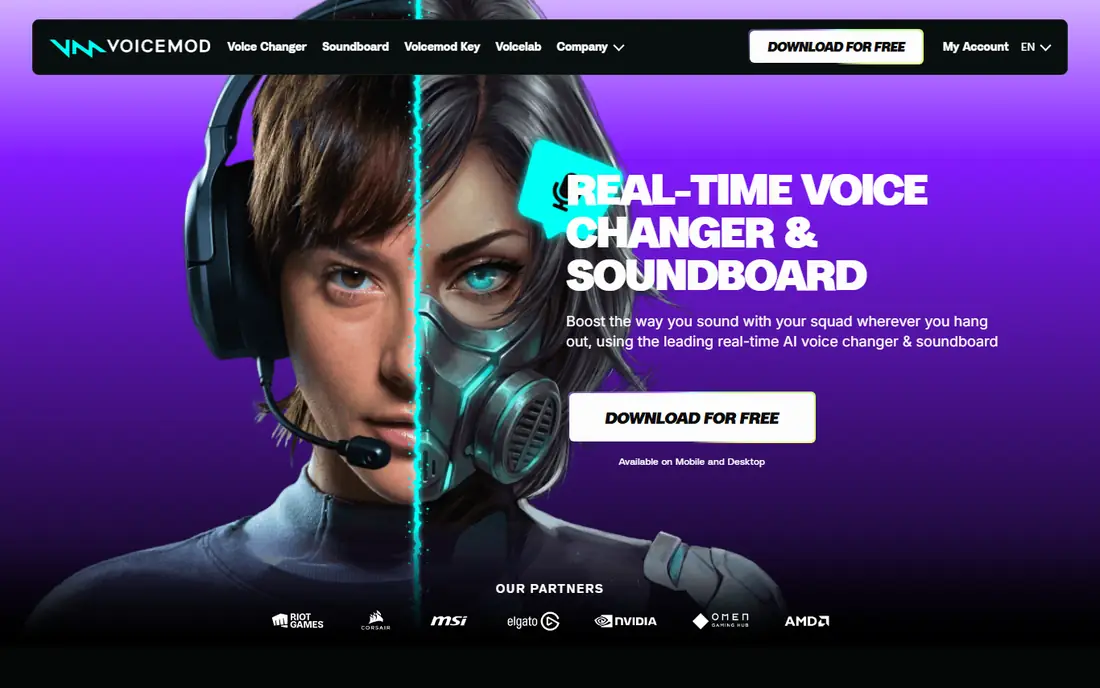
Voicemod is built for live use, which is why it leads this list. It changes your voice in real time in Discord, games and streaming software, and it includes a soundboard for clips and effects during a stream. Voicelab lets you build a voice from effects such as pitch, reverb and robot-style processing, so you can move beyond preset voices. For a streamer who wants a character voice that stays consistent across a session, that live design matters.
The free version gives you a rotating set of voices and a limited soundboard, while the full library sits behind a paid plan. Voicemod does not publish paid prices clearly on its homepage, so check the app or the official pricing page before you buy. If you only need a few fun voices for occasional gaming, the free tier may be enough. If you stream regularly, expect to pay for the full set.
- Real-time voices for Discord and games
- Built-in soundboard
- Voice creation tools
- Paid prices are not listed clearly on the homepage
- Full library needs a paid plan
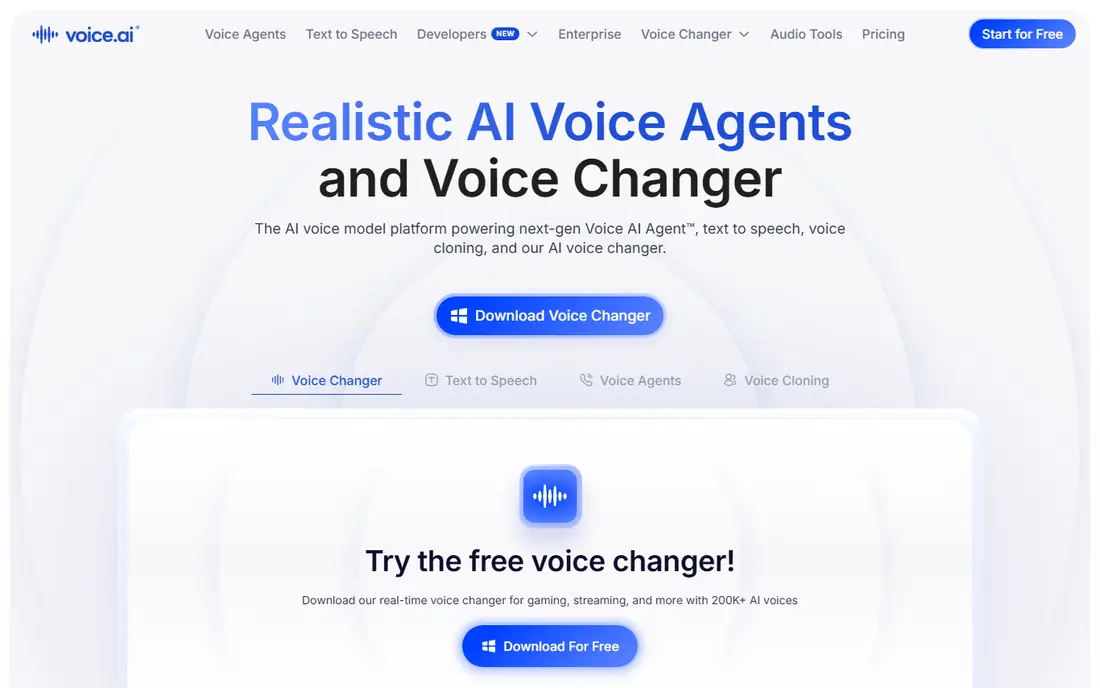
Voice.ai focuses on AI voices that sound more natural than simple pitch shifting. Its community library, called Voice Universe, lets users share voices, which gives you a wide range to try for characters, narration and streaming. It works in real time with apps such as Discord and Zoom, so you can use a chosen voice live rather than only in a recording. That combination makes it a strong second choice for streamers who want variety.
Community voices are also the main risk. Quality varies, and some voices may be based on real people or characters, so use only voices you have a clear right to use for your project. Stick to original or clearly licensed character voices, and avoid any voice that copies a real person without permission. Voice.ai offers a free download, with paid options for extra credits and features, so check current pricing in the app before you rely on a paid feature.
- Large community voice library
- Real-time conversion
- Works with common chat and game apps
- Quality varies across community voices
- System load can be high on older computers
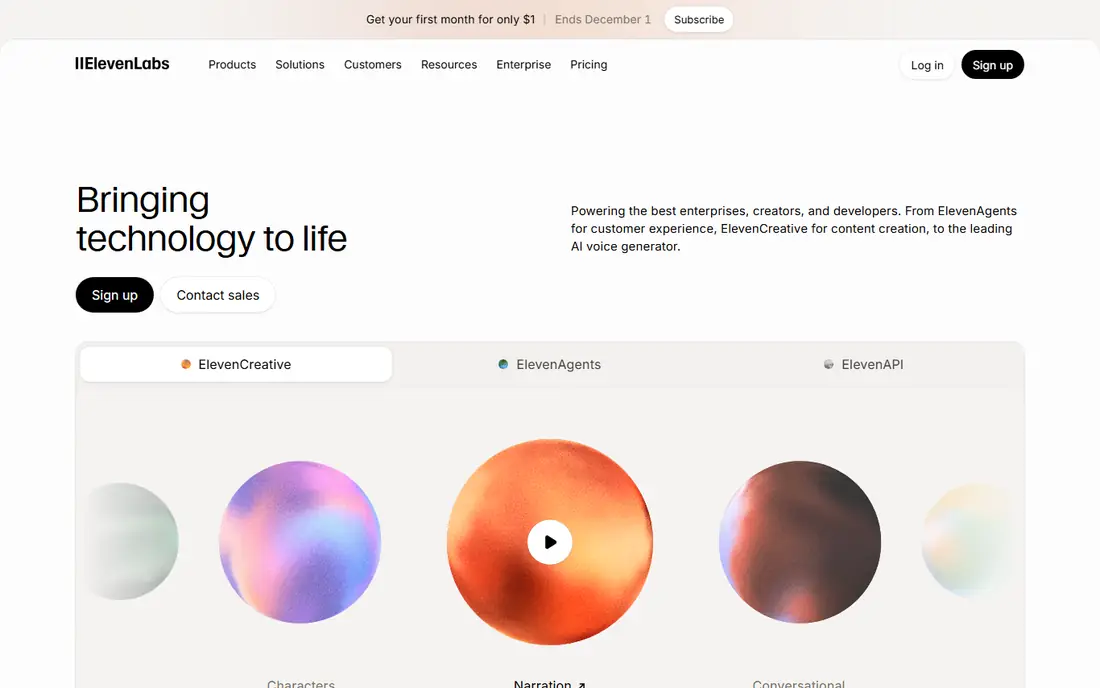
ElevenLabs is the pick for recorded content rather than live play. Its voice changer converts recorded audio into another voice, and its text-to-speech tools produce natural narration for videos, audiobooks and learning material. The free plan gives 10,000 credits per month, which is roughly ten minutes of speech, but it does not include a commercial license. Starter at $6 per month adds a commercial license and instant voice cloning, while Creator at $22 per month adds professional cloning and more credits.
Voice cloning here must be handled with care. Clone only your own voice, or a voice where you hold clear written permission, and keep records of that permission for client work. ElevenLabs is not a live game changer in the same way as Voicemod, and its credit system needs watching on long projects. For polished recorded audio, though, its quality and licensing structure are the clearest on this list.
- High-quality AI voices
- Voice changer for recorded audio
- Commercial license on paid plans
- Not built mainly for live gaming
- Free plan has no commercial license
Clownfish is a free, system-wide voice changer for Windows that applies effects to your microphone input across apps. It offers pitch, robot, alien and other classic effects without a subscription, which makes it a good first test if you are unsure whether voice changing is for you. Setup is simple, and it works with chat, game and call software that uses your system microphone.
The limits are clear. Clownfish does not offer the natural AI voices found in Voicemod or Voice.ai, and it is Windows only. Effects can sound playful rather than realistic, which suits casual gaming and jokes with friends more than professional narration. If you want a free tool with no account and no payment, Clownfish is the simplest starting point on this list.
- Free system-wide effects on Windows
- Simple to set up
- Works across apps
- Effects are basic rather than AI models
- Windows only
Voxal, from NCH Software, is a straightforward voice changer for Windows and Mac. It lets you apply effects in real time and build custom voices by combining effects, which suits home streaming, gaming and voice chat. The free version covers non-commercial home use, so it is a low-risk way to test voice effects before you spend money. Its interface is plain, but that keeps setup quick.
Voxal is not an AI voice tool, so do not expect the natural character voices that newer AI models produce. Its effects are closer to classic pitch and modulation tools, and commercial use requires a paid license. For a household user who wants simple effects without a subscription, Voxal is a practical choice. For a creator who needs realistic AI voices, look at Voicemod or ElevenLabs instead.
- Free for non-commercial home use
- Custom voice creation
- Works on Windows and Mac
- Not AI-based
- Commercial use needs a paid license
MagicMic, from iMyFone, is an AI voice changer aimed at gamers, streamers and social creators. It offers a large library of voice effects, a customizable soundboard and noise reduction, with integration for Discord, OBS and Twitch. That makes it useful for live sessions where you want to switch voices or play a sound quickly. It is available on desktop and mobile, so you can test it on the device you actually stream from.
The free version covers basic use, while premium features need a subscription, reported at $9.99 per month for the mobile app in some listings. Prices vary by platform, so check the official store listing for your device before you buy. MagicMic is best for playful, live content. It is less suited to polished narration, where ElevenLabs or Descript will give you cleaner results.
- Large effect library
- Soundboard tools
- Works with Discord, OBS and Twitch
- Full access needs a subscription
- Some effects suit games more than professional work
FineVoice is a useful all-round tool for creators who need more than one voice job in a single app. It includes a real-time voice changer, text-to-speech voices, recording and basic audio editing, which covers short videos, social clips and presentations. That breadth helps if you do not want to manage separate apps for changing your voice and for narrating a script. The interface is straightforward, and the free tier lets you test the main features.
The trade-off is quality at the top end. FineVoice voices are usable, but they do not match ElevenLabs for natural narration or Voicemod for live gaming polish. Paid plans add more voices and features, with pricing listed as See website because plans and store prices change. Choose FineVoice when you want one app for several voice tasks. Choose a specialist when one task, such as live streaming or audiobook narration, dominates your work.
- Combines voice changing with text to speech
- Recording and editing tools
- Simple interface
- AI voices are less refined than the leaders
- Paid tiers gate the best features
Kits, formerly Kits.AI, is a file-based AI voice tool built for music. It converts sung or spoken recordings into other voices, which suits producers, cover artists and songwriters who want to test vocal ideas or create harmonies. The free plan offers limited conversion minutes, while paid plans are reported from $10 per month, with higher tiers adding more minutes and features. Because it works on files rather than live audio, you can review and adjust the result before you publish it.
Music use needs care beyond the tool itself. A voice model does not give you rights to a song, a recording or a real singer's identity, so use original vocals, your own voice, or licensed material, and get permission before releasing anything that uses another person's voice. Kits is a creative studio tool, not a live chat changer, and it works best when you already have a recording to transform.
- Built for singing and music production
- Voice models for vocals
- File-based conversion
- Not a live game changer
- Music licensing still applies to released songs
Descript is a different kind of voice tool, because its main job is editing. You edit a transcript, and the audio or video follows, which makes cutting interviews, podcasts and tutorial videos much faster. Its Overdub feature lets you create a voice model of your own voice to fix a word or record a pickup without re-recording a whole session. That is a legitimate, time-saving use of voice cloning, provided the voice is yours and you consent to its use.
The free plan lets you test transcript editing, while paid plans start at $16 per month billed annually, with higher tiers adding more media hours and AI features. Descript is not a live voice changer for games, and it will not turn you into a character voice on a call. For creators who edit spoken content every week, it is one of the most practical tools here, and its consent model for cloning is the right standard to expect from others.
- Edit audio and video from a transcript
- Clone your own voice for corrections
- Strong collaboration tools
- Voice cloning is for your own voice
- Full features need a paid plan
How we picked these
We compared official product pages, pricing pages and app store listings for tools that change a voice in real time or in a recording and are available in October 2026. We kept only tools with a clear legitimate creative use, such as gaming, streaming, narration, music production and editing your own voice. We excluded tools marketed for impersonating real people, for calling strangers with a fake voice, or for creating non-consensual imagery or audio, even when those tools were easy to find in search results.
We also checked how each tool handles consent and licensing. A strong tool makes it clear that cloning needs permission, that free plans may not include commercial use, and that community voices vary in quality and rights. That is why ElevenLabs and Descript, which frame cloning around your own voice and paid commercial licenses, rank highly for recorded work, while community-heavy tools carry a warning to use only voices you have a right to use.
How to choose the right AI voice changer
Start with live or recorded use, because that choice splits the list in two. For live gaming and streaming, Voicemod, Voice.ai and MagicMic are the natural picks, since they change your voice as you speak. For recorded narration, music and editing, ElevenLabs, Kits and Descript are stronger, since you can review the result before anyone hears it.
Next, check the free plan against your real use. A free tier with rotating voices may be fine for occasional play, but it will frustrate a regular streamer. A free credit allowance may cover a short test, but it will not cover a full audiobook or a weekly show. If you plan to earn money from the audio, confirm that your plan includes a commercial license, since some free plans do not.
Finally, set your consent rule before you start. Use your own voice, an original character voice, or a voice with clear permission, and keep that permission in writing for client work. Never use a voice changer to pretend to be a real person, to mislead someone in a call, or to create audio that person did not agree to. The tools here are at their best when they help you create something new, not when they copy someone else.
Frequently asked questions
What is the best free ai voice changer app?
For free live use, Clownfish on Windows and the free tier of Voicemod are the easiest starting points. Clownfish costs nothing and needs no account, while Voicemod gives you a rotating set of more polished voices and a soundboard. For free recorded work, ElevenLabs gives you a useful credit allowance, but remember that its free plan does not include commercial use.
What are the best ai voice changer tools for streaming?
Voicemod, Voice.ai and MagicMic are the strongest streaming choices, because they work in real time with Discord, OBS and Twitch. Voicemod is our pick for most streamers, thanks to its soundboard and voice creation tools. Voice.ai offers more AI voice variety, while MagicMic is a good mobile and desktop option for playful live effects.
What are the best ai voice changer apps for mobile?
Voicemod and MagicMic both offer mobile apps, and they are the most practical choices for phone-based creators. Mobile voice changing is more limited than desktop, with fewer effects and more reliance on the phone's processing power. Test the app on your own phone with the chat or streaming app you actually use, since performance varies by device.
Is it legal to use an AI voice changer?
Using a voice changer for your own creative work, gaming or streaming is generally lawful, but impersonating a real person, misleading someone, or using a cloned voice without permission can break laws and platform rules. Laws vary by state and country, and some places require consent for voice cloning. When in doubt, use your own voice or an original character, and get written permission before cloning anyone else.
Can I clone my own voice with these tools?
Yes, ElevenLabs and Descript both let you clone your own voice for narration and corrections, with paid plans adding commercial rights and better quality. You will need clean recordings, and the result should be reviewed before publication, since cloning can still produce errors in tone or pronunciation. Never clone another person's voice without their clear permission, even if a tool makes it technically easy.
Sources
See where you really rank - block by block
ProMapRanker scans Google Maps across a grid of your service area. Simple monthly plans from $19, white-label on every plan.
Start freeKeep reading
 zscaler alternatives
Best Zscaler Alternatives in 2026
Looking for zscaler alternatives? We compare 9 SASE and zero trust platforms on architecture, data protection, pricing, and fit for your network and team.
Read → zapier alternatives free
Best Zapier Alternatives Free in 2026
Nine automation tools for zapier alternatives free in 2026, all with genuinely free tiers, plus free plan limits, starting prices and upgrade paths explained.
Read → which platform is best for online reputation
Which Platform Is Best for Online Reputation in 2026
Wondering which platform is best for online reputation? We compare 8 review, listing, and response tools for small and multi-location businesses and agencies.
Read →