 ProMapRanker
Best AI Video Translation Tools in 2026

Key takeaways
- HeyGen suits face-to-camera creators who want lip sync, while Rask AI suits long videos and bulk localisation with voice cloning.
- ElevenLabs leads on voice quality for audio dubbing, but it does not provide visual lip sync for the speaker on screen.
- Minutes, credits and lip-sync charges matter more than the monthly price, so compare the cost of one finished video, not just the plan.
- Kapwing and VEED suit teams that need subtitles, editing and translation in one workspace, rather than a dubbing-only tool.
Quick comparison
| Pick | Great for | Pricing starts at | Free tier | |
|---|---|---|---|---|
 HeyGen | Lip-synced video translation | $29 per month | Yes | Visit |
 Rask AI | Long-form dubbing at scale | $39 per month | Free trial | Visit |
 ElevenLabs | Natural voice dubbing | $5 per month | Yes | Visit |
 Kapwing | Team editing and subtitles | $16 per month | Yes | Visit |
 VEED | All-in-one editing and translation | $24 per month | Yes | Visit |
 Dubverse | Low-cost dubbing entry | $18 per month | Free trial | Visit |
 Maestra | Subtitles, dubbing and transcription | $29 per month | Free trial | Visit |
 Synthesia | Corporate video localisation | See website | Yes | Visit |
The best ai video translation tools
Video translation is more than swapping words. A good tool must keep timing, tone and speaker identity in step, produce clean subtitles, and handle review edits without forcing a full re-render at full price. The tools below cover dubbing, subtitles and lip sync in different mixes, so pick by video type first: face-to-camera, voiceover, training or social clips.
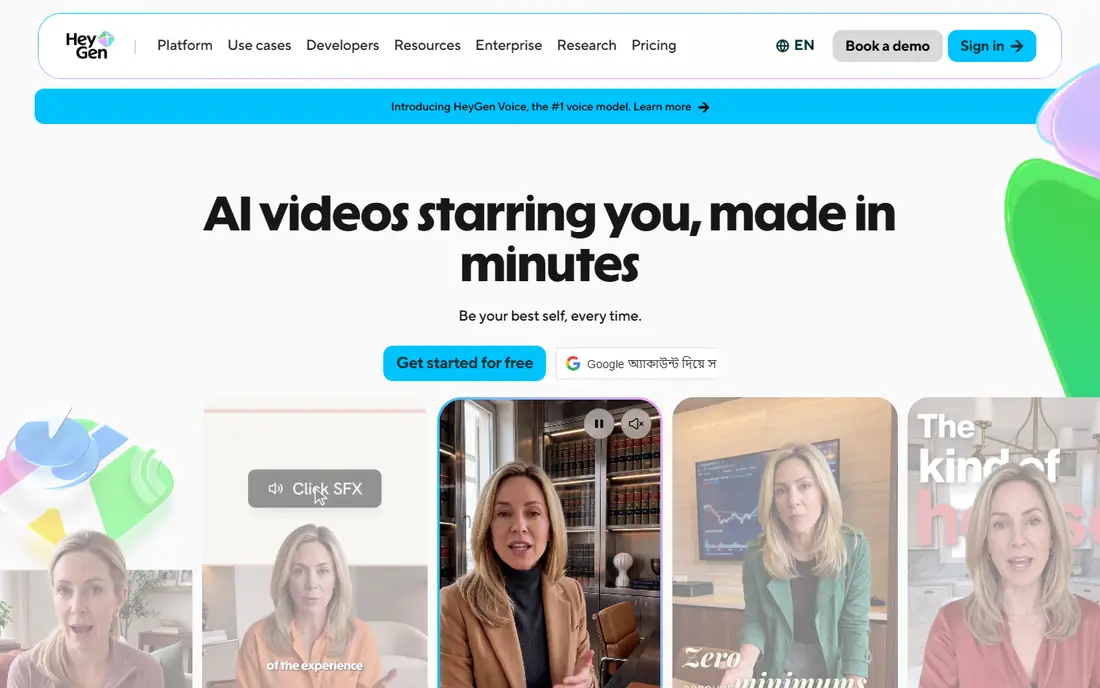
HeyGen is the strongest pick when the speaker is on camera and the mouth must match the new language. Its video translator produces dubbed audio, translated subtitles and lip-synced video in one flow, which helps YouTube creators, course makers and marketers who publish the same video in several languages. The free plan lets you test a short video before paying, though limits apply.
The pricing needs care because translation draws from the same credit pool as avatar video creation, and lip-sync quality tiers can change the credit cost per minute. Check the cost shown before you generate, and test one short clip in your main target language before committing to a batch. For face-to-camera work, the result is often worth that extra check. For audio-only work, a voice-first tool may be cheaper.
- Lip-synced translation in many languages
- Avatar video creation in the same platform
- Auto captioning
- Credits are shared with avatar video
- Higher-quality lip sync can cost extra credits
- Re-renders use credits
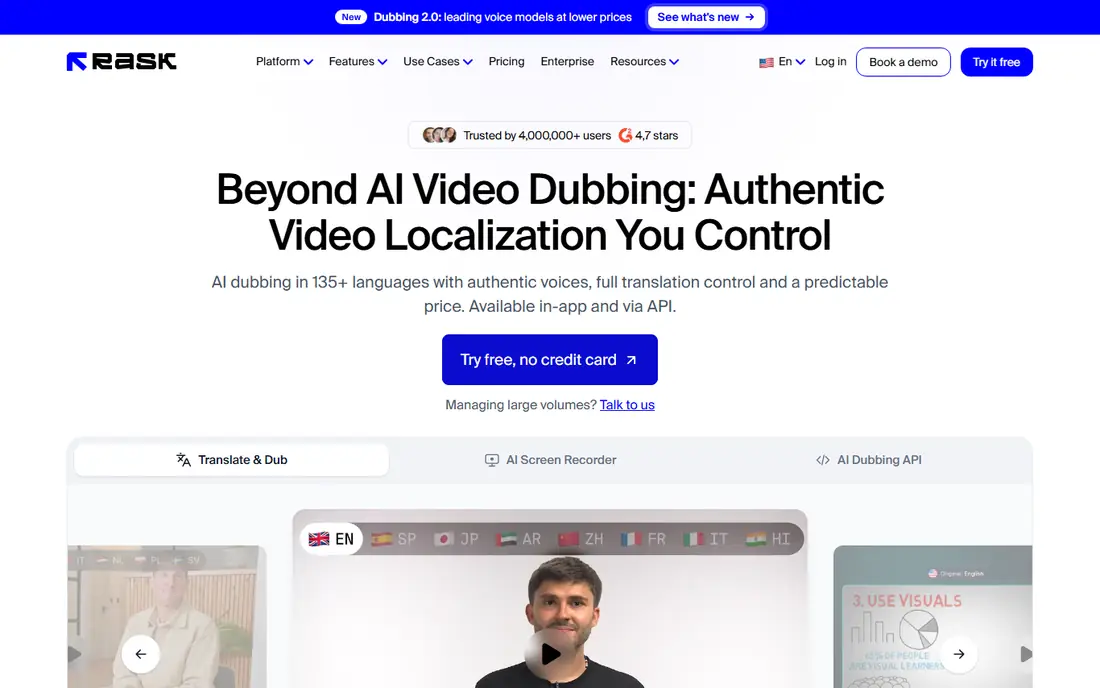
Rask AI suits creators and companies with long videos, such as courses, podcasts with video, webinars and documentaries. Its minute model is easy to understand: you buy a set of dubbing minutes, and the editor lets you adjust transcripts and timestamps without paying again for edits in many cases. Voice cloning in many languages helps keep a consistent speaker voice across versions.
The limit is lip sync, which consumes additional minutes and can halve the effective allowance on lip-synced projects. Extra minutes are also priced higher than the plan average, so a project that runs long can cost more than expected. If your videos are mostly voiceover or B-roll, Rask AI is efficient. If every video needs lip sync, compare its total with HeyGen at your real minute volume.
- Minute-based pricing that is easy to budget
- Voice cloning
- Multi-speaker handling
- Lip sync uses extra minutes
- Entry plan covers a modest minute allowance
- Extra minutes cost more
ElevenLabs is best when voice quality matters more than matching lip movement. Its dubbing can clone each speaker and produce expressive audio in another language, which suits podcasts, narration, explainer videos and any video where the speaker is off camera or covered by visuals. The free plan gives a low-cost way to hear the voice quality on your own audio before paying.
The catch is scope. ElevenLabs dubbing is audio-first, so a face-to-camera video will have dubbed sound that does not move the lips to match. Credits are also shared with text-to-speech and other voice tools, so a busy account can use its allowance faster than a dubbing-only budget suggests. Use it for voice-led content, and pair it with a lip-sync tool only when the video truly needs that visual match.
- Very natural voices
- Speaker cloning
- Wide dubbing language coverage
- No visual lip sync
- Credits are shared across voice products
- Dubbing cost varies by model
Kapwing suits teams that translate as part of editing, not as a separate step. Writers can adjust translated subtitles while editors trim timing, add captions and prepare social cuts in the same project. Real-time collaboration helps agencies and in-house teams who pass a video between roles, and the free plan is useful for learning the workflow.
Kapwing is weaker as a pure dubbing tool. It focuses on subtitle translation and synthetic voiceover rather than lip-synced dubbing of real footage, so face-to-camera creators should not expect the same visual result as HeyGen. Free exports also carry a watermark. If your main need is accurate subtitles and fast team editing, Kapwing is a strong pick. If you need lip sync, shortlist it only as a subtitle companion.
- Collaborative editing
- Subtitle translation in many languages
- Full video editor in one place
- No true visual lip sync for real footage
- Free exports carry a watermark
- Dubbing minutes are limited
VEED is a practical choice for creators who want one browser tool for editing, subtitling and translation. You can cut a video, generate subtitles, translate them, add a dubbed voiceover and export social versions without installing software. That flow suits short-form creators, small marketing teams and educators who publish often and need speed more than deep dubbing control.
The limits are in dubbing depth. VEED translation is strong for subtitles and voiceover, but it does not match the lip-sync focus of HeyGen or the long-form minute model of Rask AI. Plan allowances for dubbing and translation also need checking, because a headline monthly price does not show how many finished minutes it covers. For social and training clips, VEED is efficient. For lip-synced broadcast work, look elsewhere.
- Browser editor with subtitles, translation and dubbing
- Templates and stock assets
- Easy social exports
- Dubbing minutes and translation limits vary by plan
- Lip sync is limited
- Free plan has watermark
Dubverse is a good entry point when budget matters and the main need is dubbed audio rather than lip-synced video. Its monthly entry price is lower than several rivals, and the workflow is simple: upload, pick languages and voices, review the transcript and export. That simplicity helps small creators who localise a few videos a month and do not need a full editing suite.
The trade-off is depth. Voice cloning and advanced features sit on higher plans, and lip sync is not its main strength. Language coverage and voice quality also vary by pair, so test your exact source and target languages before buying a longer plan. If Dubverse sounds natural on your test clip and your videos do not need lip sync, it can save money. If they do, budget for a lip-sync tool as well.
- Low monthly entry price
- Voice cloning on higher plans
- Simple dubbing workflow
- Lip sync is limited
- Language and voice depth vary
- Trial is short
Maestra suits teams that need the full localisation chain, not just dubbing. A video can move from transcription to translation to subtitles to dubbed audio in one workspace, with text-based editing that lets reviewers fix wording without re-recording. Live voice translation features also help events and meetings, which few dubbing-only tools cover.
The price reflects that breadth. Maestra starts higher than a narrow dubbing tool, and the free trial is limited, so it is best for teams that will use several parts of the platform each month. If you only need occasional dubbing, a cheaper single-purpose tool may be better. If you handle transcription, subtitles and dubbing every week, Maestra can replace two or three separate subscriptions.
- Transcription, translation, subtitles and dubbing in one platform
- Voice cloning and lip sync options
- Live translation features
- Paid plans start higher than some dubbing-only tools
- Free trial is limited
- Advanced features sit on higher tiers
Synthesia is best for companies that already make training, onboarding or product videos with avatars and want those videos in more languages. Its dubbing can localise spoken audio in an existing video, and the platform adds brand, template and collaboration controls that corporate teams expect. The free plan includes a small monthly allowance for video creation or dubbing, which helps with a first test.
The limits matter for pure translation buyers. Dubbing for existing videos is not a full feature on every plan, and text burned into the picture, such as titles and graphics, may stay in the original language. That means a localised Synthesia video can still need editing for on-screen text. If your videos are avatar-led and corporate, it is a strong fit. If you localise real footage, compare it with HeyGen and Rask AI first.
- Avatar video creation plus existing-video dubbing
- Many languages
- Team and brand controls
- Dubbing of existing video is tied to higher plans
- Captions and on-screen text may stay in the original language
- Pricing needs a quote for full dubbing use
How we picked these
We compared official pricing and feature pages, language coverage, dubbing and subtitle workflows, lip-sync support and free tier or trial terms for tools live in October 2026. We required a real video translation or dubbing function, not just text translation, and we favoured a mix of lip-sync, voice-first, subtitle-first and corporate tools. Prices vary by billing period, credits and minutes, so the figures here are starting points and you should check the cost of one finished video on the vendor page before you buy.
How to choose the right video translation tool
Start with the video type. Face-to-camera videos need lip sync, voiceover videos need voice quality, training videos need subtitle accuracy and review control, and social clips need speed and templates. A tool that excels at one of those can disappoint at another, so test the same short clip in each shortlisted tool and judge timing, voice naturalness and subtitle accuracy together.
Next, price a finished video. Add the plan cost, included minutes or credits, lip-sync charges, extra minute rates and any re-render cost. A cheap plan with a small minute allowance can cost more than a higher plan that covers your full month. Finally, check review workflow, subtitle export formats and rights for AI voices, and get consent before cloning a real person's voice for dubbing.
Frequently asked questions
What is the best ai video translator tool for YouTube?
For face-to-camera YouTube videos, HeyGen is a strong pick because it combines dubbing with lip sync. For voiceover or B-roll videos, ElevenLabs or Rask AI may be better, since voice quality and minute pricing matter more than lip movement.
What are the best tools for ai video translation at low cost?
Dubverse offers a low monthly entry price, Kapwing and VEED offer free plans with watermarks, and ElevenLabs offers a free tier for voice work. Compare included minutes, not just the monthly price, because a low plan with few minutes can cost more per finished video.
Do AI video translation tools include lip sync?
Some do, some do not. HeyGen and Maestra offer lip sync options, Rask AI offers lip sync at extra minute cost, and ElevenLabs focuses on audio dubbing without visual lip sync. Check the plan detail for your target languages before you assume lip sync is included.
What are the best video translation services for long videos?
Rask AI suits long videos because its minute model and editor handle bulk work well, while Maestra suits teams that also need transcription and subtitles. For very long courses, test a full episode first, since voice consistency and transcript edits matter more over a long runtime.
Can AI translation preserve my voice?
Voice cloning tools such as Rask AI, ElevenLabs, Maestra and Dubverse can keep a similar voice across languages on higher plans, but results vary by language pair and audio quality. Get consent before cloning another person's voice, and review the dubbed audio for tone and pacing.
How accurate are AI translated subtitles?
Accuracy is usually good for clear speech and common language pairs, but idioms, names, technical terms and fast or overlapping speech still need human review. Always review subtitles and dubbed transcripts before publishing, especially for training, legal or medical content.
Sources
See where you really rank - block by block
ProMapRanker scans Google Maps across a grid of your service area. Simple monthly plans from $19, white-label on every plan.
Start freeKeep reading
 outreach alternatives
Outreach Alternatives in 2026
Compare outreach alternatives for 2026, from Salesloft and Apollo to HubSpot and Lemlist, with pricing, channels, features, limits, and honest trade-offs.
Read → best web conference tools
Best Web Conference Tools in 2026
Compare the best web conference tools for meetings, webinars and team calls, with current pricing, free plans and honest limits for each option here today.
Read → best voice cloning tools
Best Voice Cloning Tools in 2026
Compare the best voice cloning tools in 2026, from ElevenLabs and Descript to Resemble and Cartesia, with consent rules, pricing, licenses, and limits.
Read →