 ProMapRanker
Best AI Video Making App in 2026

Key takeaways
- This article covers general AI video creation from text, prompts, and scripts, not image-to-video animation tools that only animate a single photo.
- Runway suits cinematic generated clips, while Synthesia and HeyGen suit presenter-led training and explainer videos from a script.
- InVideo, Pictory, and Lumen5 suit marketing videos built from text, blog posts, and stock footage, with editing in the browser.
- Credit and minute limits matter more than the headline price, so test one full video on a free plan before paying for a month.
Quick comparison
| Pick | Great for | Pricing starts at | Free tier | |
|---|---|---|---|---|
 Runway | cinematic text-to-video clips | $12 per month | Yes | Visit |
 Synthesia | training videos with avatars | $18 per user per month | Yes | Visit |
 HeyGen | avatar explainers and translation | $24 per month | Yes | Visit |
 InVideo | marketing videos from prompts | $20 per month | Yes | Visit |
 Pictory | repurposing written content | $25 per month | Free trial | Visit |
 Lumen5 | blog posts turned into video | $19 per month | Yes | Visit |
 VEED | browser editing plus AI video | $12 per user per month | Yes | Visit |
 Fliki | budget text-to-video with voices | $21 per month | Yes | Visit |
 Pika | short playful generated clips | $8 per month | Yes | Visit |
The best AI video making apps
AI video tools now cover several jobs: generating a scene from a prompt, presenting a script with an avatar, or turning a blog post into a social video. These nine tools cover those jobs, with different strengths for creators, trainers, and marketers.
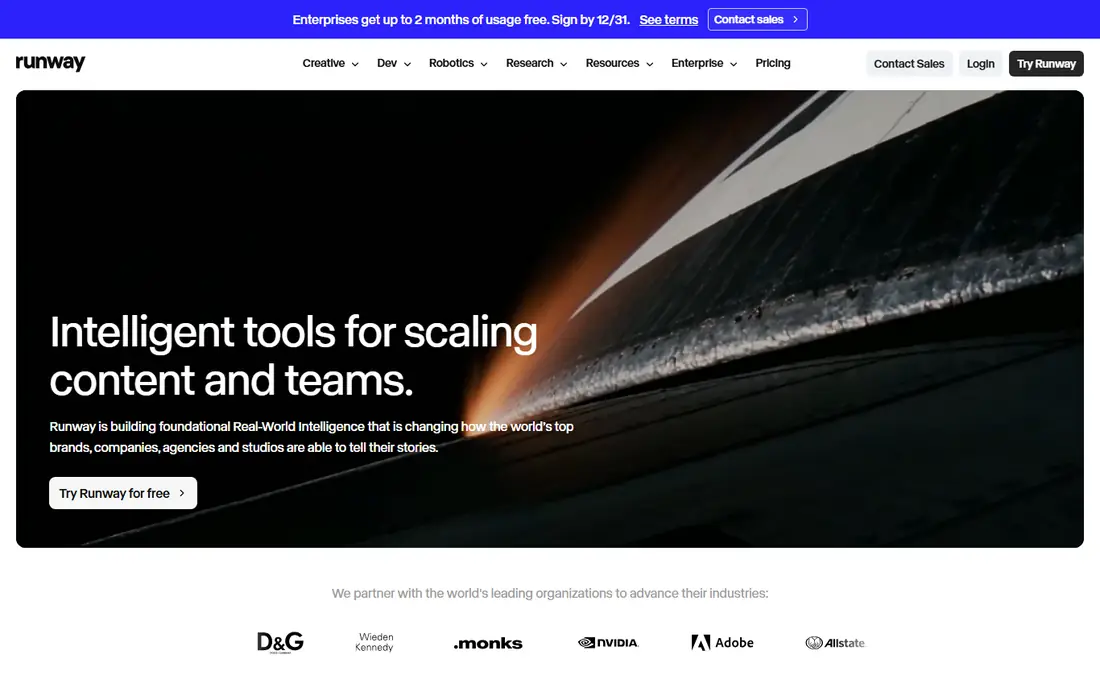
Runway is the creator pick for generated footage. You write a prompt, optionally add an image or clip as a reference, and generate a short cinematic shot with camera movement and motion. Paid plans add more credits and 4K upscaling, which suits filmmakers, advertisers, and social creators who need polished shots rather than a full presenter video.
The limit is length and cost. Clips are short, and retries eat credits fast, so a project that needs many takes can become expensive. Runway also needs editing in another tool for a finished long video. For short, high-quality generated scenes, it is the strongest general video model in this list.
- Strong prompt-based generation and camera control
- Image and video inputs
- 4K upscaling on paid plans
- Credits burn quickly with retries
- Short clips, not long narratives
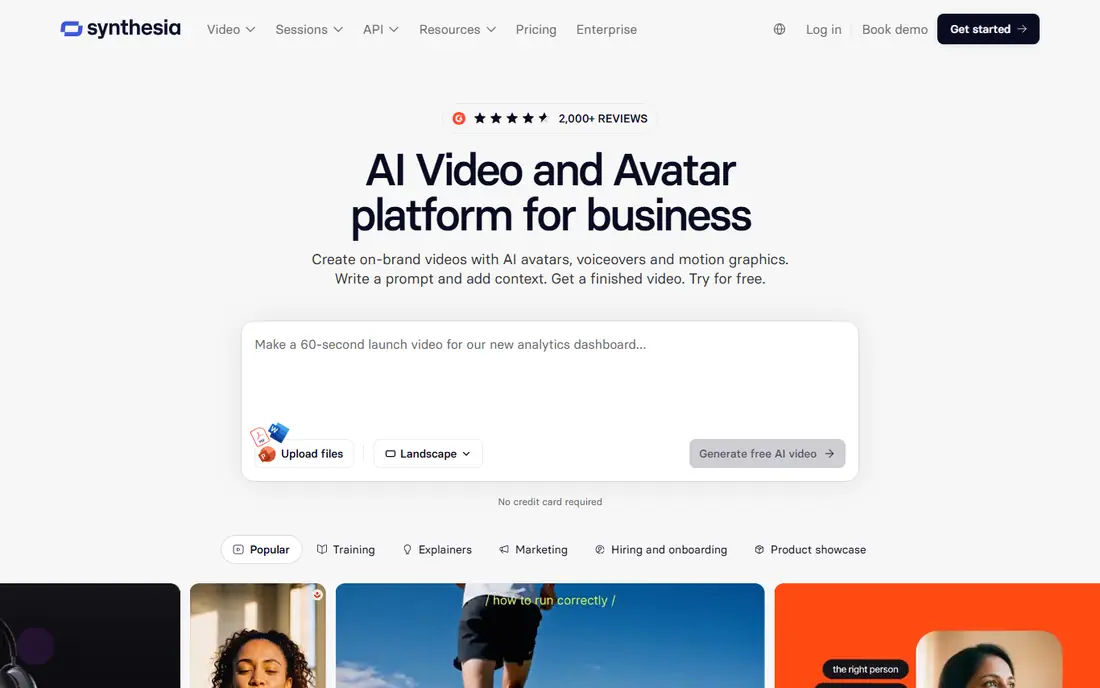
Synthesia turns a script into a presenter-led video, which suits training, onboarding, and internal updates that need to look consistent across languages. You pick an avatar, paste a script, and the platform renders a video with synced voiceover. Translation and layout handling help teams that update compliance or product training often.
The catch is minute math. Lower plans cap total video minutes per year, and a team publishing weekly updates can use that allowance quickly. Unused minutes do not roll over, so the realistic entry point for regular publishers is often a higher tier. For corporate training at scale, Synthesia remains a leading, well-governed choice.
- Large avatar and voice library
- Many languages
- Consistent presenter style for training
- Minute limits are tight on lower plans
- Unused minutes do not roll over

HeyGen also builds videos from a script with an avatar presenter, but it is often chosen for marketing explainers, product walkthroughs, and multilingual versions of the same video. Avatars look natural on camera, voice cloning and translation options help teams reach several markets from one script, and the free plan gives three watermarked videos per month for testing.
HeyGen is not the right tool for pure cinematic footage, since its strength is a presenter on screen, not a generated outdoor scene. Three free videos will not carry a weekly schedule either. For explainers where a trusted presenter builds confidence, HeyGen is a strong pick.
- Lifelike avatars
- Video translation
- Free plan with three videos per month
- Not a cinematic scene generator
- Monthly video cap is low on the free plan
InVideo turns a prompt, script, or link into a structured marketing video with stock clips, captions, music, and voiceover. You can then edit by chatting with the tool, changing scenes, text, and voice without learning a timeline editor. That speed suits social teams that need many short videos from blog posts, product pages, or campaign briefs.
The free plan is useful for testing, but exports carry a watermark and weekly limits apply. Output can also look generic if prompts are vague, since stock footage is shared across many users. With specific prompts, brand colours, and custom voiceover, InVideo can produce clean, publishable marketing clips quickly.
- Prompt-to-video with stock media and voiceover
- Chat-based editing
- Templates for social formats
- Free exports are watermarked and limited
- Stock-heavy output can look generic without careful prompts
Pictory is built for repurposing. Paste a blog post, article, or script, and it builds a video with scenes, stock footage, captions, and voiceover matched to the text. That workflow suits content teams with a large written archive who want video versions for YouTube, LinkedIn, or a course library without filming anything new.
Pictory does not offer a permanent free plan, only a trial, so you need to test quickly during that window. It also generates less original footage than Runway, since it leans on stock media. For teams that already write a lot and want video from that writing, Pictory is a practical, time-saving tool.
- Turns articles and scripts into video
- Automatic captions
- Good for long-form repurposing
- No free plan, only a trial
- Less cinematic generation than Runway
Lumen5 focuses on one job and does it fast: turning a blog post or article link into a short social video. It picks key sentences, pairs them with stock footage and music, and lets you rearrange scenes in a simple editor. The free Community plan allows a small number of videos per month, which is enough to test the workflow.
The trade-off is originality. Lower plans can feel template-driven, and Lumen5 will not generate cinematic scenes from a prompt like Runway does. For marketers who need a steady stream of blog-to-video posts for social channels, Lumen5 is a quick, low-friction option.
- Fast blog-to-video workflow
- Community plan with five videos per month
- Simple drag and drop editing
- Template feel on lower plans
- Limited control over generated footage
VEED is a browser video editor that also supports AI video creation, which makes it a good all-round choice for creators who film some footage and generate other parts. Subtitles, dubbing, captions, and clean-up tools sit alongside text-to-video, so a finished video can be edited, captioned, and exported without switching apps. That breadth suits small teams and solo creators.
Free exports are watermarked and limited in resolution, so regular publishing needs a paid plan. VEED is less specialised than Runway for generation or Synthesia for avatars, but as a single workspace for making and finishing videos, it is hard to beat for the price.
- Full browser editor with subtitles and dubbing
- Text-to-video plus filmed footage editing
- Easy sharing
- Free exports are watermarked at lower resolution
- AI generation is one part of a larger editor
Fliki turns text into video with a voiceover chosen from a large library of voices and languages. The workflow is simple: paste a script, pick a voice, choose visuals, and export. The free plan gives a small number of minutes per month, which is enough to test voice quality and pacing before paying.
Fliki leans on stock visuals, so it will not generate original cinematic scenes, and longer videos need a higher tier with more minutes. For budget creators who need narrated videos for faceless channels, tutorials, or social posts, Fliki offers good voice variety for the price.
- Large voice library
- Five free minutes per month
- Simple script-to-video workflow
- Output leans on stock media
- Higher tiers needed for longer videos
Pika generates short clips from prompts, images, or footage, with effects that suit social content, memes, and playful brand posts. The entry price is low on annual billing, and the free plan is useful for experimenting with styles and effects without a card. Sound effects, speech, and music tools have been added to help finish short clips.
Pika is not built for long narratives or corporate training, and free use usually excludes commercial use, so businesses should check the licence before publishing. For creators who need quick, fun, short-form generated clips, Pika is an affordable and easy place to start.
- Low entry price
- Playful effects and short clips
- Free plan without a watermark in some setups
- Best at short clips, not long stories
- No commercial use on the free plan in many cases
How we picked these
We compared official pricing pages, product documentation, and recent 2026 comparisons for AI video tools that create general video from text, prompts, or scripts. We excluded tools that only animate a single image, and we excluded Sora, since its consumer app closed in April 2026. Where pricing varied by billing term or credits, we used the annual figure shown in recent pricing checks and marked unclear cases as See website.
How to choose an AI video tool
Start with the video you actually need to publish. A cinematic ad needs a generation tool such as Runway or Pika. A training course needs an avatar tool such as Synthesia or HeyGen. A social campaign from blog posts needs InVideo, Pictory, or Lumen5. A finished edit with captions needs VEED. Mixing those jobs in one tool usually means a weaker result, so pick for your main job first.
Test before you pay
Make one complete video on a free plan, including export, captions, and music. Count how many retries and credits that video used, and multiply by your weekly output to estimate the real monthly cost. Check the licence for commercial use, watermark rules, and whether generated faces or voices can be used in ads in your region.
Frequently asked questions
What is the best AI video making app for beginners?
InVideo and Lumen5 are the easiest starts for marketing videos from text, since they use templates and stock media. VEED is a good beginner editor that also handles AI video. For generated scenes, Pika is a low-cost way to learn prompting before moving to Runway.
Can AI make a full video from a text prompt?
Yes, for short videos. Tools such as Runway and Pika generate short clips from prompts, while Synthesia, HeyGen, InVideo, and Fliki build longer videos from a full script. Long, story-driven films still need editing, sound, and human review to feel coherent.
Is there a free AI video maker without a watermark?
Some free plans, such as Pika in certain setups, export without a watermark, but commercial use is often excluded. Most free plans from HeyGen, InVideo, and VEED carry a watermark or resolution limit. Check the licence and export settings before publishing a free-plan video for business use.
What is the difference between AI video generation and image-to-video animation?
General AI video creation builds new footage from text, prompts, or scripts, and can include scenes, presenters, and voiceover. Image-to-video animation takes one still photo and adds motion to it, which is a narrower job. This article covers general creation, not tools that only animate a photo.
How much does AI video software cost per month?
Entry prices in this list range from 8 to 25 dollars per month on annual billing, but credits and minutes often matter more than that figure. A creator who retries often or publishes daily may need a higher tier. Test with free credits first to estimate your real usage.
Sources
See where you really rank - block by block
ProMapRanker scans Google Maps across a grid of your service area. Simple monthly plans from $19, white-label on every plan.
Start freeKeep reading
 best employee onboarding software
Best Employee Onboarding Software in 2026
We compared the best employee onboarding software in 2026 for new employees, from simple HR tools to global platforms, to help you pick by team size today.
Read → best ecommerce platform for small business
Best Ecommerce Platform for Small Business in 2026
We compared the best ecommerce platform for small business options on price, selling features, fees, and ease of use, so you can launch a store that grows.
Read → best crm software for startups
Best CRM Software for Startups in 2026
We compared the best crm software for startups on price, free plans, and setup time, so founders can choose a simple tool that grows with their growing team.
Read →