 ProMapRanker
Best AI Video Maker App in 2026

Key takeaways
- CapCut is the best free starting point for short form social video, with a full editor and fast templates on phone and desktop.
- InVideo AI suits people who want a first draft from a prompt or script, then a chat based edit to finish it.
- Synthesia and HeyGen lead for training and presenter videos, where a script becomes a speaking avatar video without filming.
- VEED, Descript, and Kapwing style browser editing suit teams that need subtitles, dubbing, and collaboration without installing software.
- Sora is not listed here: OpenAI closed the Sora consumer app in April 2026 and shut the Sora API in September 2026, so it is not a current option.
Quick comparison
| Pick | Great for | Pricing starts at | Free tier | |
|---|---|---|---|---|
 CapCut | Short form social editing | Free | Yes | Visit |
 InVideo AI | Prompt to video drafts | $20 per month | Yes | Visit |
 Synthesia | Training and presenter videos | $29 per month | Yes | Visit |
 HeyGen | Avatars and translation | $29 per month | Yes | Visit |
 VEED | Browser editing and subtitles | $10 per month | Yes | Visit |
 Descript | Transcript based editing | $16 per month | Yes | Visit |
 Pictory | Scripts and blogs to video | $25 per month | Free trial | Visit |
 OpusClip | Long videos to short clips | $15 per month | Yes | Visit |
The best ai video maker apps
The apps below make video with AI help, but they do it in different ways. Some generate clips from a prompt, some turn a script into a presenter, some edit footage you already filmed, and some cut a long video into shorts. We kept only tools that were available in October 2026, and we left out Sora for the reason stated above. Prices are starting paid prices, and free plans usually add a watermark or a limit on exports.
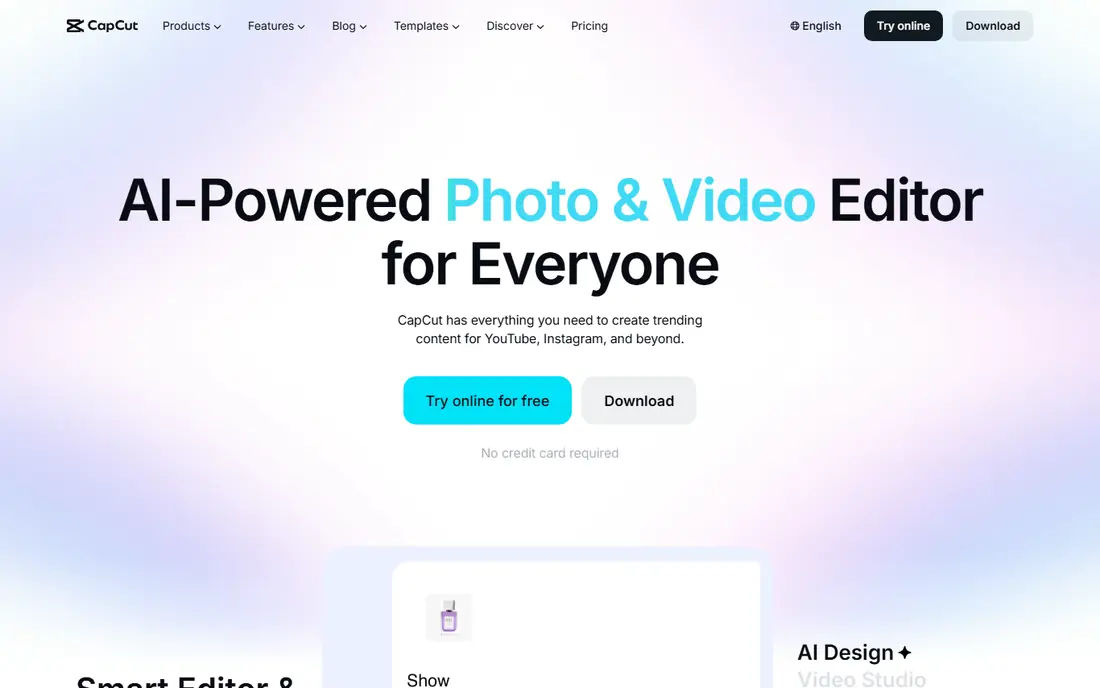
CapCut is the best place to start if you make short videos for TikTok, Instagram, or YouTube Shorts. The free editor covers trimming, captions, effects, music, and templates, and the mobile app makes it easy to edit a clip you just filmed. AI tools for captions, background removal, and script based edits sit on top of a normal timeline, so you can fix a clip by hand when the automatic result misses.
The limit is the Pro wall. Some AI features, higher quality exports, and premium effects need a paid plan, and the Pro price varies by region and device, so we list the starting price as Free rather than a single global figure. For a creator who posts often and wants speed, CapCut is still the most practical free first app here. Keep an eye on export settings, since free exports can carry limits that matter for client work.
- Full editor free to start
- Fast templates, auto captions, and effects
- Phone and desktop apps
- Some AI features and exports need a paid Pro plan
- Pricing varies by region and device
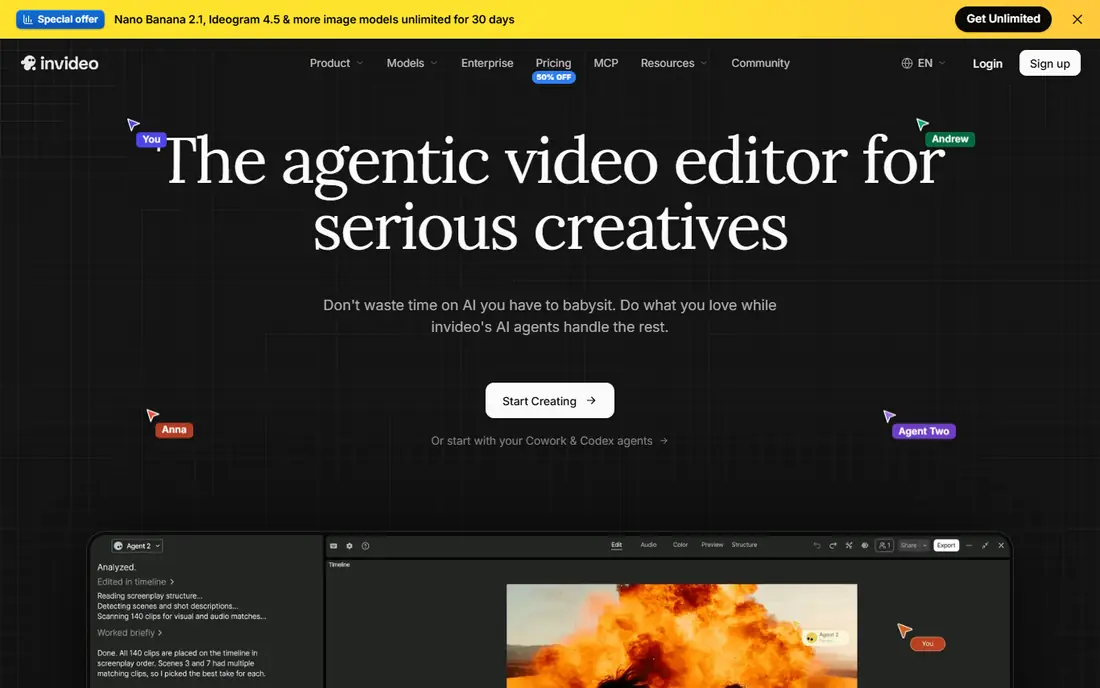
InVideo AI suits people who stare at a blank timeline. You type a prompt, paste a script, or share a link, and the tool builds a first draft with stock footage, text, music, and a voiceover. You then edit by chatting with the tool, asking it to shorten a scene, change the voice, or swap a clip, rather than dragging every clip by hand. That workflow is fast for social ads, explainers, and YouTube style videos from a topic.
The draft is the starting point, not the finished video. Stock choices can feel generic, voices can sound flat on longer scripts, and captions or facts need a careful check before publishing. Free exports carry a watermark and weekly limits in recent reports, so a paid plan is needed for clean client work. If you want speed from idea to draft, InVideo AI is a strong pick, as long as you budget time for a human pass.
- Turns a prompt, script, or link into a first video draft
- Chat based edits
- Stock footage and voices included
- Free exports are watermarked with limits
- Generated drafts still need a human edit for a polished result
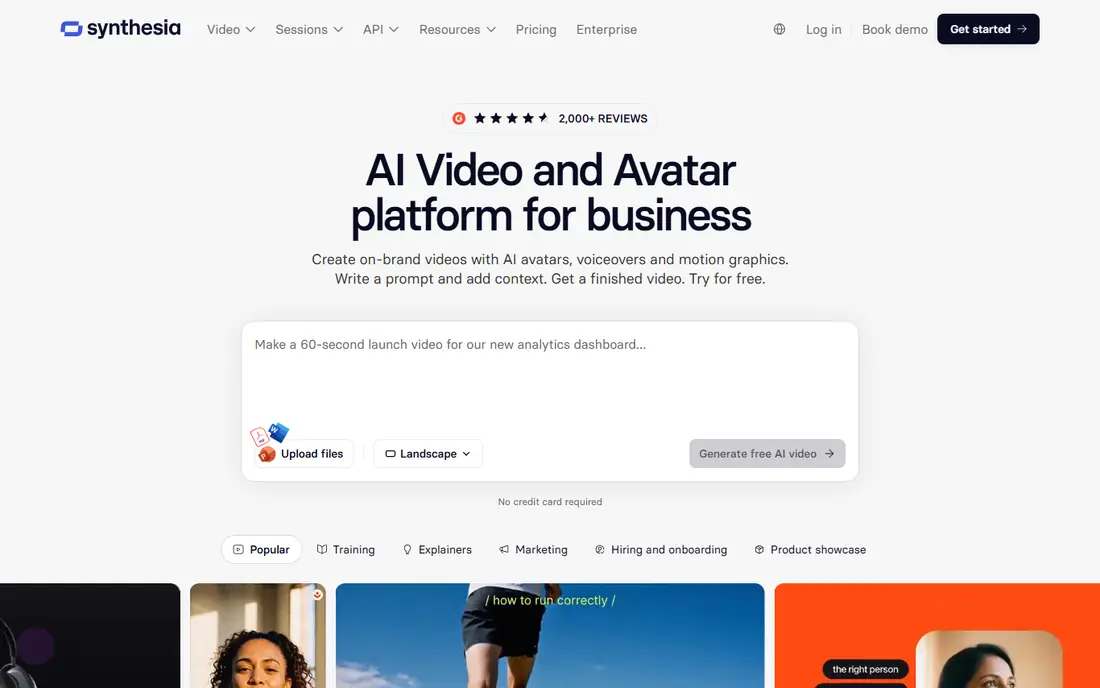
Synthesia is the training video pick. You write a script, choose an avatar, and the tool produces a presenter video that can be updated by editing text, not by refilming. That matters for onboarding, compliance, product training, and internal updates, where a script changes often and a studio shoot would be slow and costly. Templates and multi language support help teams produce the same course in several languages.
The free plan is for testing, with a small monthly minute allowance and a limited avatar set in recent reports. Longer courses and custom avatars need a paid plan, and the result still looks like an avatar video, not a filmed presenter. For training, that trade-off is usually fine, since clarity and easy updates matter more than cinematic style. For a social ad or a short film, a different tool will feel more natural.
- Script to presenter video without filming
- Many avatars and languages
- Structured templates for training
- Free plan allows only a small monthly minute allowance
- Avatar videos suit training better than creative film
HeyGen overlaps with Synthesia, but it leans more toward marketing and translation. You can turn a script into a presenter video, translate an existing video into many languages with lip sync, and use a large avatar library for different presenters. That makes it useful for product launches, ads, and global teams that need the same message in several languages without refilming each version.
The free plan is tight, with only a few short watermarked videos per month in recent reports, so it is a trial, not a production plan. Avatar quality also varies by avatar and script length, and close ups can still show small sync quirks. For a team that needs presenters and translation in one tool, HeyGen is a strong choice. For pure training courses, Synthesia templates may feel more structured.
- Realistic avatars and video translation
- Many languages
- Useful for marketing and presenter videos
- Free plan allows only a few short videos per month
- Longer or custom avatar work needs a paid plan
VEED suits people who want to edit in a browser without installing software. You upload footage, add subtitles, clean audio, dub or translate, and export for social or web, all from a tab. That workflow helps small teams, teachers, and marketers who work on different computers, since the project lives online and teammates can review it.
The free plan is for testing, with watermarked exports and resolution limits in recent reports. A paid Creator plan, listed here at $10 per month on annual billing in some reports, removes the watermark and raises limits, though exact pricing varies by billing period, so confirm the current page. For long, complex edits with many layers, a desktop editor may still feel faster. For subtitles, translation, and quick team edits, VEED is a practical pick.
- Browser editor with no install
- Strong subtitles, dubbing, and translation
- Good for team edits
- Free exports are watermarked and limited to lower resolution in reports
- Heavy projects suit a desktop editor better
Descript changes how editing feels. Instead of scrubbing a timeline, you edit the transcript: delete a sentence in the text, and the video cuts that part out. That makes it ideal for talking head videos, interviews, podcasts, and course lessons, where the words carry the edit. Filler word removal, studio sound cleanup, and voice correction tools help a recorded talk sound polished without a studio.
The learning curve is real for editors used to a timeline, and the credit system for media minutes and AI features needs care on larger projects. Paid plans start at $16 per month on annual billing in recent reports, with higher monthly billing, so check the billing period before you compare. If your videos are mostly people talking to camera, Descript can save hours. If your videos are mostly music, effects, and fast cuts, a timeline editor like CapCut will feel more natural.
- Edit video by editing the transcript text
- Strong for talking head and podcast video
- Filler removal and voice tools
- Transcript workflow takes a short while to learn
- AI credits and media minutes need watching on larger projects
Pictory is built for repurposing. You paste a blog post, a script, or a long video link, and Pictory builds a short video with scenes, captions, stock footage, and a voiceover. That suits bloggers, marketers, and small teams that need social clips from content they already wrote, without filming new footage each time. The workflow is fast, and the scene based editor lets you swap clips and text without starting over.
The result can feel templated if you accept every automatic choice, so a human pass on pacing, captions, and clip selection matters. Pricing also varies by billing period, with a starter plan around $25 per month on annual billing in recent reports, and a trial rather than a free plan in some guides. For turning written content into video at volume, Pictory is a solid pick. For original cinematic clips, a generator like Kling AI or Runway will fit better, though those tools sit outside the app focus of this list.
- Turns scripts, blog posts, and long videos into short videos
- Stock footage and voices included
- Good for content repurposing
- No free plan in some reports, only a trial
- Generated videos can feel templated without a human edit
OpusClip solves a narrow, useful problem: turning a long video into shorts. Upload a podcast, a webinar, or a long YouTube video, and OpusClip finds moments, adds captions, and exports vertical clips for TikTok, Reels, and Shorts. That can turn one recording into a week of social posts, which is why podcasters and coaches use it heavily.
The automatic picks are not always the best moments, so review each clip for context, accuracy, and tone before posting. Free plan clips are watermarked and may expire after a few days in recent reports, so a paid plan is needed for a lasting library. If your main need is clipping, not generating from scratch, OpusClip is the most focused tool here, and it pairs well with CapCut or VEED for a final polish.
- Cuts long videos into many short clips automatically
- Auto captions and hooks
- Good for podcasts and webinars
- Free clips are watermarked and expire in some reports
- Clip selection still needs a human review
How we picked these
We compared official pricing pages, app listings, and recent September and October 2026 AI video guides. We kept only apps and tools that were available in October 2026 and that help make a finished video, whether by generation, avatar presentation, transcript editing, or clipping. We excluded Sora, since OpenAI closed the Sora consumer app in April 2026 and shut the Sora API in September 2026, as reported in 2026 guides. Prices are starting paid prices where published, and we wrote See website or a trial note where pricing varied by region or billing period.
How to choose the right video maker
Start with the input you already have. If you have a script and no footage, try InVideo AI, Synthesia, or HeyGen first, depending on whether you need a stock draft or a presenter. If you have footage and need to edit it, try CapCut, VEED, or Descript, depending on whether you prefer a timeline, a browser, or a transcript. If you have a long video and need shorts, try OpusClip or Pictory first.
Next, test the free plan on a real video, not a demo clip. Check captions for accuracy, listen to the voice on headphones, and watch the export on a phone, since most viewers will watch there. Note the watermark, resolution, and export limits, and confirm whether the free licence allows commercial use. A tool that looks good in a demo but fails on your voice, accent, or topic will waste more time than it saves.
Finally, check the cost per finished video. A credit based tool can look cheap until retries, longer clips, and higher resolution eat the allowance. A subscription tool can look costly until you count how many videos you make each month. Run two tools on the same project, count the time and the credits, and keep the one that gives you a publishable video with the least rework.
Frequently asked questions
What is the best free ai video maker app?
CapCut is the best free starting point, since its editor is free to start with templates, captions, and effects on phone and desktop. VEED, Descript, InVideo AI, HeyGen, and OpusClip also offer free plans or trials, but free exports usually carry a watermark or a limit. For clean, commercial ready exports, a paid plan is normally needed.
What is the best ai video maker app for social media?
CapCut leads for short form social video, thanks to its templates, captions, and fast mobile workflow. OpusClip is the best companion for turning long videos into shorts, while InVideo AI suits prompt based social ads. Pick CapCut for editing footage you filmed, and OpusClip for clipping a long recording into many posts.
What are the best ai video maker tools for training videos?
Synthesia and HeyGen lead for training and presenter videos, since both turn a script into an avatar video without filming. Synthesia templates suit structured courses, while HeyGen translation suits global teams. Descript is a strong alternative for recorded training talks that need transcript based editing.
Is Sora still available as an AI video maker?
No, for consumer use in October 2026. Reports in 2026 state that OpenAI closed the Sora app on April 26, 2026 and shut down the Sora 2 API on September 24, 2026. That is why Sora is not listed in this article. The tools above are currently available alternatives for generation, avatars, editing, and clipping.
Can I make a video from a script without filming anything?
Yes, InVideo AI can build a draft from a script with stock footage and a voiceover, while Synthesia and HeyGen can turn a script into a presenter video. Pictory can also turn a written post into a video. Check the voice, captions, and facts carefully, since generated drafts still need a human edit before publishing.
Do free AI video makers add a watermark?
Most do. Free plans from CapCut rivals, InVideo AI, VEED, HeyGen, and OpusClip typically watermark exports or limit resolution, and some free licences do not allow commercial use. Check the plan page for watermark and licence terms before you post a free export for a business or a client.
Sources
See where you really rank - block by block
ProMapRanker scans Google Maps across a grid of your service area. Simple monthly plans from $19, white-label on every plan.
Start freeKeep reading
 best employee onboarding software
Best Employee Onboarding Software in 2026
We compared the best employee onboarding software in 2026 for new employees, from simple HR tools to global platforms, to help you pick by team size today.
Read → best ecommerce platform for small business
Best Ecommerce Platform for Small Business in 2026
We compared the best ecommerce platform for small business options on price, selling features, fees, and ease of use, so you can launch a store that grows.
Read → best crm software for startups
Best CRM Software for Startups in 2026
We compared the best crm software for startups on price, free plans, and setup time, so founders can choose a simple tool that grows with their growing team.
Read →