 ProMapRanker
Best AI Video Generation Tools in 2026

Key takeaways
- This list reflects current October 2026 availability, not a March specific ranking, because models, pricing, and access changed during 2026.
- Google Veo is our pick for most creators who want realistic clips with native audio in one model.
- Runway suits filmmakers who want editing control, while Kling offers strong value for fast iteration.
- HeyGen and Synthesia suit talking head training and marketing videos, not cinematic scene generation.
- OpenAI Sora is not on this list because its consumer app closed in April 2026 and its API closed in September 2026.
Quick comparison
| Pick | Great for | Pricing starts at | Free tier | |
|---|---|---|---|---|
 Google Veo | Realistic clips with audio | See website | Yes | Visit |
 Runway | Filmmakers and editing | See website | Yes | Visit |
 Kling | Value and motion | See website | Yes | Visit |
 Pika | Social clips | See website | Yes | Visit |
 Luma Dream Machine | Photorealistic scenes | See website | Yes | Visit |
 Hailuo | Budget motion clips | See website | Yes | Visit |
 Adobe Firefly Video | Brand safe video | See website | Yes | Visit |
 HeyGen | Avatar and training video | See website | Yes | Visit |
The best AI video generation tools
AI video tools now produce short, realistic clips from text or images, with native audio, lip sync, and camera control in the stronger models. Most clips run from a few seconds to about 20 seconds, so longer videos are built by stitching clips together in an editor.
Google Veo, in version 3.1 during 2026, is the strongest all round video model for most creators. It produces cinematic clips with synchronized audio, including dialogue and sound effects, and it handles text to video and image to video with reference image consistency. Access runs through the Gemini app, the Flow filmmaking tool, Google AI Studio, and Vertex AI.
The catch is cost at volume. Free Veo Lite offers limited daily generations, and paid Google AI plans raise limits, but heavy use still adds up. If you need a few high quality clips for ads or social posts, Veo is the default. If you need hundreds of clips, compare Kling and Hailuo for volume.
- Strong realism and prompt accuracy
- Native dialogue, sound effects, and ambience
- Available through Gemini, Flow, and Google AI tools
- Credits burn fast at scale
- Higher tiers and API use can get expensive
- Clips carry a watermark system that cannot be removed
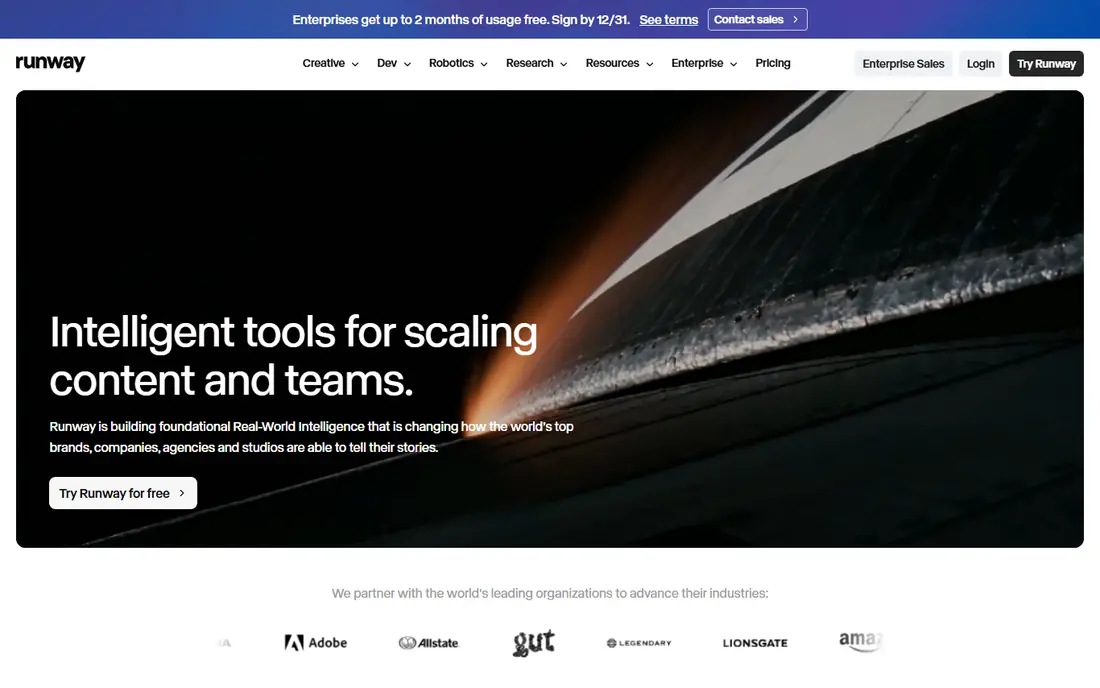
Runway Gen-4 and its later updates are built for filmmakers who want control, not just a prompt box. You can guide motion, adjust camera movement, keep a character consistent across shots, and edit footage you already have. That control surface is why many professional teams pick Runway even when another model wins on a single benchmark.
Free credits let you evaluate it, but serious work needs a paid plan. Runway is best when the edit matters as much as the generation, and when you want to shape a clip rather than accept the first result.
- Strong control tools, including camera controls and motion brush
- Editing features for existing footage
- Image to video strength
- Professional workflow
- Free credits are limited to a one time batch for evaluation
- Per clip limits suit short scenes, not long videos

Kling, in version 3.0 during 2026, offers one of the best price to quality ratios in this group. It handles human motion, action, and multi shot sequences well, and its free tier gives daily credits for testing ideas. Paid plans extend clip length and limits without the higher cost of some rivals.
The free tier is useful but not unlimited, and short free clips suit social posts more than long scenes. For creators who iterate often and need many drafts, Kling is a smart first paid choice.
- Strong human motion and action clips
- Free credits for daily use
- Paid plans offer good value
- Text and image to video options
- Free tier clips are shorter than paid clips
- Quality varies by prompt and scene complexity
Pika suits short social clips, creative effects, and stylized video. Its interface is simple, and its free plan lets you try text and image to video without a payment. For TikTok, Reels, and short promos, that speed matters more than the longer clip limits of a cinematic tool.
For film style work, Pika is less strong than Veo, Runway, or Kling. Use it for quick, eye catching social clips, and use a cinematic model when realism and longer scenes are the goal.
- Easy social and creative effects
- Free plan for trying ideas
- Image to video and stylized clips
- Simple interface
- Free plan output may carry a watermark
- Clip length is short by default
- Less suited to long cinematic scenes
Luma Dream Machine, with its Ray models, is known for photorealistic scenes and strong visual detail. It suits product shots, outdoor scenes, and stylized scenes where image quality matters more than dialogue or long narrative. The tool is easy to use, with text and image inputs and a clear generation flow.
Free use is limited, and watermarked output on trial tiers means you should check export terms before using a clip commercially. For high quality short scenes, Luma is a strong option alongside Veo and Runway.
- Strong photorealistic output in later Ray models
- HDR style visuals
- Text and image to video
- Useful for product and scene work
- Free tier is limited and may carry a watermark
- Paid plans are higher than budget rivals
Hailuo, from MiniMax, is a budget friendly choice with strong motion quality. It offers daily free credits and low cost paid plans, which makes it useful for creators who generate many drafts or need volume for social content. Native audio and motion handling are solid for its price.
The free tier has limits, and trial credits can expire, so read the current terms before you rely on it for a project. For cost sensitive work, Hailuo deserves a place next to Kling in your shortlist.
- Low cost for strong motion
- Daily free credits
- Native audio on many clips
- Fast generation for drafts
- Trial credits may expire quickly
- Interface and model names change often, so check the current plan page
Adobe Firefly Video suits brands and teams that care about commercial safety and Adobe workflow. It generates video from text and images, with credits on free and paid plans, and it fits naturally with Express and Premiere for editing and publishing. For marketing teams already in Adobe tools, that integration saves time.
Pure cinematic quality can lag the top models on some prompts, and credit limits matter for heavy use. If brand safety and workflow matter more than winning a single realism test, Firefly is a sensible pick.
- Designed to be commercially safe for brands
- Integrates with Adobe Express and Premiere workflows
- Credits on free and paid plans
- Familiar Adobe interface
- Output can be less cinematic than Veo or Runway for some scenes
- Credit limits shape how much you can generate
HeyGen solves a different job from the rest of this list. Instead of generating a cinematic scene, it creates avatar led videos from a script, with lip sync, voice, and translation options. That makes it ideal for training, onboarding, product explainers, and marketing videos that need a presenter without filming one.
It will not replace Veo or Runway for narrative film. If your goal is a presenter led video at scale, HeyGen, along with Synthesia, is the right category. Start with a short script, check the avatar and voice, and scale only if the result fits your brand.
- Realistic avatars for training, marketing, and explainers
- Translation and voice options
- Minutes long talking head videos
- No camera crew needed
- Not a cinematic scene generator
- Avatar quality depends on script, voice, and source footage
- Free tier is limited
How we picked these
We compared official model pages, pricing pages, and current roundups of AI video tools, and we kept only tools that are available in October 2026. Sora was left out because OpenAI closed its consumer app in April 2026 and its API in September 2026, so it is not a tool a new buyer can adopt now. Where a price or credit limit could not be confirmed from the vendor, we wrote See website rather than quoting a figure that may have changed.
How to choose the right tool
Start with the job, not the model. For cinematic ads and social scenes, shortlist Veo, Runway, and Kling. For product and photorealistic scenes, add Luma. For budget volume, add Hailuo. For avatar training and explainers, shortlist HeyGen. Trying to make one tool do every job usually gives a weaker result than pairing two tools.
Next, test with the same prompt across your shortlist. Use one product shot, one dialogue scene, and one action scene, and judge motion, faces, hands, audio sync, and text rendering. Those are the places where models fail most often. Check the export terms too, including watermarks, commercial use, and credit costs per second.
Finally, plan for editing. Most tools produce clips of a few seconds to about 20 seconds, so you will stitch clips in CapCut, Premiere, or a similar editor for a longer video. A tool that exports cleanly and keeps characters consistent across clips will save more time than a tool that wins on a single clip.
Frequently asked questions
What are the best AI video generation tools in March 2026?
This list reflects current October 2026 availability, because models and access changed during 2026, including the closure of Sora. For current use, Veo, Runway, and Kling are the strongest general choices, with HeyGen for avatar video and Firefly for brand safe work. A March ranking would now be out of date for buying decisions.
Is Sora still available?
No, not as a new consumer product. OpenAI closed the Sora consumer app in April 2026 and closed the Sora API in September 2026, according to current roundups. We left it out of this list for that reason, and readers should not build a new workflow on it.
How long can AI generated video clips be?
Most text to video tools generate clips from a few seconds to about 20 seconds, depending on model and plan. Veo, Runway, Kling, and Pika all sit in that range for standard clips. Avatar tools such as HeyGen can produce minutes long talking head videos, since they are not bound by the same per clip scene limits.
Which AI video generator is free?
Kling, Pika, Hailuo, Luma, Firefly, and HeyGen all offer free tiers or trial credits, with limits on resolution, watermarking, or daily credits. Veo offers a limited free tier through Google tools, and Runway offers limited free credits for evaluation. For regular commercial use, a paid plan is usually needed.
Which tool is best for beginners?
Pika and Kling are easy starting points for short social clips, with simple prompts and free tiers. Veo through Gemini is also simple for a first cinematic clip. Runway suits users who want more control, but its interface and credit system take a little longer to learn.
Can I use AI generated video commercially?
It depends on the tool, plan, and export terms. Some free tiers watermark output or limit commercial use, while paid plans usually allow broader use. Always check the current terms of service for the tool you use, and avoid generating video that copies a real person, brand, or copyrighted work without permission.
Sources
- https://deepmind.google/models/veo/
- https://runwayml.com
- https://klingai.com
- https://pika.art
- https://lumalabs.ai/dream-machine
- https://hailuoai.video
- https://www.adobe.com/products/firefly.html
- https://www.heygen.com
- https://techdailyai.com/blog/best-ai-video-generator
- https://techietory.com/best-ai-video-generators-2026/
- https://toolchase.com/blog/best-ai-video-generators-2026/
See where you really rank - block by block
ProMapRanker scans Google Maps across a grid of your service area. Simple monthly plans from $19, white-label on every plan.
Start freeKeep reading
 outreach alternatives
Outreach Alternatives in 2026
Compare outreach alternatives for 2026, from Salesloft and Apollo to HubSpot and Lemlist, with pricing, channels, features, limits, and honest trade-offs.
Read → best web conference tools
Best Web Conference Tools in 2026
Compare the best web conference tools for meetings, webinars and team calls, with current pricing, free plans and honest limits for each option here today.
Read → best voice cloning tools
Best Voice Cloning Tools in 2026
Compare the best voice cloning tools in 2026, from ElevenLabs and Descript to Resemble and Cartesia, with consent rules, pricing, licenses, and limits.
Read →