 ProMapRanker
Best AI Video Editing Software in 2026


Talking-head video, podcasts, and interview editing · Pricing starts at: $16 per month, billed annually
Key takeaways
- Descript fits talking-head and podcast video best, because editing the transcript edits the video, while Premiere Pro still gives the deepest manual control.
- DaVinci Resolve is the strongest free starting point for serious editing, and CapCut is the fastest route to short social clips.
- Generative tools such as Runway are best treated as clip makers and visual effects helpers, not as replacements for a full timeline editor.
- Credit limits, export resolution, and watermark rules matter more than a low headline price, so check those limits before you pay.
Quick comparison
| Pick | Great for | Pricing starts at | Free tier | |
|---|---|---|---|---|
| Descript | Talking-head video, podcasts, and interview editing | $16 per month, billed annually | Yes, limited | Visit |
 CapCut CapCut | Short-form social video on phone and desktop | $19.99 per month for Pro | Yes | Visit |
 Adobe Premiere Pro Adobe Premiere Pro | Professional editors and agencies | $22.99 per month | No, 7-day trial | Visit |
 DaVinci Resolve DaVinci Resolve | Serious editors who want a strong free plan | $295 one-time for Studio | Yes | Visit |
 Runway Runway | Generative video, inpainting, and creative effects | $12 per month, billed annually | Yes, limited credits | Visit |
 Pictory Pictory | Turning scripts, articles, and long videos into finished clips | $25 per month, billed annually | No, 14-day trial | Visit |
 VEED VEED | Browser-based video for marketers and small teams | $9 per month, billed annually | Yes, limited | Visit |
 Opus Clip Opus Clip | Turning podcasts, webinars, and long videos into shorts | $15 per month | Yes, limited | Visit |
The best AI video editing software
These picks cover two different jobs. Some tools speed up editing footage you already shot. Others create new footage from text or images. We kept both kinds in the list, and each write-up says which job it does best.
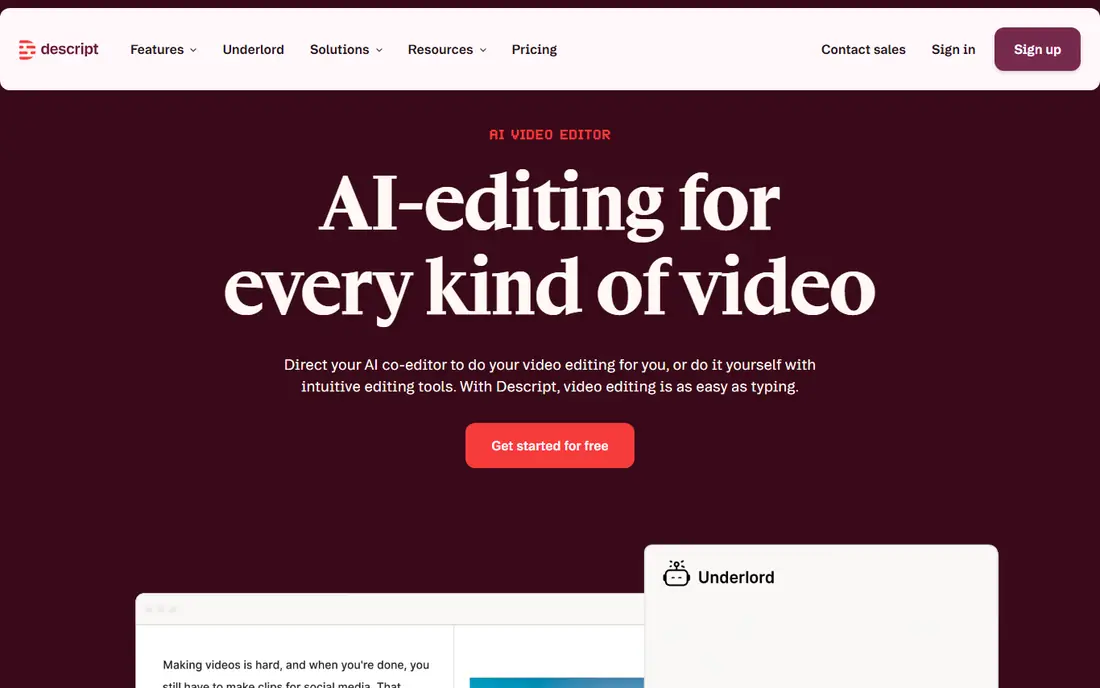
Descript changes the editing surface itself. Instead of scrubbing a timeline first, you read a transcript, delete a sentence, and the matching video goes with it. For podcasters and solo creators who record long talking-head sessions, that shortcut removes hours of cutting pauses and repeated takes. Automatic captions and filler-word removal fit the same workflow, since both clean up speech-heavy video quickly. The catch is scope. Descript is not the tool we would pick for a short film with layered effects, detailed colour work, and precise frame-level cuts. Its strength is speed on spoken content, and its paid tiers are priced for creators who publish that kind of content often. Try the free plan on a real episode before paying, and check how many transcription minutes your plan includes.
- Transcript editing, filler-word removal, automatic captions, voice cloning option
- Less suited to complex cinematic editing, higher tiers get expensive for teams
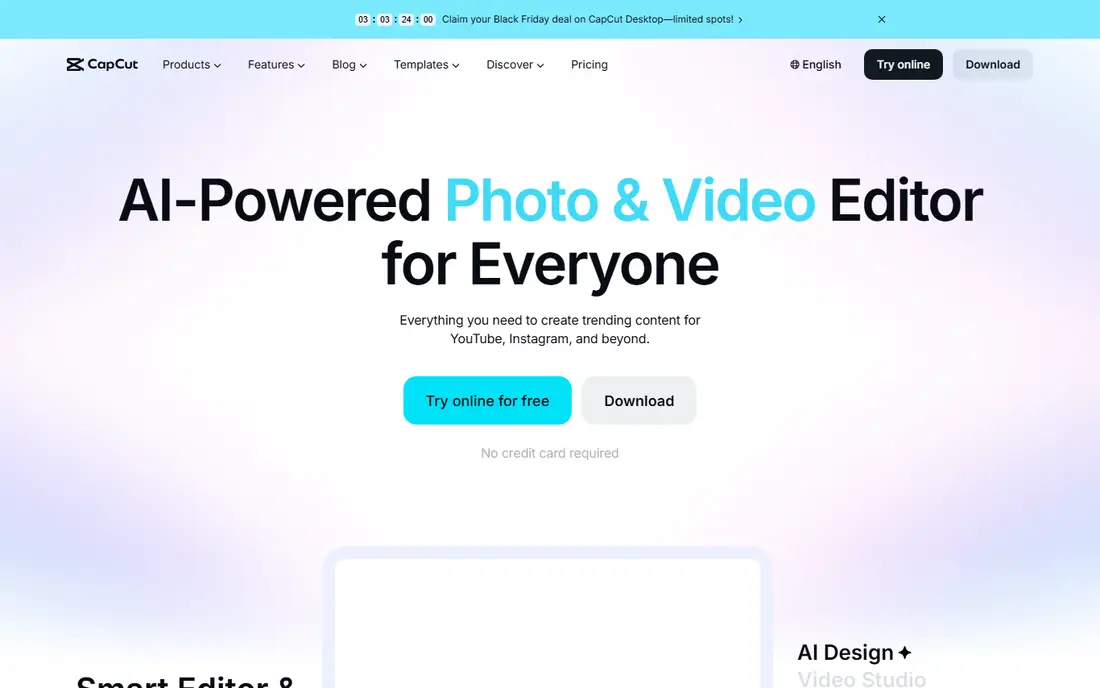
CapCut wins on speed for vertical video. Open a clip, add auto-captions, drop in a trending template or effect, and you have a post-ready edit in minutes rather than an evening. Background removal and text tools are built for creators who film on a phone and publish the same day. The free plan covers a lot of everyday posting, which is why so many new creators start here. The trade-off shows up when a project grows. Longer edits, careful audio mixing, and detailed colour work feel cramped next to Premiere Pro or DaVinci Resolve. Paid features also shift over time, so confirm which tools are in Pro before you upgrade. For daily Reels, TikTok clips, and Shorts, though, CapCut is hard to beat on pace.
- Fast auto-captions, templates, background removal, large effects library
- Some features sit behind Pro, desktop workflow is lighter than a pro editor
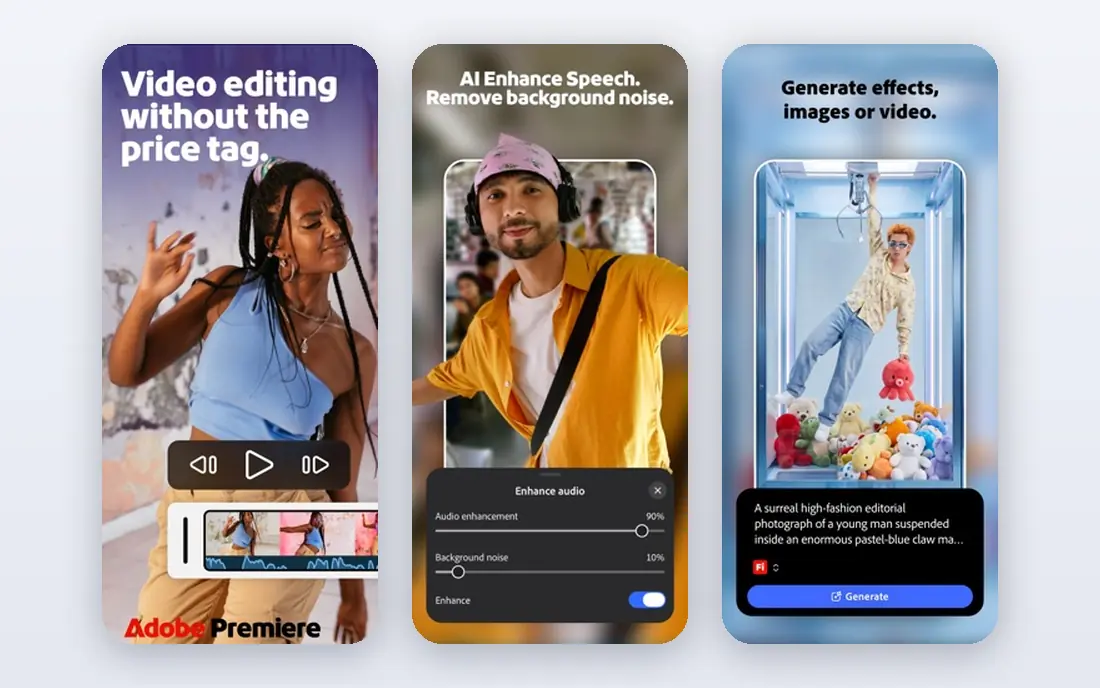
Premiere Pro remains the reference point for professional work, and its AI tools now remove busywork instead of replacing judgment. Speech-to-text creates a searchable transcript, AI audio tools clean up noisy room tone, and Generative Extend can add a brief extension to a clip when a cut lands a little short. Those features help on client work where deadlines are tight and revisions are frequent. Beginners should be honest about the learning curve. The interface assumes you know editing terms, and the subscription keeps charging whether you edit weekly or monthly. If you edit client projects, produce YouTube videos with layered graphics, or work in a team that already uses Adobe tools, the price is easier to justify. Casual creators will get faster results elsewhere.
- Full timeline control, AI audio cleanup, text-based editing, broad format support
- Subscription cost adds up, learning curve is steep for beginners
DaVinci Resolve is the exception to the subscription pattern in this list. The free version handles multi-track editing, colour grading, audio mixing, and AI-assisted masking well enough for many professional projects. Smart reframe, face tracking, and audio classification reduce repetitive work without forcing you into a monthly plan. For students, freelancers, and small studios, that combination is difficult to match. Studio, the one-time paid version, adds higher-end tools, stereoscopic work, and extra AI features. Before buying it, test the free version on your own computer, because Resolve rewards a capable machine and a decent graphics card. The interface also takes time to learn, especially the colour and audio pages. If you can invest that time, you get pro-level tools without a recurring bill.
- Powerful free version, strong colour tools, AI masking and reframing, no monthly fee for the base app
- Demanding on older computers, interface can overwhelm new editors
Runway is the most creative tool here, and also the least like a normal editor. You can generate a short clip from text, turn a still image into motion, remove an object from a scene, or restyle footage. For ads, music visuals, and concept work, that opens shots that would be costly or impossible to film. The free starter credits let you test the models before committing. Treat generated clips as raw material, not finished scenes. Hands, faces in motion, and fast action can still look wrong, and you will often generate several versions to get one usable take. Credits are the real budget question, because a low monthly price means little if every experiment costs credits. Pair Runway with a timeline editor, and use it for moments that need something unusual.
- Text-to-video and image-to-video generation, object removal, style transfer
- Credits run out fast on longer work, output needs checking for odd motion and artefacts
Pictory suits marketers, educators, and teams that publish often and start from words. Paste a script or article, pick a style, and Pictory builds a captioned draft with scenes, voiceover options, and stock visuals. That draft saves the blank-page stage of video production, and the same tool can cut a long webinar into shorter clips for social channels. The result still needs a human pass. Stock footage can feel generic if you accept every automatic match, and voiceover choices matter more than the template. Pictory is strongest when you bring a clear script and a willingness to swap scenes and tighten captions. If you want full control over camera work and editing, a timeline editor will suit you better.
- Script-to-video workflow, automatic captions, stock footage matching, clip repurposing
- Less control over each shot, stock-heavy results can feel generic
VEED removes the install step, which matters for teams on shared or locked-down computers. You open a browser, upload footage, add subtitles, and export a captioned video for a landing page, course, or social post. Templates and subtitle styles keep output consistent across a team, and collaboration features help when several people review the same draft. Long, effects-heavy projects are not its sweet spot. Browser editing depends on your connection and computer, and exports can feel slow on lengthy timelines. For short marketing videos, training clips, and social posts, VEED is a practical middle ground between a phone app and a desktop editor. Check export resolution and watermark rules on the free plan before using it for client work.
- No install needed, auto-subtitles, templates, team collaboration features
- Browser editing can lag on long projects, advanced effects are limited
Opus Clip answers a specific question: which parts of a long video deserve a second life as shorts. Upload a podcast or webinar, and it finds candidate moments, reframes them for vertical screens, and adds captions. For creators who record once and need a week of social posts, that repurposing step used to take longer than the recording itself. Do not publish its picks blindly. Automatic scoring reflects patterns in past short videos, not whether a clip fits your audience or your message. Review each clip for context, cut awkward starts and ends, and keep the ones that stand alone without the full episode. Used that way, Opus Clip turns one recording into useful raw material, and you stay the editor in charge of taste.
- Automatic clip selection, viral scoring, auto-reframing, captions
- Clip choices need review, scoring is a guide rather than a guarantee
How we picked these
We compared official feature pages, pricing pages, app store listings, and public reviews, and we kept only tools that exist and work in October 2026. We favoured tools that cover a clear job, such as transcript editing, social posting, professional timelines, or generative clips, rather than tools that list AI features without a useful workflow behind them. Pricing in this article reflects the starting paid plan shown in our research, and we wrote "See website" in other articles in this series when a price could not be verified. Where a price depends on annual billing, we said so in the table and the write-up.
What to check before you pay
A headline price rarely tells the full story with AI video tools. Credits, minutes, and export limits decide what a plan actually lets you finish each month.
Credits and minutes
Generative tools charge in credits, and transcript tools often limit transcription minutes. A plan that looks cheap can become expensive if you generate many versions or transcribe long interviews. Start with a free plan or trial, run a typical project through it, and count what you used. That test beats any feature list.
Export quality and watermarks
Check the maximum export resolution, whether the free plan adds a watermark, and whether commercial use is allowed on your plan. Social clips may be fine at lower resolutions, but client work and YouTube videos need clean, high-resolution exports. If a tool hides those details, ask support before subscribing.
Your footage and your workflow
Match the tool to the footage you actually shoot. Talking-head creators gain most from transcript editing and captions. Social creators gain most from templates, reframing, and fast exports. Professional editors gain most from timeline control, colour tools, and format support. Buying a generative tool when you mainly need faster cutting will waste money, and the reverse is also true.
Privacy and ownership
Read the terms for training use, ownership of outputs, and how uploaded footage is stored. This matters most for client work, unreleased products, and videos with private information. If a vendor is unclear about those points, keep sensitive footage in a desktop editor instead.
Frequently asked questions
Which AI video editing app is the best right now?
There is no single winner, because the best choice depends on your footage. Descript leads for talking-head and podcast video, CapCut leads for fast social clips, and Premiere Pro or DaVinci Resolve lead for professional timelines. Pick the tool that matches the videos you make most often, then add a generative tool only if you need new footage.
What are the best AI video editing apps for beginners?
CapCut and VEED are the easiest starting points in this list. CapCut is fastest on a phone for social video, while VEED works in a browser with templates and subtitles. Pictory also suits beginners who start from a script rather than from camera footage. All three let you finish a usable video without learning a full professional interface first.
What is the best free video editing software with AI features?
DaVinci Resolve has the strongest free plan for serious editing, with colour tools and AI-assisted masking included. CapCut also has a useful free plan for short social video, though some features require Pro. Free plans in this category usually limit exports, credits, or resolution, so check those limits before planning client work around them.
Which is the best AI video editing tool for YouTube creators?
Descript suits YouTube creators who film talking-head videos, tutorials, and interviews, because transcript editing speeds up the rough cut. Premiere Pro or DaVinci Resolve suit creators who need detailed control over pacing, graphics, and colour. Opus Clip is a useful add-on for turning a long YouTube video into Shorts, rather than a replacement editor.
Can AI video editing tools replace a human editor?
They can replace repetitive steps, such as captioning, silence removal, reframing, and first-pass clip selection. They cannot yet replace judgment about story, pacing, and which moment deserves to stay in a video. The best results in this list come from using AI for the rough work and keeping a person in charge of the final cut.
Do I need a powerful computer for AI video editing?
Browser tools such as VEED and cloud tools such as Runway shift much of the work to remote servers, so a modest computer can work. Desktop editors such as Premiere Pro and DaVinci Resolve need more processing power, memory, and storage, especially for 4K footage. Check the system requirements for your chosen tool and test it with your own footage before paying.
Sources
- https://www.descript.com
- https://www.capcut.com
- https://www.adobe.com/products/premiere.html
- https://www.blackmagicdesign.com/products/davinciresolve
- https://runwayml.com
- https://pictory.ai
- https://www.veed.io
- https://www.opus.pro
- https://pictory.ai/blog/best-ai-video-editor-2026
- https://www.blogpirate.org/best-ai-video-editors/
See where you really rank - block by block
ProMapRanker scans Google Maps across a grid of your service area. Simple monthly plans from $19, white-label on every plan.
Start freeKeep reading
 youtube alternatives
Best YouTube Alternatives in 2026
Looking for youtube alternatives in 2026? We compare Vimeo, Dailymotion, Twitch, Rumble, and more on price, audience, monetization, control and privacy.
Read → what's the best ai tool for photo editing
What Is the Best AI Tool for Photo Editing in 2026
What is the best AI tool for photo editing? We compare ten tools for 2026, from Photoshop and Lightroom to Luminar, Topaz, Canva and mobile editors today.
Read → twitter alternatives
Best Twitter Alternatives in 2026
Compare the best twitter alternatives for 2026, from Bluesky, Threads, and Mastodon to Reddit, Tumblr, and Micro.blog, with free plans and audience notes.
Read →