 ProMapRanker
The 7 Best AI Video Animation Tools to Shortlist in 2026

Key takeaways
- Number one here is Synthesia, a fit for Avatar-led training video.
- One limit worth knowing about Pika: less expensive plans exclude commercial use and watermark-free downloads.
- Kling suits value and realistic motion.
- A free plan is available from 5 of the 7 tools: Synthesia, Pika, Runway, Vidu, Kling.
Direct answer
This list puts Synthesia first for Avatar-led training video. For a different need, Pika covers short social clips and Runway covers editor control plus models. The remaining 4 options are covered below with prices and limits.
Quick comparison
| Pick | Great for | Pricing starts at | Free tier | |
|---|---|---|---|---|
 Synthesia | Avatar-led training video | $29 a month | Yes | Visit |
 Pika | Short social clips | $10 per month | Yes | Visit |
 Runway | Editor control plus models | $15 a month | Yes | Visit |
 Vidu | Reference-driven clips | $10 a month | Yes | Visit |
 Luma | Multi-model workspace | $30 per month | No | Visit |
 Hailuo | Expressive character motion | See website | Free trial | Visit |
 Kling | Value and realistic motion | $10 a month | Yes | Visit |
AI Video Animation Tools compared in detail
Choosing AI video animation tools usually comes down to price, fit and limits. This ProMapRanker guide sets 7 tools side by side on those three points, with the facts kept short and checkable.
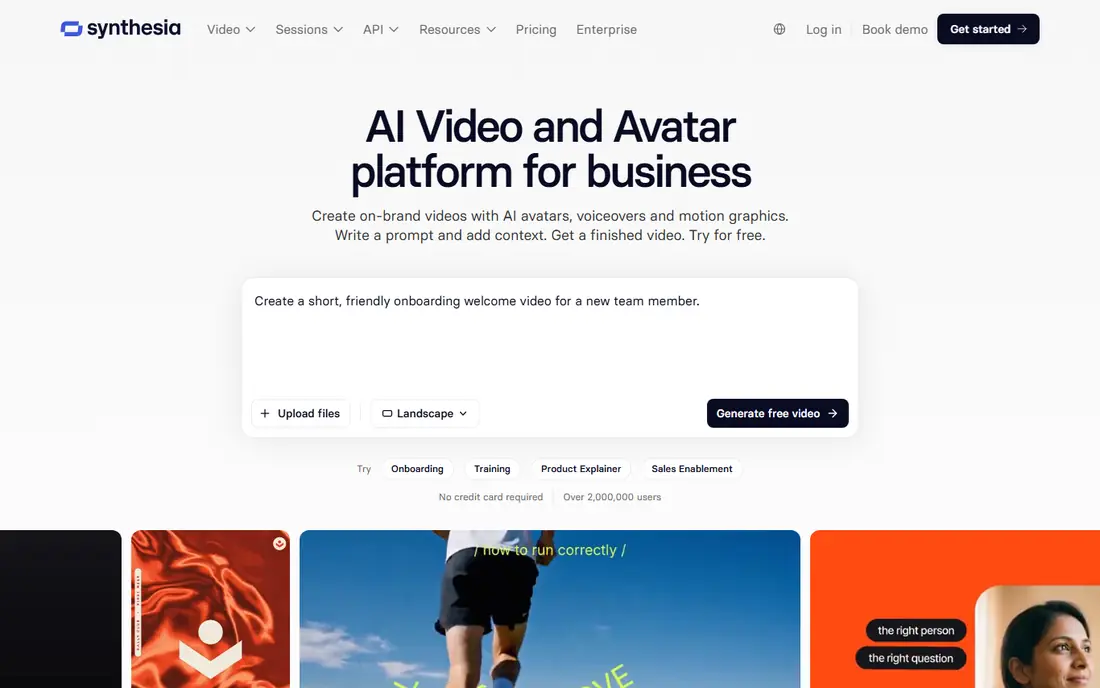
Choose Synthesia for Avatar-led training video. Synthesia solves a different job: presenter-led videos from a script, not generated footage. For everyday use, the free plan provides 500 credits monthly, about 10 minutes of video, watermarked, whereas Starter opens at $29 monthly.
Avatar presenters suit training, onboarding, and business explainers where a human presenter matters more than cinematic footage. Avatar videos cannot replace generated footage for animation or cinematic work. What you pay to start with Synthesia: $29 per month. Synthesia offers a free plan.
Where it falls short: Avatar videos, not generated footage.
- Avatar presenters
- 500 credits monthly free watermarked
- Watermark on free plan
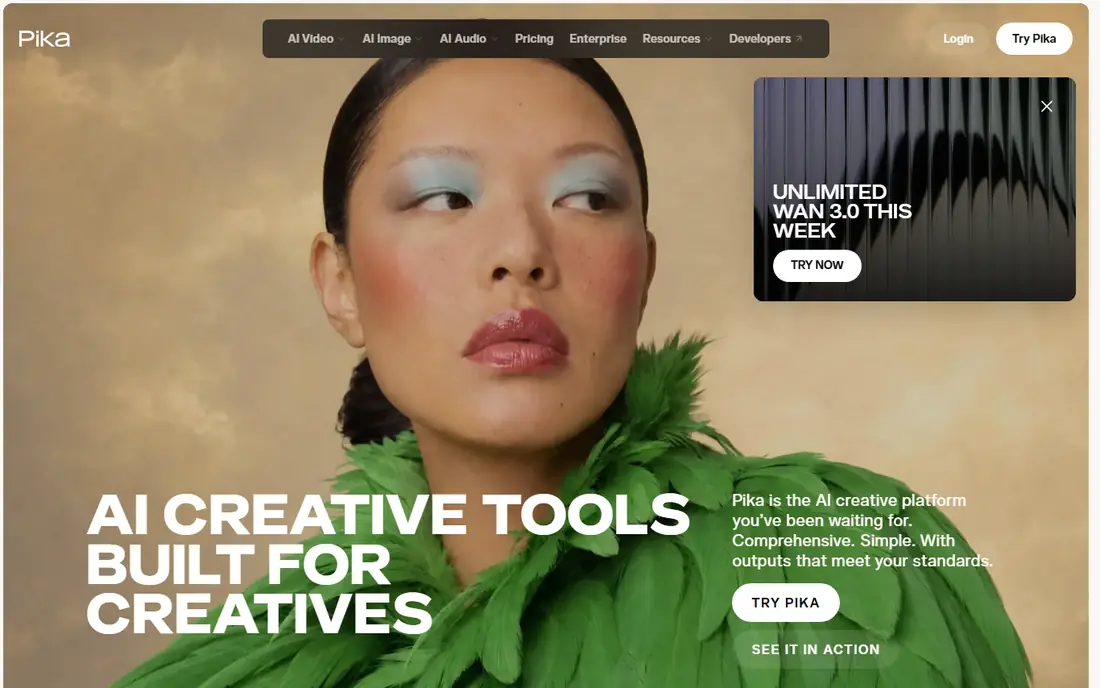
Pika is built with short social clips in mind. For a social creator who wants quick, fun clips with effects, Pika is the best social pick.
Where it is weaker: Less expensive plans exclude commercial use and watermark-free downloads.
On cost, Pika starts like this: $10 per month. Free access exists with Pika. Where Pika stands out: $8 monthly annual.
- Quick social clips
- Free plan at 480p watermarked
- 80 credits monthly free
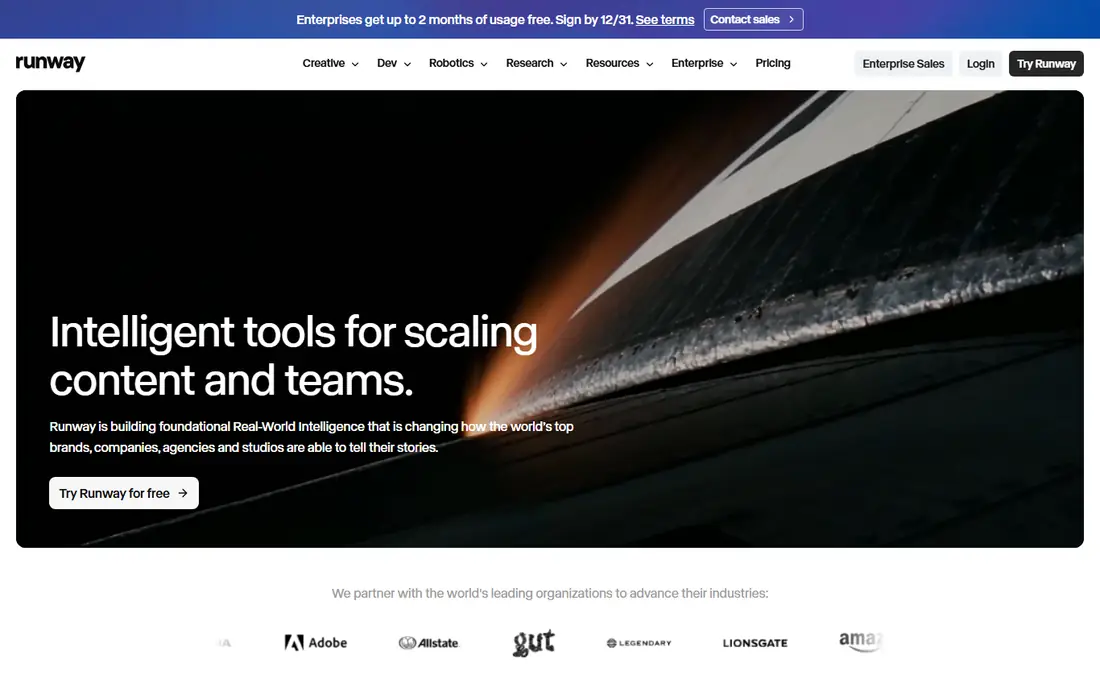
Choose Runway for editor control plus models. Credit math is the catch: published conversions of credits into seconds of Gen-4.5 disagree across sources, and even Runway own pages have shown different figures. Pricing in September 2026 lists Free at 125 one-time credits, Standard at $15 monthly or $12 billed yearly with 625 credits, Pro at $35 or $28 annually with 2,250, and Max at $95 or $76 annually with 9,500.
Drawbacks to consider: Credit conversions vary by source.
On top of that, Runway pairs its Gen-4.5 video model with a broader editing and workflow suite, and hosts some outside models, making it natural if you produce a shot then want to extend, restyle, or clean it up without leaving the app. Max replaced the older Unlimited plan for new subscribers. What you pay to start with Runway: $15 per month. A free plan is available with Runway.
- Hosts outside models
- Editing suite
- $15 monthly, $12 annual
Vidu is aimed squarely at reference-driven clips. Vidu provides reference-driven generation, letting creators anchor clips to reference images for consistent characters and styles.
Upsides: 10 references monthly free.
Worth adding: pricing lists free at 10 references monthly, $10 monthly with 800 credits, $35 monthly with 4,000 credits, and $99 monthly with 8,000 credits. For everyday use, brand recognition trails Runway and Kling, and credit math varies by model. Vidu cost at the entry level: $10 per month. Vidu has a free plan. The main drawbacks: Smaller brand recognition; Credit math varies.
- $10 monthly with 800 credits
- Reference-driven generation
- Mid level $35 monthly
Luma makes the most sense for multi-model workspace. The pricing table now contains multiple outside models, among them Veo 3.1, Kling, and Seedance, so alternatives can also be reached from inside Luma credit system.
As for the details, a five-second, 1080p Ray3.2 text-to-video clip costs 400 credits, working out to roughly 25 such clips from a Plus allowance before retries. It lists no free individual plan in 2026, so older reviews mentioning a free Dream Machine level are out of date. Luma pricing: $30 per month. Luma has no free tier.
Main advantages: Hosts Veo 3.1, Kling, Seedance.
Watch-outs: Plus $30 monthly, $25 annual.
- Frame-level camera control
- Ray3.2 and Ray3.14 models
- No free individual plan in 2026
For expressive character motion, Hailuo is a natural candidate. Hailuo, from MiniMax, fits expressive character motion and stylized, cinematic short clips, with pricing roughly $8 to $15 monthly based on promotion. More specifically, for a creator centred on character-driven animation, Hailuo is a capable expressive pick.
Where it falls short: Pricing varies by promotion.
In daily use, ecosystem and editing tools trail Runway, and pricing varies by promotion. For everyday use, trial credits are one-time only, so test prompts before committing. This comparison lists no price for Hailuo; ask the vendor. Free plan details: Free trial.
- Stylized and cinematic shorts
- Expressive character motion
- One-time trial credits only
Pick Kling if this describes you: value and realistic motion. Kling provides capable cinematic motion and realistic physics at a low monthly price, with 66 daily credits on the free level and Standard at $10 monthly list price, $8.80 after promo, with 660 credits. Reviews flag billing headaches, so check invoices and promo terms carefully.
Drawbacks to consider: API from $0.084 per second at 720p.
Mid levels run $37 monthly or $32.56 continuing with 3,000 credits. Native 4K output and quick iteration suit creators producing plenty of clips per dollar. The starting price for Kling: $10 per month. You can start on Kling without paying.
- Native 4K
- Sharp realistic motion
- Credit math varies
Our selection method
Selection started from tools commonly considered for AI video animation tools, then narrowed to 7 that have clear pricing information or a clear quote process. Seat minimums, billing terms and add-ons can move the real cost, so the starting prices here are a guide and not a quote. The ranking is editorial: typical fit first, then clear pricing, then free access. If your needs are unusual, read the profiles rather than relying on position.
Things to verify first
- Get a written quote from Hailuo; the list shows no starting price for them.
- Check what the free option really includes: Synthesia, Pika, Runway and others offer a free plan, and usage caps differ.
- Use real work to test the free trial from Hailuo, rather than a demo project.
- Before choosing Synthesia, weigh its main limit: $29 monthly Starter.
- Before rolling out Pika, verify the integrations your workflow depends on.
- Ask Vidu whether prices are locked for the first term and what happens at renewal.
Frequently asked questions
What is the cheapest option for AI video animation tools in this list?
On published monthly entry prices, Pika is the lowest here at $10 per month. Entry price is only part of the cost, because seats, add-ons and billing terms can change the total.
Do these tools publish their prices?
Not all of them. Hailuo publishes no starting price, so expect a quote request for it. The rest, Synthesia included, show a starting price, though seats and billing terms still change the final cost.
Is OpenAI Sora still available?
No, OpenAI Sora is no longer available to consumers as of April 2026 based on October 2026 guides. Runway, Kling, and Gemini are safer long-term bets for new subscribers.
Which options for AI video animation tools have a free plan?
Synthesia, Pika, Runway, Vidu and Kling offer a free plan in this list. Free plans usually cap users, projects or features, so check the limits on the vendor page. One other tool offers a trial instead.
Do AI video tools bundle commercial use?
premium plans usually bundle commercial use, but Pika less expensive plans exclude commercial use and watermark-free downloads, requiring Pro for client work.
Can I try these options before paying?
Often, yes. Synthesia, Pika, Runway and others have a free plan and Hailuo offers a free trial. Use your own data and a real task during the test, and check what the free tier or trial limits before you rely on it.
Sources
See where you really rank - block by block
ProMapRanker scans Google Maps across a grid of your service area. Simple monthly plans from $19, white-label on every plan.
Start freeKeep reading
 zoho inventory alternatives
6 Alternatives to Zoho Inventory, Compared on Price and Fit
Zoho Inventory alternatives: 6 tools compared on price, free plans and fit. Katana leads the list for manufacturers. Fit and flaws are laid out for each entry.
Read → zoho crm alternatives
Best Zoho CRM Alternatives (2026)
Need Zoho CRM alternatives? We compare 7 tools on cost, free access and who each suits. Every pick gets a straight assessment. Built for quick decisions.
Read → zelle alternatives
Best Zelle Alternatives in 2026
Compare the best Zelle alternatives for sending money to friends, paying sellers and moving funds abroad, with honest notes on fees, speed and safety in 2026.
Read →