 ProMapRanker
Best AI UX UI Design Tools Software in 2026


Design teams already working in Figma · Pricing starts at: $16 per editor per month
Key takeaways
- Figma, Uizard and Visily cover different starting points: Figma for teams already in Figma, Uizard for non designers, Visily for fast wireframes.
- Prompt to UI is a starting point, not a finished product: expect to edit layout, copy, accessibility and branding before shipping.
- Use only your own or licensed images, and get consent before using a real person's face or voice in generated designs or prototypes.
- Code export varies a lot, from Figma files to working websites, so check what you actually receive before you pay for a generator.
Quick comparison
| Pick | Great for | Pricing starts at | Free tier | |
|---|---|---|---|---|
| Figma | Design teams already working in Figma | $16 per editor per month | Yes | Visit |
 Uizard | Non designers turning ideas into wireframes | $12 per month | Yes | Visit |
 Visily | Fast wireframes from prompts or screenshots | $11 per user per month | Yes | Visit |
 Relume | Website sitemaps and wireframes | $18 per month | Yes | Visit |
 UX Pilot | Prompt based flows inside Figma | $14 per month | Yes | Visit |
 Google Stitch | Free Gemini powered UI drafts | Free | Yes | Visit |
 Framer | Prompt to live website design | $10 per month | Yes | Visit |
 Vercel v0 | Developers turning prompts into React UI | $20 per month | Yes | Visit |
 Banani | High quality multi screen UI flows | $12 per month | Yes | Visit |
The best AI UX UI design tools software
AI UX and UI tools turn a prompt, sketch or screenshot into screens, wireframes or working prototypes, which helps small teams explore ideas before committing to a full design. We compared legitimate creative tools only, and we focused on what each tool actually produces, how it fits a Figma or code workflow, and what its free and paid limits are. A consent note applies throughout: use only images you own or are licensed to use, and get permission before using a real person's face, voice or likeness in a design, prototype or generated asset.
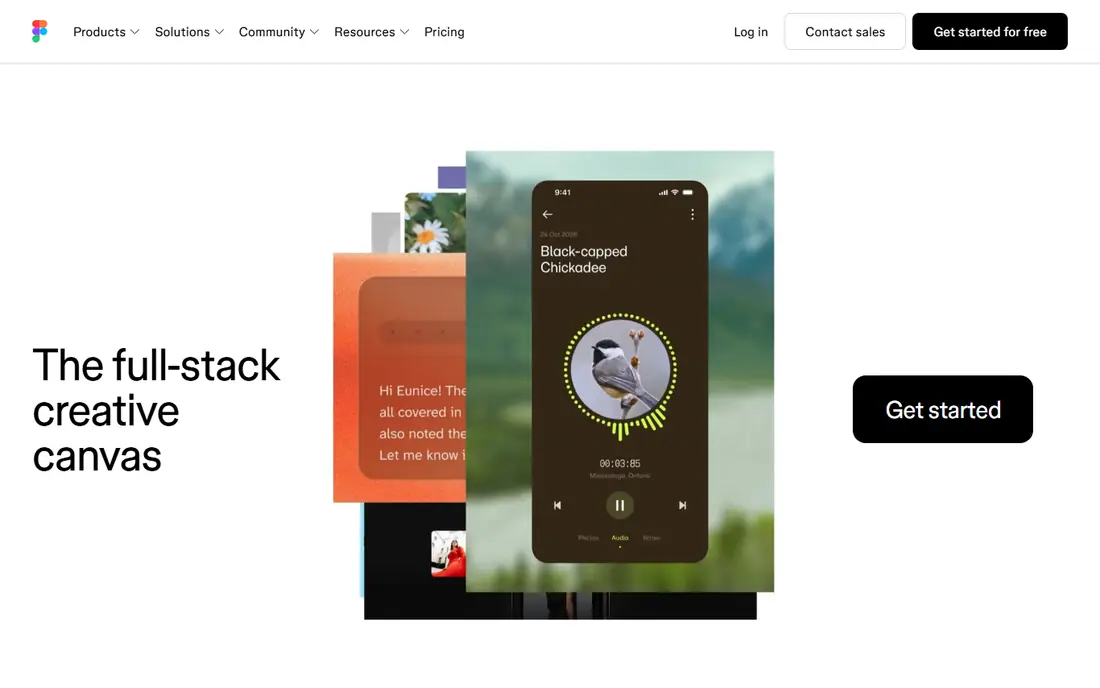
Figma remains the centre of gravity for product design teams, and its AI features build on that position rather than replacing it. Figma Make can turn a prompt into an editable prototype inside Figma, while AI helpers can rename layers, generate copy drafts, remove backgrounds and suggest layout improvements. Because the output stays in Figma, designers can edit components, apply a design system and hand off to developers without exporting to another tool.
The limits are plan and credit based. AI features are not fully available on the free tier in recent listings, and paid plans start at $16 per editor per month for Pro, with AI credits to manage. Figma is also not the best pure prompt to UI generator for a non designer starting from zero. For a team that already designs in Figma, though, it is the most practical AI upgrade path.
- Native Figma workflow with components and collaboration
- Figma Make for prompt to prototype work
- Huge plugin and community ecosystem
- AI features sit on paid plans and use credits
- Standalone generation is weaker than dedicated generators
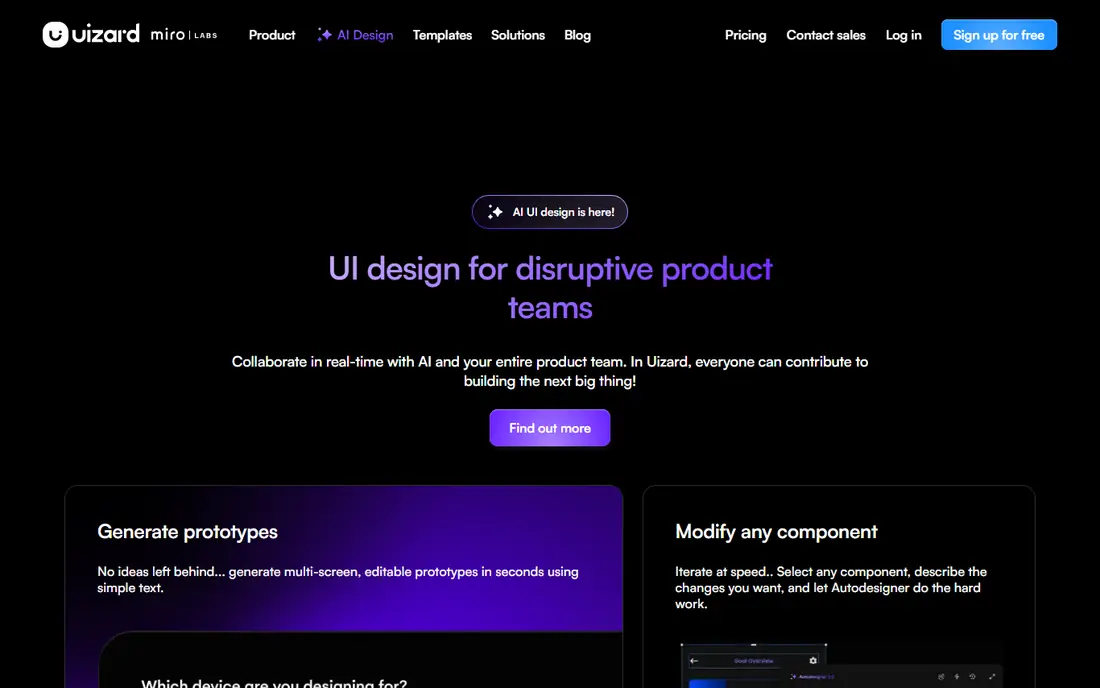
Uizard is built for people who have an idea but not a design background. You can sketch on paper, upload a screenshot or write a prompt, and Uizard turns it into an editable wireframe or UI screen. That makes it useful for founders, product managers and small teams who need to show an idea in a meeting, test a flow with users or brief a designer with something concrete.
The free plan is limited, with only a few AI generations per month in recent listings, and paid plans start at $12 per month. Output quality also depends on the input: a clear sketch or screenshot gives a better result than a vague prompt. If your goal is fast, understandable wireframes without learning Figma first, Uizard is one of the easiest tools here.
- Sketch and screenshot to wireframe conversion
- Very easy for product managers and founders
- Figma export through a plugin
- Free plan limits AI generations
- Best AI features sit behind paid plans
Visily shines in workshops and early product work, where speed matters more than pixel perfection. You can start from a prompt, a hand drawn sketch, a screenshot or a template, and get an editable wireframe or high fidelity screen in minutes. Teams can comment, iterate and export to Figma, which keeps Visily useful as a starting point rather than a dead end file.
Credit limits are the watch point. The free plan includes a limited number of AI credits and boards in recent listings, and paid plans start at $11 per user per month, with credits still shaping how much you can generate. Visily will not replace a designer for a final product UI, but for wireframes, flows and early concepts, it is fast, clear and genuinely useful.
- Prompt, sketch and screenshot to UI conversion
- Large template and component library
- Collaborative editing and Figma export
- AI credits limit work even on some paid plans
- High fidelity polish needs manual editing
Relume is the website specialist in this list. It generates a sitemap from a prompt, then turns pages into wireframes you can edit, export to Figma or build in Webflow. That sitemap first workflow helps agencies and marketing teams agree on site structure before debating colours or copy, and the component library keeps pages consistent.
Mobile app teams will find Relume less relevant, since its strength is marketing and content websites. The free tier covers a limited project, and paid plans start at $18 per month in recent listings. If your next project is a website and you need structure fast, Relume is a focused, practical choice.
- AI sitemaps plus wireframes for websites
- Figma and Webflow workflows
- Strong component library for marketing sites
- Focused on websites rather than mobile apps
- Free project limits are tight
UX Pilot, often written UXpilot, is built around flows rather than single screens. You describe a product or a user journey, and it generates a set of connected screens you can edit in Figma. That flow view helps teams test onboarding, checkout or settings journeys as a whole, instead of polishing one screen in isolation. Predictive heatmaps offer an early, rough signal about where attention may fall, though they do not replace testing with real users.
The free plan is tight, with a limited number of screens and credits in recent listings, and paid plans start at $14 per month. Output quality varies by prompt, and generated copy, spacing and accessibility still need a human pass. For product teams that think in flows and work in Figma, UX Pilot is a strong generator to try.
- Prompt to multi screen flows
- Figma plugin workflow
- Predictive heatmaps for early validation
- Free credits are limited
- Generated screens still need design review and editing
Google Stitch, formerly known in earlier coverage as Galileo AI's successor in Google Labs, offers prompt to UI generation powered by Gemini at no cost during its beta period. You describe an interface, get screens and themes, and copy the result into Figma for further work. For a developer or founder who wants a quick UI draft without a subscription, that free entry point is hard to ignore.
Beta limits are real. Editing, styling defaults and export options are more limited than paid tools, and the product may change as it moves out of Labs. Stitch is best used as a draft generator: get a concept fast, then refine it in Figma or code. If you need production polish, a stable paid tool or a full Figma workflow will serve you better.
- Free in Google Labs
- Gemini powered prompt to UI
- Figma copy export for further editing
- Beta product with limited editing and styling control
- Standard mode export limits apply
Framer turns AI prompts into a live, responsive website you can publish, which sets it apart from wireframe only tools. You can start from a prompt, edit visually, add animations and interactions, and publish to a Framer subdomain or a custom domain on paid plans. That makes Framer useful for landing pages, portfolios and marketing sites where the design and the published site are the same thing.
The scope is websites, not native mobile apps, and paid plans start at $10 per month for Basic in recent listings, with higher plans for more sites and features. Framer is less suited to a complex product UI with a backend, but for a polished, live website from a prompt, it is one of the most complete tools here.
- Prompt to responsive website with live publishing
- Strong visual design tools
- Free tier with a subdomain
- Focused on websites, not mobile apps
- Advanced site features sit on higher plans
Vercel v0, usually called v0, is for developers who want UI code, not just a picture of UI. You prompt it, and it generates React and Next.js components you can run, edit and ship, which shortens the path from an idea to a working prototype. Engineering led teams benefit most, because they can review the code, adjust it and integrate it into an existing codebase.
That code first nature is also its limit for designers. There is no native Figma design file as the main output, and generated code still needs review for accessibility, performance and maintainability. Paid plans start at $20 per month in recent listings, with a free credit allowance to start. If your team builds in React, v0 is a powerful prototyping tool.
- Prompt to working React and Next.js UI code
- Strong fit for engineering led teams
- Fast iteration from prompt to code
- Code output, not a Figma design file
- Needs developer review for production quality
Banani focuses on design quality across a whole flow, not just a single hero screen. You prompt it for a product, get multiple connected screens, and export to Figma or code for further work. Recent listings show a free plan with monthly generations plus daily refreshes, and paid plans from $12 per month, which makes it accessible for founders and small product teams.
Banani does not offer UX research, heatmaps or usability testing tools, so validation still needs real users or another tool. Its community and template library are also smaller than Figma's. If you judge a generator by the quality of its multi screen output, and you want a flow you can actually show to stakeholders, Banani deserves a trial.
- Multi screen flows with strong visual quality
- Figma export and code export
- Generous free generation allowance
- No UX research or heatmap tools
- Newer brand with a smaller community than Figma
How we picked these
We compared official pricing pages, product docs and AI design comparisons, and we kept legitimate creative tools with a live product in October 2026 that generate UI, wireframes or prototypes from prompts, sketches or screenshots. We looked for output quality, Figma or code workflow, editing control, free tier limits and pricing transparency. Tools that only generate images, or that rely on unlicensed likenesses, were not included as UI design tools.
What to check before you buy
Start with the output you need. A wireframe tool, a Figma generator, a website builder and a code generator solve different jobs, and buying the wrong type wastes more time than a weak prompt. Test each tool with the same brief: one onboarding flow, one settings screen and one landing page, then judge editing ease, copy quality, accessibility basics and brand fit.
Next, check rights and consent. Use only your own or licensed images, fonts and brand assets, and get consent before using a real person's face or voice in a prototype. Check AI credit limits, export options and whether generated designs can leave the tool as a Figma file, code or only as an image. Finally, plan a human review step for every generated screen, covering layout, contrast, copy, legal text and user flows, before anything ships to users.
Frequently asked questions
What is the best AI UI design tool for beginners?
Uizard is the easiest starting point for non designers, because sketches and screenshots become editable wireframes with little design knowledge. Google Stitch is a good free alternative for quick drafts, while Figma suits beginners who plan to learn design properly. Start with Uizard or Stitch, then move to Figma when you need full control.
Can AI replace a UX designer?
No. AI tools speed up drafts, wireframes and variations, but they do not replace research, user testing, accessibility judgement or product strategy. Use AI to explore options faster, then let a designer or product team refine flows, test with real users and make final decisions.
Does Figma AI cost extra?
Figma AI features are included in paid plans with AI credits, rather than as a fully free feature, in recent listings. Pro starts at $16 per editor per month, and credit limits apply to AI actions. Check the current Figma pricing page for the plan you use, since AI credits and seat rules change.
Can I export AI generated UI to Figma?
Yes, for most tools here. Uizard, Visily, Relume, UX Pilot, Google Stitch and Banani offer Figma export or copy, while Framer publishes websites and v0 outputs code. Check export quality during a trial, since an export that flattens layers or loses components is far less useful.
Should I use real photos in AI generated designs?
Only with permission or a licence. Use your own photos, licensed stock or generated images that do not copy a real person's likeness without consent. Do not upload a real person's photo or voice into a generator and publish the result without their permission, and check the tool's terms for how inputs are used.
Which tool is best for a landing page?
Framer is best when you want a live, publishable landing page from a prompt. Relume is best when you need a sitemap and wireframes for a larger website first. Uizard and Visily suit early landing page wireframes, while v0 suits a developer building a landing page in React code.
Sources
See where you really rank - block by block
ProMapRanker scans Google Maps across a grid of your service area. Simple monthly plans from $19, white-label on every plan.
Start freeKeep reading
 worlds best local seo company
8 Worlds Best Local SEO Companies for Map Pack Growth in 2026
Compare the worlds best local seo company options for Google Business Profile work, citations, reviews, and multi-location rankings and reporting in 2026.
Read → world's best web hosting company
World's Best Web Hosting Company in 2026
Searching for the world's best web hosting company? We compared 10 hosts on price, renewal rates, speed, and support to help you choose well today in 2026.
Read → who's got the best nanny tax services
Who's Got the Best Nanny Tax Services in 2026
We answer who's got the best nanny tax services, comparing full filing, back taxes, software, and pricing so families can handle nanny taxes correctly.
Read →