 ProMapRanker
Best AI UX Design Tools in 2026


Teams already designing in Figma · Pricing starts at: $16 per editor per month
Key takeaways
- Figma remains the safest base for teams already designing in Figma, with AI features added to paid plans.
- Uizard, Visily and UX Pilot suit non-designers and product managers who need wireframes fast, with free credit tiers to test.
- Google Stitch is the strongest free option for quick concepts, though editing and styling are more limited.
- Credit limits matter more than headline prices, since free and paid plans cap how many screens you can generate.
- AI output still needs human review for accessibility, real content and consistent design systems.
Quick comparison
| Pick | Great for | Pricing starts at | Free tier | |
|---|---|---|---|---|
| Figma | Teams already designing in Figma | $16 per editor per month | Yes | Visit |
 Uizard | Sketch and screenshot to wireframe | $12 per month | Yes | Visit |
 Visily | Wireframes for non-designers | $11 per editor per month | Yes | Visit |
 UX Pilot | Chat-led wireframe iteration | $12 per month | Yes | Visit |
 Google Stitch | Free prompt-to-UI concepts | Free | Yes | Visit |
 Framer | Prompt-to-published website design | $10 per month | Yes | Visit |
 Relume | Sitemaps and wireframes for web projects | See website | Yes | Visit |
 v0 by Vercel | Prompt-to-React interface code | $30 per user per month | Yes | Visit |
The best AI tools for UX design
AI UX tools do different jobs: some turn a prompt into screens, some turn a sketch into a wireframe, and some turn a design into code. The best AI UX design tools in this list cover those jobs, and we compared them on output type, Figma export, credit limits and price.
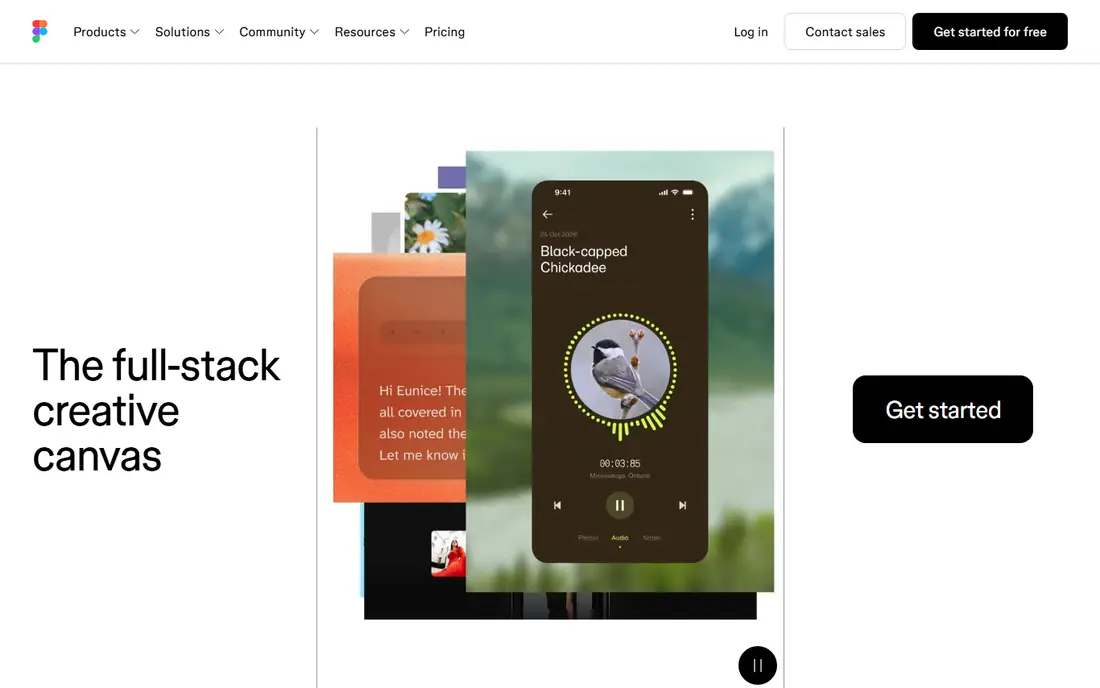
Figma is the default pick for teams that already design, review and hand off work in Figma. Its AI features, including First Draft wireframe generation, layer renaming and content replacement, sit inside the same files your team already shares, so there is no export step to manage. Professional plans start at $16 per editor per month when billed annually, with a free Starter plan for basic use.
The catch is that Figma AI is a helper, not a dedicated generator. A prompt will give you a starting wireframe, but you still need to shape layout, content and visual polish by hand. AI credits also cap daily use on some plans, so heavy generation work may still need a dedicated tool alongside Figma.
- AI features inside the tool teams already use
- Strong collaboration and handoff
- Large plugin range
- Standalone AI generation is weaker than dedicated generators
- AI credits limit daily use
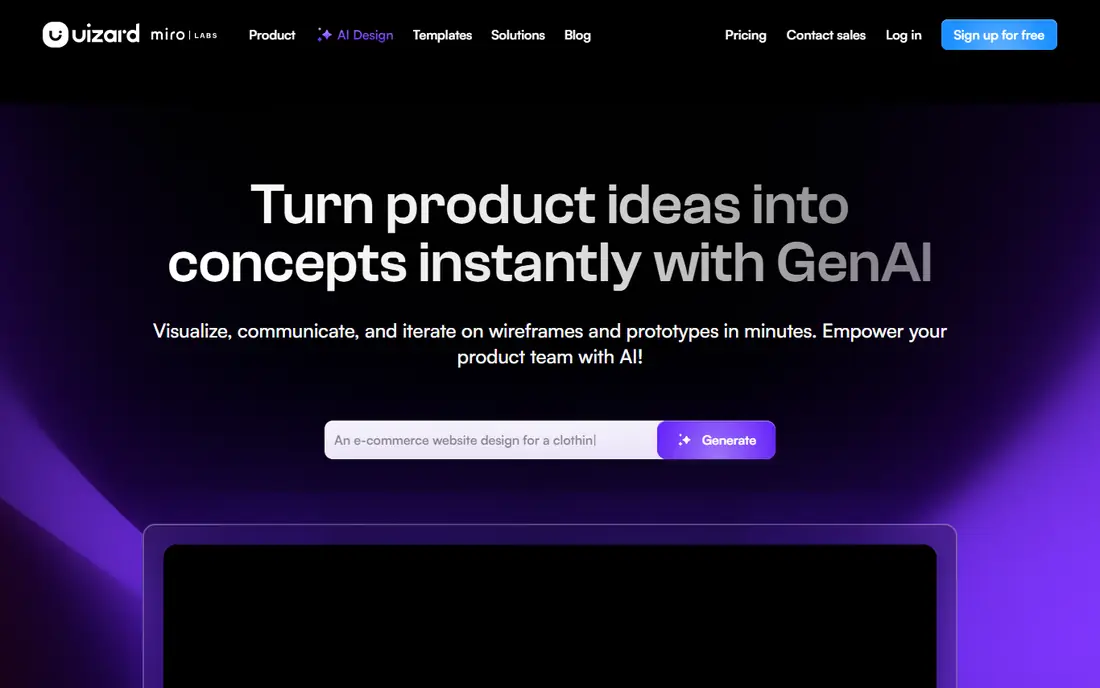
Uizard suits product managers, founders and non-designers who need a wireframe from a rough idea. You can type a prompt, upload a sketch or drop in a screenshot, and Uizard turns it into editable screens. Paid plans start at $12 per month when billed annually, with more generations and projects than the free tier.
The free tier is limited, with only a few AI generations per month, so it works for testing, not for regular production work. Visual polish also needs manual work in Uizard or Figma, since generated screens are a starting point rather than a finished design system. For early concepts and stakeholder reviews, Uizard is fast and easy to learn.
- Sketch and screenshot conversion
- Multi-screen prototypes
- Figma integration
- Free tier allows only a few generations per month
- Best AI features need a paid plan
Visily is built for teams that need wireframes without hiring a designer for every early idea. Its screenshot-to-wireframe tool turns an existing screen into an editable layout, which helps when you want to redesign a flow rather than start from a blank page. Pro plans start at $11 per editor per month when billed annually, with a free tier that includes a monthly credit allowance.
Credit limits are the main drawback, since even paid plans cap AI use, and free exports can carry a watermark. Visily fits early-stage teams and product managers who share wireframes for feedback, rather than designers who need pixel-perfect output every day.
- Screenshot-to-wireframe conversion
- Simple editor
- Figma export
- Credit limits apply even on paid plans
- Watermark on some free exports
UX Pilot stands out for its chat-led workflow. You describe a screen, generate a wireframe, then ask for changes in plain language instead of redrawing layouts by hand. That loop suits product managers who iterate on flows with stakeholders, since each revision stays in the same project. Paid plans start around $12 per month when billed annually, depending on credit pack.
The free allowance is small, so regular use needs a paid plan, and generated screens still need design review for spacing, hierarchy and real content. UX Pilot is strongest when you treat it as a fast iteration partner, not as a replacement for a designer on a finished product.
- Chat-based revisions
- Wireframe to high-fidelity flow
- Figma export
- Free credit allowance is small
- Visual quality needs manual polish
Google Stitch is the best free AI UX design tool for quick concepts, since it has no paid plan and offers a generous monthly generation allowance in its current form. You type a prompt, get screens in light or dark themes, and paste results into Figma or export front-end code. That makes it easy to test an idea before you commit to a paid tool.
Editing is more limited than in Uizard or Figma, and styling defaults can make different projects look similar. Stitch also caps daily use, so it suits concept work and early exploration rather than high-volume production. For students, founders and developers on a tight budget, it is a strong starting point.
- Free to use
- Prompt-to-UI with Figma paste and front-end code
- Gemini-powered generation
- Limited editing and styling defaults
- Daily generation caps
Framer is less of a pure UX wireframe tool and more of a design-to-published-site tool, which is why it earns a place here for web projects. You can generate a site from a prompt, refine it visually, and publish it without a separate developer step. Basic plans start at $10 per month per site, with a free tier to try the editor.
Per-site pricing means costs rise with each client or project site, and Framer is weaker for multi-screen mobile app flows than Uizard or UX Pilot. If your UX work ends in a marketing site or landing page, Framer is a strong pick. If it ends in a native app, pair it with Figma instead.
- AI generation plus publishing
- Interactive prototypes
- Strong visual output
- Per-site pricing
- UX app flows are not its main strength
Relume suits web designers who start with structure, not a single screen. You describe a site, get a sitemap, then generate wireframes for each page from a shared component library. Export to Figma and Webflow keeps the work moving from planning to build without redrawing every page.
Pricing is less transparent than rivals, since Relume does not always show a flat entry price without signing in, and its strength is web projects rather than mobile app flows. For agencies that build many marketing and product sites, the sitemap-first workflow saves real planning time.
- AI sitemaps and wireframes
- Figma and Webflow export
- Component library
- Pricing not shown as a simple flat rate without signing in
- Web-focused, not app-focused
v0 by Vercel is the pick for developers who want interface code, not just a design file. You prompt for a screen or component, get React code built with common interface components, and deploy it to Vercel or copy it into your own project. Plus plans start at $30 per user per month, with a free tier that includes a monthly credit allowance.
The trade-off is clear: v0 gives you code, so designers who work only in Figma will need a developer to use the output well. It also suits React and Next.js projects best, so teams on other stacks should check fit first. For front-end teams, v0 shortens the gap between a UX idea and a working screen.
- Clean React and Next.js code output
- Shadcn interface components
- Vercel deployment
- Code output, not a design file
- Higher price for team use
How we picked these
We compared official pricing pages, feature lists and export options for AI tools that generate or improve UX screens in October 2026. We favored tools with a working free tier or trial, Figma or code export, and a clear output type, and we excluded tools that only generated images with no editable screens or code. We did not claim hands-on design trials, and we treated generated screens as drafts that need human review.
How to choose the right tool
Start with the output you need. If you need a Figma file for a design team, pick Figma, Uizard, Visily, UX Pilot or Relume. If you need working code for a developer, pick v0 or Google Stitch. If you need a published website, pick Framer. That single choice removes half the list at once.
Next, check credits and seats. Free tiers look generous until you hit a daily or monthly generation cap, and per-seat or per-site pricing changes the total for a team. Run one real project through a trial, with real content and a real design system, before you pay for a year.
Keeping AI output usable
AI screens often use placeholder text, generic layouts and weak contrast, so review every screen for real content, accessibility and brand fit. Keep a shared component library and style rules, and use AI for first drafts and variations, not for final decisions. A short human review pass will catch problems that a generation score cannot show.
Frequently asked questions
Which AI UX design tool is best for beginners?
Uizard and Visily are the easiest starts for beginners, since both turn prompts, sketches or screenshots into editable wireframes with little design skill needed. Google Stitch is also a good free start for quick concepts. Figma is better once you already know basic design tools.
What is the best AI tool for UX design in Figma?
Figma itself is the best choice if your team already works in Figma, since AI features sit inside your existing files and handoff flow. Uizard, Visily, UX Pilot and Relume all export to Figma, so you can generate elsewhere and finish in Figma when needed.
Are there free AI UX design tools?
Yes. Google Stitch is free, and Figma, Uizard, Visily, UX Pilot, Framer, Relume and v0 all offer free tiers with credit limits. Free tiers suit testing and small projects, but regular production work usually needs a paid plan for more generations.
Can AI replace a UX designer?
No, AI can speed up first drafts, variations and wireframes, but it cannot replace research, testing, accessibility judgment and product decisions. Use AI to explore options faster, then have a designer refine the chosen direction with real users and real content in mind.
What should I check before paying for an AI UX tool?
Check the output type, Figma or code export, credit limits, seat or site pricing, and whether generated screens keep your brand styles. Also check data handling, since prompts may include product ideas you want to keep private.
Sources
See where you really rank - block by block
ProMapRanker scans Google Maps across a grid of your service area. Simple monthly plans from $19, white-label on every plan.
Start freeKeep reading
 zoho inventory alternatives
6 Alternatives to Zoho Inventory, Compared on Price and Fit
Zoho Inventory alternatives: 6 tools compared on price, free plans and fit. Katana leads the list for manufacturers. Fit and flaws are laid out for each entry.
Read → zoho crm alternatives
Best Zoho CRM Alternatives (2026)
Need Zoho CRM alternatives? We compare 7 tools on cost, free access and who each suits. Every pick gets a straight assessment. Built for quick decisions.
Read → zelle alternatives
Best Zelle Alternatives in 2026
Compare the best Zelle alternatives for sending money to friends, paying sellers and moving funds abroad, with honest notes on fees, speed and safety in 2026.
Read →