 ProMapRanker
Best AI UI Design Tools in 2026


Design teams already in Figma · Pricing starts at: $16 per editor per month
Key takeaways
- AI UI tools differ sharply: some make editable wireframes, while others build live websites or app code.
- Credit limits often matter more than the monthly price, because heavy use can push you into extra credits.
- Figma suits teams already in Figma, while Uizard and Visily suit non-designers who need fast wireframes.
- Framer and v0 suit teams that want a live, clickable result rather than a static mockup.
- Always check the current credit allowance and export options before committing to a paid plan.
Quick comparison
| Pick | Great for | Pricing starts at | Free tier | |
|---|---|---|---|---|
| Figma | Design teams already in Figma | $16 per editor per month | Yes | Visit |
 Uizard | Non-designers and fast wireframes | $12 per month | Yes | Visit |
 Framer | Prompt to live website | $10 per month | Yes | Visit |
 Visily | Screenshot and prompt wireframes | $11 per editor per month | Yes | Visit |
 v0 by Vercel | Prompt to working app code | $30 per user per month | Yes | Visit |
 Relume | Sitemaps and website wireframes | $18 per month | Yes | Visit |
 UX Pilot | Prompt-based UX flows | $12 per month | Yes | Visit |
 Google Stitch | Free Gemini-powered UI drafts | Free | Yes | Visit |
The best ai ui design tools
We compared official pricing pages and recent pricing roundups, focusing on what each tool actually produces. A tool that makes a pretty image is not the same as a tool that makes an editable design or working code. Pick by output first, price second.
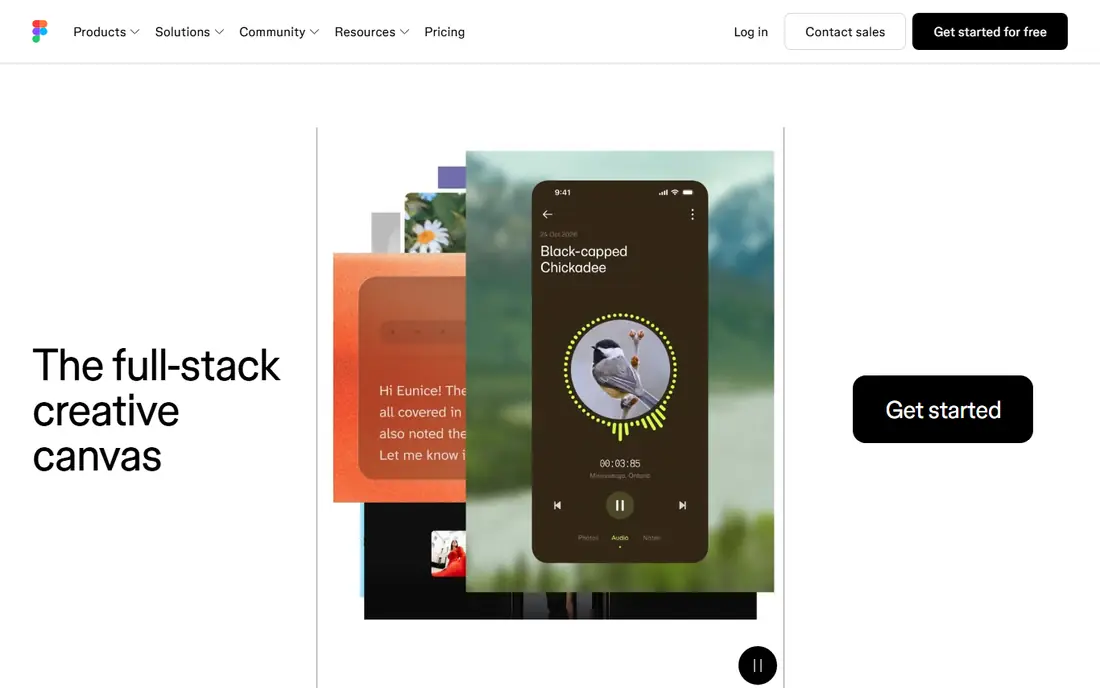
Figma is the safest pick for teams that already design in Figma. Its AI features, including Figma Make, generate editable UI from a prompt inside the same file where designers work on components, prototypes, and developer handoff. That continuity matters, because an AI draft that lives outside the design system often gets rebuilt from scratch.
The limit is cost and credits. Recent roundups cite $16 per editor per month for Professional on annual billing, with a daily AI credit allowance on paid plans. Free users get less AI access, so a team that wants heavy AI use should budget for paid seats and check credit rules. Test Figma Make on a real screen from your product before assuming it matches your component library.
- Full design system support
- Team collaboration
- AI features inside a familiar canvas
- AI credits are limited
- Full AI value needs a paid seat
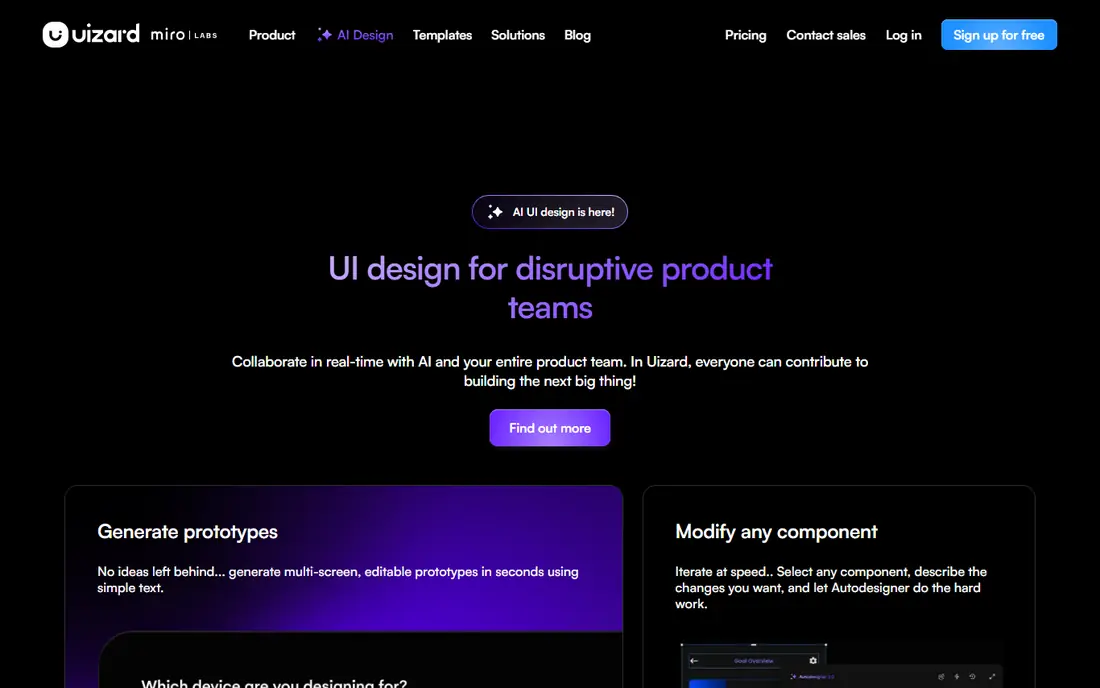
Uizard suits founders, product managers, and small teams that need a wireframe fast without learning a design tool. Its Autodesigner turns a text prompt or a sketch into editable screens, and its templates cover common app and web patterns. Recent pricing roundups cite $12 per month on annual billing, with a free tier that allows only a few AI generations per month.
That free limit is the main catch. Three generations per month is enough to test the tool, but not enough for a real project. Paid output also needs polish, because AI screens often use generic layouts and copy. Use Uizard for early direction and stakeholder feedback, then hand the best direction to a designer for refinement.
- Text-to-UI generation
- Easy for non-designers
- Figma export options
- Small free generation allowance
- Output needs design polish
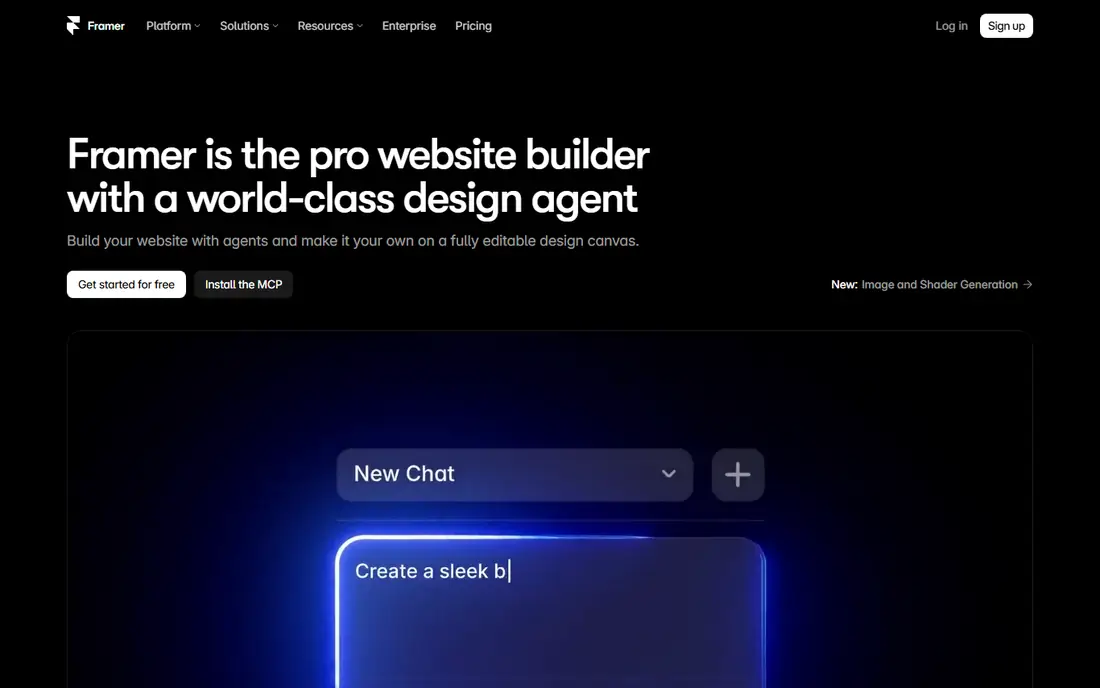
Framer stands out because its AI output is a live website, not a static image. A prompt can produce a responsive page that you can edit visually and publish, which suits landing pages, marketing sites, and portfolio sites. Recent roundups cite $10 per month for Basic on annual billing, with a free tier on a subdomain for testing.
Per-site billing is the cost to watch. A team running several client sites pays per site, not once for the whole team, and higher tiers add features and limits. Framer also fits marketing sites better than complex apps with heavy logic or databases. Use it when the goal is a polished live page, not a full product backend.
- Prompt to a live, responsive site
- Publishing built in
- Strong visual editing
- Per-site billing
- Less suited to complex app logic
Visily suits workshops and early product work, where a team starts from a screenshot, a sketch, or a written brief. It turns those inputs into editable multi-screen flows, which can then move to Figma or code. Recent roundups cite $11 per editor per month for Pro on annual billing, with a free tier that includes a limited credit allowance.
The honest limit is polish. Visily output is a strong starting point, but it rarely matches a finished brand system without manual work on spacing, type, and components. Credit use also rises with complex screens, so check how credits are counted before a large project. For spec-to-wireframe work, it remains one of the fastest options in this list.
- Screenshot to editable wireframe
- Prompt-based flows
- Figma and code export
- Credit limits on lower plans
- Wireframes need visual refinement
v0 by Vercel targets teams that want working code, not only a mockup. A prompt produces a live preview and React code that developers can edit and deploy, which suits prototypes, internal tools, and early product demos. Recent roundups cite $30 per user per month for Plus, with a free tier that includes a small monthly credit allowance.
The price and the code quality both need care. Generated code is a first draft, not production-ready software, and it needs review for state handling, security, and performance before it ships. Credit use also scales with iterations, so a team that refines heavily may spend more than the base price suggests. Use v0 to test an idea fast, then plan real engineering time for the result.
- Prompt to working React code
- Live preview
- Vercel deployment path
- Higher entry price
- Generated code needs senior review
Relume suits marketing websites that start with structure, not a single screen. It generates a sitemap from a prompt, then builds wireframes for each page, which helps teams agree on scope before visual design begins. Recent roundups cite $18 per month for Starter, with a free tier for a small project.
The fit is narrower than a general UI tool. Relume is built for websites, so native app flows and complex product screens are not its strength. Some pricing detail also requires sign-in, which makes comparison harder. Use it when a website project needs a clear map and consistent wireframes across many pages.
- AI sitemap generation
- Wireframe library
- Webflow and React export
- Website focus, not native apps
- Pricing detail needs sign-in for some tiers
UX Pilot suits product managers and UX teams that iterate through conversation. A prompt creates screens and flows, and follow-up messages refine them, which can feel faster than rebuilding a layout by hand. Recent roundups cite $12 per month on annual billing, with a free tier that includes a limited credit allowance.
Credit pricing is the main risk. A long revision session can consume credits quickly, and the cost of a project depends on how many iterations it takes. The tool also has a smaller community than Figma, so templates and shared resources are thinner. Test it with one full flow, including revisions, before judging its real monthly cost.
- Chat-based revisions
- Flow generation
- Figma integration
- Credit-based pricing
- Smaller community than Figma or Framer
Google Stitch is the free option in this list, and that alone makes it worth trying. It uses Gemini to generate UI drafts from prompts, with export options that let designers copy work into Figma. Recent roundups cite a monthly generation allowance with no paid plan yet, which makes it a low-risk way to test AI UI generation.
The limits are maturity and collaboration. As a beta tool, it lacks the team workflows, component systems, and support of paid rivals, and future pricing is unknown. Drafts also need refinement before they match a brand. Use Stitch for first-pass ideas and quick comparisons, then move the best direction into your main design tool.
- Free during beta
- Gemini-powered generation
- Figma copy export
- No paid plan yet, so future pricing is unclear
- Limited collaboration
How we picked these
We compared official pricing pages and recent pricing roundups checked in 2026, keeping tools that generate editable UI, wireframes, or code rather than only images. Prices are shown as recent annual-billing rates where roundups support them, and readers should confirm current credit allowances on each vendor site. We did not claim hands-on testing.
How to choose an AI UI tool for your team
Start with the output you need. A wireframe tool suits early feedback, a design-system tool suits a maintained product, and a code tool suits a working prototype. Buying the wrong category wastes more time than picking the wrong vendor inside the right category.
Test with the same brief
Run the same three briefs through your shortlist: a landing page, a multi-screen flow, and a screen from your own product. Score time to first draft, edit control, design-system fit, and export quality. A tool that looks fast on a generic brief may struggle with your brand rules and real content.
Count credits, not only the monthly fee
Ask how credits are consumed per screen, per revision, and per export. A low monthly price with tight credits can cost more than a higher price with a generous allowance. Check whether unused credits roll over, whether team seats share a pool, and what happens when credits run out mid-project.
Plan the handoff before you buy
Confirm how work moves to Figma, to code, or to a live site. A tool with a clean export saves a rebuild, while a tool with a poor export traps work inside its own canvas. Also check who owns the generated work and whether commercial use is allowed under the plan you choose.
Frequently asked questions
What is the best ai tool for ui design?
The best tool depends on your output. Figma suits design teams, Uizard and Visily suit fast wireframes, Framer suits live websites, and v0 suits working code. Test the same brief in two tools before choosing.
What are the best ai tools for ui design for beginners?
Uizard and Google Stitch are the easiest starting points for beginners, because they need little design training. Visily also suits beginners who start from a screenshot or a written brief. Expect to refine AI output before it looks finished.
Can AI UI tools replace a designer?
AI tools can speed up first drafts and routine screens, but they do not replace brand judgment, user research, or complex interaction design. The best results come from AI drafts refined by a designer who knows the product and its users.
Do AI UI tools export code?
Some do, and quality varies. v0 and Relume export code, while Figma, Uizard, and Visily focus on editable designs with code handoff options. Treat exported code as a draft that needs developer review before production use.
How much do AI UI design tools cost?
Entry paid plans in this list range from free to about $30 per month, depending on billing and seat type. Credit limits, per-site billing, and team seats can change the real cost, so check allowances before buying.
Is Google Stitch really free?
Google Stitch was free during its beta period, with a monthly generation allowance and no paid plan listed in recent roundups. That may change, so check the current Stitch site before relying on it for a long project.
Sources
See where you really rank - block by block
ProMapRanker scans Google Maps across a grid of your service area. Simple monthly plans from $19, white-label on every plan.
Start freeKeep reading
 zoho inventory alternatives
6 Alternatives to Zoho Inventory, Compared on Price and Fit
Zoho Inventory alternatives: 6 tools compared on price, free plans and fit. Katana leads the list for manufacturers. Fit and flaws are laid out for each entry.
Read → zoho crm alternatives
Best Zoho CRM Alternatives (2026)
Need Zoho CRM alternatives? We compare 7 tools on cost, free access and who each suits. Every pick gets a straight assessment. Built for quick decisions.
Read → zelle alternatives
Best Zelle Alternatives in 2026
Compare the best Zelle alternatives for sending money to friends, paying sellers and moving funds abroad, with honest notes on fees, speed and safety in 2026.
Read →