 ProMapRanker
Best AI Translator App in 2026


Everyday translation and travel · Pricing starts at: Free
Key takeaways
- Google Translate gives the widest free coverage, while DeepL gives the most natural text for many European languages.
- Papago is the specialist for Korean, Japanese, and Chinese, and Reverso is the best learning aid.
- Microsoft Translator wins for group conversations, and Apple Translate is the simplest pick on Apple devices.
- Machine translation can err, so review important, legal, medical, or safety-critical text with a human translator.
Quick comparison
| Pick | Great for | Pricing starts at | Free tier | |
|---|---|---|---|---|
| Google Translate | Everyday translation and travel | Free | Yes | Visit |
 DeepL | Natural-sounding European language text | $5.49 per month | Yes | Visit |
 Microsoft Translator | Group conversations and Office users | Free | Yes | Visit |
 Apple Translate | iPhone and iPad users | Free | Yes | Visit |
 iTranslate | Travel versatility and phrasebooks | See website | Yes | Visit |
 Papago | Korean, Japanese, and Chinese | Free | Yes | Visit |
 Reverso | Learning words in real context | Free | Yes | Visit |
 SayHi Translate | Simple two-way voice conversations | Free | Yes | Visit |
The best AI Translator App in 2026
We compared eight translator apps on language coverage, voice and camera tools, offline support, and price.

Google Translate is the default for most people because it handles the common jobs fast. Point the camera at a sign, speak a sentence, or type a message, and you get a usable translation in seconds.
The weakness shows in formal writing and idioms, where the result may be clear but not natural. For important documents, have a human translator review the output before you send it.
For a short trial, use Google Translate for a real week of normal use before you judge it, since first-day setup rarely shows daily friction.
- Very wide language coverage
- Camera and conversation modes
- Offline packs for many languages
- Nuance and tone can be lost in long or formal text
- Quality varies by language pair
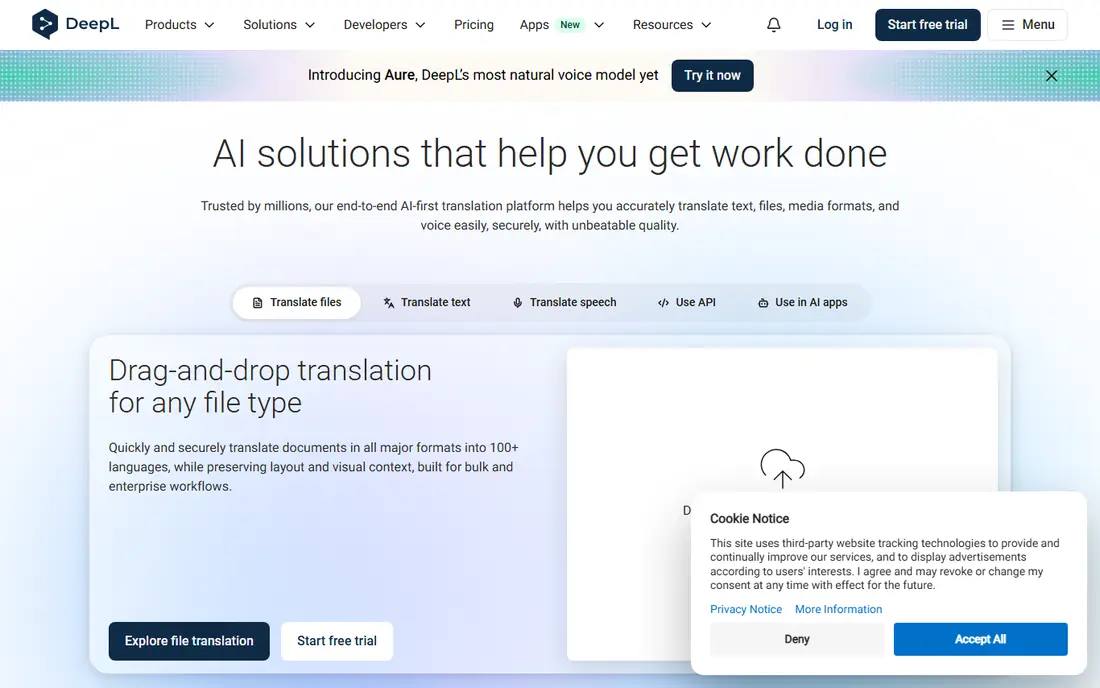
DeepL is our pick when the wording matters, especially for European languages. Its translations often read more naturally than rivals, and glossary controls help keep key terms consistent.
It is less of an all-round travel app, since camera and conversation features are limited. Use DeepL for text you will publish or send at work, and Google Translate for signs and speech on the go.
Before you pay, check the free tier against the feature you will use most, because that one limit usually decides if DeepL stays on your phone or desktop.
- Strong quality for many European languages
- Tone and glossary controls
- Document translation
- Language coverage is narrower than Google
- Voice and camera tools are limited
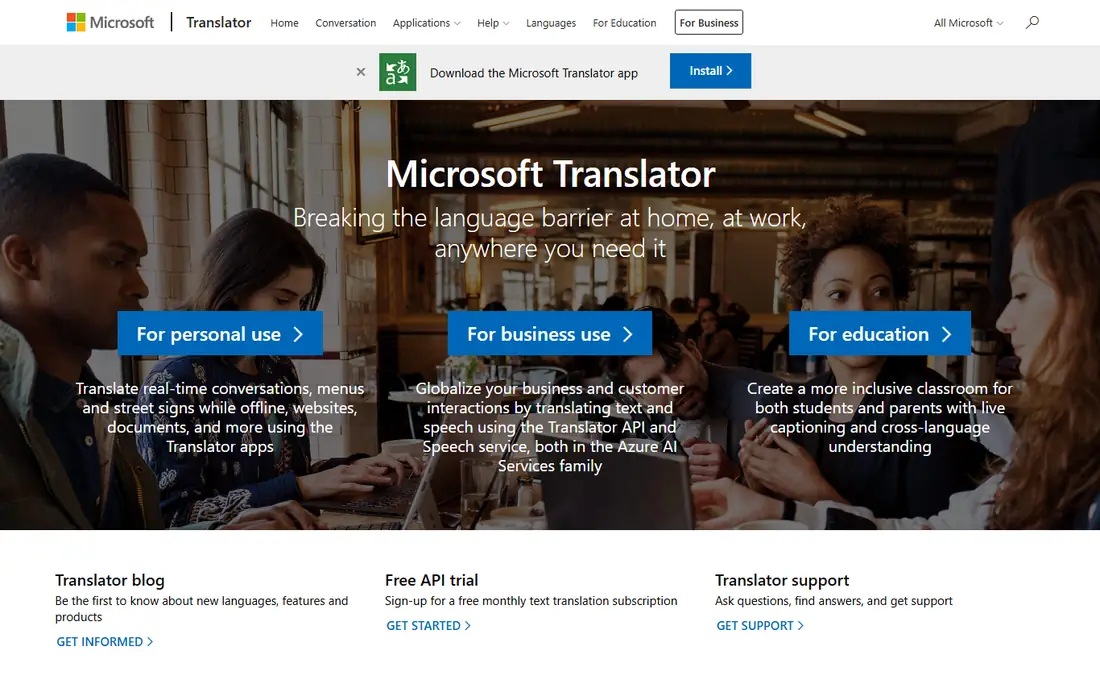
Microsoft Translator stands out for group conversations, where several people join a translated chat from their own phones. That makes it useful for meetings, classes, and tours.
For solo text translation, DeepL often reads better in European languages. Microsoft Translator wins when you need a shared conversation or you already work in Microsoft tools.
A quick check helps here: open Microsoft Translator, search for your own neighborhood, class, or portfolio, and see if the results feel current and complete.
- Group conversation mode
- Camera and voice translation
- Works across Microsoft apps
- Offline packs cover selected languages
- Text quality varies by pair
Apple Translate is the simplest pick for iPhone and iPad users because it needs no extra account and works with system features. On-device translation for supported languages also helps privacy.
Its language list is shorter than Google, and Android users cannot use it at all. It is best as a built-in tool for Apple households, not as a cross-platform standard.
If you are torn between two picks, run Apple Translate beside the other option for a few days and keep the one that fits your routine with less effort.
- Built into iOS and iPadOS
- On-device options for privacy
- Conversation mode
- Fewer languages than Google
- Only on Apple devices
iTranslate is a solid travel companion, with phrasebooks for common situations and voice tools that keep conversations moving. Watch support is a small but real convenience on a trip.
The free version is thinner than Google Translate, so the value depends on whether you want its phrasebooks and watch features. Check the Pro price before you rely on offline packs.
The practical test for iTranslate is simple: does it save time on a busy day, or does it add steps you will skip when you are tired?
- Phrasebooks and voice tools
- Apple Watch support
- Offline packs on Pro
- Full offline and camera features need Pro
- Free version is more limited
Papago is the specialist to keep alongside a general translator if you work with Korean, Japanese, or Chinese. It was built with those languages in mind, and its handling of honorifics and idioms often feels more natural.
Outside East Asia it is not a replacement for Google Translate. Keep both apps on a trip to Seoul or Tokyo and compare when a result looks off.
When you trial Papago, note what happens at the edge cases, such as a busy night, a large class set, or an unusual food or sound, since those moments reveal limits.
- Strong results for East Asian languages
- Image and conversation modes
- Built-in dictionary
- Language list is short outside East Asia
- Some features vary by region
Reverso is the learner pick because it shows words inside real sentences, not just a bare equivalent. That context helps you choose the word a native speaker would actually use.
It is less suited to translating a whole report or website. Use Reverso when you are studying or writing carefully, and a general translator for bulk text.
For most buyers, the decision on Reverso comes down to fit, not to a single feature, so weigh the daily workflow more than the feature list.
- Example sentences from real usage
- Conjugation and dictionary tools
- Context search
- Translation of long documents is not its strength
- Some features need Premium
SayHi Translate does one job well: two people talking through a phone. Its interface is plain, which is a virtue when you need a quick exchange in a shop or a taxi.
It lacks the camera, document, and dictionary depth of larger apps. Keep it for voice conversations, and use Google Translate or DeepL for text and documents.
Keep SayHi Translate only if it still feels useful after the novelty fades, since a tool you stop opening cannot help, no matter how strong its list looks.
- Very simple voice interface
- Fast two-way speech translation
- No account fuss
- Fewer extra features than rivals
- Quality depends on speech recognition
How we picked these
We checked each vendor site and store listing in October 2026 for current features and prices, and we favored apps that are still active, that state their language support clearly, and that fit a clear use, from travel speech to work documents. We did not treat any machine output as final for legal, medical, or safety-critical text, since errors in those areas can have real consequences.
We also checked for gaps that matter in daily use, such as whether a free plan covers the core job, whether a paid plan is needed for a common feature, and whether the product is still maintained. Where a vendor page and a store listing disagreed, we favored the vendor page for price and the store listing for platform availability, and we used See website when the price could not be confirmed cleanly.
Choosing the right AI translator app
Start with your main job. Travel speech needs voice and camera modes plus offline packs. Work documents need tone control and consistent terms. Study needs examples and dictionary tools. One app rarely does all three best, so a pair of apps is often the right answer.
Next, check language pairs, not just language counts. An app may list many languages but handle your pair weakly. Test it with a few sentences you already know, including a formal sentence and an idiom, before you trust it on a trip or at work.
Finally, plan for offline use. Download packs before you travel, and keep a second app as a backup. If a translation affects safety, money, or health, get a human check before you act on it.
Before you commit, read the current terms on the vendor site, check the cancellation steps, and confirm the price for your region and billing period. Prices and free tiers change, and a short trial with your real data will tell you more than any feature list. Keep a note of what you liked and what frustrated you during the trial, then choose the option that still feels easy after a full week.
Frequently asked questions
What is the best AI translator app?
Google Translate is the best all-round free app for travel and everyday use. DeepL is the best pick for natural-sounding text in many European languages.
What is the best AI translator tool for documents?
DeepL is the strongest document tool among consumer apps, thanks to tone controls and glossaries. For long or legal documents, a human translator should still review the result.
Which translator app is best for Korean?
Papago is the best specialist for Korean, Japanese, and Chinese. It often gives more natural results for those languages than general translators.
Can translator apps work offline?
Yes, Google Translate, Microsoft Translator, Apple Translate, and iTranslate Pro offer offline packs for selected languages. Download packs before you travel, since coverage varies by pair.
Is Google Translate free?
Yes, Google Translate is free for personal use on web and mobile. Paid Google Cloud Translation is a separate developer service with per-character pricing.
Sources
See where you really rank - block by block
ProMapRanker scans Google Maps across a grid of your service area. Simple monthly plans from $19, white-label on every plan.
Start freeKeep reading
 zscaler alternatives
Best Zscaler Alternatives in 2026
Looking for zscaler alternatives? We compare 9 SASE and zero trust platforms on architecture, data protection, pricing, and fit for your network and team.
Read → zapier alternatives free
Best Zapier Alternatives Free in 2026
Nine automation tools for zapier alternatives free in 2026, all with genuinely free tiers, plus free plan limits, starting prices and upgrade paths explained.
Read → which platform is best for online reputation
Which Platform Is Best for Online Reputation in 2026
Wondering which platform is best for online reputation? We compare 8 review, listing, and response tools for small and multi-location businesses and agencies.
Read →