 ProMapRanker
5 Best AI Transcription Software for Researchers in 2026

Multilingual transcription with compliance focus · Pricing starts at: $17 per month
Direct answer
This list puts Happy Scribe first for multilingual transcription with compliance focus. Listed starting prices: Happy Scribe from $17 per month, Descript from $16 per person a month and Otter.ai from $8.33 per user per month. Look at Trint for Newsroom-style transcription and collaboration, and at Descript for editing transcripts alongside audio and video. The full list of 5 tools follows, with prices and free plan facts.
If you are comparing AI transcription software for researchers, this page covers 5 tools in one place: what each is best for, what it costs to start, whether it has a free plan, and the main limit to know about.
Key takeaways
- Happy Scribe takes the first slot, best suited to multilingual transcription with compliance focus.
- Trint comes with a trade-off: media production focus may be more than some studies need.
- Fireflies.ai suits meeting transcripts across video products.
- The cheapest monthly starting price in the list is $8.33 per user per month, offered by Otter.ai.
Quick comparison
| Pick | Great for | Pricing starts at | Free tier | |
|---|---|---|---|---|
| Happy Scribe | Multilingual transcription with compliance focus | $17 per month | Yes | Visit |
 Trint | Newsroom-style transcription and collaboration | See website | Not stated | Visit |
 Descript | Editing transcripts alongside audio and video | $16 per person a month | Yes | Visit |
 Otter.ai | Live meeting notes and summaries | $8.33 per user per month | Yes | Visit |
 Fireflies.ai | Meeting transcripts across video systems | $10 per seat a month, billed yearly | Yes | Visit |
The 5 tools in detail
In short, Happy Scribe is for multilingual transcription with compliance focus. Choose it when language coverage and careful data handling are priorities.
Beyond that, Happy Scribe presents AI transcription and notetaking across a broad set of languages, turning meetings into notes and decisions you can act on. It also signals compliance-oriented handling, which matters to researchers managing sensitive participant data. Price to start with Happy Scribe: $17 per month. Free access exists with Happy Scribe.
What to check first: Meeting notetaker is one part of the offering.
- Compliance-oriented posture
- Notes and decisions captured from meetings
- Fewer media editing features
Trint serves Newsroom-style transcription and collaboration. Researchers producing interviews, documentaries or reports may find that collaborative pace useful.
Upsides: translate and collaborate in one workflow.
No starting price is listed for Trint here; confirm pricing on the vendor site. On free options: Not stated.
Downsides: Collaboration features need team coordination.
- Transcribe
- Supports numerous languages
- Media production focus may be more than some studies need
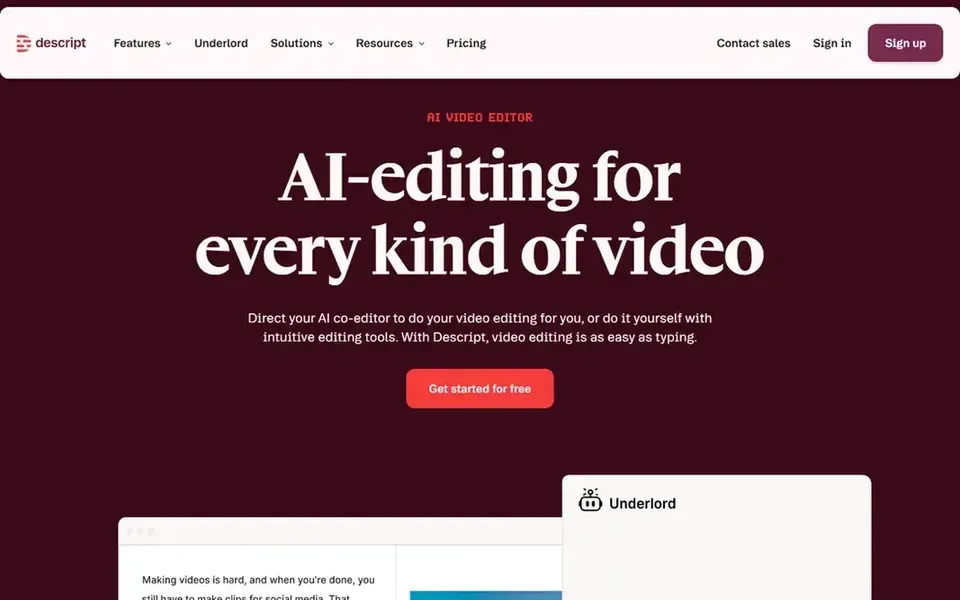
Descript is built with editing transcripts alongside audio and video in mind. Descript frames itself as an AI video and audio editor that makes editing as simple as editing text.
What to check first: Not pitched at legal evidence handling.
- Edit and publish in one place
- Record, transcribe
- Editing focus may exceed what note-taking needs
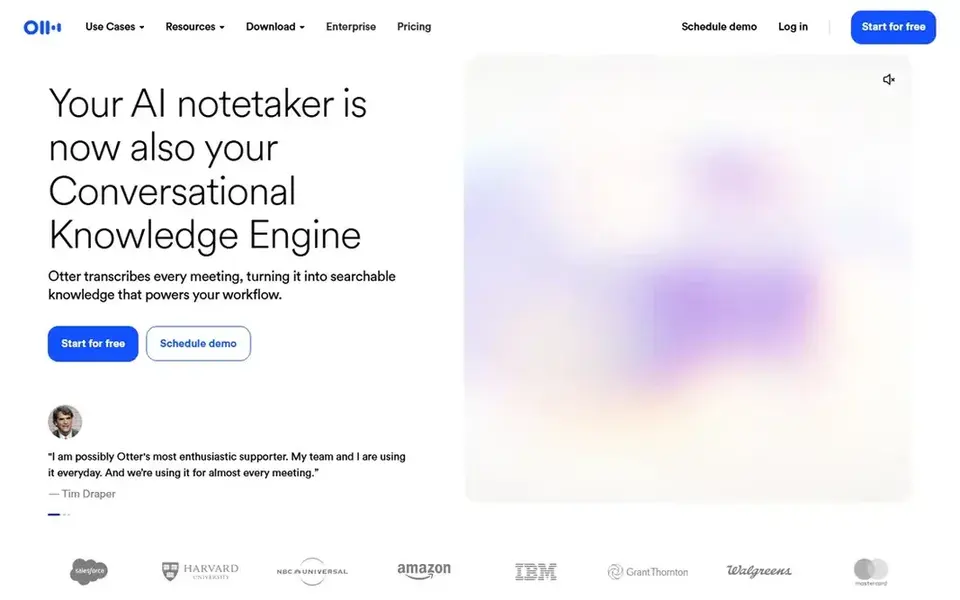
Where Otter.ai fits: live meeting notes and summaries. For researchers who run interviews or recurring project meetings, that combination keeps notes flowing without manual typing.
What works well: Insights surfaced from conversations.
It suits teams that want conversation records organized and searchable soon after a session ends. Otter.ai starts at: $8.33 per user per month. A free plan is available with Otter.ai. Drawbacks to consider: Meeting-centric instead of media-editing focused.
- Live transcription during meetings
- Automatic summaries and action items
- Summaries may need researcher review
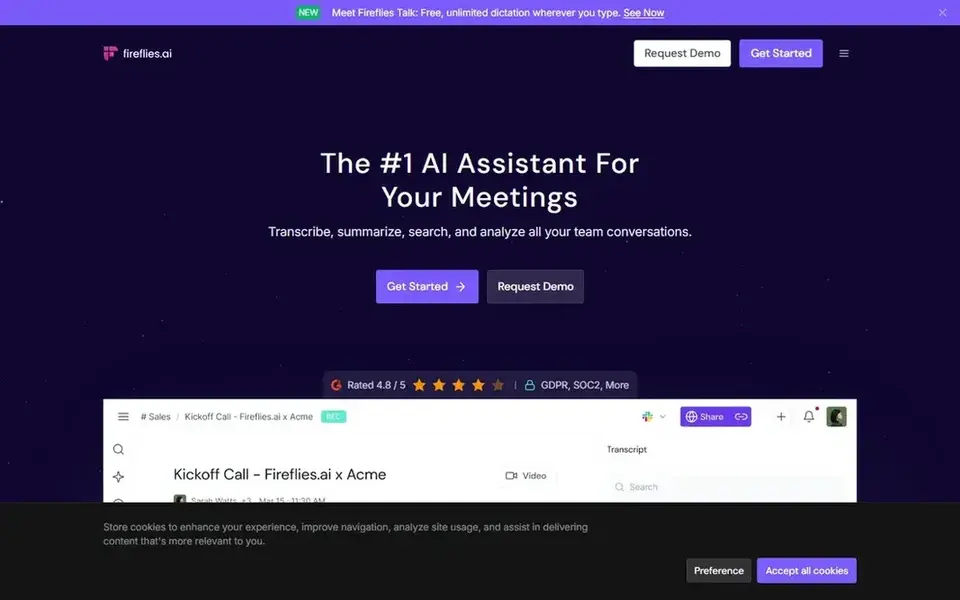
Fireflies.ai is a good fit for meeting transcripts across video systems. Researchers running remote interviews or distributed team calls can keep consistent records without manual note-taking.
Price to start with Fireflies.ai: $10 per seat per month, billed annually. Fireflies.ai has a free plan.
What to check first: Concentrated on meetings instead of field recordings.
- Produces transcripts and smart summaries
- Works with major meeting systems
- Summary quality relies on audio clarity
Our selection method
For each of the 5 tools we noted price, free plan or trial, fit for AI transcription software for researchers and the main limit, using vendor pages and documentation. Figures are shown as the vendors publish them. Billing terms, seat minimums and add-ons can change the real cost. Order on the page follows fit for the typical buyer first, then price transparency and free access. Your own requirements should decide the final pick.
Questions to settle before buying
- Ask Trint for a written quote, since no starting price is shown.
- Read the fine print on the free plans from Happy Scribe, Descript, Otter.ai and Fireflies.ai; seat, project and feature caps differ.
- Before choosing Happy Scribe, weigh its main limit: fewer media editing features.
- Map your must-have features to a specific Trint plan before you compare prices.
- Pick one real project and run it in Fireflies.ai first; a small pilot shows fit faster than a checklist.
Frequently asked questions
Do these tools publish their prices?
Not all of them. Trint publishes no starting price, so expect a quote request for it. The rest, Happy Scribe included, show a starting price, though seats and billing terms still change the final cost.
Which AI transcription tool is best for interview-based research?
This list starts with Happy Scribe, which fits multilingual transcription with compliance focus. For other needs, Trint is aimed at Newsroom-style transcription and collaboration, and Descript at editing transcripts alongside audio and video. Check each tool's price and main limit first.
What is the cheapest option for AI transcription software for researchers in this list?
On published monthly entry prices, Otter.ai is the lowest here at $8.33 per user per month. Entry price is only part of the cost, because seats, add-ons and billing terms can change the total. Prices, free plan details and limits for all 5 tools in this AI transcription software for researchers roundup sit on the individual cards above.
Is Happy Scribe the right pick for everyone comparing AI transcription software for researchers?
No single tool suits every team. Happy Scribe comes first because it fits multilingual transcription with compliance focus, while Trint suits Newsroom-style transcription and collaboration and Descript suits editing transcripts alongside audio and video. Match the tool to your own size, budget and workflow before deciding.
How are the tools for AI transcription software for researchers ordered?
Happy Scribe sits first and Fireflies.ai last because the order follows typical fit for AI transcription software for researchers, then price clarity and free access. It is a judgement call, so read each profile for fit and limits.
Sources
See where you really rank - block by block
ProMapRanker scans Google Maps across a grid of your service area. Simple monthly plans from $19, white-label on every plan.
Start freeBrowse all guides
← Best AI Transcript Software for Legal Depositions in 2026AI Video Editing Service Online in 2026: Top 6 Compared →
 nero ai video upscaler alternatives
5 Nero AI Video Upscaler Alternatives Compared (2026)
Comparing Nero AI Video Upscaler alternatives? 5 contenders, each with entry cost, free tier and best-fit buyer. Short verdicts, no fluff. See the full list.
Read → best transcription software for teams
Best Transcription Software for Teams (2026)
Best transcription software for teams in 2026: 5 tools with starting prices, free plans and limits. Short, factual notes on every option. Easy to scan.
Read → best transcription software audio to text
Best Transcription Software Audio to Text (2026)
Searching for the best transcription software audio to text? Here are 5 options with prices and free plans. Strengths and gaps are listed per tool. Plain facts.
Read → best podcast editing software
Best Podcast Editing Software in 2026
We compared the best podcast editing software for 2026 today, from free editors to transcript tools, with current pricing and honest limits for each pick.
Read → best daily devotional app
Best Daily Devotional App in 2026
Find the best daily devotional app for a short morning routine, with Bible plans, guided prayer, audio devotionals and options for women readers in 2026.
Read → best horror movies on streaming services
Best Horror Movies on Streaming Services in 2026
Compare the best horror movies on streaming services, from Shudder and Screambox to Netflix and Max, with prices and how to check each title first in 2026.
Read →More in Video, Audio & Podcasts · All guides A to Z by date · Latest guides