 ProMapRanker
Best AI Transcription App in 2026

Key takeaways
- Otter.ai remains the default for live meetings, with a free plan and strong summaries, but minute caps bite heavy users.
- Rev is the pick when accuracy matters most, thanks to AI plus optional human transcription.
- Descript suits creators who want to edit audio and video by editing the transcript.
- Trint suits journalists and newsrooms that live inside interview transcripts and story building.
- Sonix, Temi, Notta, and Happy Scribe cover batch files, pay-as-you-go use, multilingual work, and subtitles at lower entry prices.
Quick comparison
| Pick | Great for | Pricing starts at | Free tier | |
|---|---|---|---|---|
 Otter.ai | Live meeting transcription | $8.33 per user per month | Yes | Visit |
 Rev | Accuracy with human backup | $0.25 per minute | Yes | Visit |
 Trint | Newsroom transcript editing | See website | Free trial | Visit |
 Descript | Editing audio and video by text | $16 per month | Yes | Visit |
 Notta | Multilingual live meetings | $8.17 per month | Yes | Visit |
 Sonix | Batch file transcription | $10 per audio hour | Free trial | Visit |
 Happy Scribe | Multilingual subtitles | $8.50 per month | Free trial | Visit |
 Temi | Simple pay-as-you-go | $0.25 per minute | Free trial | Visit |
The best AI transcription app options
These eight tools cover meetings, files, editing, and subtitles. Start from where your audio comes from, then compare the meter that tool uses.
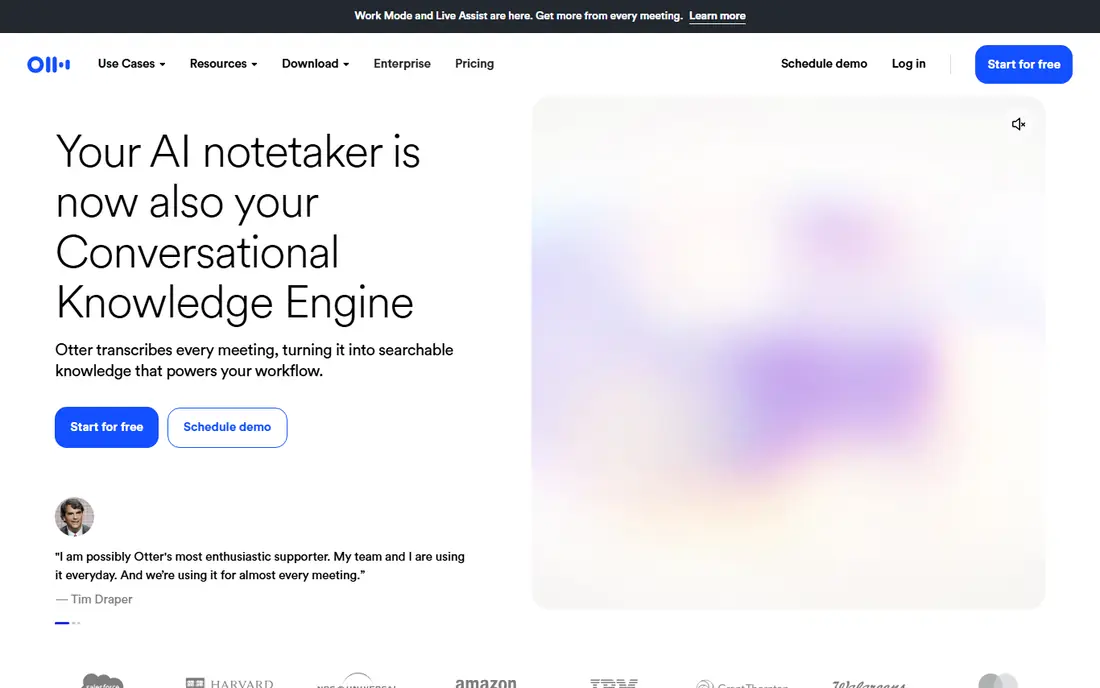
Otter.ai is the meeting transcription default for a reason: its bot joins Zoom, Google Meet, and Teams calls, transcribes live with speaker labels, and produces summaries, action items, and a searchable archive. The free Basic plan includes 300 transcription minutes per month with a 30-minute cap per conversation and only 3 lifetime file imports. Pro costs 8.33 dollars per user per month billed annually, with 1,200 minutes per month and a 90-minute cap, while Business costs 19.99 dollars per user per month billed annually with unlimited meetings and a 4-hour cap.
The caps are the catch: a team with long meetings or many uploads will hit Pro limits fast, and Business seat limits push larger teams toward Enterprise. Otter.ai also covers fewer languages than Notta or Happy Scribe, with around six reported. For individuals and small teams that live in meetings and want summaries without extra work, Otter.ai is still our pick, but count your monthly minutes before you commit.
- Live transcription with speaker identification
- AI summaries and action items
- Zoom, Meet and Teams integration
- Free plan caps at 300 minutes per month
- Per-conversation caps
- File imports limited on lower tiers
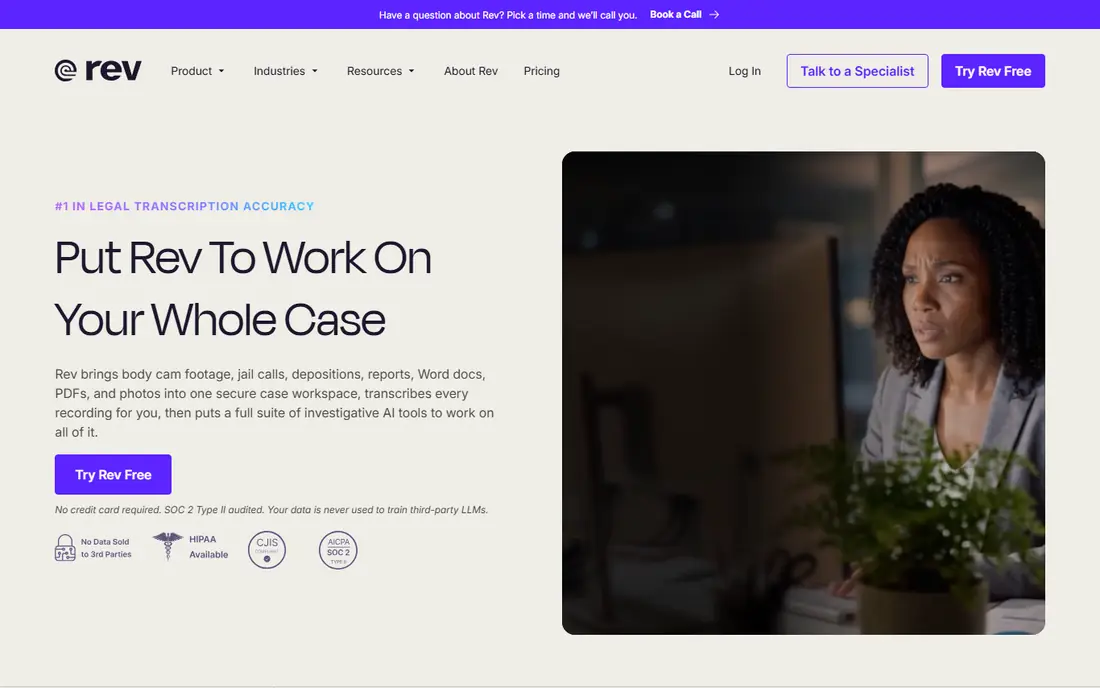
Rev pairs fast AI transcription with on-demand human transcription, so one account covers routine meetings and high-stakes files. AI transcription costs 25 cents per minute pay-as-you-go, with delivery in about five minutes, while human transcription starts at 1.99 dollars per minute with a 99% accuracy claim and 12-hour turnaround. Subscriptions bundle AI minutes: the free plan covers 45 AI minutes per month, Essentials costs 25.49 dollars per seat per month billed annually for 5,000 minutes, and Pro costs 47.99 dollars per seat per month billed annually for 10,000 minutes.
The editor is a real strength, with synced highlighting as audio plays, plus captions, subtitles, and an API for developers. The trade-off is cost at scale: per-minute AI pricing beats subscriptions only for uneven volume, and human transcription should be reserved for files where an error has real consequences, like legal or published interviews. For accuracy-first work, Rev is the clear pick.
- AI plus optional human transcription
- Strong editor with synced playback
- Compliance coverage on higher tiers
- Pay-per-minute AI gets expensive at volume
- Human transcription costs far more than AI
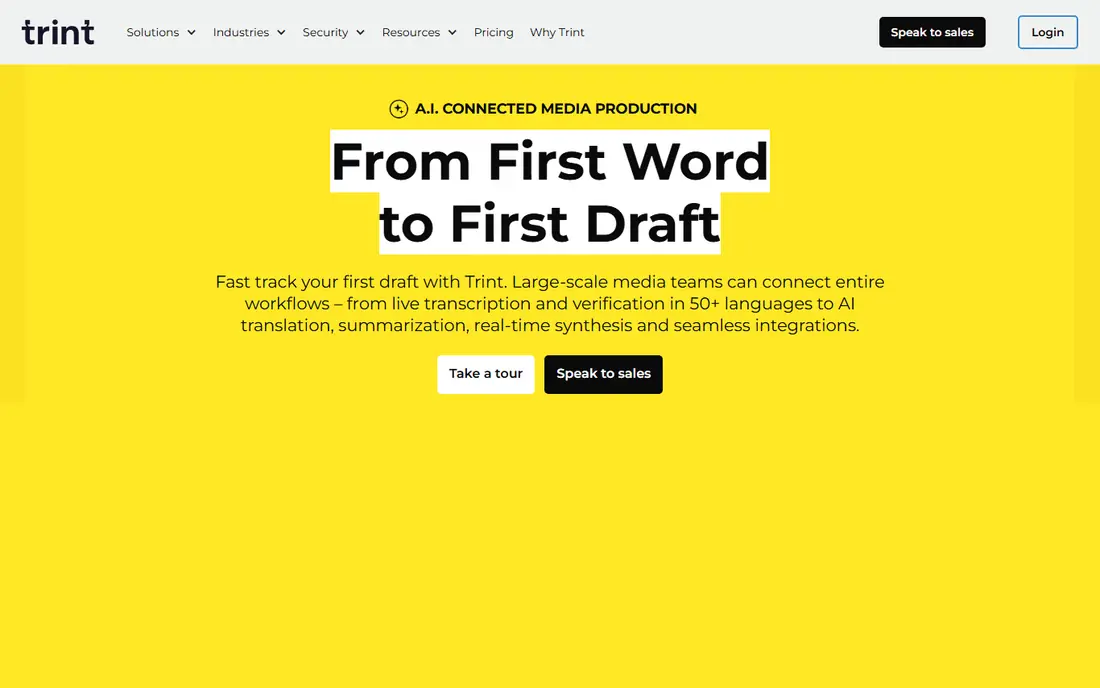
Trint was built for journalists and media teams, and its workflow shows it: upload or record audio, edit in a transcript editor that plays audio in sync with text, collaborate with timestamped comments, and assemble stories from multiple interviews with Story Builder. It transcribes more than 50 languages with translation into more than 70, and it does not use customer data to train its models according to its own statements. A 7-day trial is offered, but there is no ongoing free plan.
Pricing is the problem for comparison: sources report different plan names, currencies, and figures, from older Starter and Advanced tiers to current Pro and Team per-seat annual figures, with live pages showing euro pricing in some sessions. Because of that variation, we list the starting price as See website and suggest confirming currency and plan terms at checkout. For newsrooms that verify quotes and build stories from transcripts daily, Trint is worth the premium; for occasional users, it is overkill.
- Editorial transcript workflow
- Story Builder
- 50 plus languages with translation
- Premium pricing
- No real free plan beyond a 7-day trial
- Pricing figures vary by currency and session
Descript flips transcription from a deliverable into an editing method: delete a sentence in the transcript and the matching audio or video disappears. The free plan includes 1 hour of media per month, watermarked exports, and 100 one-time AI credits. Hobbyist costs 16 dollars per person per month billed annually for 10 media hours and 400 AI credits, Creator costs 24 dollars for 30 hours and 800 credits, and Business costs 50 dollars for 40 hours and 1,500 credits.
On current plans, transcription itself is not metered; media minutes and AI credits are the meters, since media must be uploaded before it can be transcribed, and AI tools like summaries and Studio Sound consume credits. Unused minutes and credits do not roll over, which punishes uneven months. For podcasters and video creators, Descript is the best transcription app on this list, because editing by text saves more time than any transcript alone.
- Text-based audio and video editing
- Studio Sound
- Filler-word removal and Overdub
- Two meters to track, media minutes and AI credits
- Per-seat pricing
- Editor takes time to learn
Notta joins Zoom, Teams, Google Meet, and Webex calls with a bot, transcribes 58 languages in real time, and supports bilingual transcription for meetings that mix two languages. The free plan includes 120 transcription minutes per month, but each recording is capped at 3 minutes, with 50 file uploads and 10 AI summaries per month. Pro costs 8.17 dollars per month billed annually with 1,800 minutes, while Business costs 16.67 dollars per month billed annually with unlimited transcription.
Notta Brain, its AI assistant, turns transcripts into summaries, slides, and mind maps, which helps teams that reuse meeting content. The free plan is effectively a demo, since the 3-minute cap breaks up real meetings, so budget for Pro if you meet regularly. For multilingual teams, especially those needing strong Asian language support, Notta is a strong pick at a modest price.
- 58 languages
- Bilingual transcription
- Generous paid minute allowance
- Meeting bot for major platforms
- Free plan caps each conversation at 3 minutes
- Translation is a paid add-on
Sonix suits teams that upload hours of recordings and want predictable pricing: pay-as-you-go transcription costs 10 dollars per audio hour, prorated to the second, with no surcharge for speakers, noise, or rush deadlines. Subscriptions lower the effective rate, with Core at 25 dollars per month for 5 hours, Advanced at 50 dollars per month, and Pro at 80 dollars per month, and every new account starts with a 30-minute free trial. Every plan includes speaker labels, timestamps, subtitles, a browser editor, and translation into more than 54 languages on the same hours.
The catch is that translation, alignment, and burn-in subtitling are billed as additional processing passes at the same rate, so a translated captioned video costs more than one transcription pass. Sonix also lacks a live meeting bot focus, so it suits file workflows better than live calls. For researchers, journalists, and production teams with archives to transcribe, Sonix is the most transparent option here.
- Transparent per-hour pricing
- 54 plus languages
- Browser editor with speaker labels and timestamps
- No ongoing free plan beyond a 30-minute trial
- Translation and burn-in captions bill extra
Happy Scribe pairs AI transcription with a subtitle editor, which makes it the pick for creators and media teams that publish captioned video. Language coverage is reported from 120 plus to 150 plus languages and dialects across sources, with a shared pool of AI minutes covering transcription, subtitling, and translation. Basic costs 8.50 dollars per month billed annually for 120 AI minutes, Pro costs 19 dollars for 600 minutes and 3 seats, and Business costs 59 dollars for 6,000 minutes, with human services from 2.00 dollars per minute.
The free offer is a 10-minute AI trial for uploads, separate from free meeting recordings capped at 45 minutes each, so test with a real clip before paying. Top-ups cost around 20 cents per minute, and only topped-up credits carry over, since plan credits reset each cycle. If subtitles are the deliverable rather than a side product, Happy Scribe earns its place ahead of general notetakers.
- Wide language coverage
- Strong subtitle editor
- Shared AI-minute pool for transcription, subtitling and translation
- Free trial is only 10 AI minutes
- Unused monthly credits do not roll over
Temi, owned by Rev, offers the simplest deal on this list: 25 cents per minute of audio, no subscription, no minimum order, and a free trial of one transcript up to 45 minutes. That makes one hour of audio cost 15 dollars, with editing in a built-in editor and exports to Word, PDF, SRT, VTT, and text formats, plus a mobile app for recording. An API and Zapier integration are also offered at the same per-minute rate.
The simplicity is also the limit: Temi handles file uploads only, with no live meeting transcription, and its accuracy sits below human transcription, so budget editing time for every file. It suits journalists, researchers, and small teams with uneven volume who want to pay only for what they use. For occasional transcription without a monthly bill, Temi is the easiest pick here.
- No subscription or minimum
- Simple pricing
- Built-in editor and subtitle exports
- No real-time transcription
- File upload only
- Lower accuracy than human services
How we picked these
We compared official pricing pages, feature pages, app store listings, and public reviews for transcription tools that work in October 2026, and we kept only tools that truly transcribe audio with AI. We favored tools with a free plan or trial, clear limits, and a distinct strength, and we mixed meeting notetakers, file tools, editors, and subtitle tools so different workflows find a fit. Where sources disagreed on a price, we wrote See website or flagged the conflict instead of publishing one figure as certain.
How to choose a transcription app
Start from where your audio comes from, then from what you do with the text. That order matters more than any accuracy claim, since real-world accuracy depends on audio quality, accents, and crosstalk.
Match the tool to the audio source
Live meetings need a bot or a recorder that joins the call, so Otter.ai and Notta lead there. Uploaded interviews, lectures, and archives need a file tool, so Rev, Sonix, Temi, and Trint lead there. Video projects need an editor, so Descript leads, while captioned publishing needs Happy Scribe. Buying a meeting tool for archive work, or a file tool for live calls, wastes money.
Compare the meter, not just the price
Minutes, storage, media hours, AI credits, and per-hour rates all measure different things. Add up a typical month of audio, then work out what that month costs on each tool, including overage and top-up rates. A tool with a low headline price and a tight minute cap can cost more than a pricier tool with a generous allowance.
Test on your hardest audio
Run the same difficult clip through two tools: background noise, accents, overlapping speakers, and technical terms. Check names, numbers, and quotations carefully, since those are where errors cost most. Also check exports, because a transcript you cannot search, quote, or caption easily is less useful than a slightly less accurate one you can actually use.
Frequently asked questions
What is the best AI transcription app?
The best AI transcription app depends on your workflow. Otter.ai suits live meetings, Rev suits accuracy-first files, Descript suits creators editing by text, and Sonix suits batch files. Notta leads for multilingual meetings, Trint for newsrooms, Happy Scribe for subtitles, and Temi for occasional pay-as-you-go use. Shortlist by audio source, then test on your own recordings.
What is the best AI transcription software for meetings?
For meetings, Otter.ai and Notta are the strongest picks on this list, with live transcription, speaker labels, summaries, and action items. Otter.ai covers Zoom, Meet, and Teams with a familiar bot, while Notta adds 58 languages and bilingual transcription. Check minute caps and per-conversation limits, since those decide the real monthly cost for heavy meeting loads.
What are the best AI transcription tools for free?
Otter.ai, Descript, Rev, and Notta offer free plans with real limits: Otter.ai gives 300 minutes per month, Descript gives 1 media hour per month, Rev gives 45 AI minutes per month, and Notta gives 120 minutes with a 3-minute per-recording cap. Trint, Sonix, Happy Scribe, and Temi offer trials instead of ongoing free plans. Free tiers suit testing and light use, not regular heavy transcription.
Is AI transcription accurate enough for professional use?
AI transcription is accurate enough for meeting notes, drafts, and searchable archives from clear audio, but it still needs review for quotations, names, numbers, and published work. Rev human transcription, from 1.99 dollars per minute, and Happy Scribe human services, from 2.00 dollars per minute, exist for files where errors carry real cost. Always proofread before publishing or relying on a transcript in a formal setting.
Which AI transcription tool is best for subtitles?
Happy Scribe is the best pick here for subtitles, thanks to its subtitle editor, wide language coverage, and export formats including SRT and VTT. Descript also handles captions inside video editing, while Sonix and Rev offer caption and subtitle exports for file workflows. Test timing and formatting on a real video, since subtitle quality depends on more than raw transcript accuracy.
Sources
See where you really rank - block by block
ProMapRanker scans Google Maps across a grid of your service area. Simple monthly plans from $19, white-label on every plan.
Start freeKeep reading
 outreach alternatives
Outreach Alternatives in 2026
Compare outreach alternatives for 2026, from Salesloft and Apollo to HubSpot and Lemlist, with pricing, channels, features, limits, and honest trade-offs.
Read → best web conference tools
Best Web Conference Tools in 2026
Compare the best web conference tools for meetings, webinars and team calls, with current pricing, free plans and honest limits for each option here today.
Read → best voice cloning tools
Best Voice Cloning Tools in 2026
Compare the best voice cloning tools in 2026, from ElevenLabs and Descript to Resemble and Cartesia, with consent rules, pricing, licenses, and limits.
Read →