 ProMapRanker
Best AI Trading Platforms for Beginners in 2026

Key takeaways
- Beginner-friendly AI tools explain their signals, while advanced scanners assume you already trade actively.
- Danelfin and Magnifi are the gentlest starting points, since both offer a free tier and plain stock scores.
- Trade Ideas and TrendSpider are powerful, but their monthly prices suit active traders more than occasional investors.
- No AI signal promises profit, and backtested results describe the past, not the future.
- Start with paper trading or a small position, and check fees and data costs before paying for a plan.
Quick comparison
| Pick | Great for | Pricing starts at | Free tier | |
|---|---|---|---|---|
 Danelfin | Simple AI stock scores | Free | Yes | Visit |
 Magnifi | Portfolio checks with AI help | Free | Yes | Visit |
 Composer by SoFi | No-code automated strategies | Free | Yes | Visit |
 Capitalise.ai | Plain-language strategy rules | $29 per month | Yes | Visit |
 TradingView | Charts with AI screening | $12.95 per month | Yes | Visit |
 TrendSpider | Automated chart analysis | $59 per month | No | Visit |
 Trade Ideas | Live AI signals and scanning | $127 per month | No | Visit |
 Tickeron | AI pattern and robot strategies | See website | Free trial | Visit |
 Streetbeat | AI insights for newer investors | See website | Yes | Visit |
The best ai trading platforms for beginners
This is not financial advice; trading carries risk, and you can lose money. The platforms below use AI for research, screening, chart analysis or automation, but none of them can promise returns. We ordered them from the gentlest starting points toward the more active trading tools.

Danelfin is the easiest AI trading tool to understand on a first visit. Each stock and ETF gets an AI Score that estimates its chance of beating the market over the next three months, with subscores that break down the reasoning. That single-score design helps a beginner compare two familiar names without learning a charting platform first.
The catch is scope and price. Coverage focuses on US and European stocks and ETFs, and the free tier limits how many full reports you can open. The Plus tier is listed at $22 per month billed annually in recent checks. Start free, test the score against your own research on a few names, and only pay if the reports change a decision you would otherwise make slowly.
- Plain AI Score for stocks and ETFs
- Free tier for trying the idea
- Portfolio tracking included
- Scores cover US and European markets only
- Paid tiers rise fast for full access
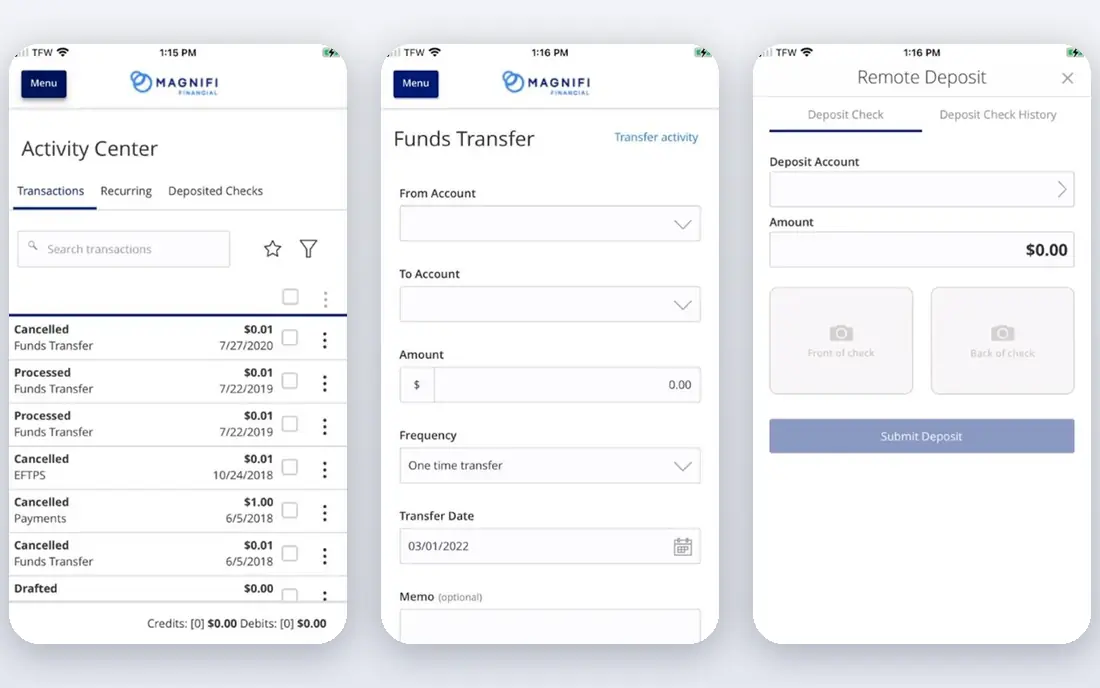
Magnifi works as an AI investing companion rather than a day trading terminal. You can connect brokerage accounts, see holdings in one place, check risk and exposure, and ask its AI assistant questions about a portfolio. The free tier covers the overview and basic insights, which is enough to spot a concentration problem, such as too much money in one sector.
Premium, listed at $99 per year, adds scenario testing, forecasts and deeper research. That annual price is modest next to active trading tools, but forecasts are estimates, not guarantees. Use Magnifi to organize and question a long-term portfolio, not as a signal to trade every day.
- Free tier with portfolio overview
- Connects common brokerages
- Premium at $99 per year
- Premium research sits behind paywall
- Trading costs and fund fees still apply
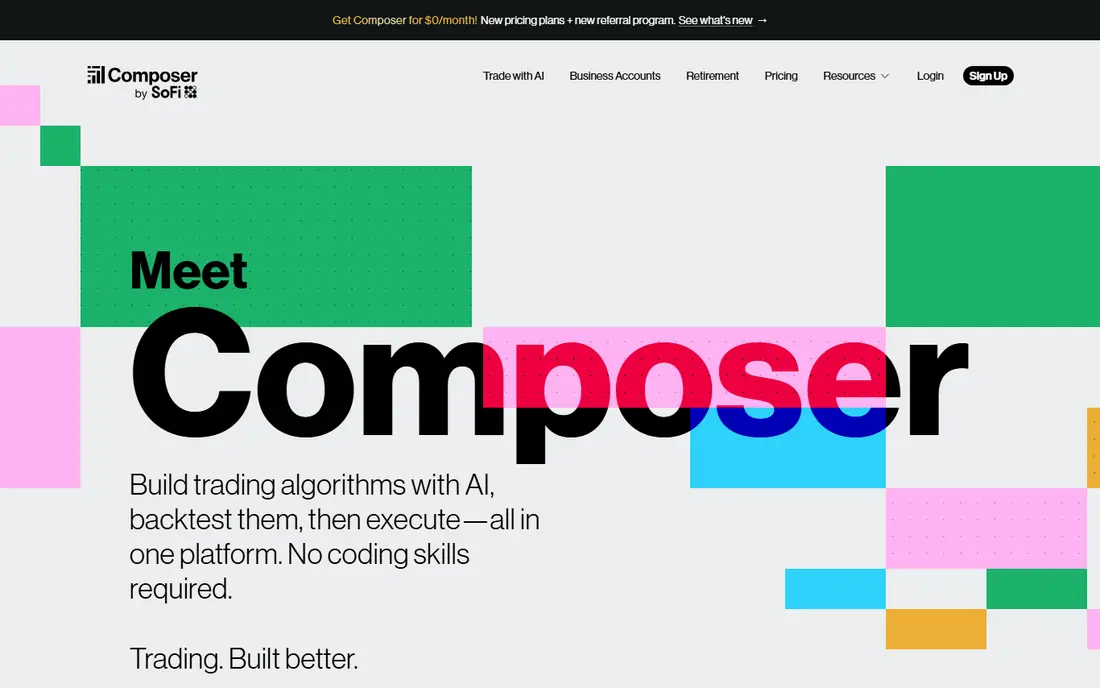
Composer lets beginners build automated strategies by combining blocks, such as moving money between ETFs when a condition is met, without writing code. You can backtest a strategy, read community-built strategies, and let a chosen strategy run on a schedule. Composer joined SoFi in June 2026, and its site states that existing strategies kept running at the time of the change.
The risk here is not complexity but confidence. A backtest that looks strong can still fail in live markets, and an automated rule keeps trading while you are not watching. Paper-test any strategy first, set limits you understand, and check it regularly. For a beginner who wants to learn rules-based investing, the visual builder is a genuine advantage.
- Visual strategy builder
- Backtesting included
- Large library of community strategies
- Automation needs care with risk settings
- SoFi ownership may change the product over time
Capitalise.ai turns sentences into trading rules. Instead of code, you describe a condition, such as buying when a stock crosses above its average, and the platform tests that rule on past data and can run it on a connected brokerage account. The free plan covers a small number of strategies for building and backtesting, while paid plans start at $29 per month for unlimited use.
That plain-language design helps beginners, but it does not remove the need for a sound rule. A simple rule can still lose money, and past performance in a backtest does not predict live results. Use the paper trading mode to watch a rule for weeks before risking real money, and keep the number of live rules small.
- Write strategies in plain language
- Backtesting and paper trading
- Connects to brokerages
- Paid plan needed for unlimited live strategies
- Best for traders with a clear rule in mind
TradingView is primarily a charting platform, and its AI screening helps beginners ask for setups in plain language rather than building a long filter chain. The free Basic plan covers charts and community ideas, while paid plans start at $12.95 per month billed annually. That low entry price makes it a practical second tool beside a research app such as Danelfin or Magnifi.
The catch is the add-on cost. Real-time data for some exchanges costs extra, and the most useful screening and alert features sit on paid plans. It also assumes you enjoy charts. If you prefer a simple score or a portfolio overview, start with Danelfin or Magnifi and add TradingView only when chart work becomes part of your routine.
- Strong charts and screeners
- Large community ideas
- Free Basic plan
- AI features sit on paid tiers
- Exchange data fees can add up
TrendSpider automates the chart work that active traders usually do by hand. It draws trendlines, detects patterns, watches several timeframes at once, and alerts you when price touches a level you care about. Its Sidekick assistant answers chart questions, and backtesting is included on all plans. For a beginner who wants to learn technical analysis, the automation shows what experienced chart readers look for.
The price is the barrier. Standard starts at $59 per month depending on billing term, with higher tiers above that, and there is no free tier, only a paid intro period. It also lacks fundamental data, so it pairs better with a research tool than as a sole source. Try it only when you already spend hours on charts each week.
- Automated trendlines and pattern detection
- Multi-timeframe alerts
- Backtesting on all plans
- No free tier, only a paid intro period
- No fundamental data of its own
Trade Ideas is the most active-trading tool in this list. Its Holly AI engine reviews many algorithms overnight and presents a curated list before the market opens, while live scanning watches US stocks during the day. A trading room, paper trading and an AI assistant help beginners learn the platform without risking money at once.
Price and complexity are the honest limits. Standard starts at $127 per month, and Premium, which includes Holly, costs more. That suits a serious day trader, not a beginner who trades a few times a month. If you are drawn to it, use paper trading for a long trial period and judge whether the signals genuinely improve your decisions before paying.
- Holly AI signals on Premium
- Live scanning across US stocks
- Paper trading and trading room
- Highest price here
- Holly requires the Premium tier
- Steep learning curve
Tickeron uses AI to spot chart patterns and runs prebuilt AI Robot strategies that a beginner can study without building a system from scratch. That makes it a useful learning tool: you can see which patterns the system flags, read the reasoning, and compare it with your own view before acting. It covers stocks and other markets, depending on the plan chosen.
Pricing is the frustration, since it varies by robot, timeframe and plan, so we list it as See website rather than guessing a single figure. Robots also carry the same warning as every tool here: a strategy that worked in a backtest can fail live. Treat Tickeron as research and education first, and confirm the exact package price before subscribing.
- Pattern recognition across markets
- Prebuilt AI Robot strategies
- Free tier elements
- Pricing varies by robot and plan
- Robots need careful review before use
Streetbeat presents itself as an AI investing platform for individual investors, with personalized insights drawn from financial data and portfolio analysis in a mobile-first app. For a beginner, that plain-language framing is appealing: it reads more like guidance on a portfolio than a trading terminal full of scanners.
The trade-off is transparency on price and depth. Plans and pricing vary, so we list See website, and Streetbeat has a shorter track record than Trade Ideas or TrendSpider. It fits a beginner who wants AI commentary on holdings and ideas, provided you verify the current plan, read the disclosures, and never treat an insight as a promise.
- AI insights in plain language
- Portfolio analysis
- Mobile-first design
- Pricing and features vary by plan
- Newer platform with less track record than older rivals
How we picked these
We compared official pricing pages, feature pages and app store listings, plus recent 2026 comparisons that had checked these vendors directly. We kept only platforms that are live in October 2026, offer an AI feature a beginner can actually use, and publish enough about pricing or a free tier to judge value. We excluded tools with no clear beginner path, tools that promised returns, and Composer lookalikes with no live product. Prices change often, so check the vendor page before paying.
What beginners should check before paying
Start with the free tier wherever one exists, and give it at least two weeks of real use. A tool earns its fee when it changes a decision, saves real research time, or stops a repeated mistake. It does not earn its fee by showing an impressive backtest or a long list of features you never open. Write down what you want the tool to do before you trial it, then judge it against that list.
Costs beyond the subscription
A monthly fee is rarely the full cost. Exchange data, higher tiers for the AI feature you actually want, and trading commissions or fund fees can all add up. Trade Ideas and TrendSpider are the clearest examples: the headline plan may not include the exact AI feature or data you need. Read the plan comparison line by line, and add data fees to the monthly total before comparing two tools.
Risk controls matter more than signals
The best beginner habit is boring: position size, a written reason for each trade, and a review of what went wrong. Paper trading helps here, and most tools above offer it in some form. Use it to test a signal or a rule for several weeks, including losing weeks, before using real money. If a platform pushes you toward live trading before you understand the rule, slow down.
Keep research and execution apart
A research score, a chart signal and a broker order are three different steps. Tools that mix them can make trading feel too easy, which is when mistakes grow. Our suggestion is to research in one place, decide in writing, and then place the order deliberately. That gap protects beginners more than any single AI feature, and it keeps a bad signal from becoming a large loss.
Frequently asked questions
What is the best ai trading app for beginners?
Danelfin and Magnifi are the best starting apps for most beginners, because both offer a free tier and explain their output in plain terms. Danelfin suits stock picking research, while Magnifi suits portfolio review. Active traders who want live signals should look at Trade Ideas only after paper trading.
What are the best ai trading platforms for beginners on a budget?
Start with the free tiers of Danelfin, Magnifi and TradingView Basic, which together cover scores, portfolio checks and charts at no monthly cost. Capitalise.ai also offers a free plan for building and backtesting a few strategies. Pay only when a free tier limits a feature you already use every week.
What are the best ai trading tools for beginners who do not code?
Composer by SoFi and Capitalise.ai are built for that case, since both let you describe or assemble a strategy without code. Composer uses visual blocks, while Capitalise.ai uses plain-language rules. Both still require you to understand the rule, its risks and its backtest limits before going live.
Do AI trading platforms guarantee profits?
No. AI tools can organize data, spot patterns and test rules faster than a person, but markets change, and a pattern that worked before can fail next. Treat every signal as an idea to check, not an instruction, and never invest money you cannot afford to lose on the strength of a single score or robot.
Should a beginner use AI trading tools at all?
A research tool can help a beginner learn faster, provided it is used for education and portfolio checks first. Start with free tiers, paper trading and small positions, and learn basic investing ideas alongside the tool. If a tool makes you trade more often without a clear reason, it is hurting more than helping.
Sources
- https://www.trade-ideas.com
- https://trendspider.com
- https://www.tickeron.com
- https://www.danelfin.com
- https://www.magnifi.com
- https://www.composer.trade
- https://capitalise.ai
- https://www.tradingview.com
- https://www.streetbeat.com
- https://rankite.com/blog/best-ai-tools-for-stock-market-analysis
- https://rankite.com/blog/best-artificial-intelligence-trading-software
See where you really rank - block by block
ProMapRanker scans Google Maps across a grid of your service area. Simple monthly plans from $19, white-label on every plan.
Start freeKeep reading
 zscaler alternatives
Best Zscaler Alternatives in 2026
Looking for zscaler alternatives? We compare 9 SASE and zero trust platforms on architecture, data protection, pricing, and fit for your network and team.
Read → zapier alternatives free
Best Zapier Alternatives Free in 2026
Nine automation tools for zapier alternatives free in 2026, all with genuinely free tiers, plus free plan limits, starting prices and upgrade paths explained.
Read → which platform is best for online reputation
Which Platform Is Best for Online Reputation in 2026
Wondering which platform is best for online reputation? We compare 8 review, listing, and response tools for small and multi-location businesses and agencies.
Read →